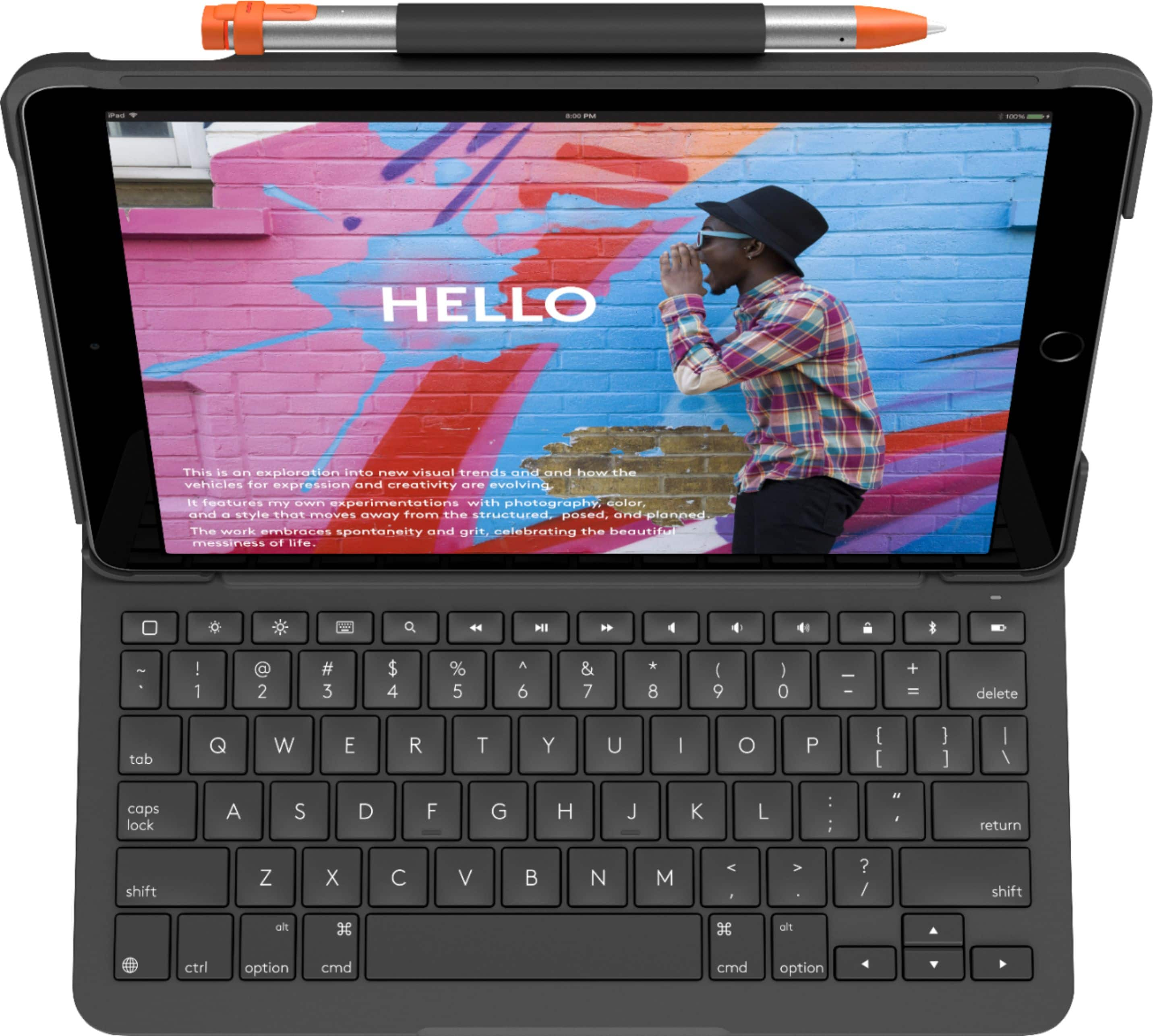
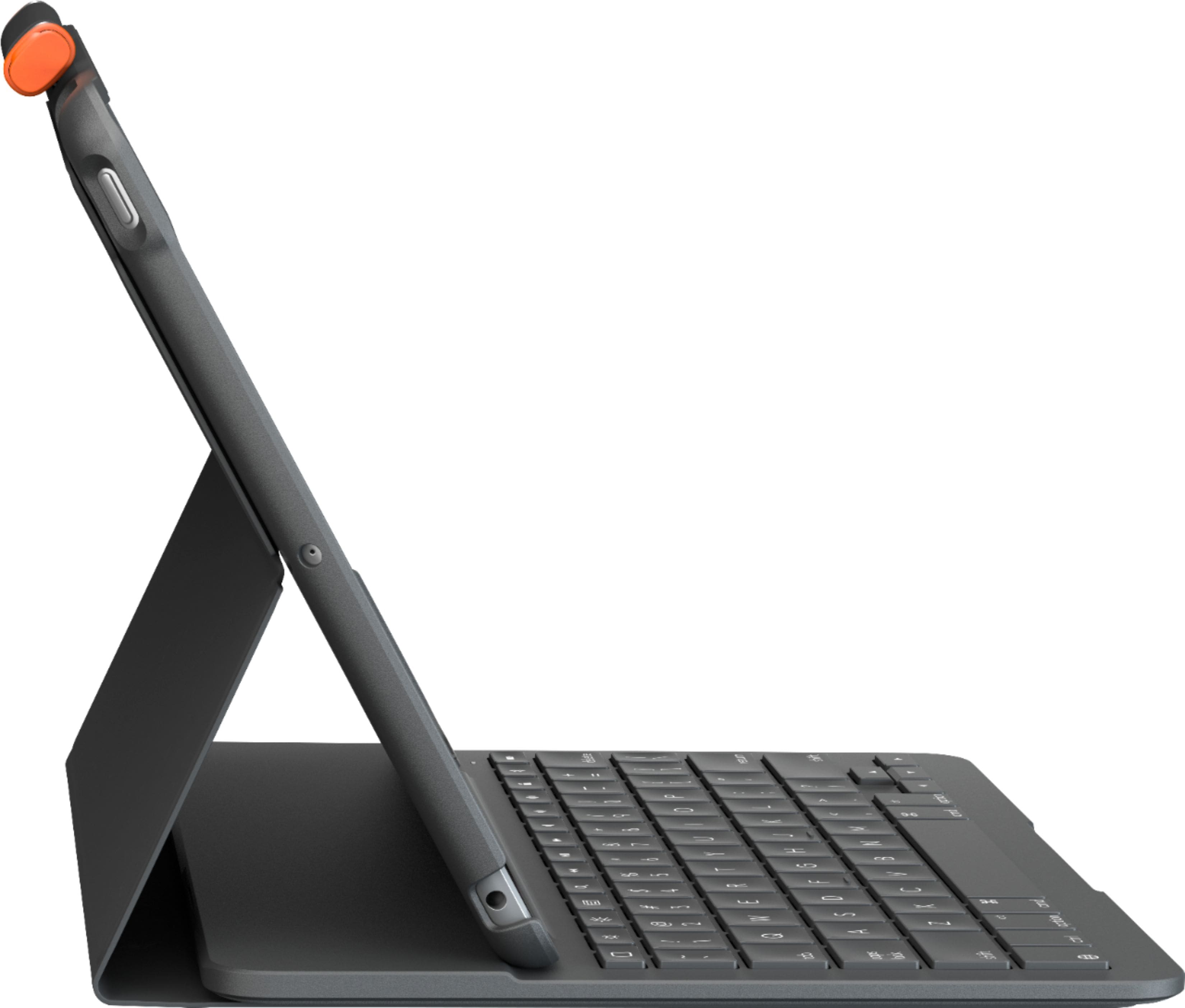
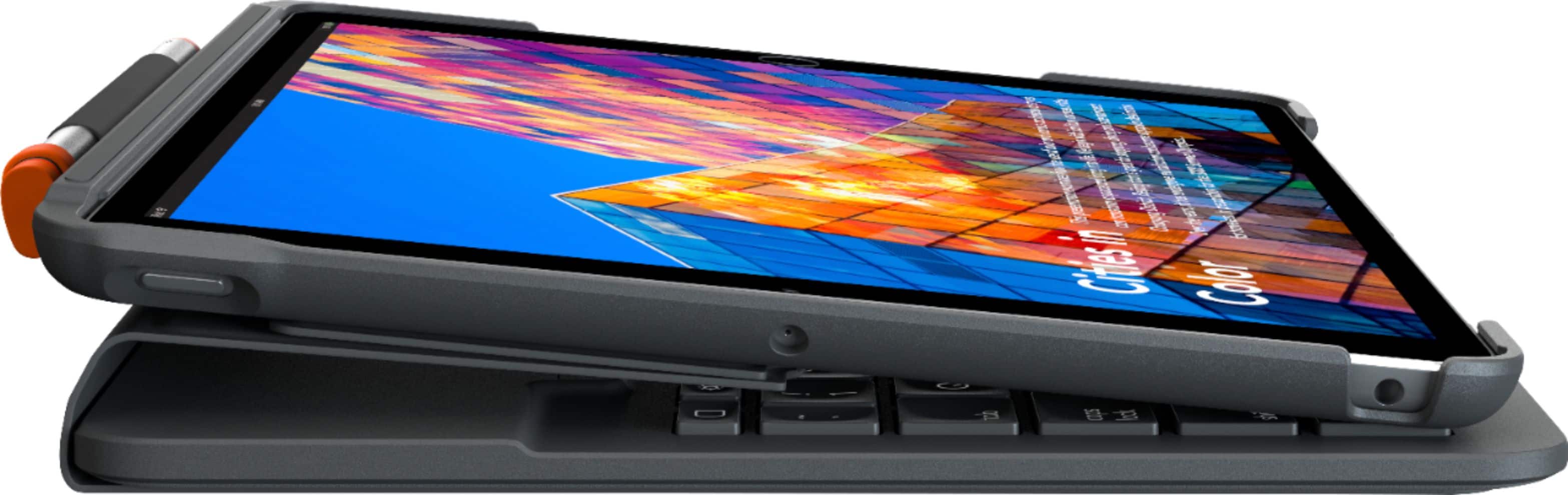
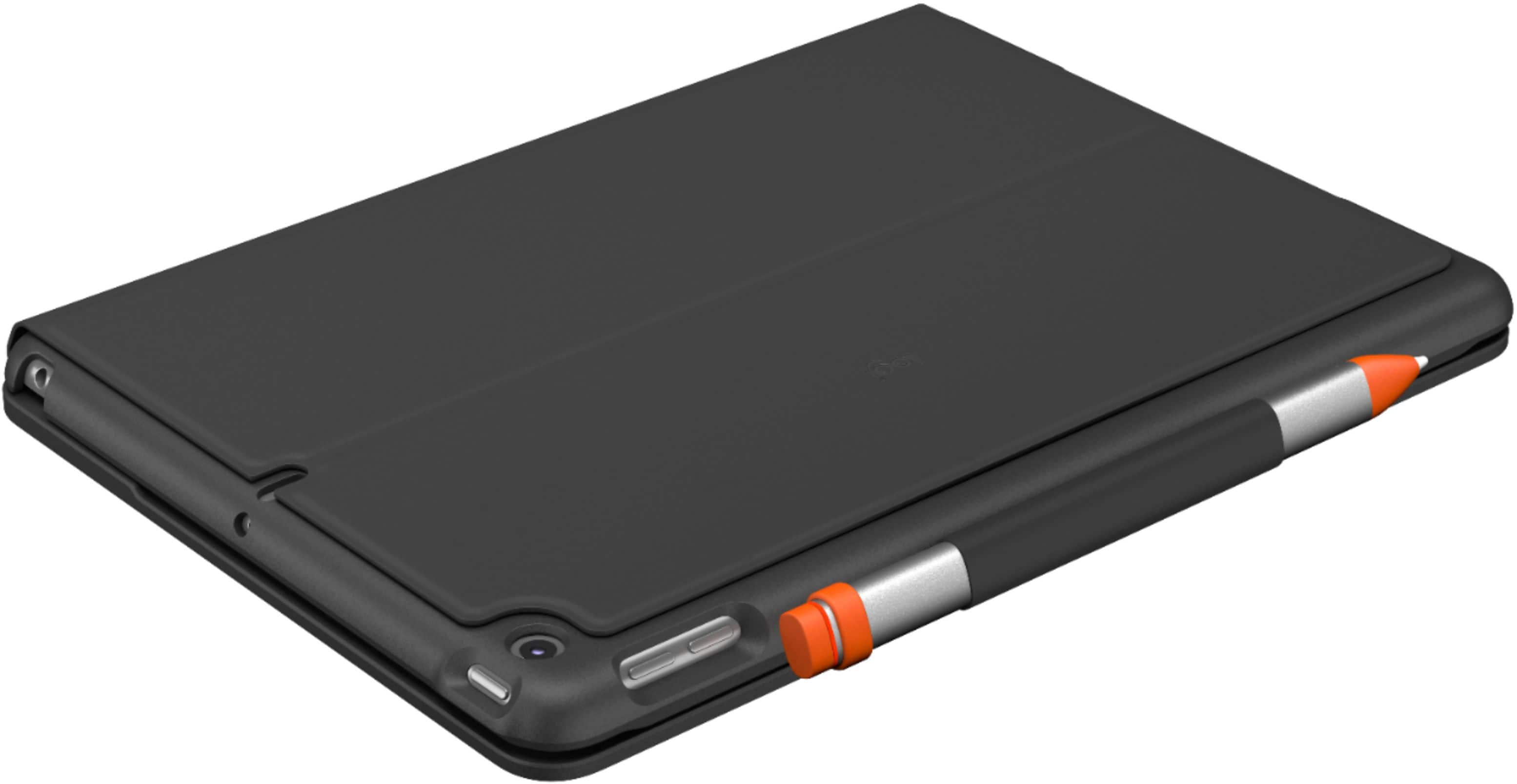
A:AnswerHello Bob. This folio case is specifically for the 7th and 8th Generation iPads. It will not fit the 11 inch iPad Pro. You will need the Slim Folio Pro found here: https://www.bestbuy.com/site/logitech-slim-folio-pro-keyboard-case-for-apple-ipad-pro-11-1st-and-2nd-gen-graphite/6408696.p?skuId=6408696
A:AnswerHello. This model is specifically for the 7th and 8th Generation iPads. There is case with a touchpad that is for the iPad Air, you can find that here: https://www.bestbuy.com/site/logitech-folio-touch-keyboard-case-with-trackpad-and-smart-connector-for-ipad-air-10-9-4th-generation-2020-graphite/6435279.p?skuId=6435279
A:AnswerLogi.com has the instructions for connecting the keyboard to the iPad in larger print. I'm suspecting that you are trying to enter the Apple ID six digit code for the iPad, and hope you found your way through the adventure/madness.
Grasshopper, to find the Way, you must seek the Master for guidance.
Insert the iPad into the folio. Type the six digit Apple ID on the iPad screen when the power is on and Home button has been pressed to call you to do so.
Tap Settings (the Gear icon), select Bluetooth, set that slider to "Enable" connections. Press and hold the WiFi/Bluetooth button on the keyboard top row right hand side until it flashes rapidly to enable binding. Logtech Folio should appear in the list of Bluetooth devices available on the iPad screen. Tap the screen to select it and both devices should be connected.
A:AnswerI have no idea other than to lay it flat, separating the iPad from the keyboard, or to remove the battery, which I would not suggest. I love the keyboard part.
A:AnswerThis case and keyboard may not be the best for you if you're having the iPad on a Point of Sale Stand. Technically, it will work, but depending on how the iPad is attached to the Sale Stand, you may be hard pressed to use the keyboard functions since it is integrated with the case. If you're wanting a keyboard to use with the iPad, perhaps using a non-folio option would be best. Logitech does have a host of Bluetooth connecting keyboards that would work really well with iPad especially on a Point of Sale Stand. Here's some I'd recommend: https://www.logitech.com/en-us/ipad-keyboards?filters=3838. Hope that you found this helpful and that all is going well. Best Regards, Richard from Logitech
A:AnswerYes. It works just fine. However, there is very little instructions on setting it up, and you need to open your IPad’s System folder, then open the Bluetooth utility and link the iPad to the keyboard. After that, it works like a champ.
A:AnswerI had no problem connecting my 8th gen with this Bluetooth keyboard. Make sure that the pull tab that prevents battery contact has been pulled. Search for Slim Folio in Bluetooth list.
A:AnswerPut your iPad into the keyboard, open your System folder and then the Bluetooth utility, link the keyboard to the iPad, and you’ll be good to go. I don’t know why they don’t include that simple step in the setup instructions.
A:AnswerUnfortunately, this Slim Folio is for the 7th and 8th Generation iPad which is smaller than the 12.9" iPad Pro. You would want to purchase this case https://www.bestbuy.com/site/logitech-slim-folio-pro-keyboard-case-for-apple-ipad-pro-12-9-3rd-and-4th-gen-graphite/6408701.p?skuId=6408701 if it's the 3rd or 4th generation iPad Pro 12.9".