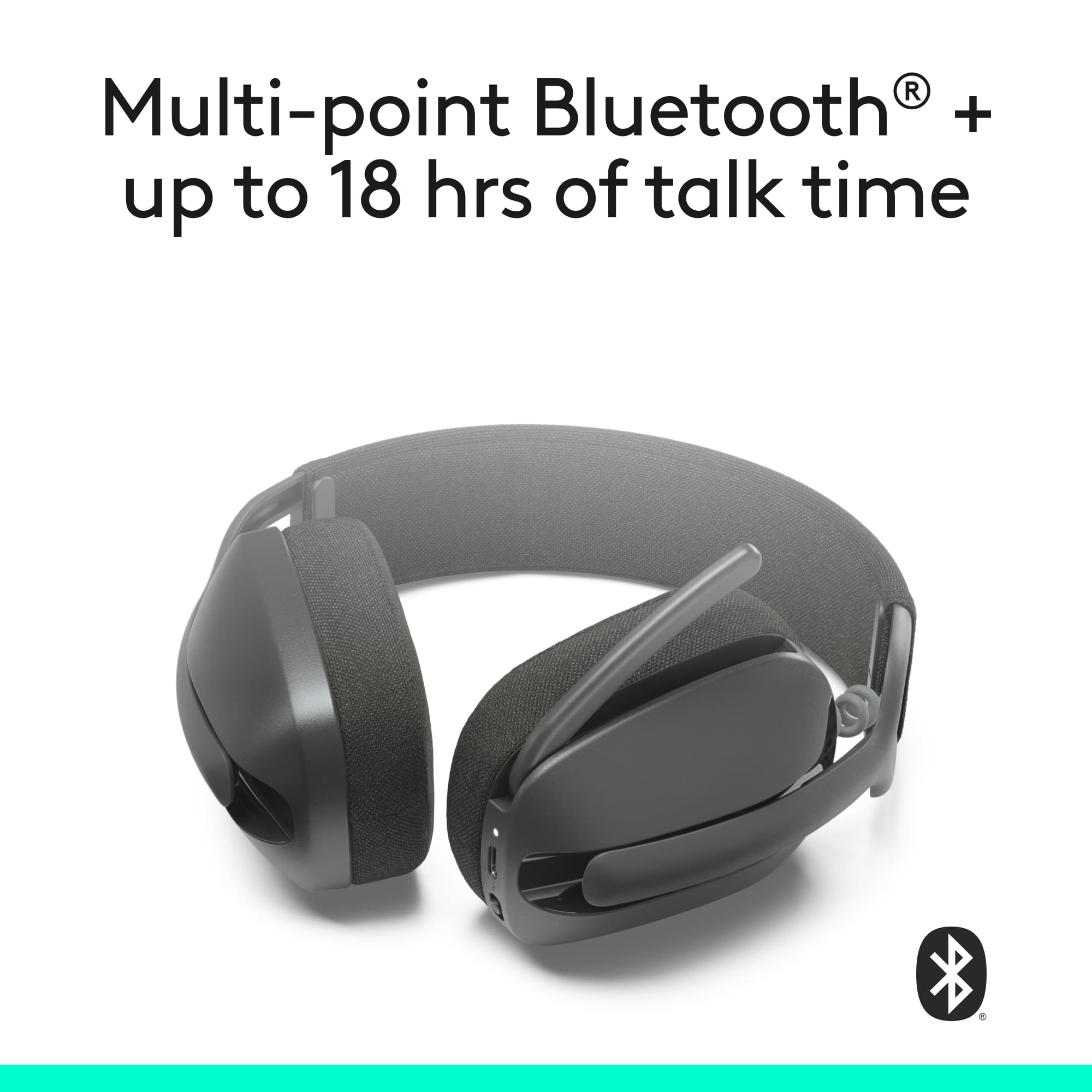
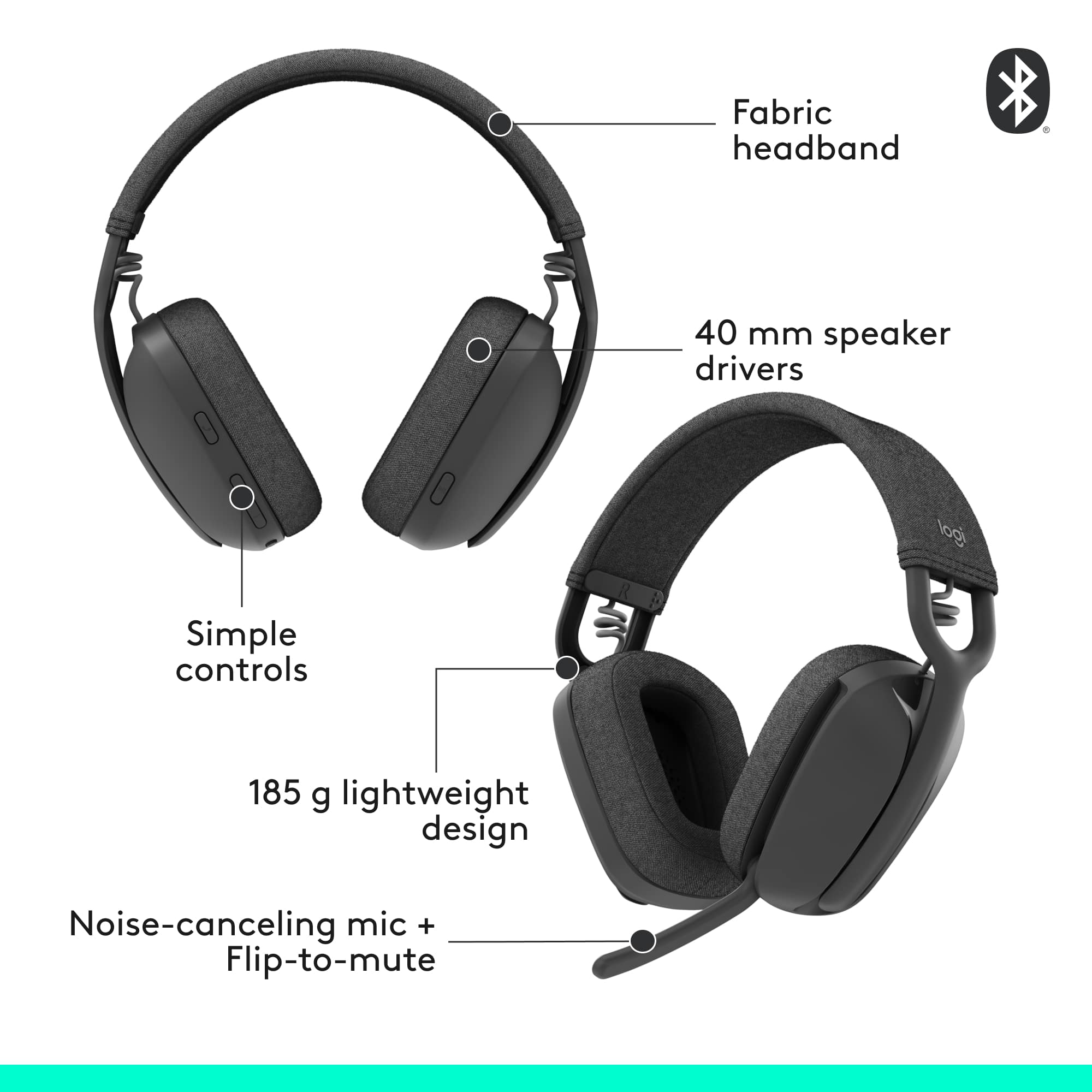
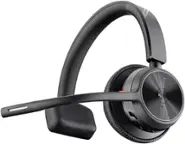
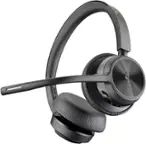
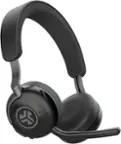
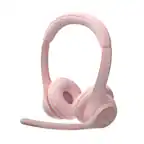
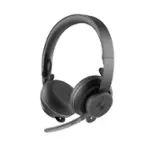
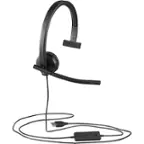
A:AnswerZone Vibe 100 Works with Bluetooth-enabled computers running Windows, macOS, or ChromeOS, and with Bluetooth-enabled iOS and Android devices.
If Jabber is running on any of the following, then it should work
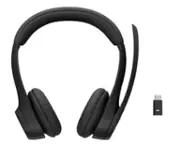
A:AnswerThe Logitech Zone Vibe 100 is designed to be used wirelessly via Bluetooth. It does not have a traditional 3.5mm headphone jack or a USB receiver for a wired connection. Therefore, if your IT has disabled Bluetooth, you won't be able to use the Zone Vibe 100 with your computer.
A:AnswerHey! In order to help you effectively, please provide your information to our support team via email at [email protected] with your
- Name:
- Email Address:
- Country:
- Product Name:
- Brief description of issue:
A:AnswerHello Zap! The Zone Vibe 100 Bluetooth Over Ear Headphones with Noise-Cancelling Microphone will work with Bluetooth-enabled computers running Windows, macOS, or ChromeOS, and with Bluetooth-enabled iOS and Android devices. So that won't work with Sega systems no. - Mathieu from Logitech
A:AnswerDifferent versions of Bluetooth? With Best Buy's return policy, I believe you have 14 days to return the the item for a full refund. I am pleased with the headset.
Try the headset and simply return if it doesn't work.