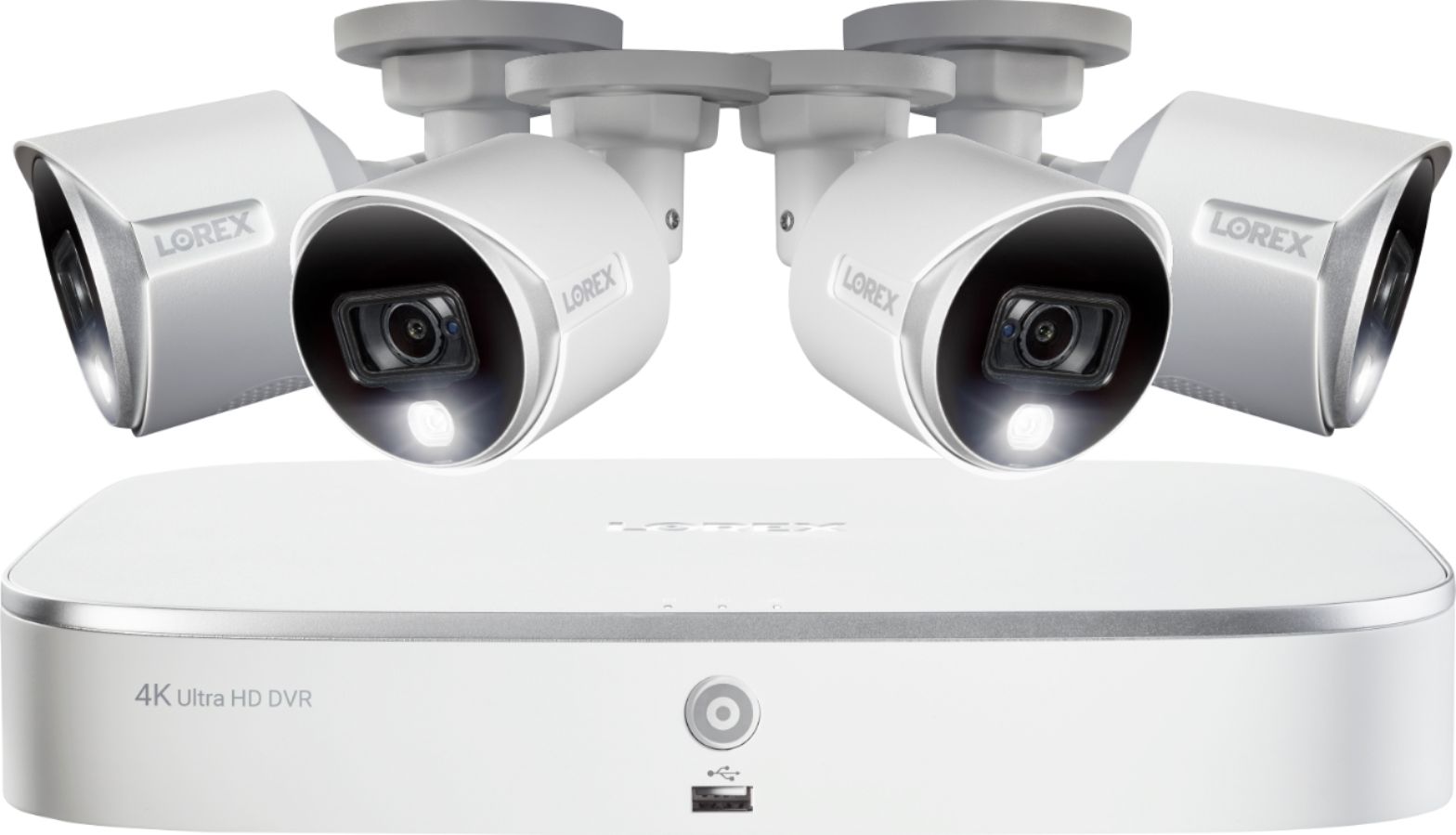
A:Answer It SAYS 30, but 4K cameras right now use 7 frames per second. 7 is the most you can select in the recording menu, which coincidentally can only be accessed through an Internet Explorer 11 web browser, not the Lorex mobile app.
In fact, everything related to camera settings, recording settings, hard drive, network, etc - can only be accessed through IE11 on a desktop Windows computer- and that's only after allowing some components to be installed (ActiveX) which are no longer supported by new browsers (like Edge, Chrome, etc). You basically have to figure out the DVR's address on your network, go there in IE11, and then you can see the menu.
Unfortunately- turning down the camera recording setting to 5MP, 3MP, 1080P, 720P, etc DOES NOT change the frames per second choices. If you hook up an older 1080P camera to the system, it will allow up to 30 frames per second, but these 4K cameras do not. Even after selecting lower resolutions, confirming, and refreshing the menu - 7 is the max you can select.
This means crystal clear 4K backgrounds, but blurry moving people and cars.