A:AnswerNo, you can only activate Office in the Country Region it was purchased. But Microsoft Support should help you. See: https://support.microsoft.com/en-us/office/office-product-key-error-this-product-key-isn-t-meant-for-your-region-dd410dcc-ab00-43e5-86c1-64adfc1143b2?ui=en-us&rs=en-us&ad=us&fromar=1
A:AnswerMicrosoft does not provide any way to 'upgrade' any version of Office. If you download Office 2021 on a computer with Office 2010 already installed you will have two versions of Office on your computer. You will be able to open all your files with your Office 2021 in 'compatibility Mode'. You can convert the file, if you wish by clicking on>File>Info>Convert.
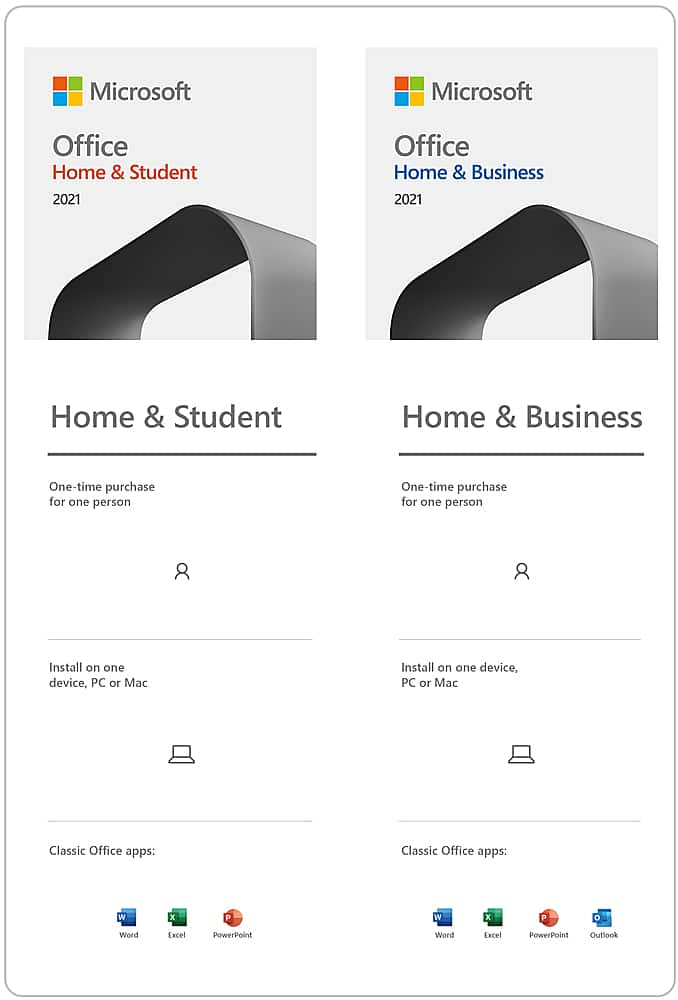
A:AnswerYour new Office Home & Business 2021 software is compatible with a single device at any given time. Users are free to update or reinstall their suite on a new device whenever they choose, but will be limited to that sole device moving forward. For a full outline of reinstallation instructions and FAQs, visit here: https://support.microsoft.com/en-us/office/download-and-install-or-reinstall-microsoft-365-or-office-2021-on-a-pc-or-mac-4414eaaf-0478-48be-9c42-23adc4716658
A:AnswerMicrosoft Office Home & Business 2021 has been designed to work seamlessly with both Windows 10 and Windows 11. If you're updating the operating system of your device between these two, you'll have no interruption to the functionality of your software, nor will you be required to purchase a new suite.
A:AnswerOffice Home & Business 2021 requires Windows 10 or Windows 11 in order to operate. For a full outline of system requirements, we recommend visiting the following link: https://www.microsoft.com/en-us/microsoft-365/microsoft-365-and-office-resources?ms.url=m365cominformation&rtc=1#coreui-heading-j4d3wac
A:AnswerGreat question! The 64-bit version of Microsoft Office Home & Business 2021 is automatically installed unless you explicitly select the 32-bit version before beginning the installation process. For a full outline of these versions and how they differ, visit the following link: https://support.microsoft.com/en-us/office/choose-between-the-64-bit-or-32-bit-version-of-office-2dee7807-8f95-4d0c-b5fe-6c6f49b8d261