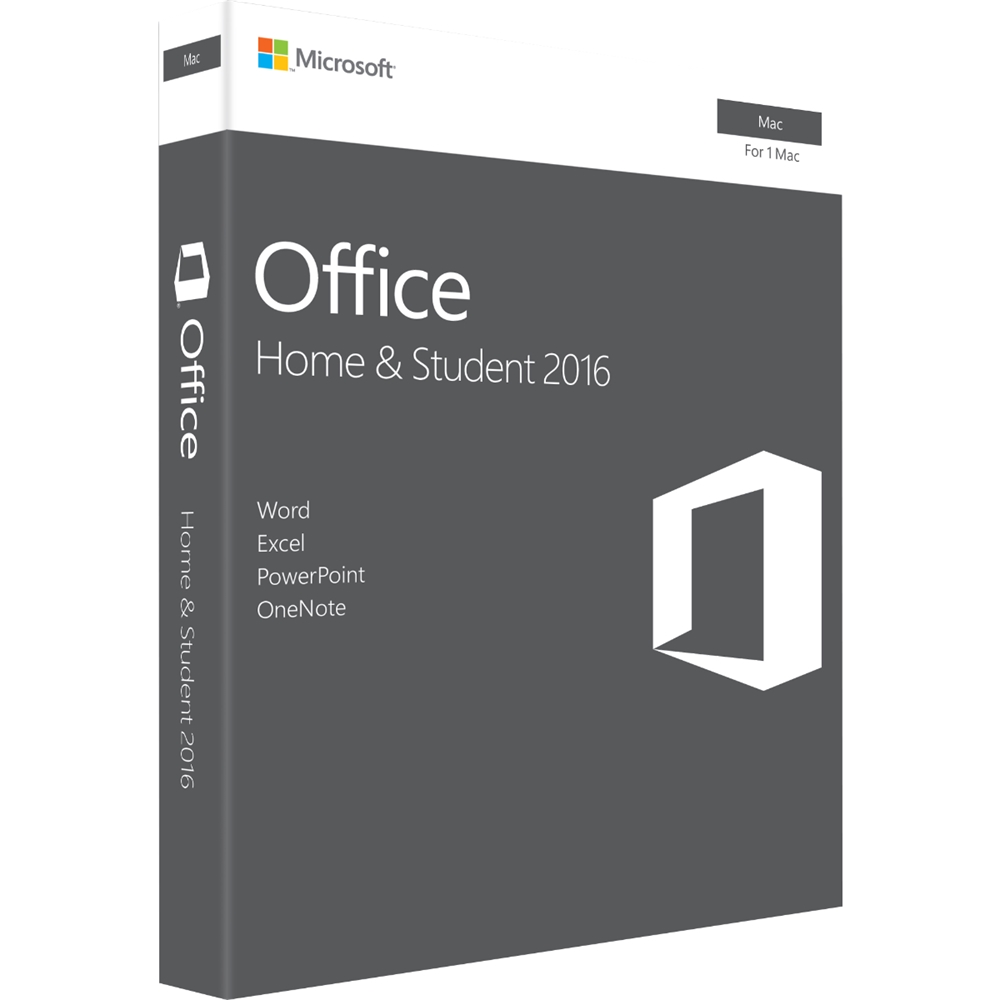
A:Answer I had the same problem. Bought new MacBook Air and wanted Word and Excel files from old Windows computer on new Mac. Copied them to a flash drive and moved them over, but the Apple operating system uses 'Pages' in place of MS Word and 'Numbers' in place of MS Excel. So files don't copy perfectly. 'Numbers' files can be saved as an Excel file, so you can use that option, copying them into 'Numbers' and then saving them as an Excel file, but that's tedious, having to save each file and remembering to always 'Save As'. I also found 'Numbers' and 'Pages' to be much more frustrating to use--from a functionality standpoint. I broke down and bought Office for Mac. Now files save and transfer seamlessly using a flash drive. I save things to the flash drive and can open them on either computer without an issue. Hope this helps. One note: Office for Mac is not a carbon copy of Office for Windows. There are some lost / missing features, but still a big improvement from 'Pages' and 'Numbers'.