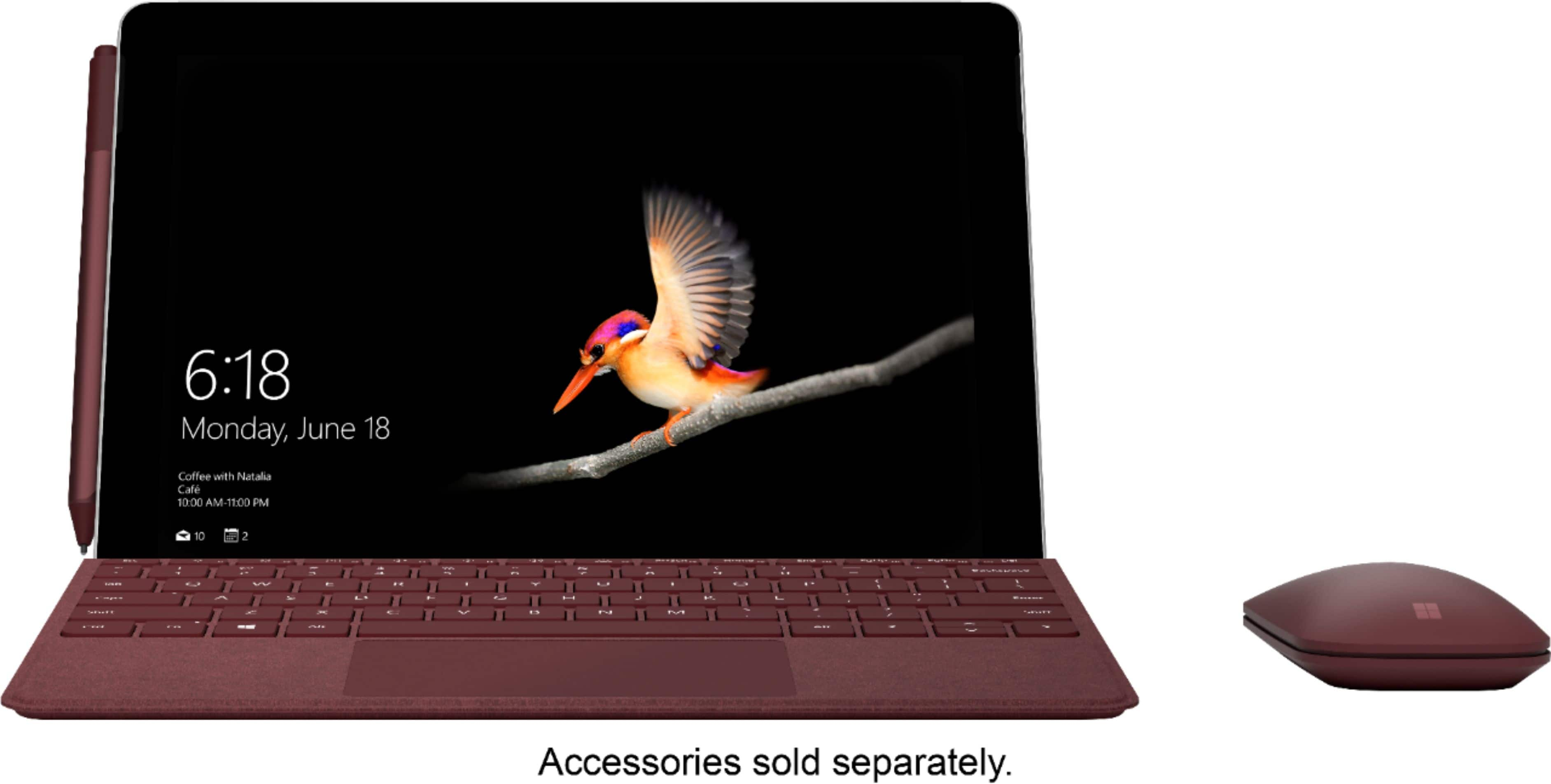
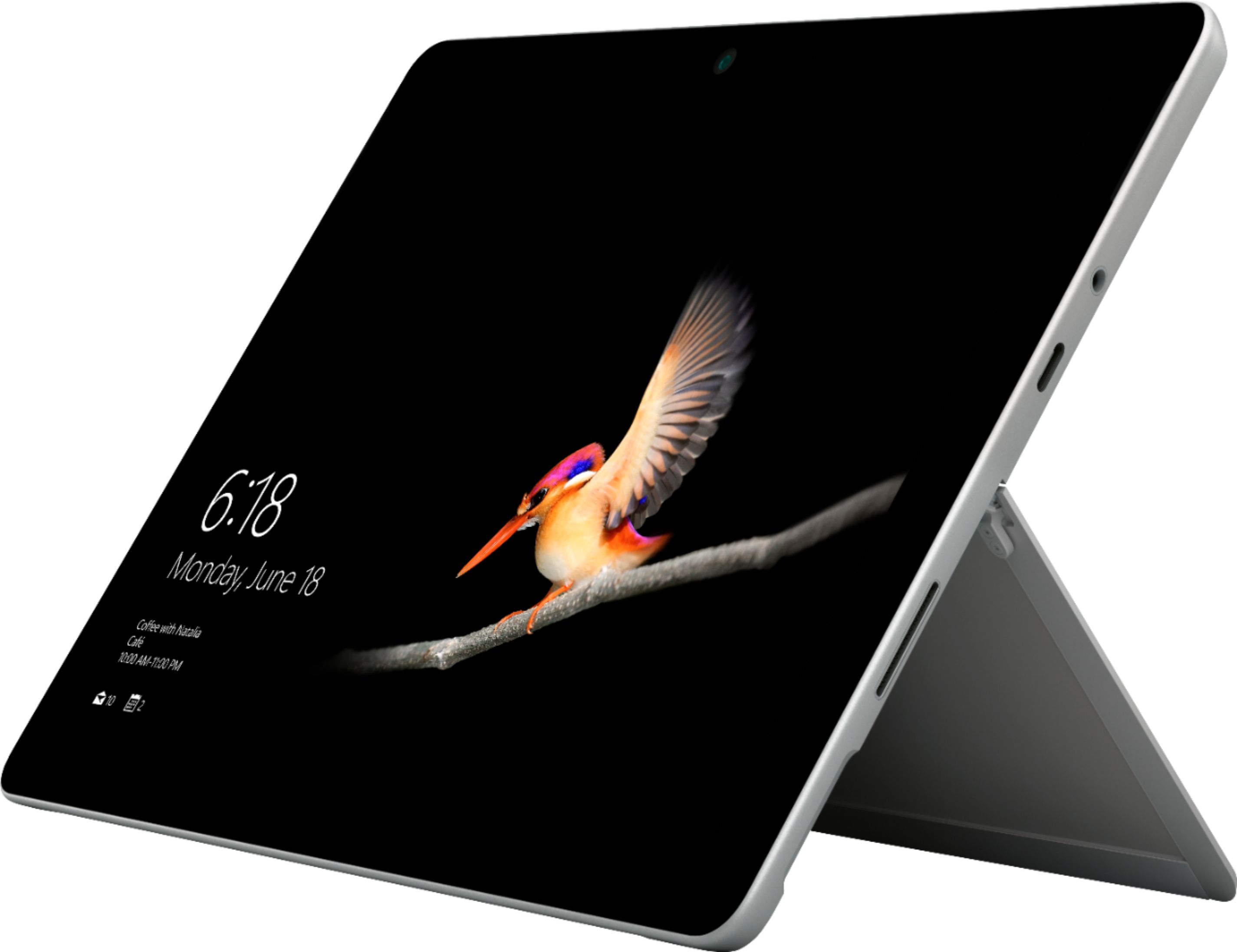
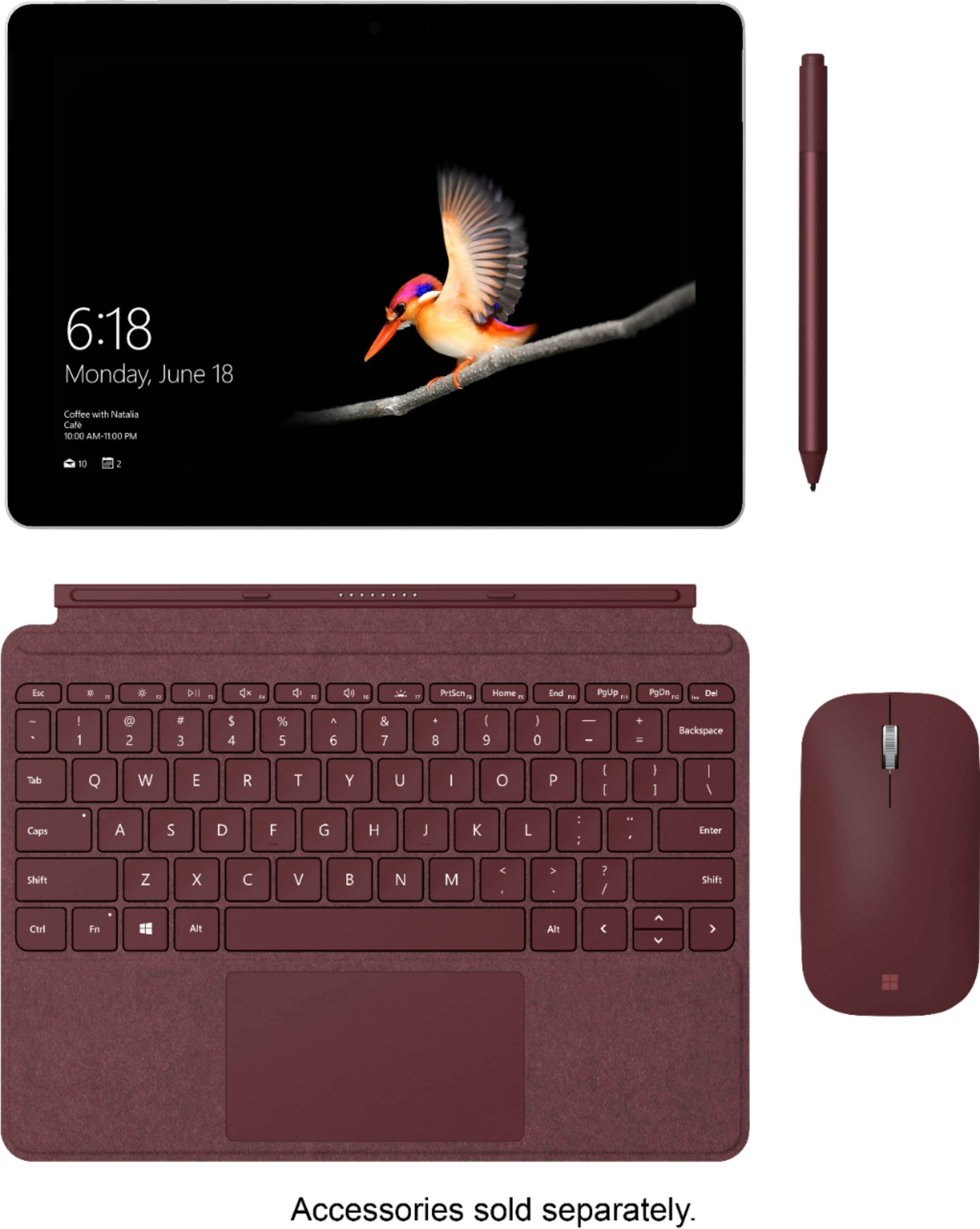
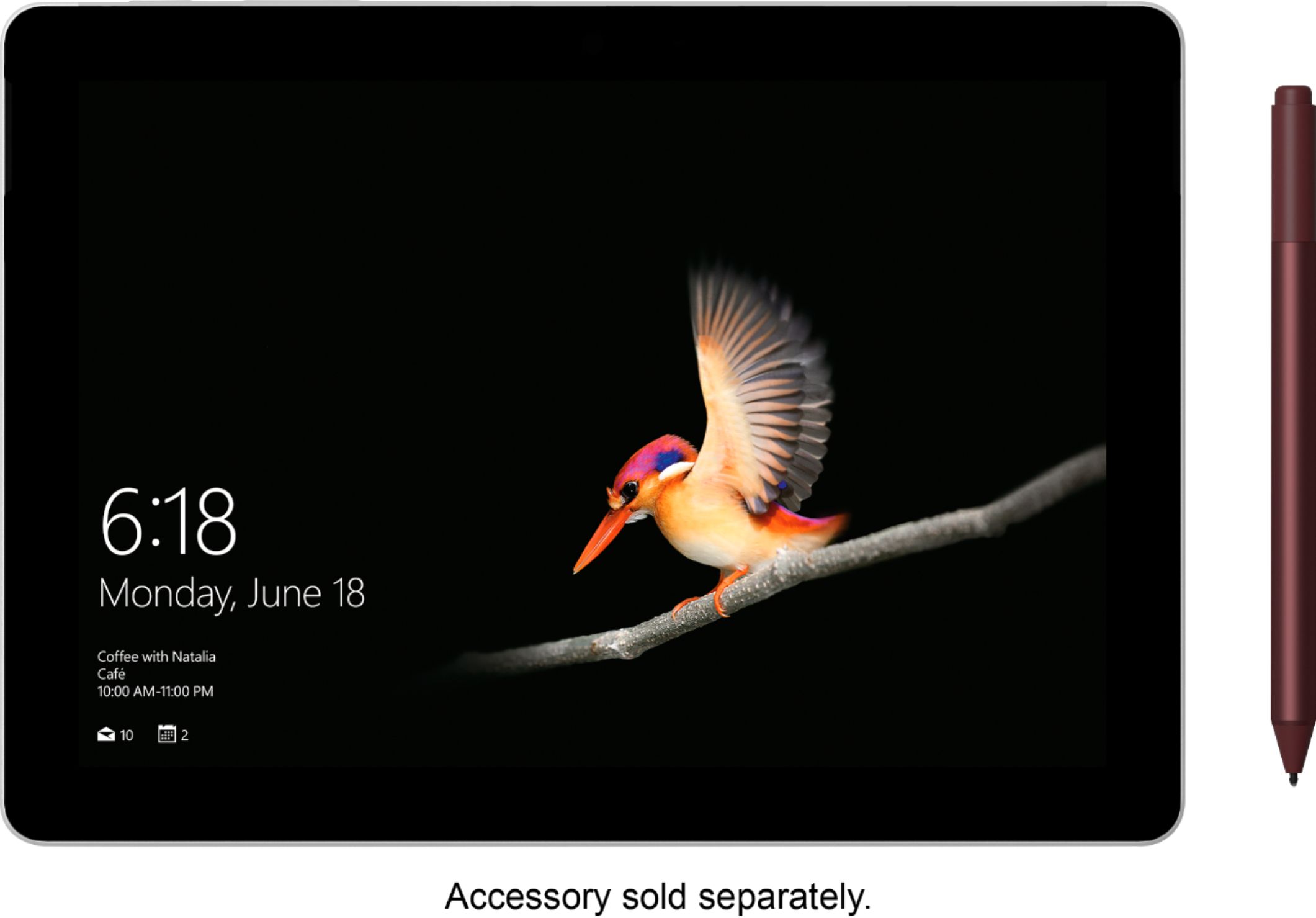
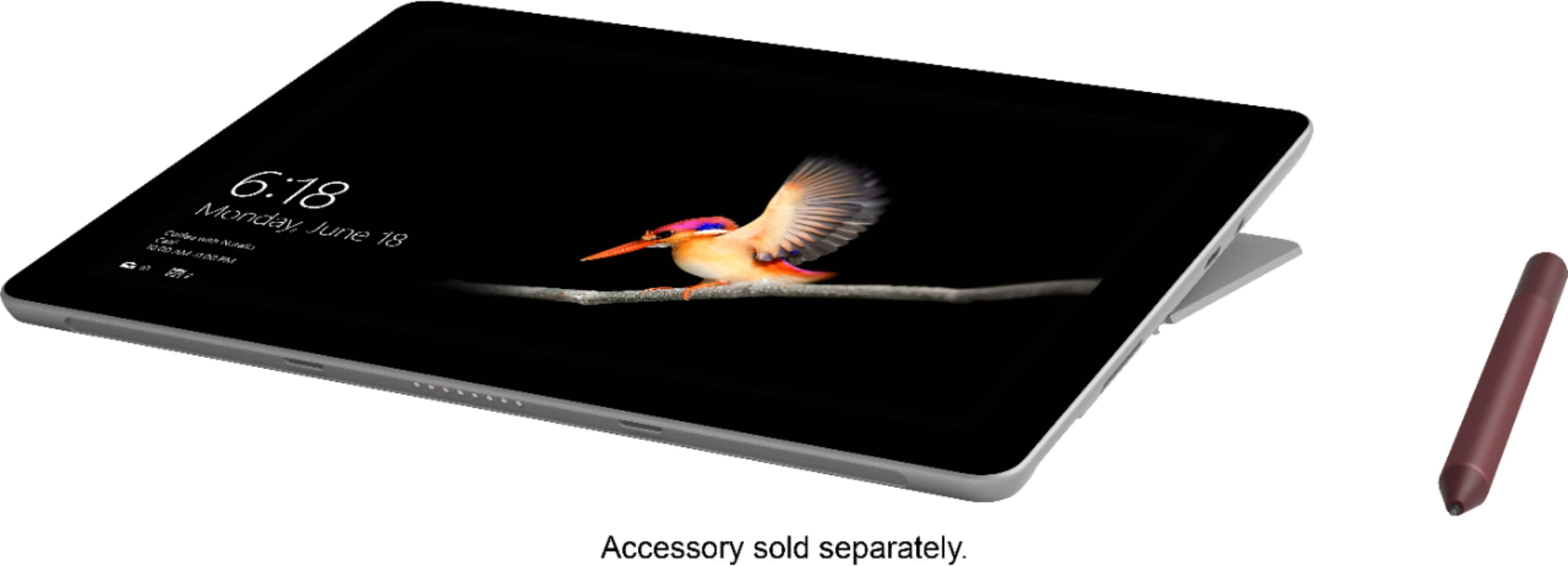
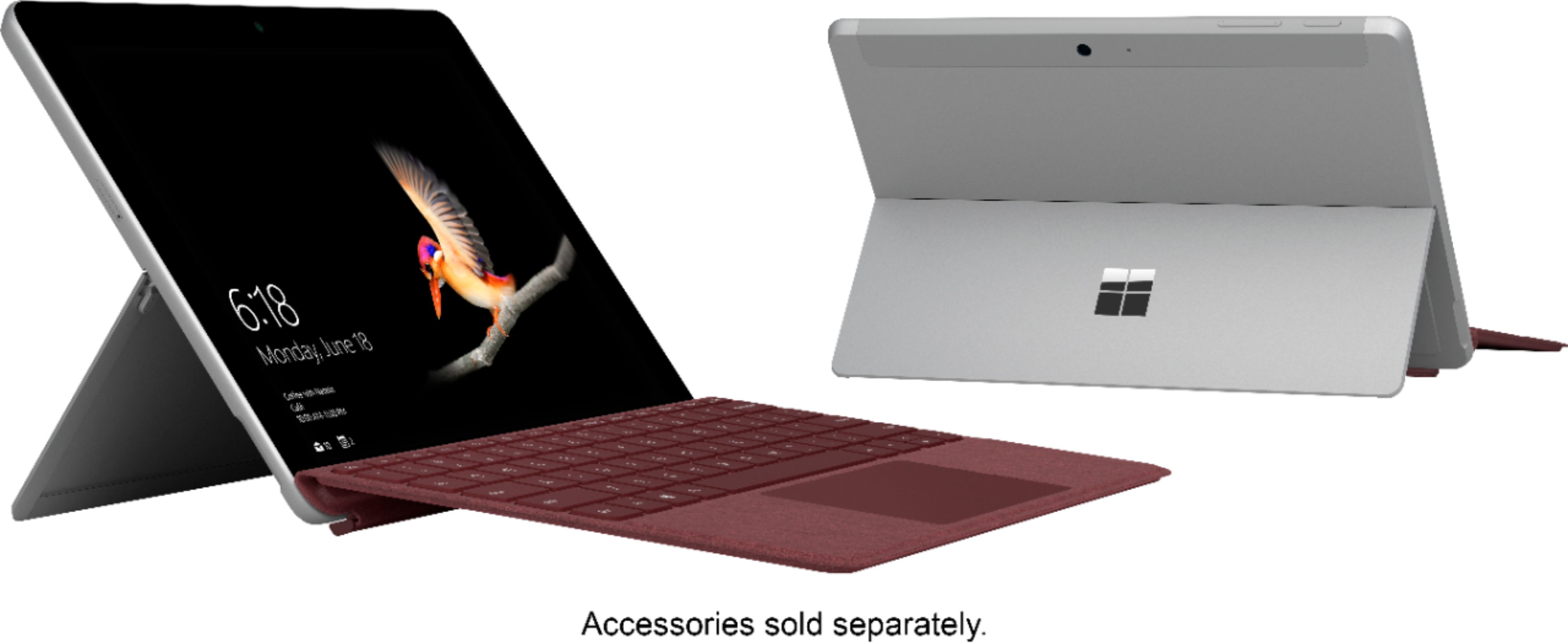
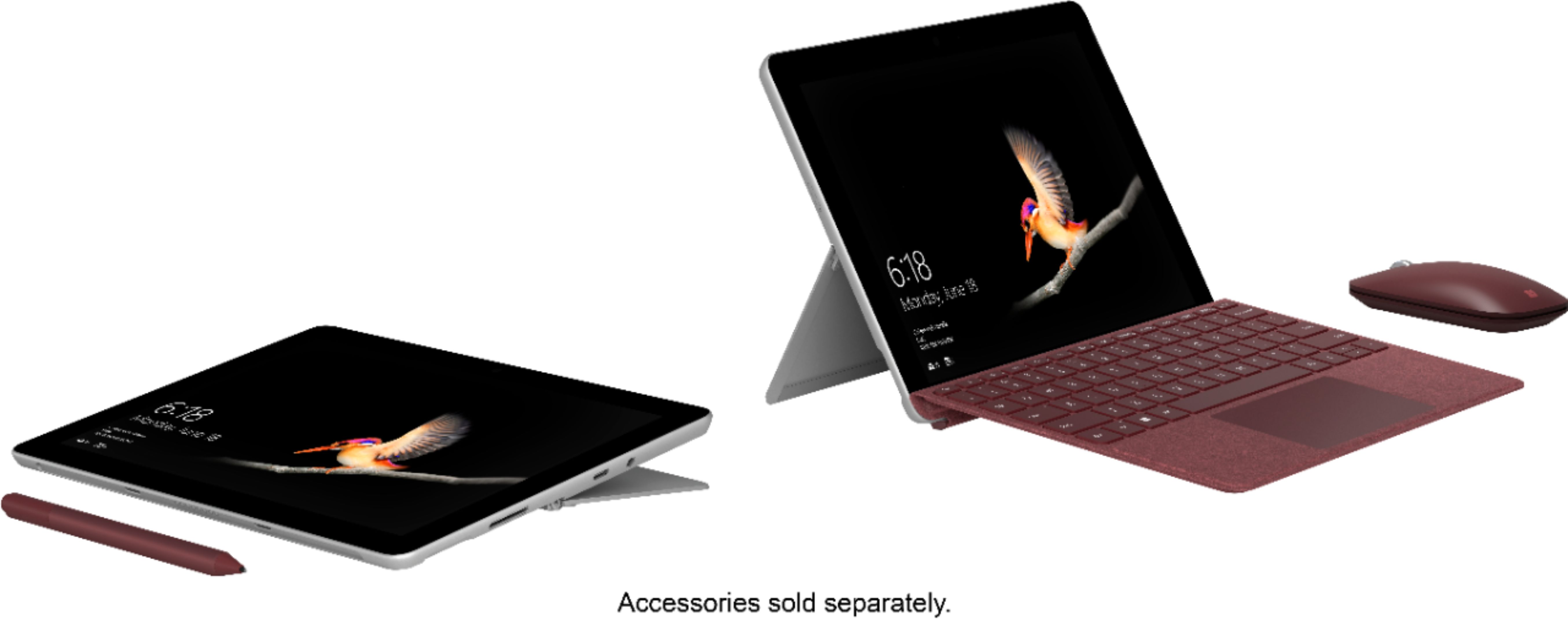
A:AnswerThe surface go and the surface pro are similar concepts targeted at different kinds of consumers. The Surface Go is meant to be an "everyday laptop/tablet". Alone, the surface go is a small, lightweight tablet perfect for browsing the web and watching netflix. With the extra keyboard attachment, the surface go can become and "everyday laptop, for typing word documents and having windows open side by side. The Surface Pro is meant to be a "professional laptop/tablet". If you want all the capability of the surface go but a larger screen and more processing/graphics power for photo/video editing, the Surface Pro will do more for you.
A:AnswerThe response time and ability to run multiple apps/ programs. The 8gig ram is more responsive and does not lag significantly like the 4gig ram did for me. If you're just browsing and watching movies and don't necessarily runs multiple apps at a time then the base model is fine.
A:AnswerThe Surface Go, out of the box, comes with Windows 10 Pro in S mode. You can switch out of S mode one time for free and run the full version of Windows 10 Pro.
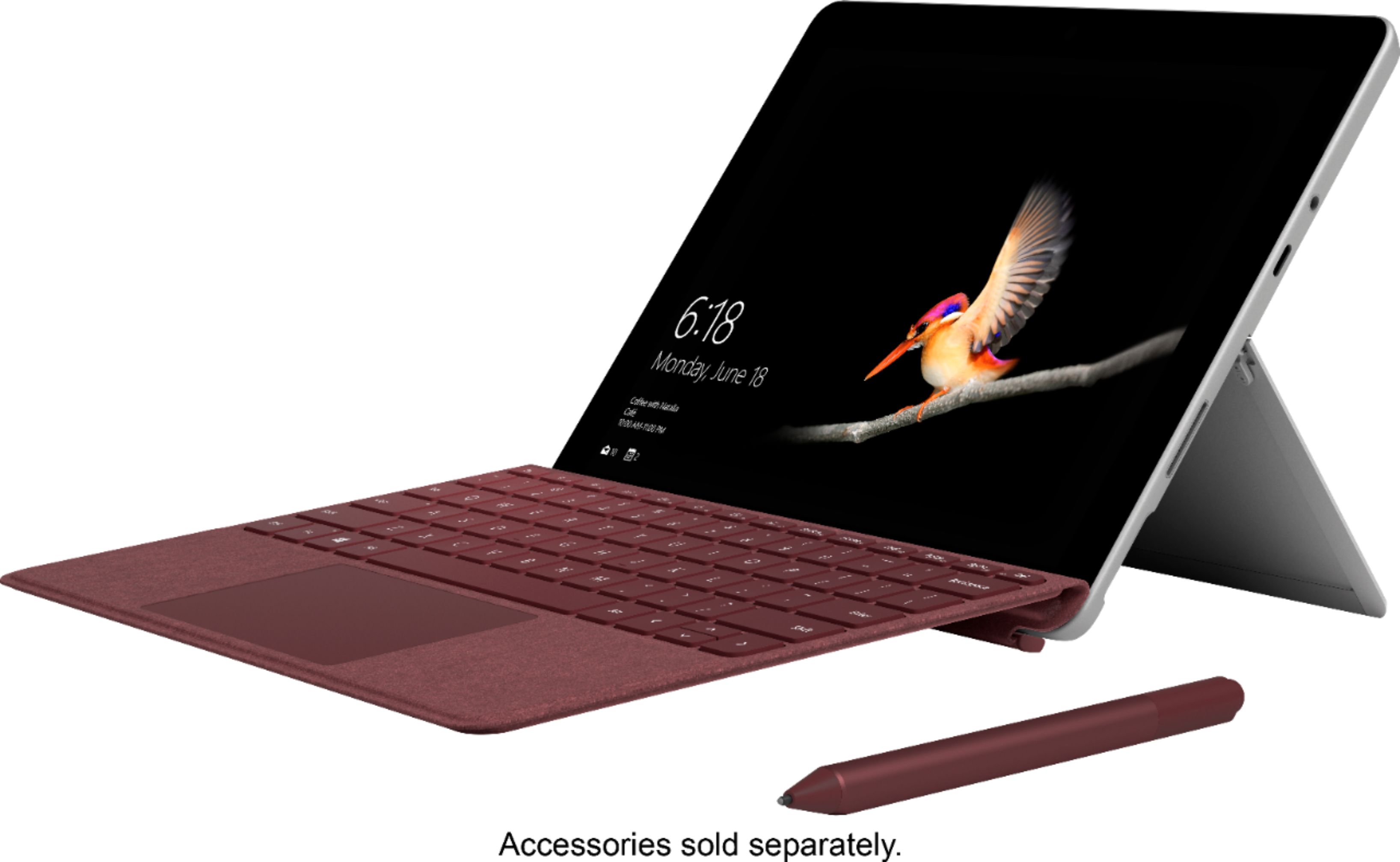
A:AnswerThe Surface Go is a great option for college students. This device is thinner and more lightweight than ever before at a mere 1.15 lbs (not including the type cover.) The dimensions of the device are ultra sleek at: 9.65” x 6.9” x 0.33” (245 mm x 175 mm x 8.3 mm) We hope this helps!
A:AnswerIt does not have an HDMI port directly but does have a USB C port. There are USBC to HDMI adapters that I expect will work though I have not tested it yet. I will update my answer if I am able to try it out.
A:AnswerThe Surface Go does not come equipped with LTE ability. If this is a feature you wish to be able to utilize, the Surface Pro with LTE capabilities might be a good machine for you to check out that is very similar to the Surface Go. Check it out at Best Buy here: https://www.bestbuy.com/site/microsoft-surface-pro-with-lte-advanced-unlocked-12-3-touch-screen-intel-core-i5-8gb-memory-256gb-solid-state-drive-silver/6216320.p?skuId=6216320.
A:AnswerAbsolutely. 1. There's a micro sd slot built into the device. I have a 128GB card in mine and it works flawlessly. 2. You could always connect an external drive through the usb type c port as well.
A:AnswerThe Surface Go is a great choice for students! With plenty of accessory options, you can choose the way you interact with your device. Use a Surface Pen to take notes just like you would on paper, and never lose your notes again! Add the Surface Go Signature Type Cover to transform from tablet to laptop mode for those big essay assignments. This handy device also includes a forward facing and rear facing camera if you're looking to record important lectures. The Surface Go is a small, but mighty machine, that you can easily carry with you on your campus.
A:AnswerThe Intel Pentium Gold processor runs at 1.60 GHz. According to 2017 system requirements for Photoshop, 2.0 GHz is the minimum requirement. Photoshop likely will not run smoothly on this device, but you can try comparing the specs of other programs to that of the Surface Go. For large programs for video editing, you might enjoy the Surface Pro model with an Intel Core i7 processor.
A:AnswerYes As long as you buy a type C to USB adapter You can also add a micro SD card to the back of the surface go underneath the stand I put a 128 GB in mine which allows me to 256 MB now instead of 128
A:AnswerThe Surface Go is compatible with the Surface Dock, which includes a Gigabit Ethernet port. Find the Surface Dock at Best Buy here: https://www.bestbuy.com/site/microsoft-surface-dock-black/4561910.p?skuId=4561910.
A:AnswerThe Surface Go comes with Windows 10 in S mode. While there are many benefits of using this mode, if you wish, you may switch out of S mode, but this is a one-way switch. After making this transition, you will no longer be able to go back to S mode. Find out more about Windows 10 S mode, and how to change out of it here: https://support.microsoft.com/en-us/help/4020089/windows-10-in-s-mode-faq.