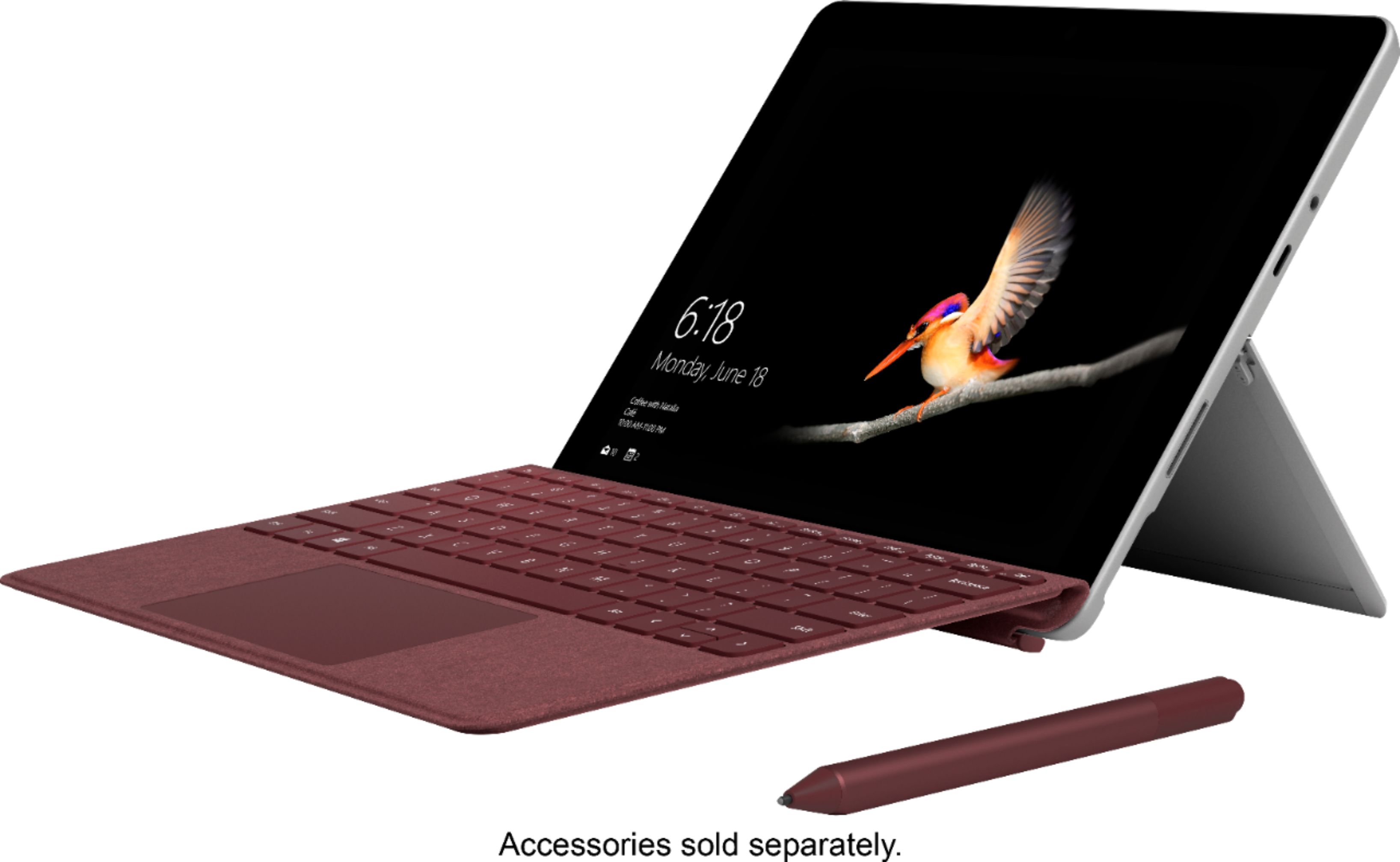
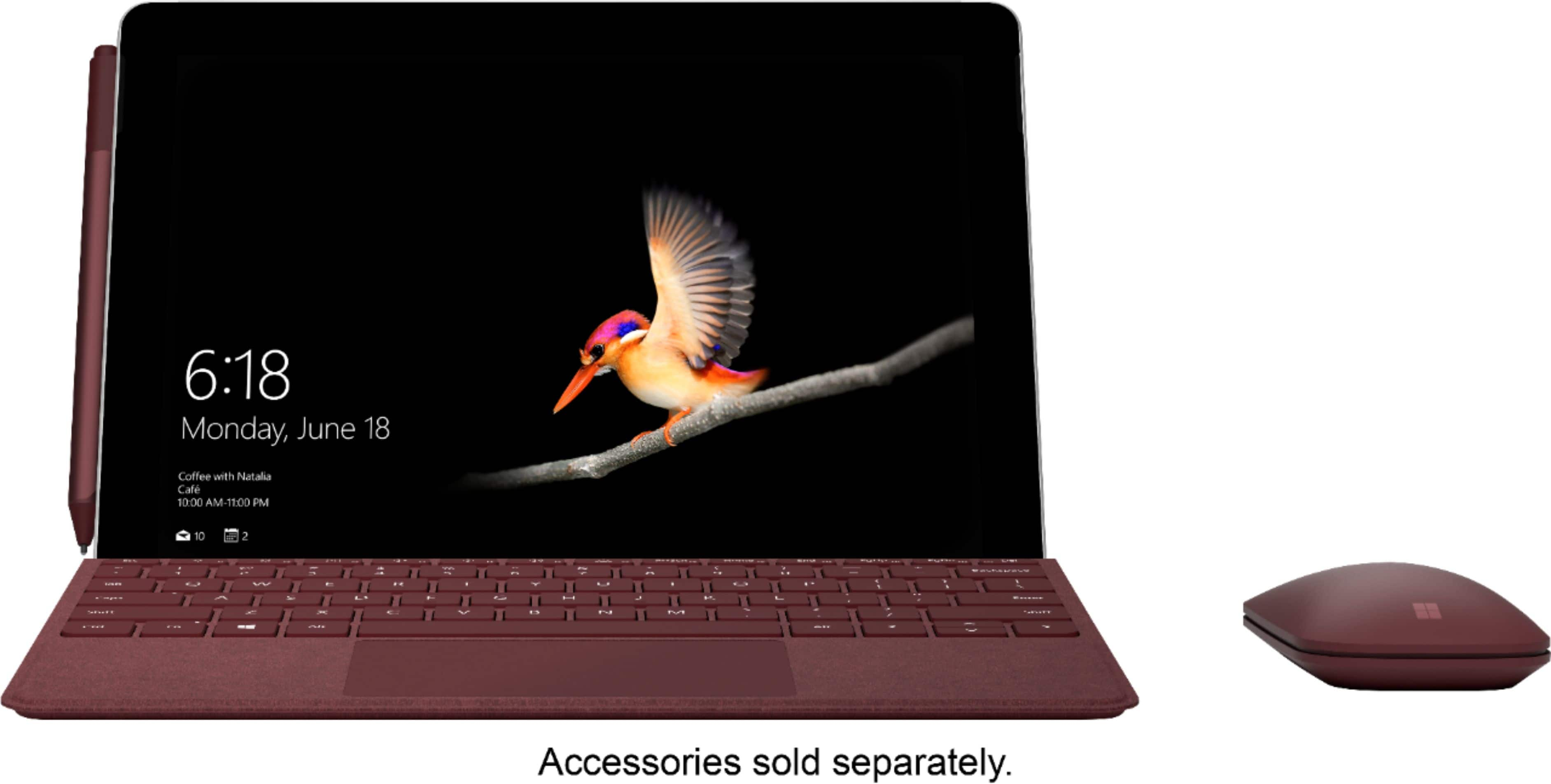
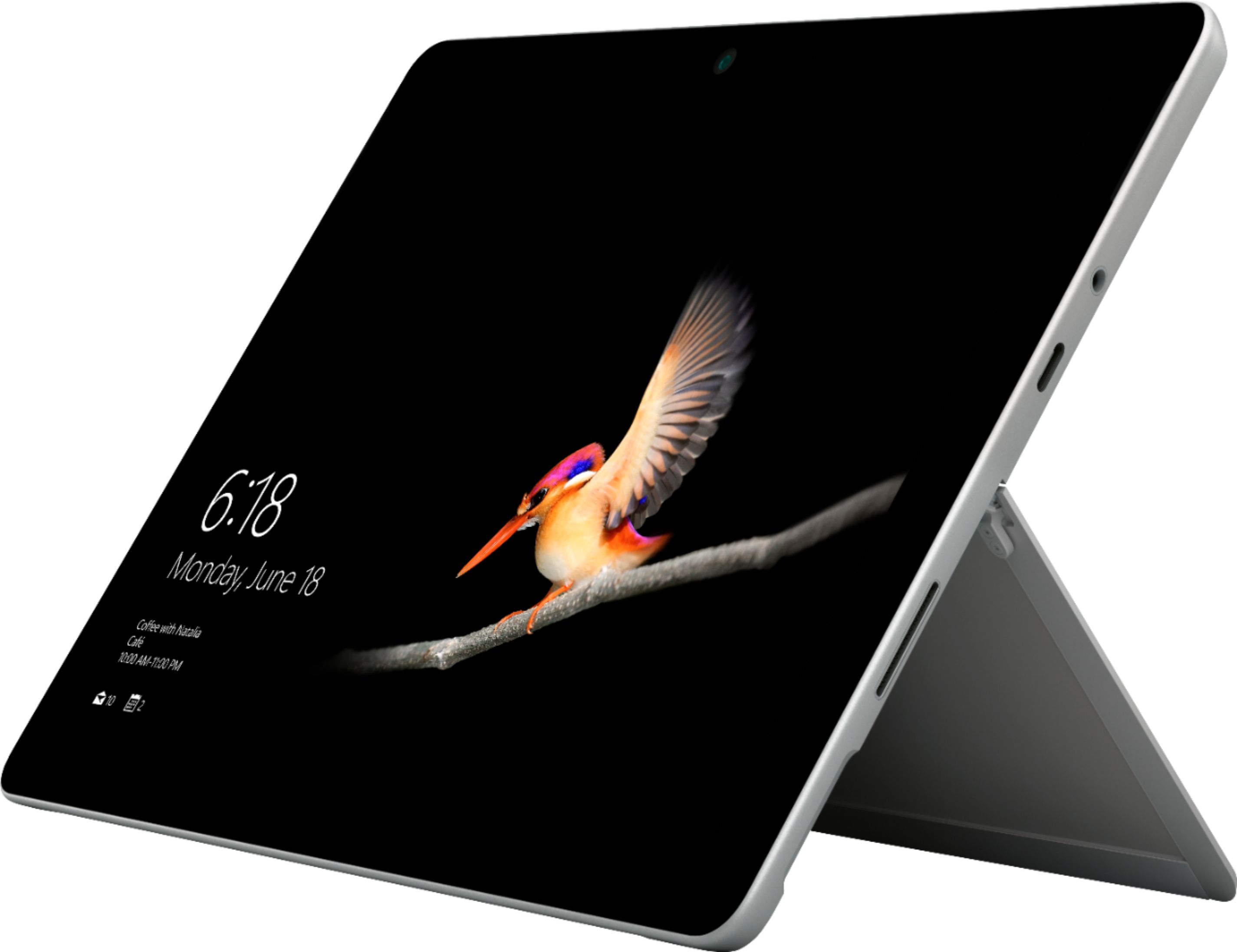
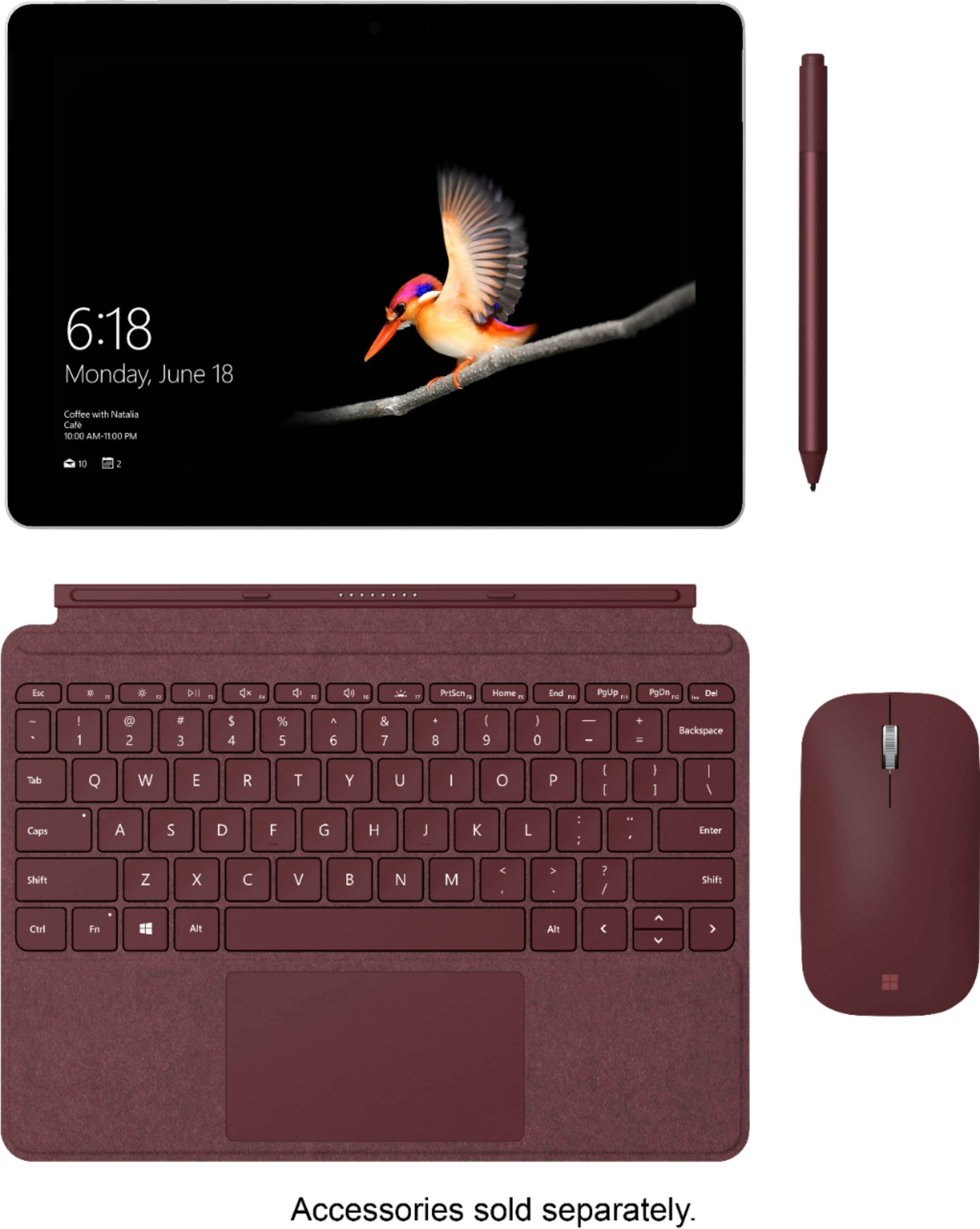
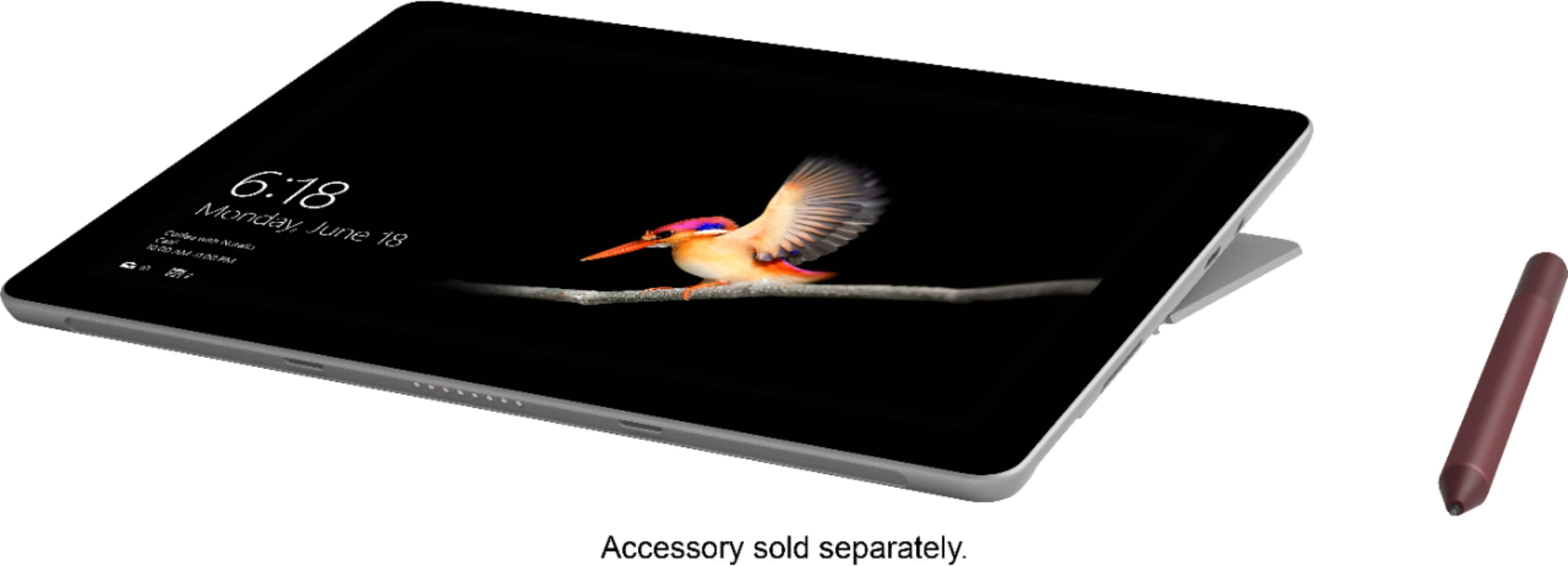
A:AnswerJust a micro SD slot for storage expansion. Headphone jack, usb-c x1, and power slot. If u want more, you have to purchase the surface dock ($125).
A:AnswerYes, the Surface Go is capable of utilizing expandable memory via the microSDXC card slot. There is no limit to the amount of external memory this can hold.
A:AnswerYes, you will be able to successfully purchase and download Microsoft Office to use PowerPoint for presentations. The Surface Go has a USB type C port, so as long as you have the proper cord to connect to the projector, you should be able to utilize this during presentations.
A:AnswerYes, via the powercord. There is a standard usb input in the power brick, so if it is plugged in, it can charge your phone. If you have an adapter to use a full usb and the surface is plugged in, it will also charge your phone.
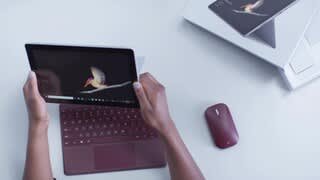
A:AnswerI’ve done similar things with photos and videos I would recommend buying the 8 GB 128 though and you can also add in the back of it underneath the stand on the surface go a micro SD card I put a 128 in mine so that gives me 256 GB of storage and adding the surface go type cover to it makes it a lot easier the typing is fantastic and smooth the lighted keyboard is perfect
A:AnswerI would recommend a 2.4A+ powerbank or even greater. 2.4A to trickle charge but a stronger battery pack is recommended. Plus this thing can charge USB-C so you can use any USB-C adaptor instead of carrying around the microsoft one.
A:AnswerNo They are coming out with an LTE version but I don’t know when you would have to check with Bestbuy or Microsoft then you can hook up to any wireless network
A:Answerif by syncing you mean get notifications from you phone to you computer, the answer is yes, you have to download cortana in your phone and eneble this option on your phone.
A:AnswerRight now it only has wifi. I tether it to my phone so in essence can use it everywhere. I believe Microsoft did announce an LTE version that will be available later this year.