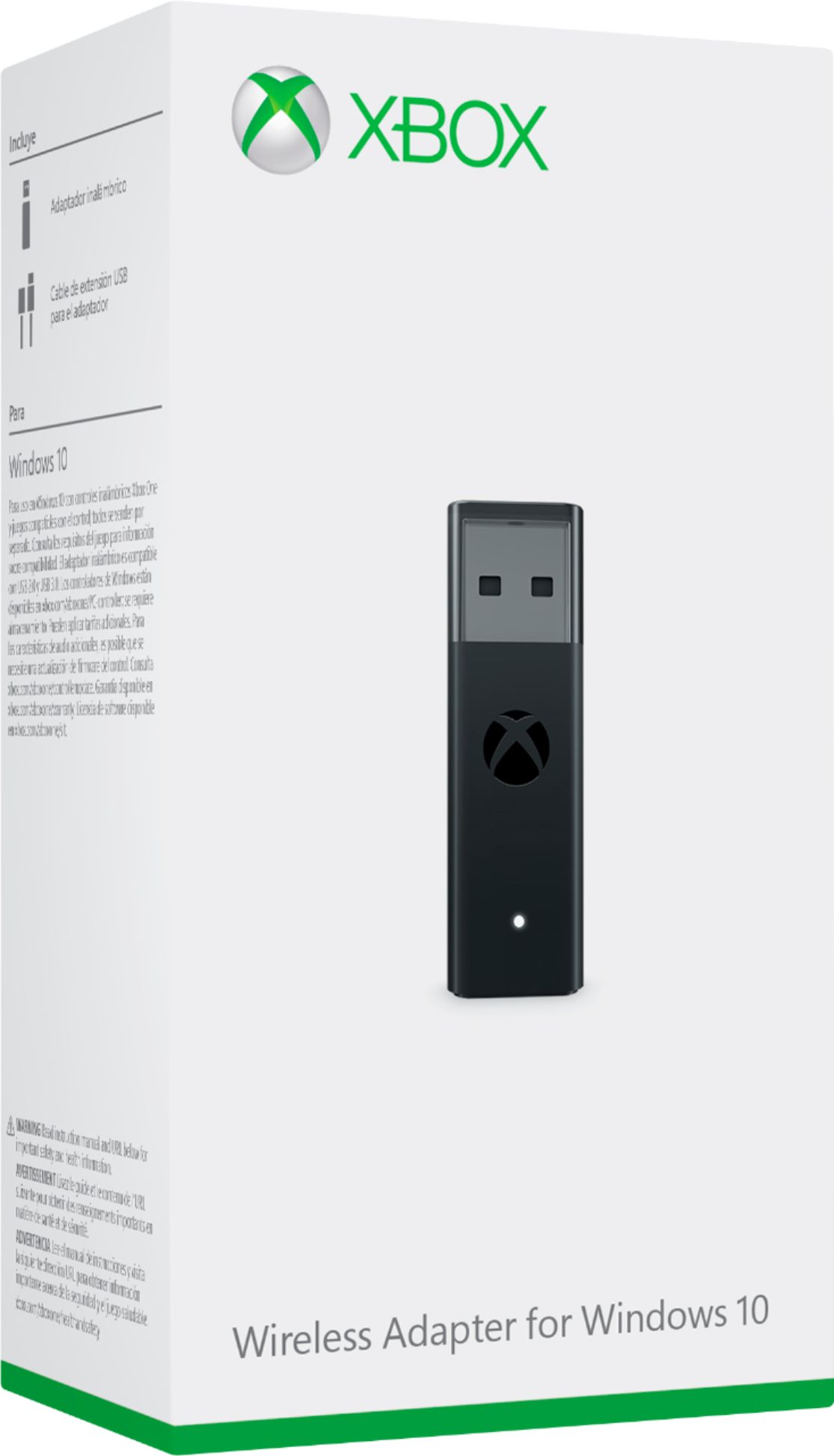
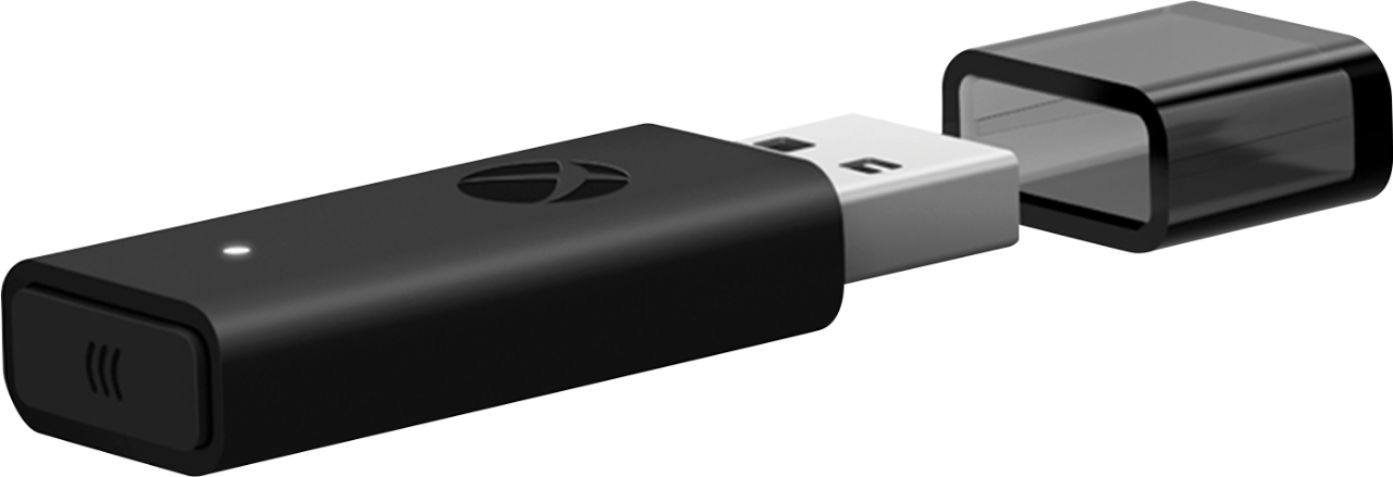
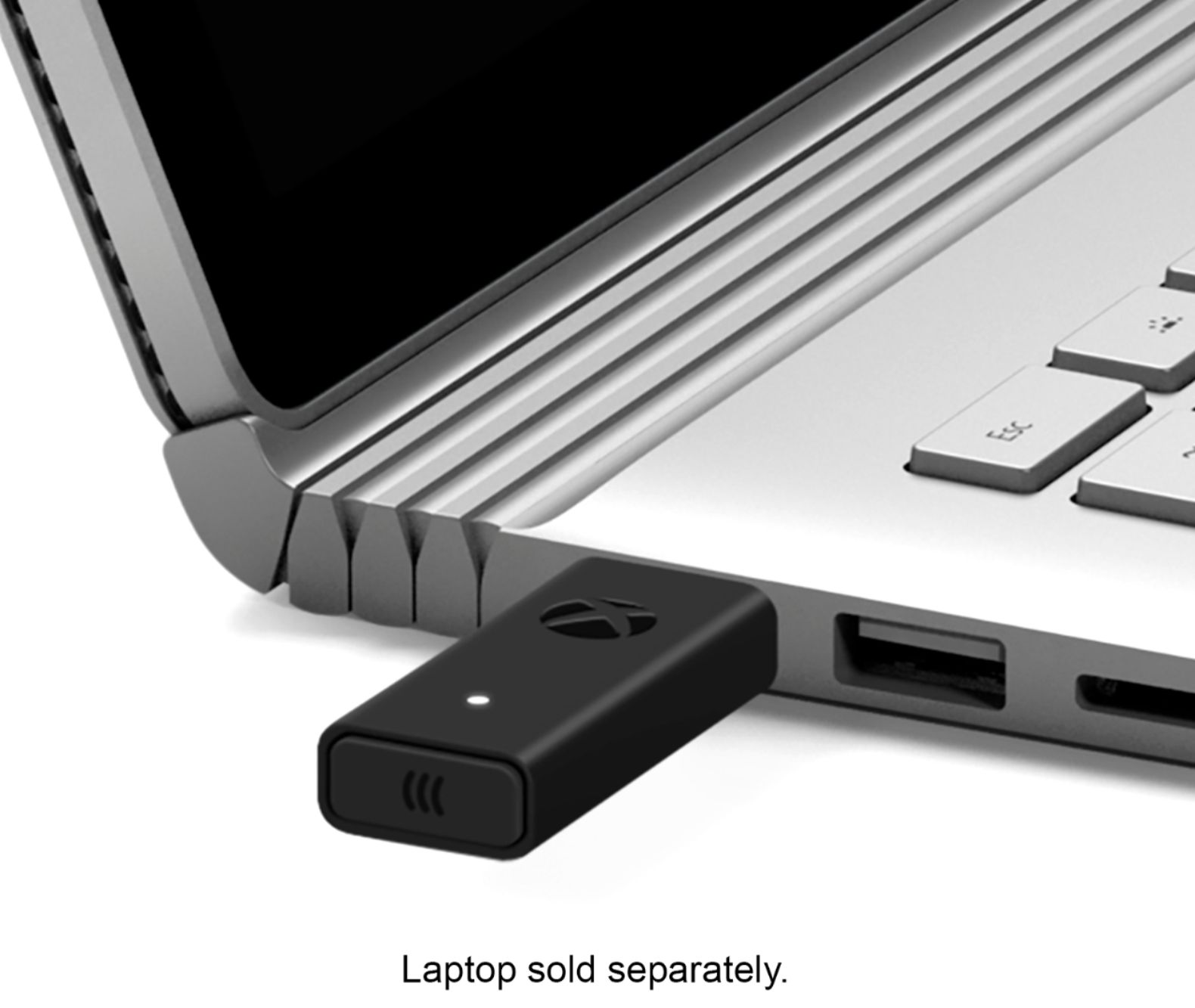
A:AnswerYes this will work with the Stealth 600's, it is compatible with Windows 10 PCs displaying the Xbox Wireless logo without having to purchase this adapter. Other Windows 10 PCs that don't display the Xbox Wireless logo may require the Xbox Wireless Adapter for Windows (the adapter here).
A:AnswerYes. If you want to use your Xbox controller on a PC, you can have several HDMI cords or ports broken on your Xbox as it won’t matter on your PC.
A:AnswerYour question is a little unclear, but will do my best to answer both. If you're asking about the headset specifically...Question 3.
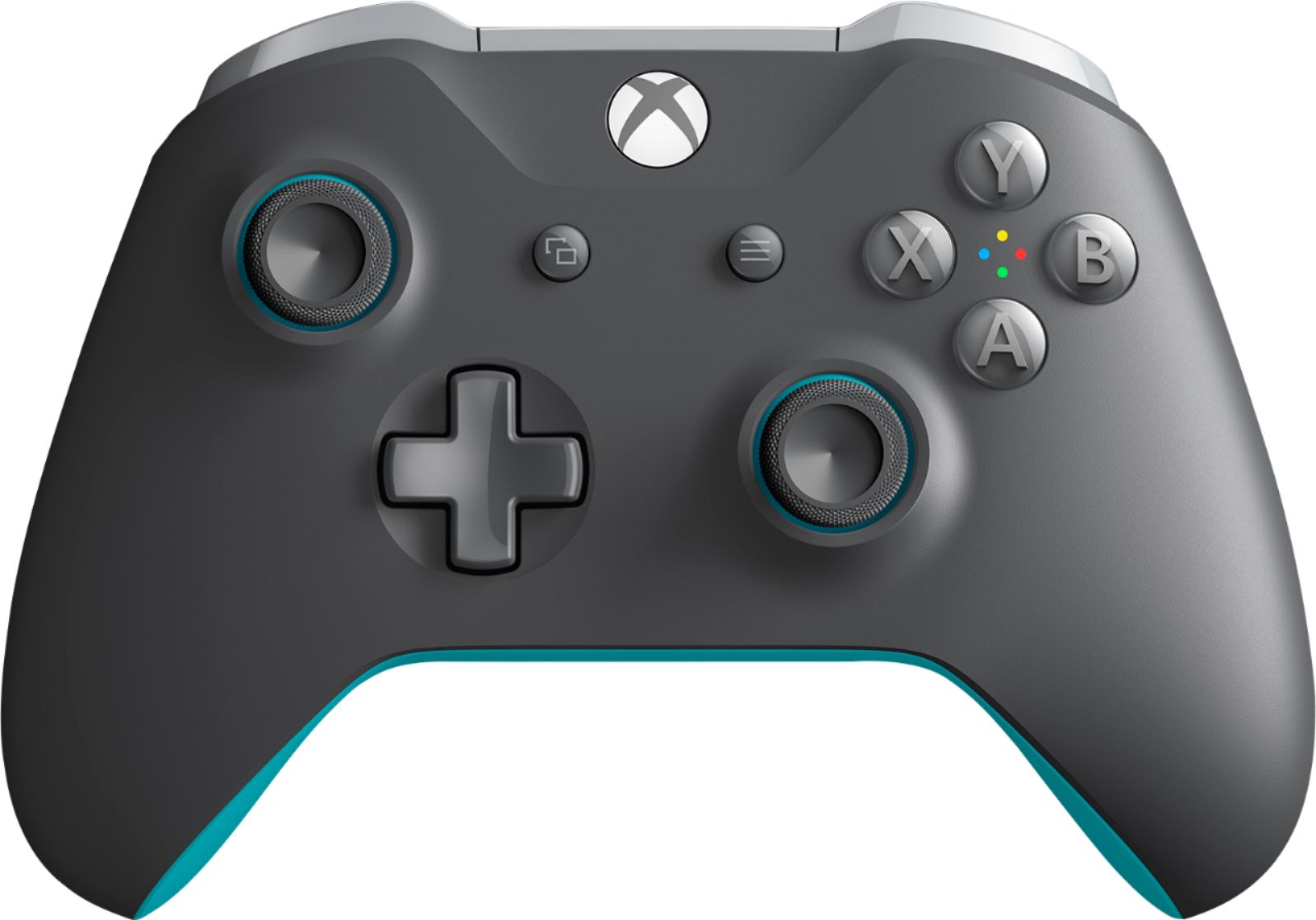
Question 1. The first, this is the xBox Wireless (bluetooth) proprietary adapter for WinOS 10 that allows you connect an xBox one controller to your gaming rig (PC).
Question 2. Looking at the system requirements, being this is a PC focused, Microsoft Product, it is not designed to work on MacOS at this time. The reason being is that WinOS 10 has parts of the xBox softwares built into as well does the xBox OS build from parts of WinOS with use of dedicated app features.
Hopefully I've answered your questions.
Question 3. The headset is not bluetooth capable, as it has a cord attached to it. It will work via the built in headphone jack on lower thin edge of the controller as it plugs directly into it.
A:AnswerI have the stealth 700 for xbox one and it works. The volume mixers built in in headset do not separate the audio from chat just raises and lowers volume on both 50% each. The stealt 700 connect to the xbox without any adapters If the yours are the sameway it should work
A:AnswerIt's possible you don't have the most up to date drivers for either your Xbox or your PC. I recommend looking up the Windows 10 info page to get your started and if all else fails maybe contact Geek squad and have them walk through it with you.