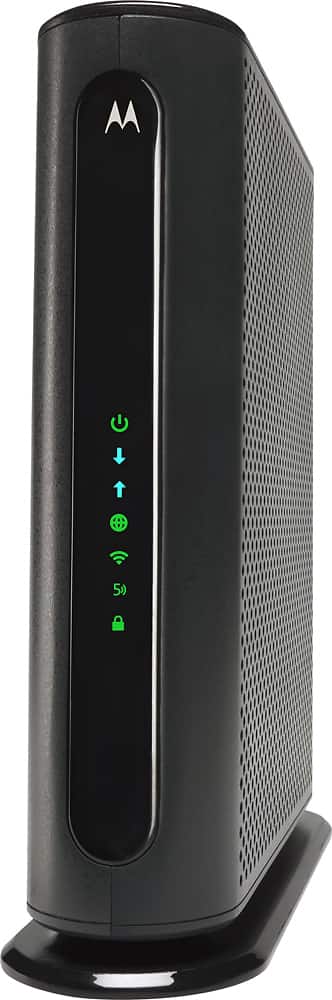
A:AnswerYes, it works well with Comcast Internet. It has both a 2.4 G and a 5 G network and additional guest networks for both. Easy to set up a no problems.
A:AnswerGlad I made the switch to the Motorola. We have a Ranch style home and have no connectivity issues at the far corners, including the driveway and patio. Speed is great too.
A:AnswerSet up was pretty easy and it was up and working about 15 minutes-including changing over all my WiFi items, like printer, cell phone, and laptop.
A:AnswerI can access it from any room of our 3000 square foot house without connection issues. And the modem is not centrally located; it in an upstairs corner. Of course the 2.4 g connection has a longer range than the 5 g range. Both are very fast. The appear on the network as two separate wifi connections.
A:AnswerYes. Actually that is how I use mine. My cable connection comes into my office in the back of the house which is not a prime location for a Wifi router.
I use the 5 port router part for my office and to distribute to the rest of the house including a Wifi router located more centrally in my house.
Everything has worked great with this setup.
A:AnswerYes, you don’t need a router once you purchase. That extra cost of buying a router sucks. The main reason I purchased mine. It’s worth the money to be honest.