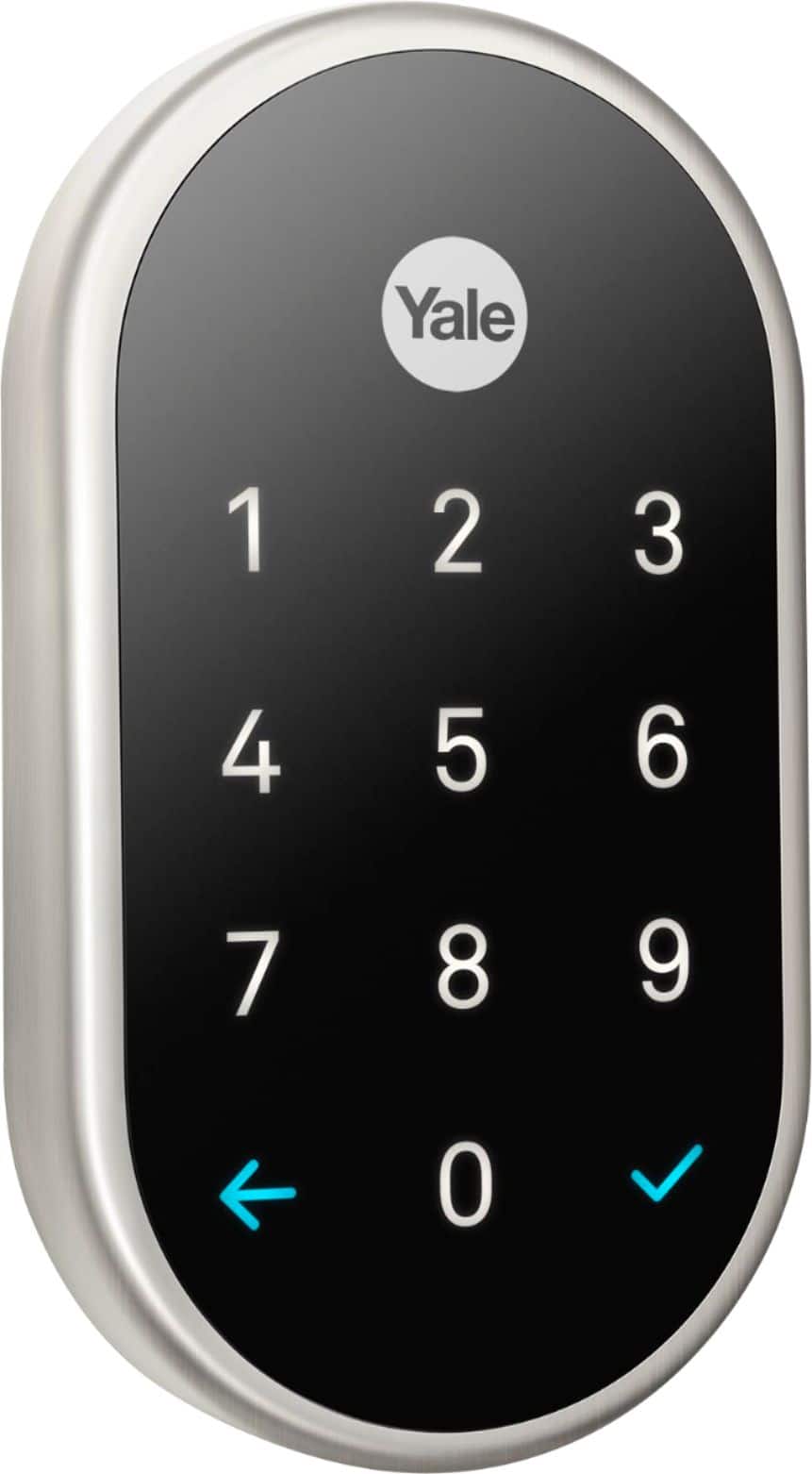
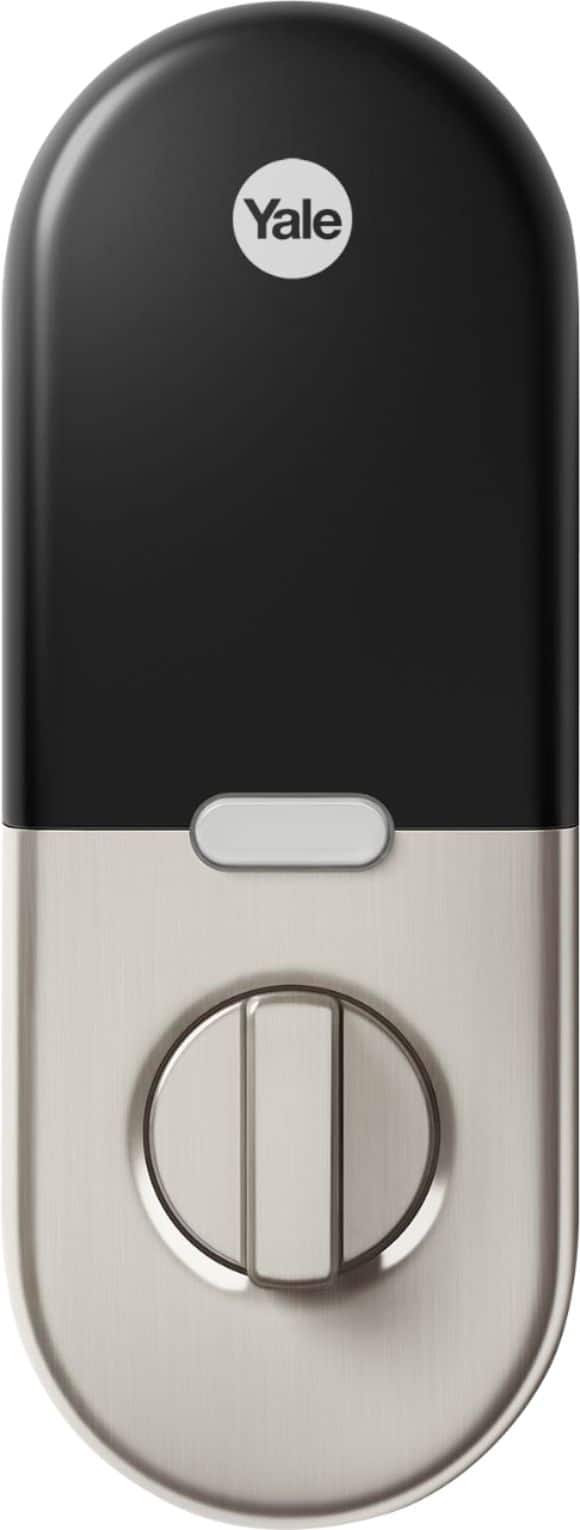
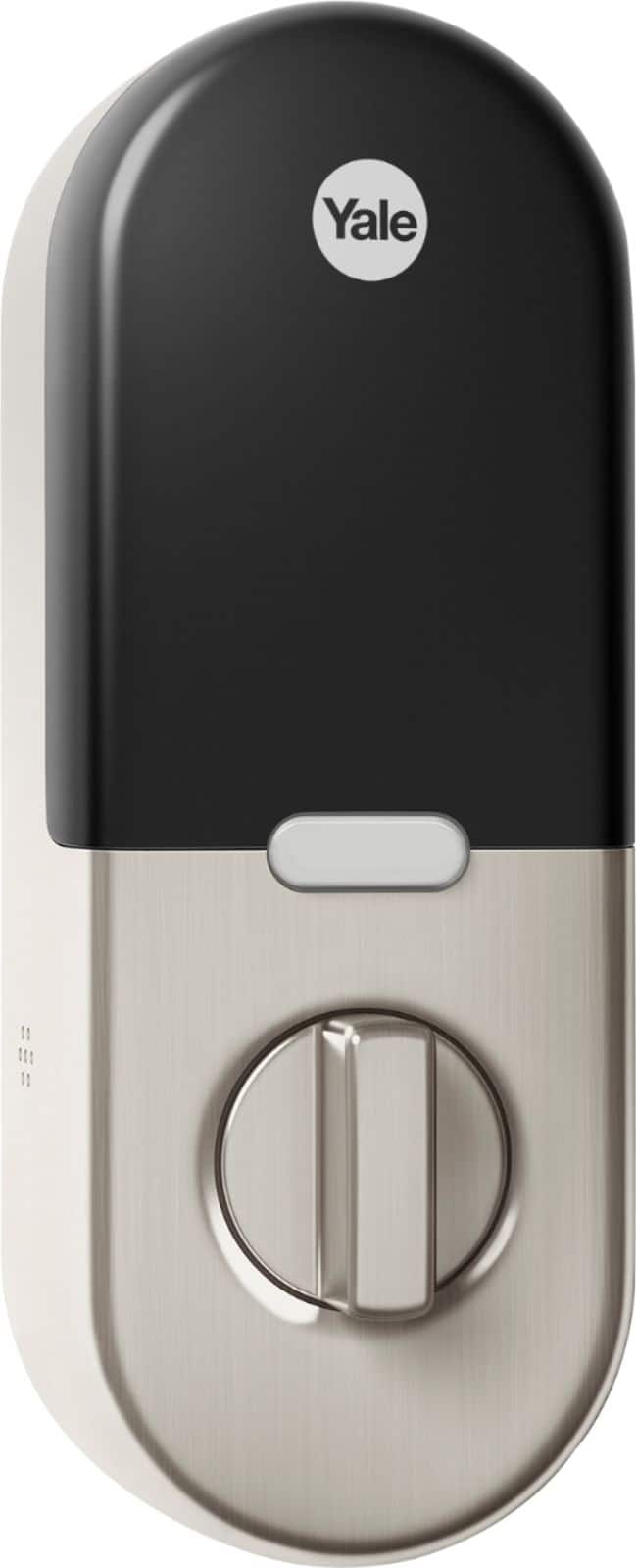
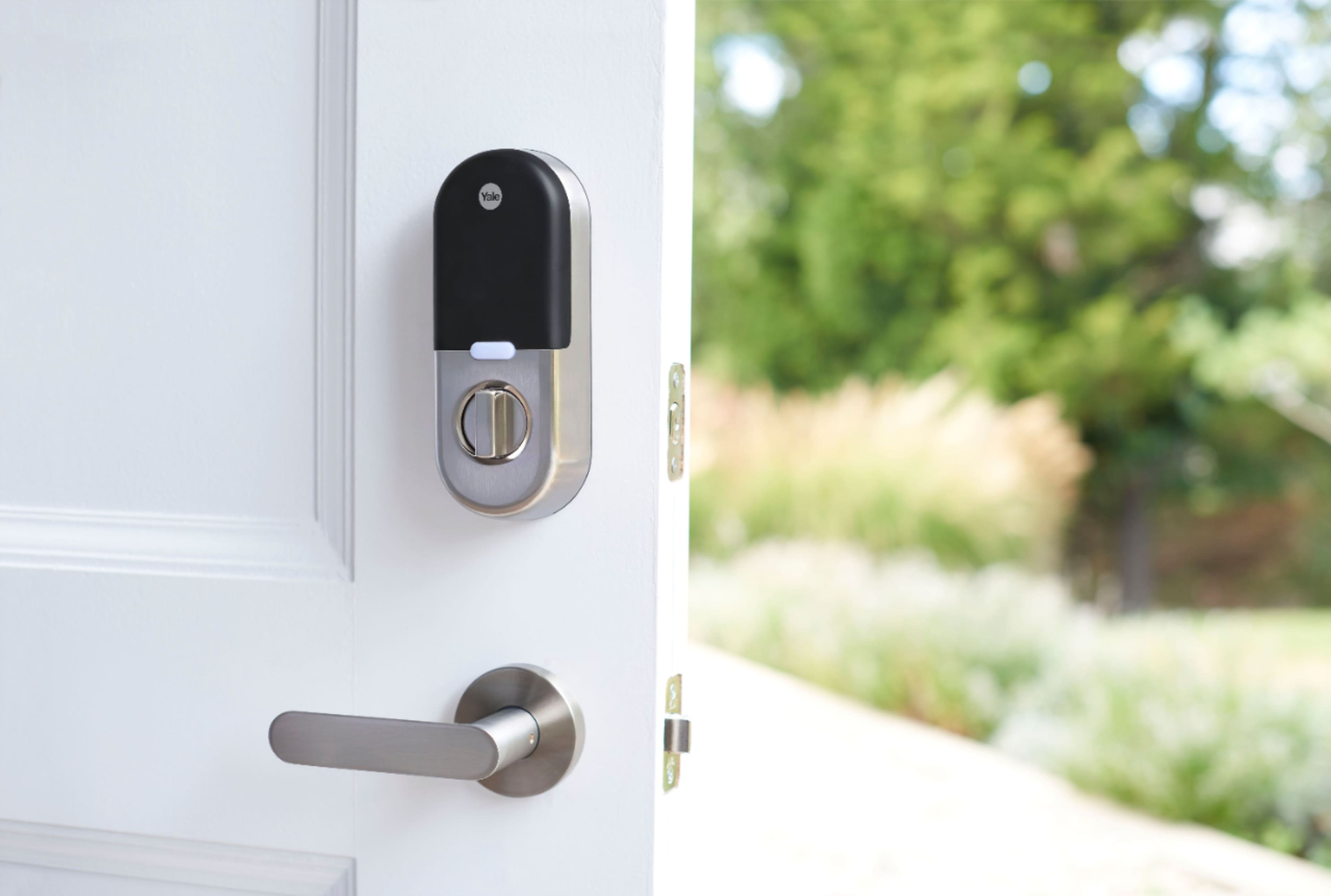
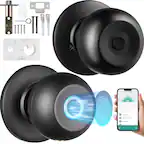
A:AnswerIt shouldn’t interfere with your security door. If will interfere with you accessing the display, but outside of that, you shouldn’t have a problem.
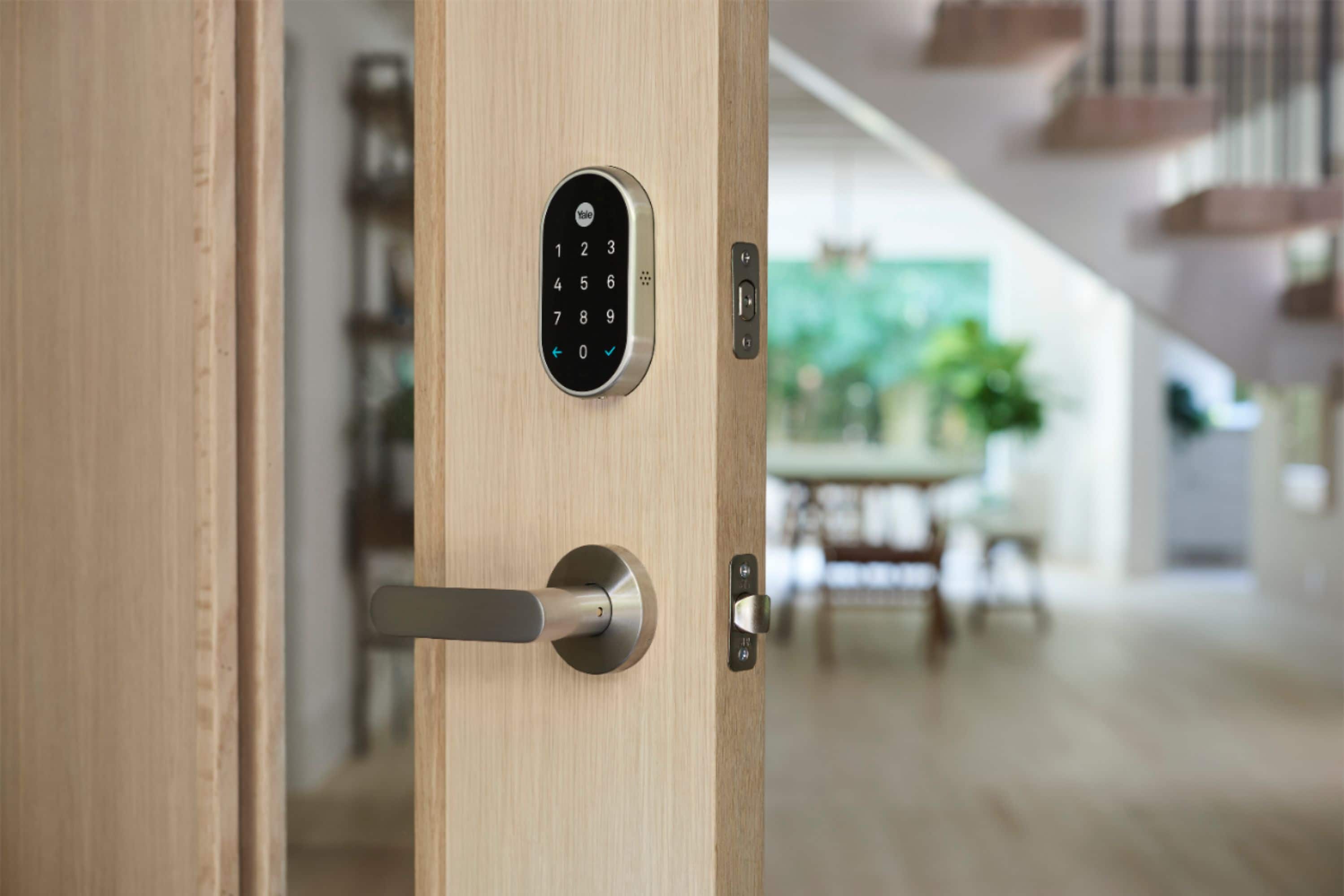
A:AnswerNest × Yale Lock works with most standard doors. We recommend checking the backset of your door by measuring it from the edge of your door and the center of the hole for your deadbolt. If your deadbolt is more than 2-3/4 in (70 mm) away from the edge of your door, then it’s not compatible. For more information, visit this link: https://support.google.com/googlenest/answer/9251009
A:AnswerYes, you can have multiple Nest x Yale Lock installed in a home and grant access to guests using the Nest app. Using the same app, you can also find the Auto-Lock feature and choose how long your lock should wait before automatically locking. For more information on this feature, check out this link: support.google.com/googlenest/answer/9232533
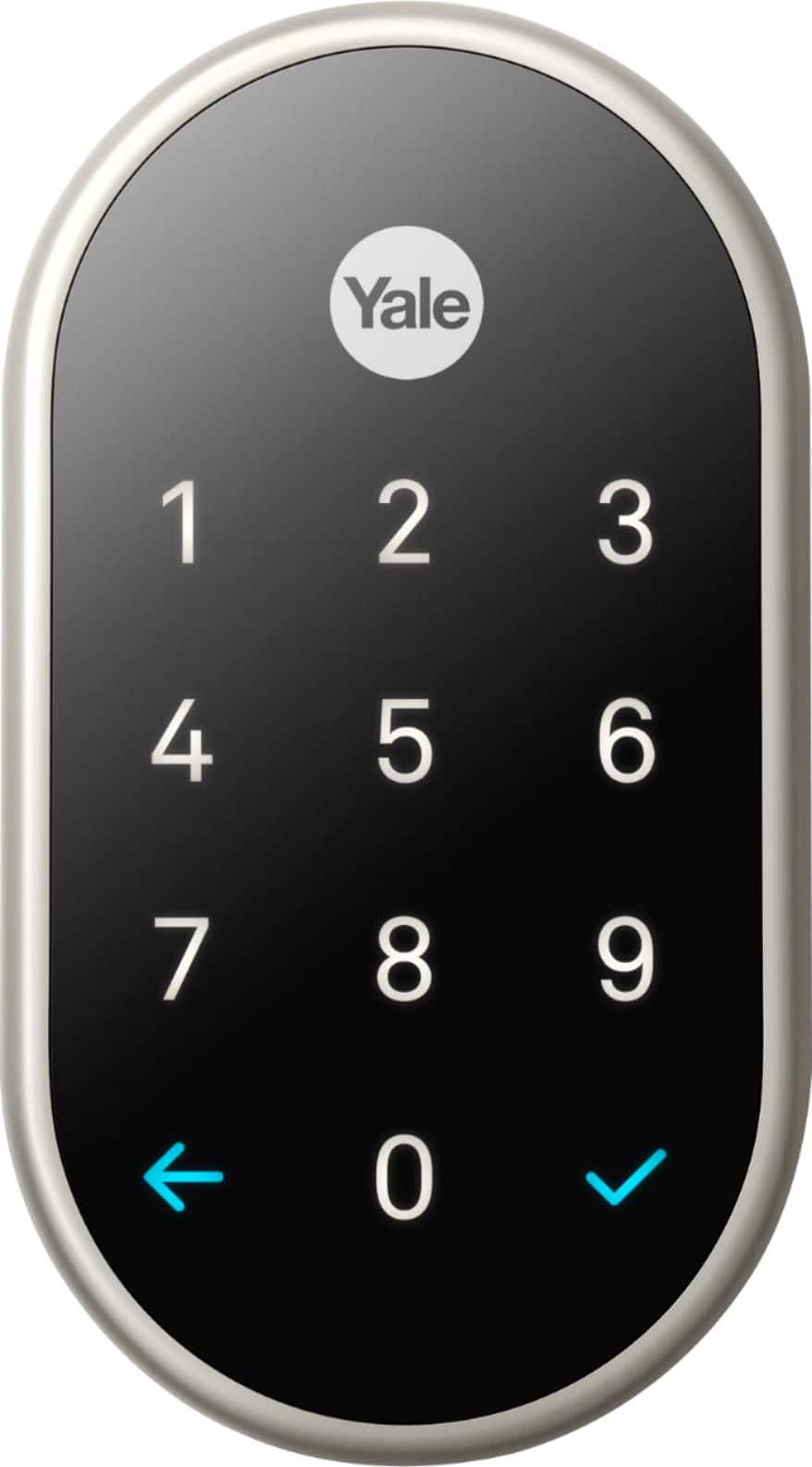
A:AnswerThe offline issues you are having could be caused by interference from the thick walls, mirrors, windows and even signals from other wireless devices you have at home. You may need to shorten the distance to get a better signal coverage between your Google Wifi hubs. If you are using an Android mobile phone, you can Clear both the cache and data for the Nest app. We also recommend enabling Bluetooth permissions for the Nest app and uninstall and reinstall your Nest app to fix the issue.
A:AnswerFor changing the passcode for your Nest x Yale Lock, you can take a look at this support article: https://support.google.com/googlenest/answer/9207205
A:AnswerResetting a Nest Tag requires removal from the Google Nest account. If you've given Full Access to the family member the Nest Tag is currently assigned to, only he/she can remove or transfer the Nest Tag. You can find more information here: https://support.google.com/googlenest/answer/9218265
A:AnswerI believe they have installers. You would have to ask the store.. but you don't need any wiring for this unit.. it's basically a keyless deadbolt unit that uses batteries to lock the door...and any passcode to unlock the door... it's a great unit.... I installed it myself in 30 minutes into an existing deadbolt on my door
A:AnswerYes, you can lock and unlock using the Nest app. For more information, you can check out this link on how to lock and unlock Nest × Yale Lock: https://support.google.com/googlenest/answer/9218571
A:AnswerYou don’t need a key. Ever. You have your code that works all the time. You can remotely lock/unlock with the app on your smartphone. You can give your guests unique codes for one time use or for a particular time period that you choose. If you must keep a key put it on another door