A:AnswerYou would need a hot spot then, not a router. This will require a paid subscription. Check with Best Buy mobile to see what your options are. You may be able to use your smart phone as a hot spot to connect your devices to. If not, then you will need a separate hot spot device and a subscription for service for the device. Again, visit Best Buy mobile or visit your cellular service's store to find out your options.
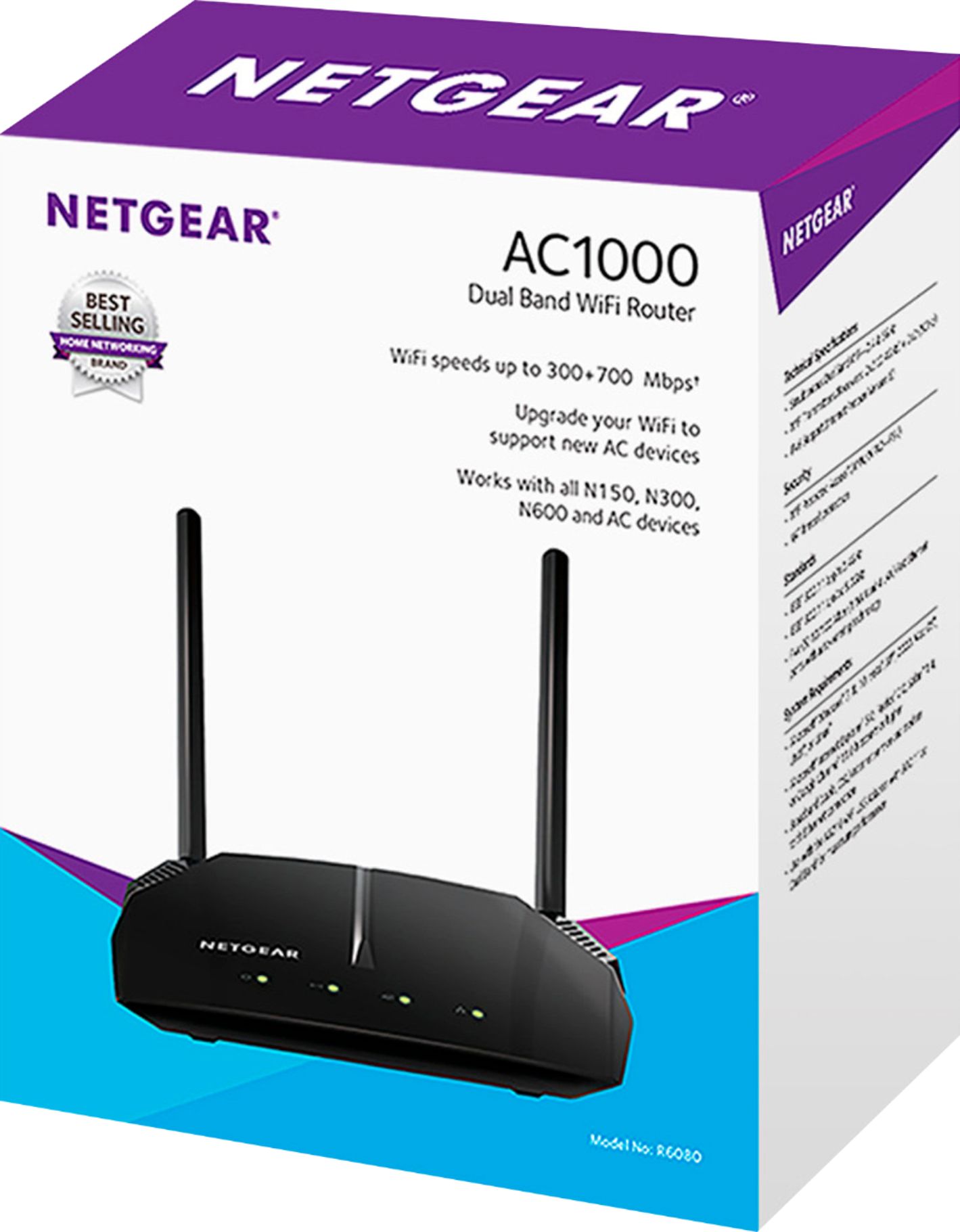
A:AnswerAC1000 is wirelss, and needs to be plugged in to a cable modem to connect to the internet. being wirless, your computers will access by wireless
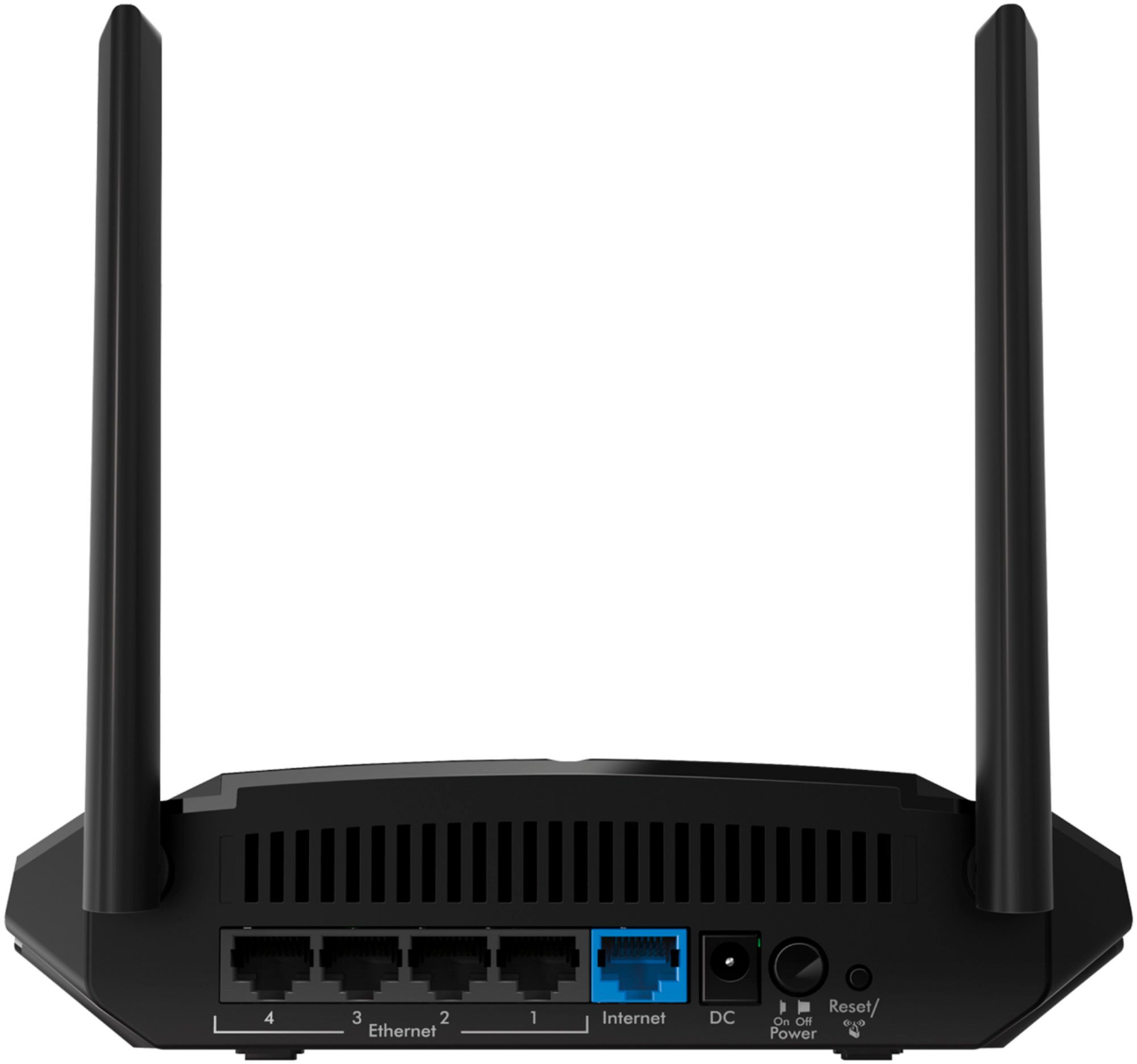
A:AnswerYou could connect a wireless printer to your network using the WiFi provided by this router, or connect it with an ethernet cable, providing the printer has an ethernet port.
A:AnswerThis will definitely be better than the combo unit you currently have, however if that combo unit is provided by you Internet Service Provider(ISP) then you will be unable to shut off its wireless signal. The two WiFi router both producing a wireless signal will cause significant interference, and will bring down your new maximum speed. As a former employee I would recommend you visit the nearest store and speak with an associate, they will find options to replace the whole modem router combo you are currently renting, with something much faster, and a WiFi router that is properly geared to the size of the house, number of devices, uses of devices, and the location of you router to give you the best possible internet setup. Best of all they will give you advice tailored to you and will take the time to make sure you will be setup for sucess.
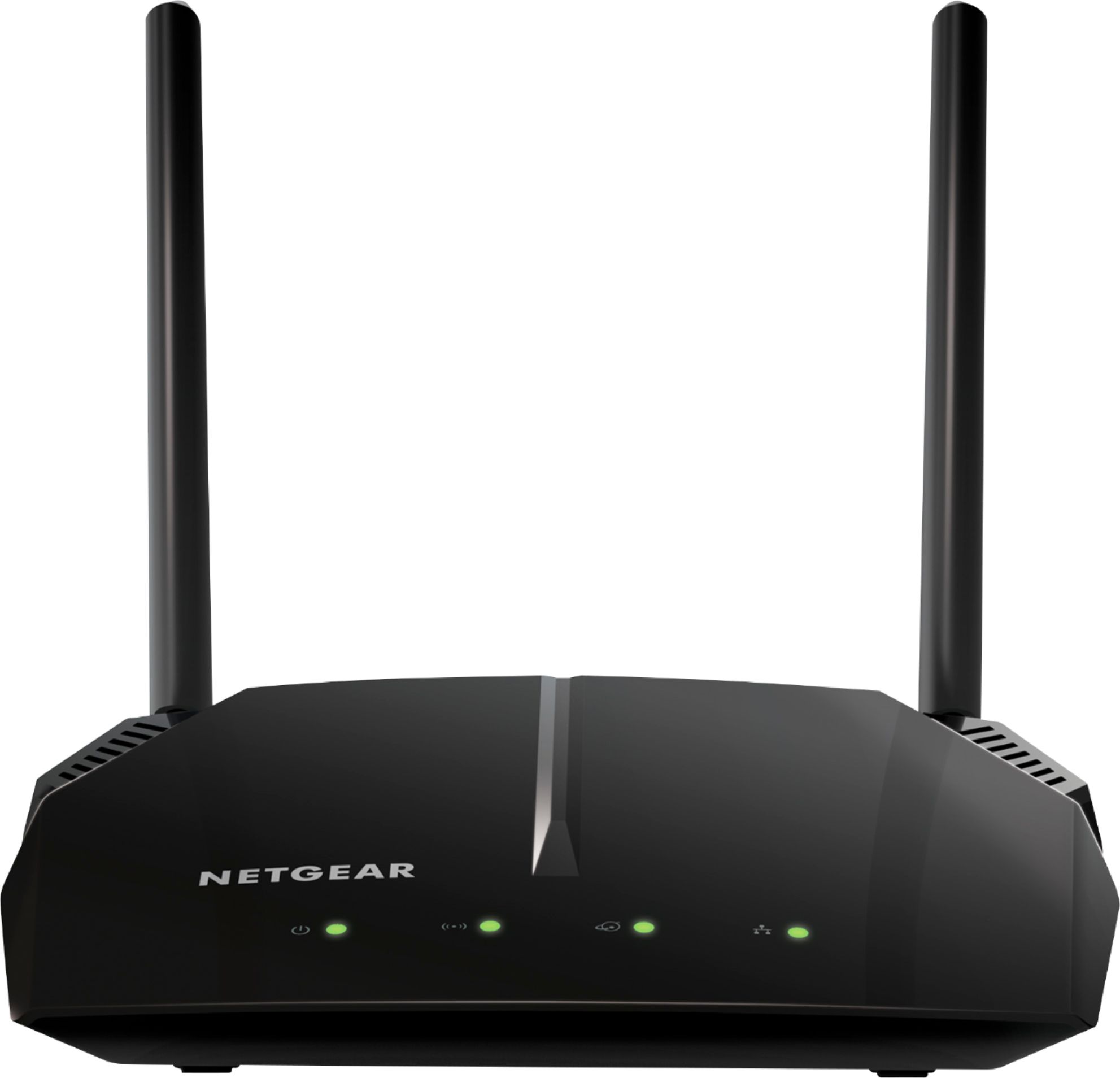
A:AnswerFrom experience, I can honestly say Yes. I have a Dlink, and the most could get through was about 25-35Mbps. With this router, it screamed at 84Mpbs.
A:AnswerIt's a short one, about 2 feet. The cable that came with my package also didn't support gigabit speeds, so you would need to buy a separate cable with all the wire pairs.