A:AnswerI asked this question and can now answer it myself. I replaced the router and extender and immediately had internet access after installation was complete. Goes almost completely through my whole house, and satellite internet performance much, much better. Very happy I bought this and installed.
A:AnswerYes, it will work with your version high-speed modem. But its not going to speed up your internet. If you have a slow/bad connection all this will give you is a really strong signal to a slow/bad internet connection.
A:AnswerIf you have dual band, and are connected to the 5ghz channel then you would have to be closer to the router. Choose which channel to connect to depending your distance from the router. 5ghz is faster but has a much shorter range. Hope this helps
A:Answeryes if you just have a few users(1-3 maybe). The more users then you need a beefier modem. I only have 2 users in an apartment and my internet is through twc. I'm pleased with this router.
A:AnswerYes, you will get that speed via Spectrum utilizing this Netgear AC1750 wireless router. I am running at 243 Mbps via Spectrum. Yes, it's easy to plug it in but the Netgear router won't recognize the Spectrum modem and won't function. You will have to call Netgear (that service is no charge) and follow their instructions. They will get it working. It took 1 hour for them to get mine up and running. Not hard, just a nuisance. It's well worth it because the results are exceptional. Flawless streaming.
A:AnswerI unfortunately have DSL but it works well for 2 smart TVs and an IPad. If you have high speed internet I’m sure it will work great with the items you mentioned.
A:AnswerIt should work with just about any carrier, anywhere. It has the ability to be either a router, or just a passthrough and act as a switch and WiFi device.
A:AnswerDear Tata;
If you are looking to add this wireless router to an existing DSL hook up, it will work fine. But if you are saying this would be the DSL line hook up, it does not provide the abilities to handle a DSL connection.
Best of luck,
Consultant Brian
A:AnswerI had a similar issue and in my case, it was not the router but the MODEM bandwidth that caused the slow throughput and dropping connections. Do a speed test to get an idea of your Mbps. The router may help some but you may just have too many connections requiring more bandwidth than your MODEM can provide.
A:AnswerThat depends on how fast your Internet Provider lets you run at and how you connect your devices to the router. It also depends on how close your devices are to the router if using wireless modes. (Speed decreases the farther away your devices are located from the router.)
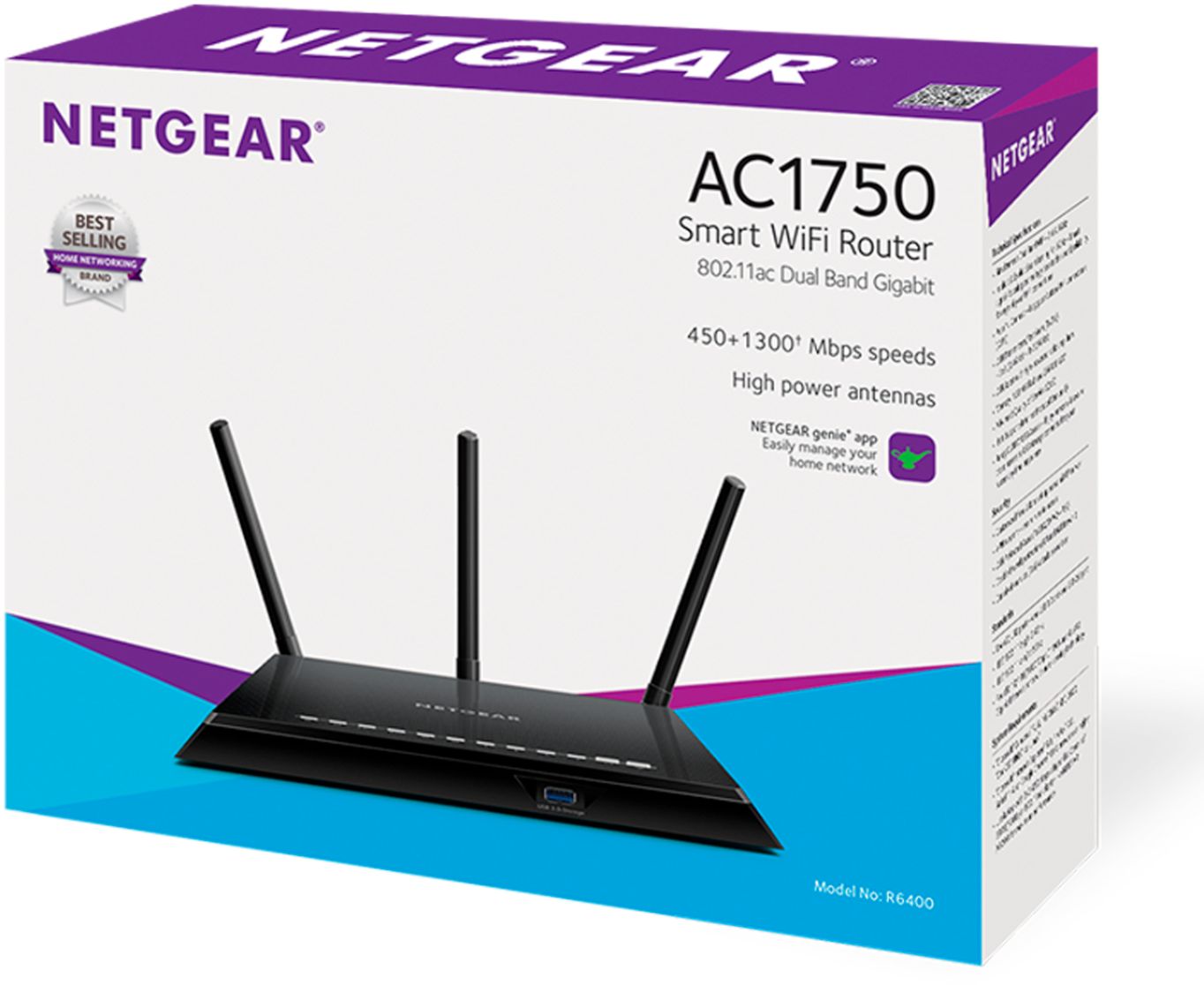
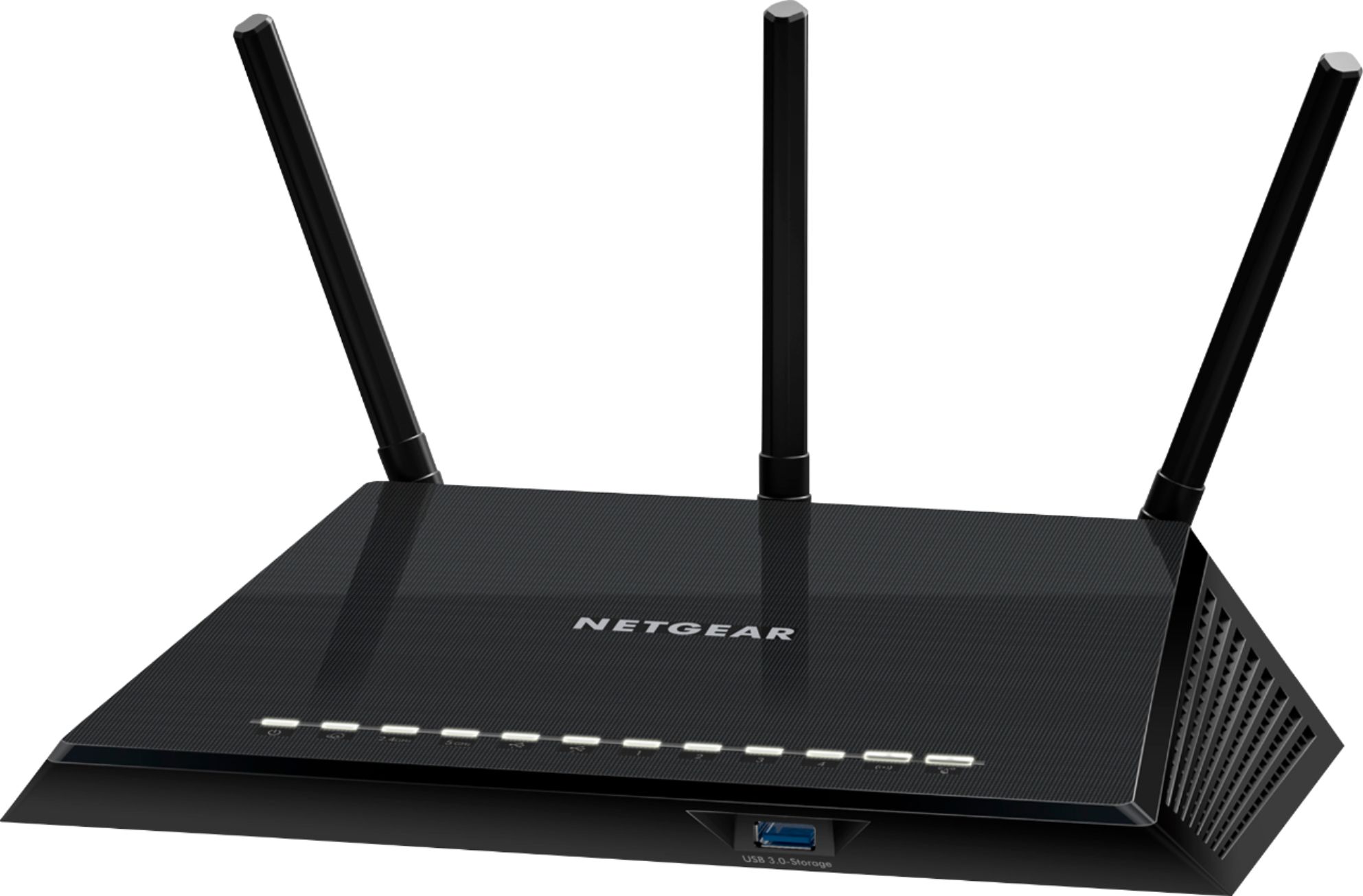
A Netgear R6400 AC1750 router has dual radios. One radio for the 2.4Ghz band and another for the 5Ghz band. The 2.4Ghz band is not used for the 802.11AC wireless and can only go up to 450 megabits per second using 802.11n. If your devices use 802.11g or 802.11a then the max speed is 54Mbps. The 5Ghz band is used for the 802.11AC mode and has a top speed of around 1300 megabits per second. (450Mbs + 1300Mbs = 1750Mbs).
However if you only pay for 50 megabits per second from you Internet Provider then you cannot connect to any device any faster than 50 megabits per second. I have 100 Mbps service from WowWay (Wide Open West). I can connect wirelessly on the 2.4Ghz band at 54Mbps. When I use the 5Ghz band I can connect at just over my 100Mbps limit that is imposed by my internet provider.
4K TV video streaming requires at least 15Mbps (Netflix requires 25Mbps).
VOIP (Voice Over Internet Protocol) phones are more dependent on the maximum upload speeds. You would need just 500Kbps upload speed for 5 VOIP phones.
So long answer short: You only need 50Mbps (download) with 5Mbps (upload) IP service to handle all of your devices. Now if you can only get the cable company to actually provide what you are paying for is a different question entirely!
A:AnswerYes. I configured the router as an access point (basically one click) and now it uses the AT&T modem as the DHCP server. This router has been great.
A:AnswerWithout the ethernet cable connecting this router to your internet service (cable modem, FIOS router, etc) the router simply creates a local area network (LAN) for you to share stuff like files or printers on your home network with the other devices on your home network. The internet service is your gateway to the internet and outside world. There may be situations where someone might want this setup but most of us want to connect to the internet so we pay for the service and connect our router to it. Your laptop will detect and connect to this wi-fi router as part of the LAN but it's just adding itself to the local network and has no way to go further, like to bestbuy.com.
A:AnswerIn the documentation that came with your router it lists the brands of hard drives recommended by Netgear. If you no longer have this you can download the document from Netgear's support site.
In order to make this readable on both PCs and Mac computers the flash drive or hard drive should be formatted as FAT32, or you need to download NTFS drivers for the Mac. The challenge with FAT 32, however, is then you won't be able to put any files on it that are larger than 4GB in size; if this isn't going to be a problem then FAT32 is your best bet.