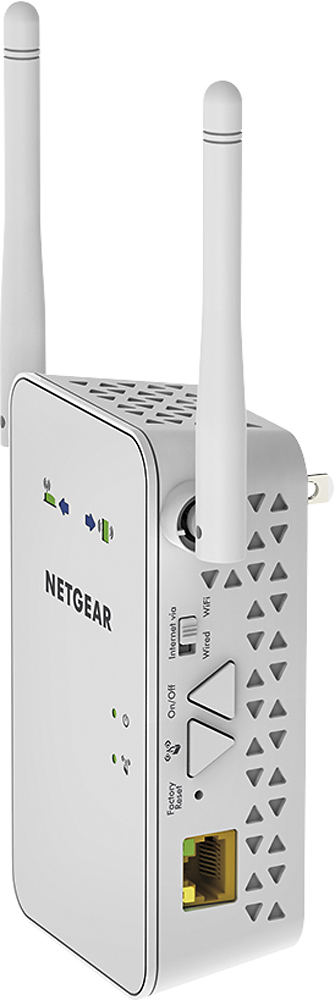
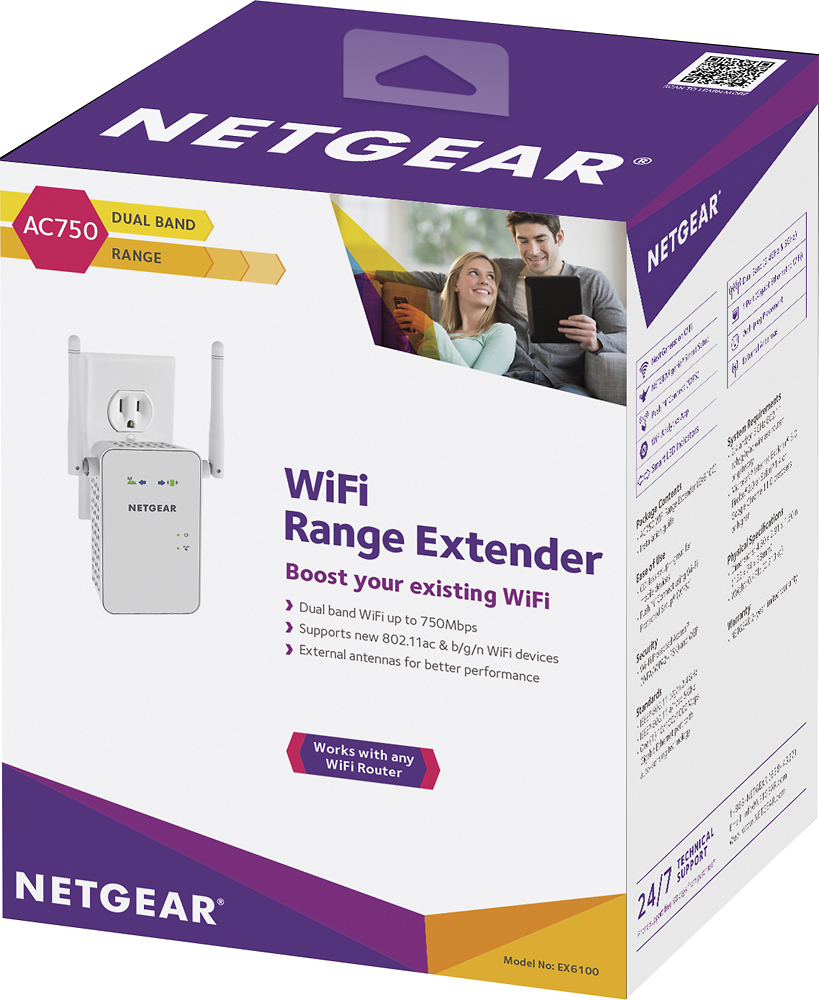
A:AnswerAccording to the material provided with the unit, it did say can be used as an access point by using an ethernet cable. There is a switch on the unit to select extender or access point. Did not try this, as was needing the range extension capabilities.
A:AnswerMaybe. Its a similar situation that I have. I have it placed in the corner of my shop where I just get a signal. Then I have my Roku stick paired to it so I can listen to music or watch tv. I get a signal good enough to stream in HD without any issues. I don't think it would handle any serious gaming but for youtube and netflix, it works great.
A:AnswerNo cable(s) needed as in either cords or TV service but internet service is required. This system just extends the range of your WiFi signal.
Yes, it is compatible with smart TVs.
A:AnswerThis solved my weak signal problem within my house. My router is not and cannot be centrally located so I used this to extend the signal to the far end of the house. Perfect
A:Answeryes I had to put my router in the basement. I put the extender on the first floor midway between the basement and the second floor. It has been working fine with the maximum signal strength
A:AnswerB/c it amplifies a signal how well it will work depends on the quality of the signal it gets as well as how well your Xbox receives the newly amplified signal. I say try it and return if you can’t get it to work for your situation.
A:AnswerI have the feeling that you did not connect the extender to your router.
I am no expert but you need to initially set up the extender very close to the router. This lets it acquire the correct wireless signal.
BUT you have to connect it to your router, just like you have to do for your computer or your phone. One way is to use the automatic connector where you push the WPS button on the extender AND the WPS button on your router. If you can't do this, then you have to browse into your extender using the url: http://www.mywifiext.net and enter your router wifi ssid and password manually. The green lights should come on.
Then you can take it to the area that you want to extend the signal to. I recommend that you download the free phone app, "Wireless Analyzer" to see the signal strength wherever you are and you can place the extender where it's signal will be the strongest.
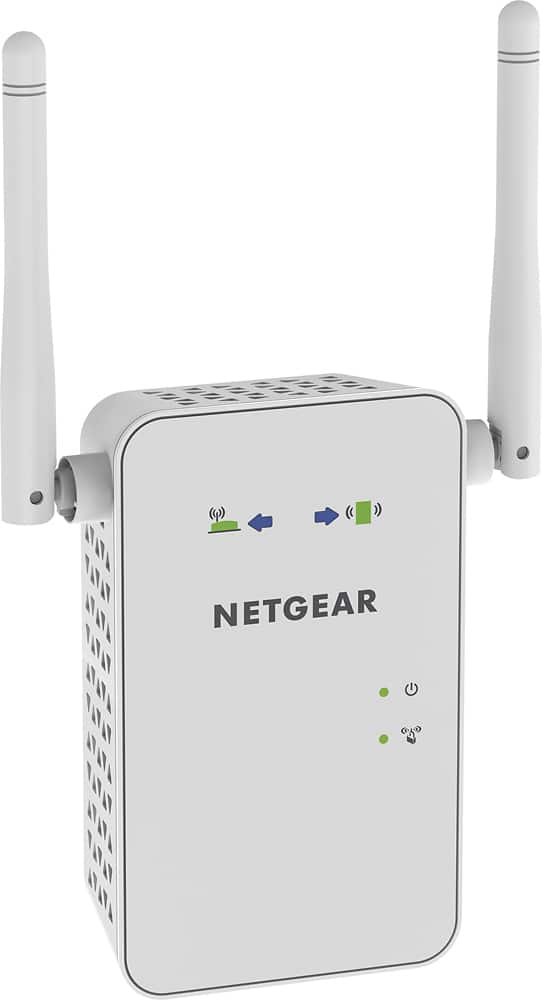
A:AnswerPlug the extender into an outlet close to your router and then go on to next gear website and it will give you instructions from there. Also if your using your mobile phone you can go into WiFi settings and select the extender and it might give you instructions from there.
A:AnswerIf I understand your question, I think the answer is no. The extender is a separate signal and carries its own name, so you will have to set up your devices with that new signal.
A:AnswerYes. I use it with my Uverse router although I ended up having to connect it to my network with an ethernet cable and use it as a wireless access point. It connected in extender mode for set up but once I had security set up (WPA2 and MAC filtering) wireless devices would not authenticate. Since I'm not willing to lower my security standards and had a network outlet in an appropriate spot, I can live with that setup