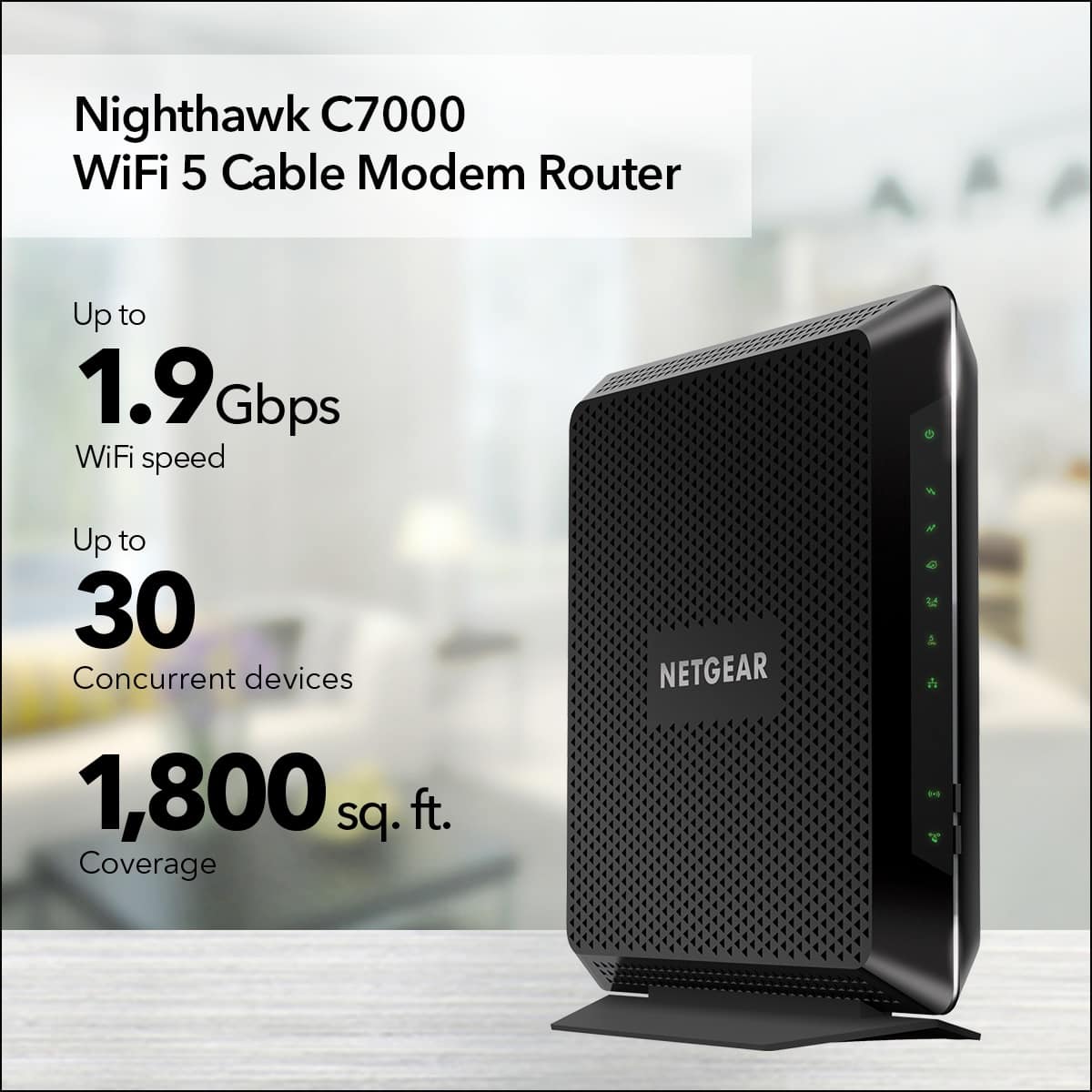
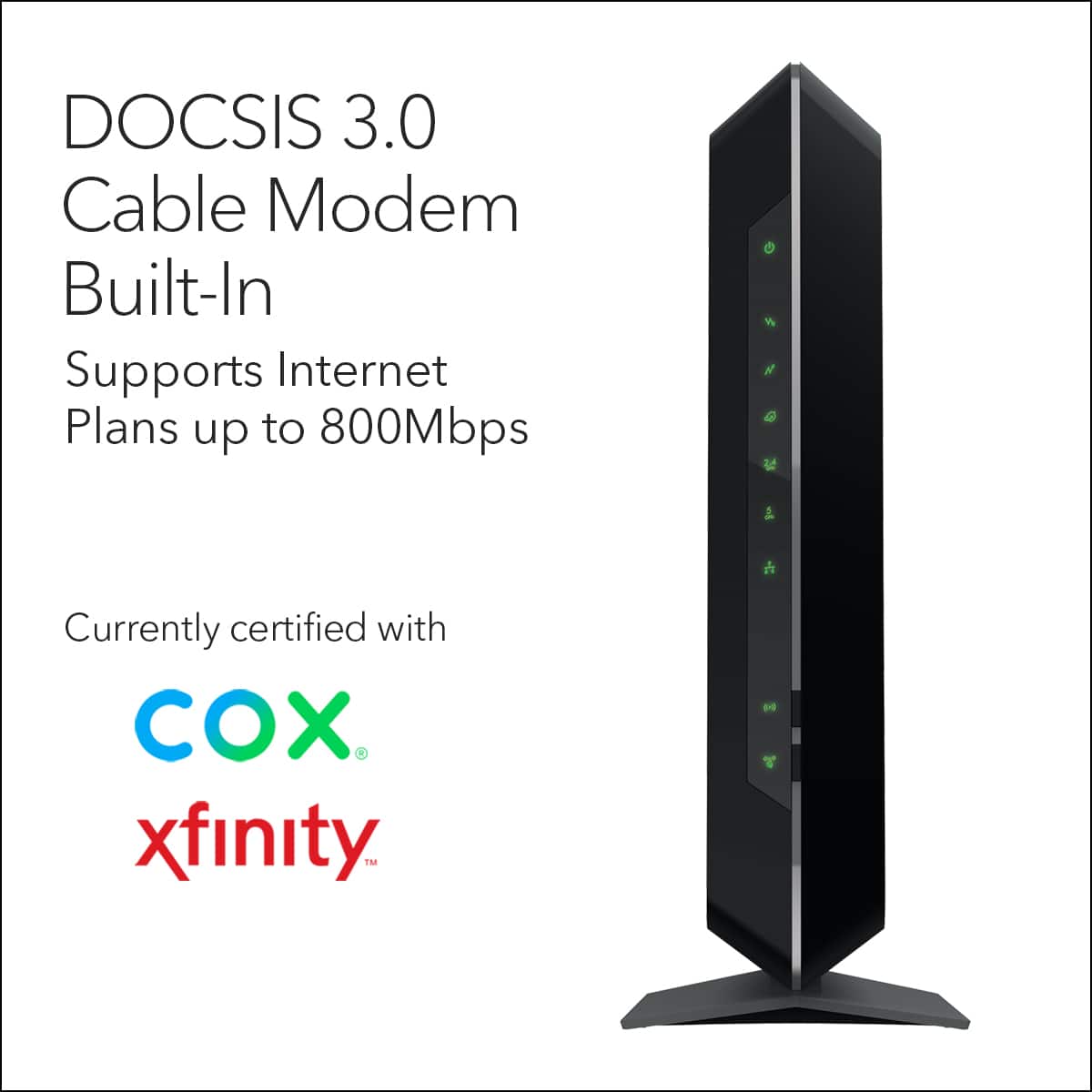
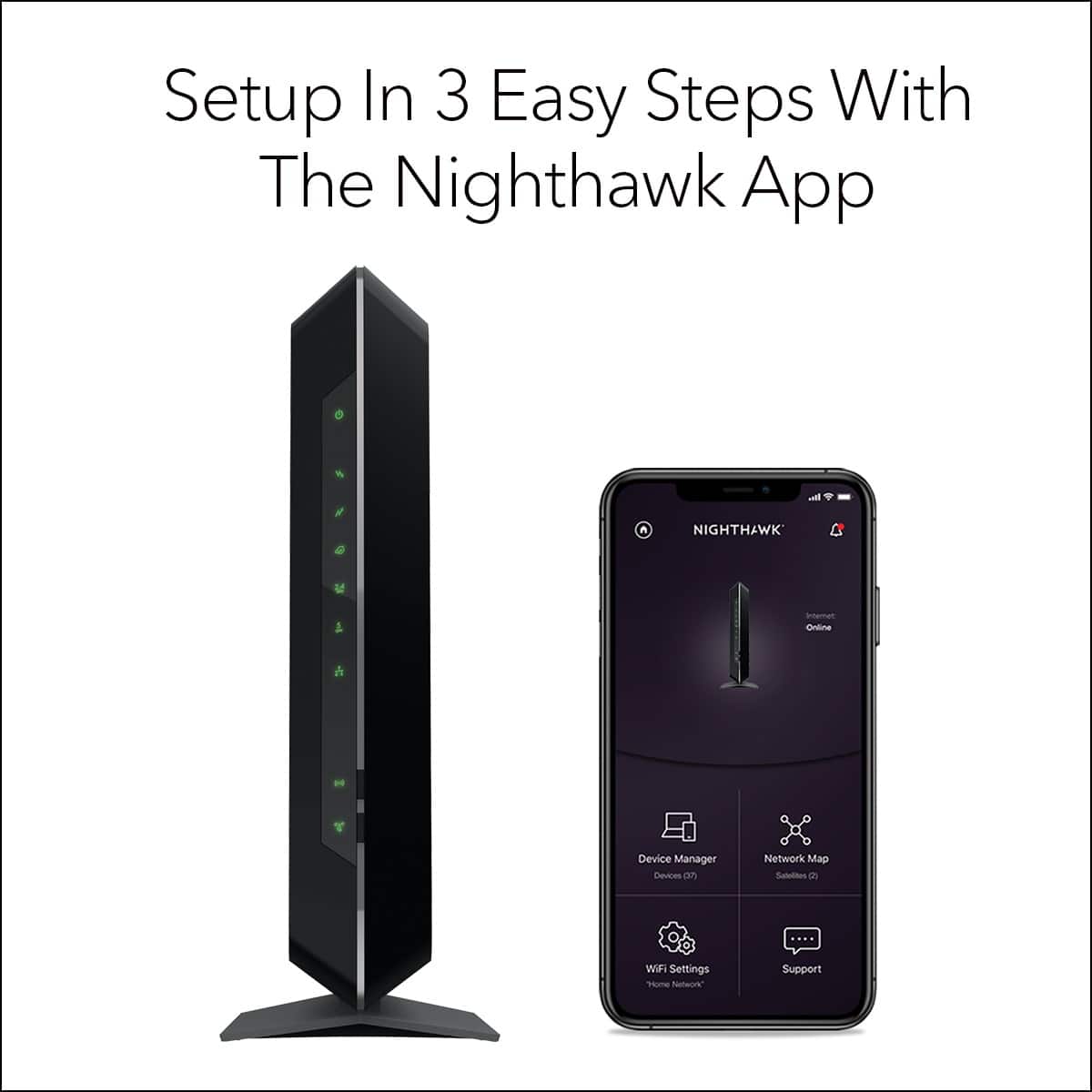
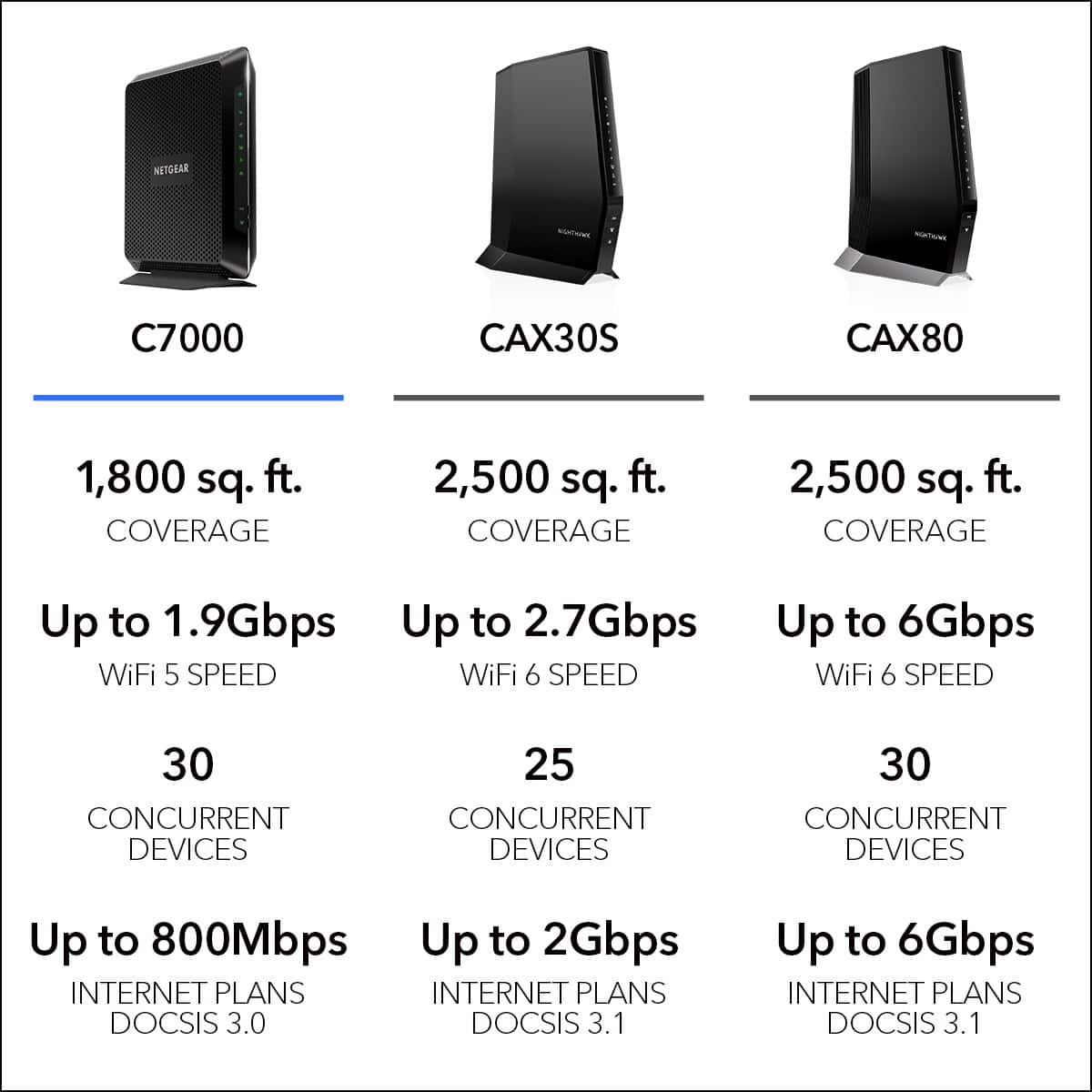
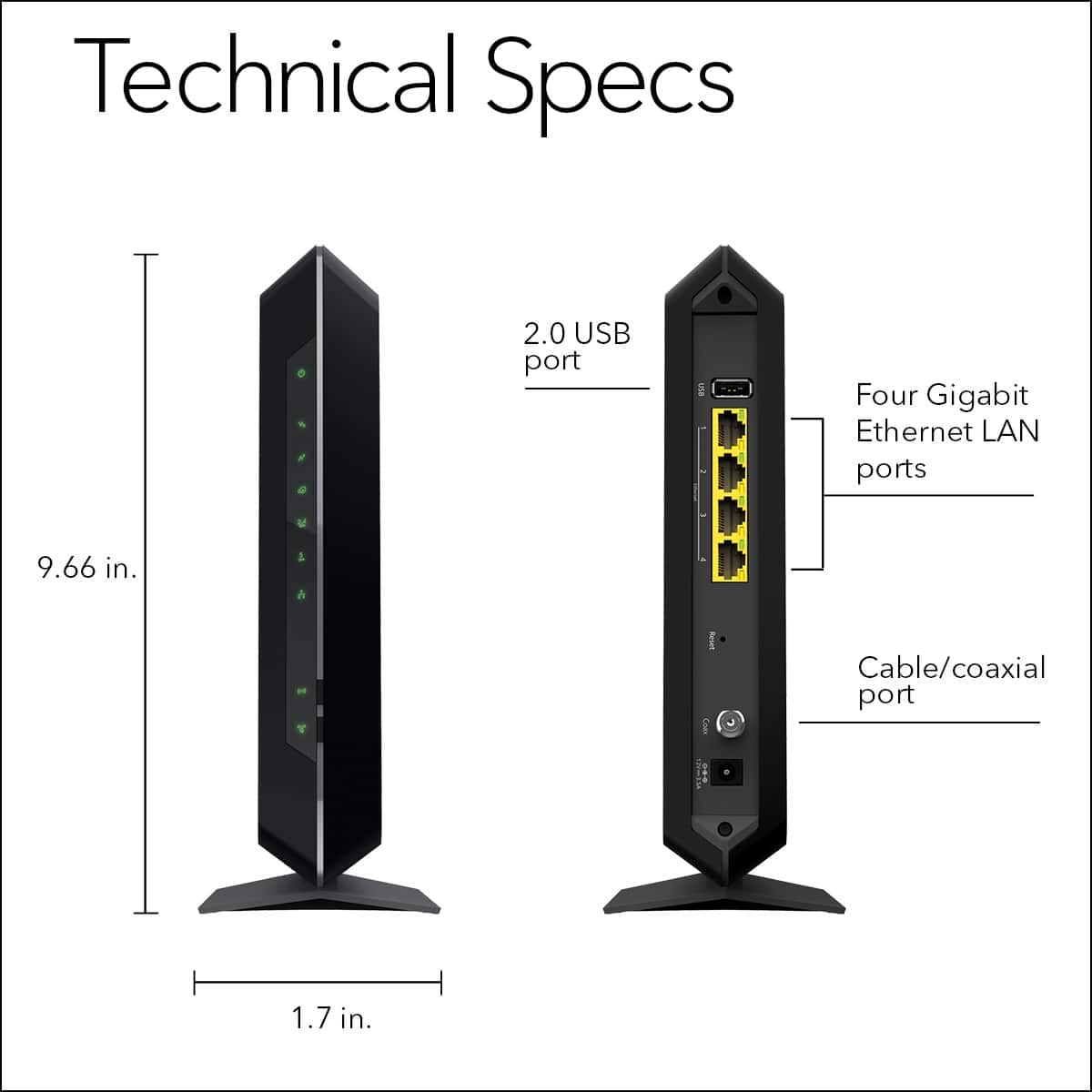
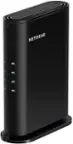
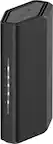
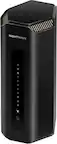
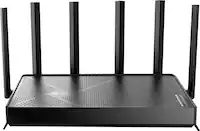
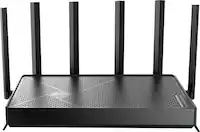
A:AnswerMost modems provided by your typical internet provider are bad. This will replace your as it is a all in one modem router. Before you replace everything have you opened all xbox related ports? You can call spectrum to request ports opened up. That could help with you download speeds for your xbox.
A:AnswerYes but just know that this is a modem and router combo. The modem portion is what receives the internet connection from your internet service provider using the coax cable from your wall.
The router is what then takes that connection and propagates it out via wifi (or Ethernet cable).
So, you may want to look into getting just a router device if the modem portion is not needed.
A:AnswerYes, they’ll try to tell you it isn’t so you’ll rent theirs and pay more over time, but ours works much better than the arris modem/router that suddenlink provided us before it broke. This was actually suggested to us by a suddenlink technician when he was at our home so we drove straight to Best Buy after he left and exchanged the one we had just gotten for this.
A:AnswerMy internet speed is 150 Mbps. I have about 15 devices connected to internet including two 4KTVs, 1 Roku, 2 Apple TV, 2iPads, 4 computers and 4 phones. About 65 ft away from router I get 150 Mbps download speed with WiFi at 65 ft far from the router location. It way powerful router than xfinity rental router. Yes, I recommend this router.
A:AnswerIf your dealing with xFinity, it’s a nightmare. Up until purchasing my own device, I rented both models they offer for modem/router and my internet would be down nonstop. Handfuls of techs, over 12 visits couldn’t understand the problem. Finally, after purchasing this device, my WiFi and internet is not inconsistent like it was with their devices. They can’t tell me how or why it resolved my WiFi being down more often then up, so this product resolved my issue. So, that tells you a lot with who your dealing with, Comcast dba xFinity are all idiots. Sadly, they are the only high speed internet providers in the oldest historic area of the city, which I call home.
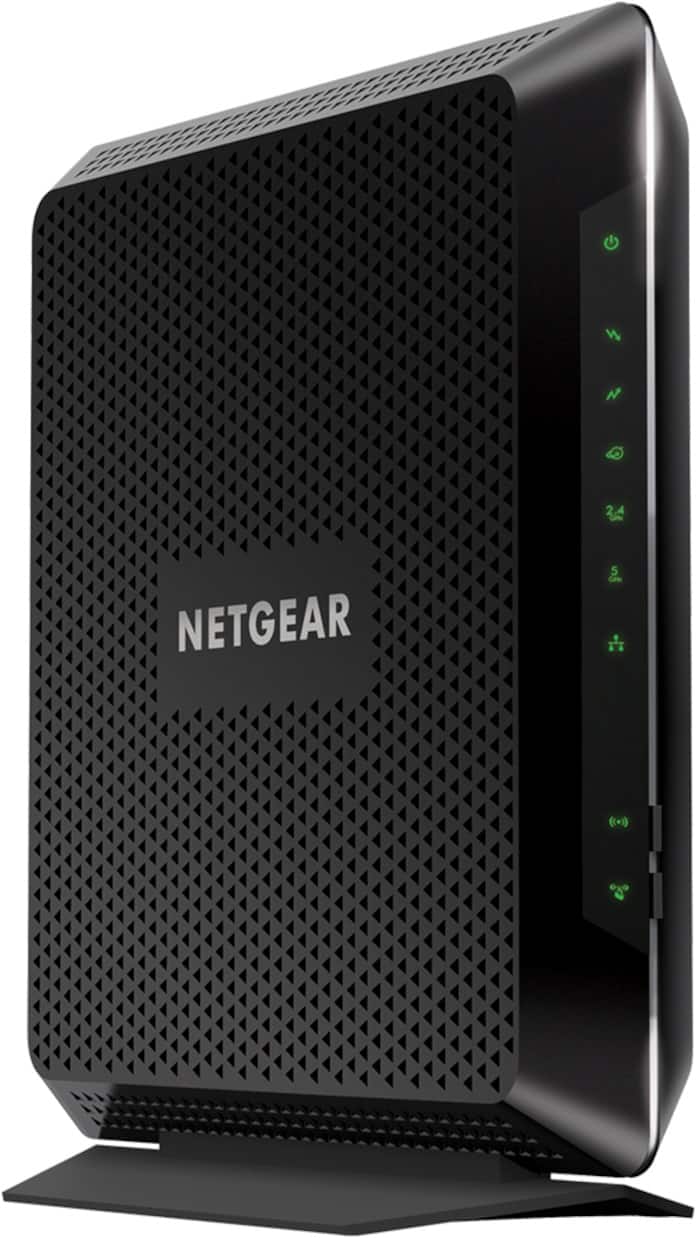
A:AnswerI do not think it matters, I have it in top of a bookcase in the front area and I use it in the back area in bed.It streams just fine . I have internet only.
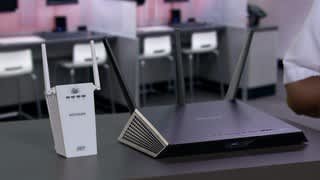
A:AnswerI bought an extender for my Nighthawk wireless router. Like you, my signal was weak in parts of my house. It worked well, until the router itself failed. My primary issue is that the instructions are vague in how to configure the extender. I originally followed their instructions and gave the extender the same name as the LAN network set up by the router, but this caused continuous conflicts. They were only resolved when I gave the network created by the extender a different name and configured my mobile devices to log into whichever network was stronger. If you are still within your 90 day support time frame, call Netgear's technical support to get help in configuring the extender.
A:AnswerIt depends. Frontier offers a variety of Internet services, including cable and FiOS. If you're getting your Internet via Frontier's regular cable service, this will work. If you're getting FiOS, you're out.
A:AnswerThe optimum location for a WiFi router is center of the structure and as high as possible. In the basement is not a good location especially if you are experiencing weak spots around the house.
A:AnswerTO YOUR QUESTION THE MODEM YOUR LOOKING AT IS A CABLE MODEM IM PRETTY SURE THE ONE THAT YOU NEED ARE FOR DSL.LIKE Model: D7000 AC1900
Nighthawk VDSL/ADSL Modem Router OR LIKE Model: D7800 AC2600
Nighthawk® X4S VDSL/ADSL Modem Router. PS IGNORE THE OTHER QUESTION THE QUESTION WAS FOR GHOST