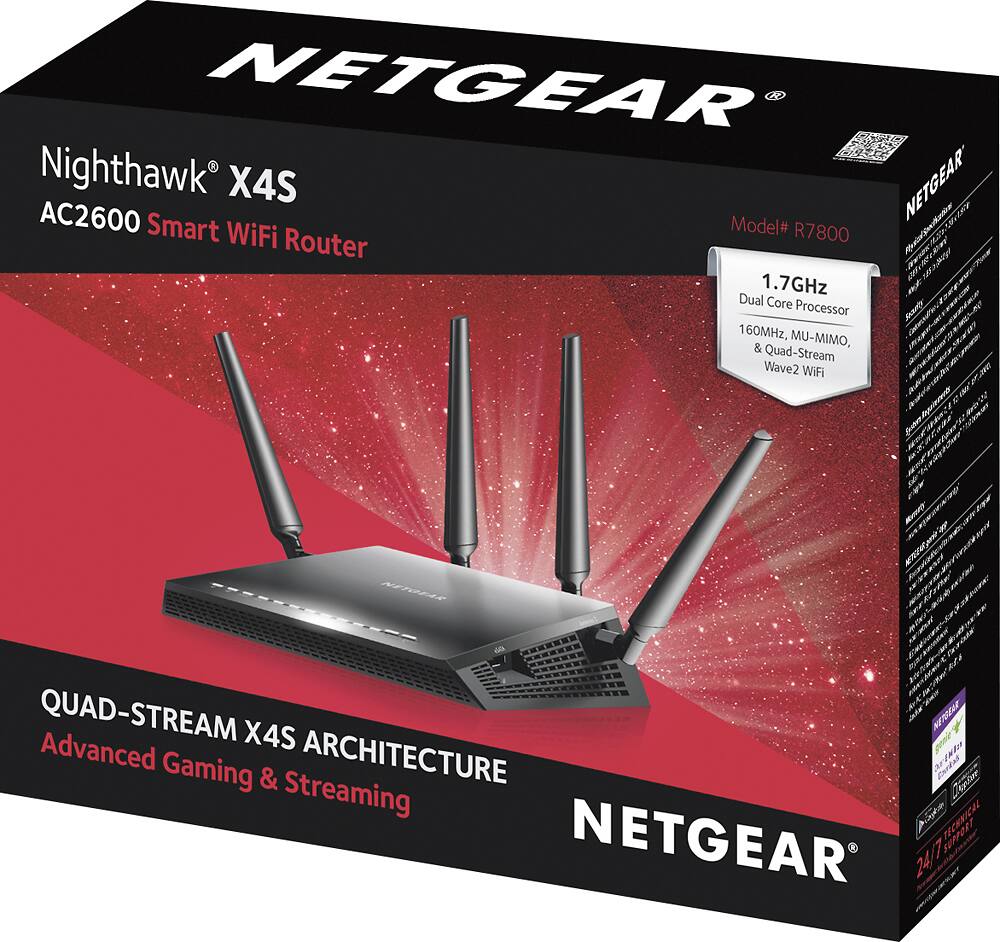
A:AnswerRight now the X4S is on sale and the same price as the AC1900. The X4S has a 1.7 processor versus 1.0 in the AC1900. As we move towards heavier bandwidth content in video the 1.7 processor will surely benefit you.
http://www.netgear.com/landings/nighthawk/?cid=us-nighthawk-srch&utm_source=search&utm_medium=cpc&utm_campaign=q4-us-nighthawk-search&gclid=Cj0KEQiA9ZXBBRC29cPdu7yuvrQBEiQAhyQZ9A82B-9qdMDdw2khyt1vC_EIhEQW-LrwMbUPiVCeh9saAqo78P8HAQ#compare
A:AnswerIt will handle whatever you pay for from your ISP. If your plan only supports 30 down 5 up and your ISP actually supplies what you pay for then thats what you'll get. No device can get you faster speeds over what your ISP supplies and you pay for. A lot of people still dont understand this. I can say with my Netgear X8 and my plan from comcast, 130 up and 35 down, I get the best home network ive ever had and it handles multiple devices at any given time with extreme ease. We have 5-10+ devices connected at any given time. But if you dont have as many devices running. 30/5 plan would most likely suffice. I also have the new Netgear 600 modem as well. You want your equipment to work well together and is supported by your ISP.
A:AnswerYes the Netgear X4S works very well in our Townhouse which is also about 2600 sq ft. We had the Geek squad set it up
and I was very pleased with the results.
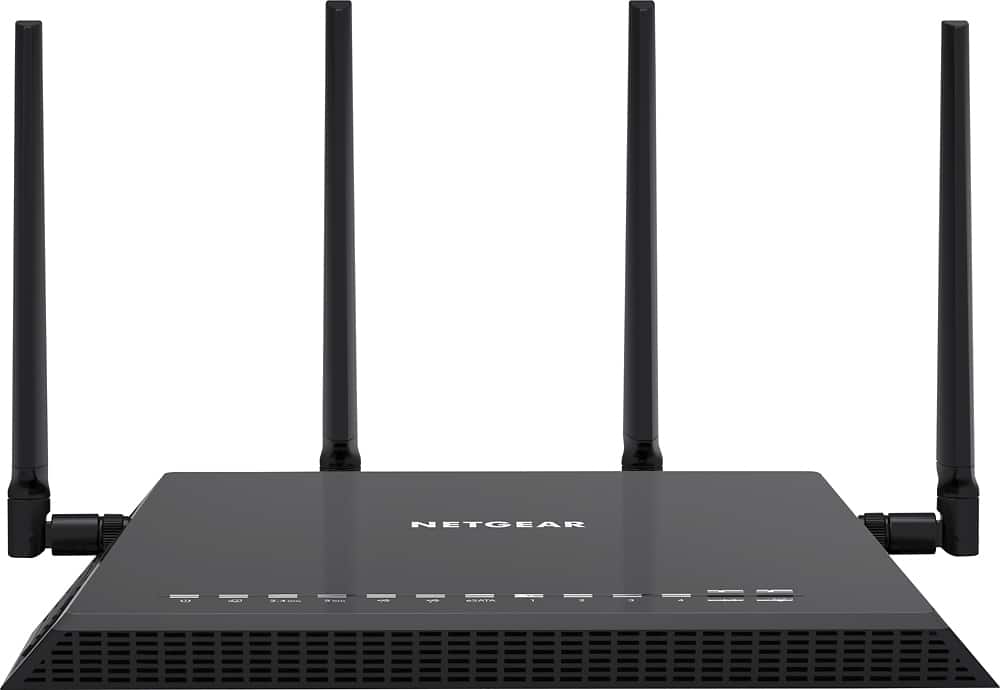
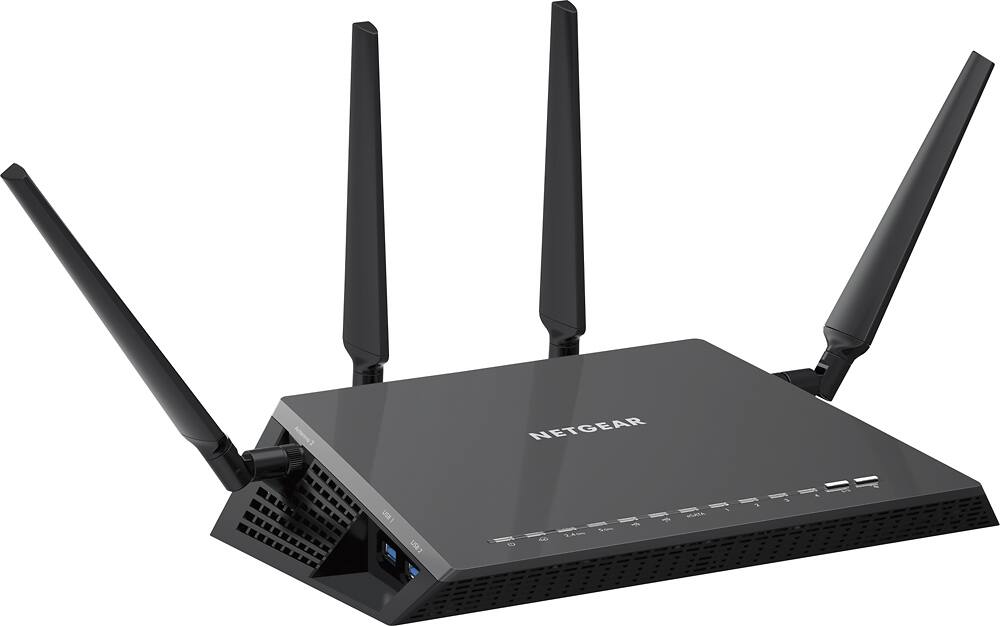
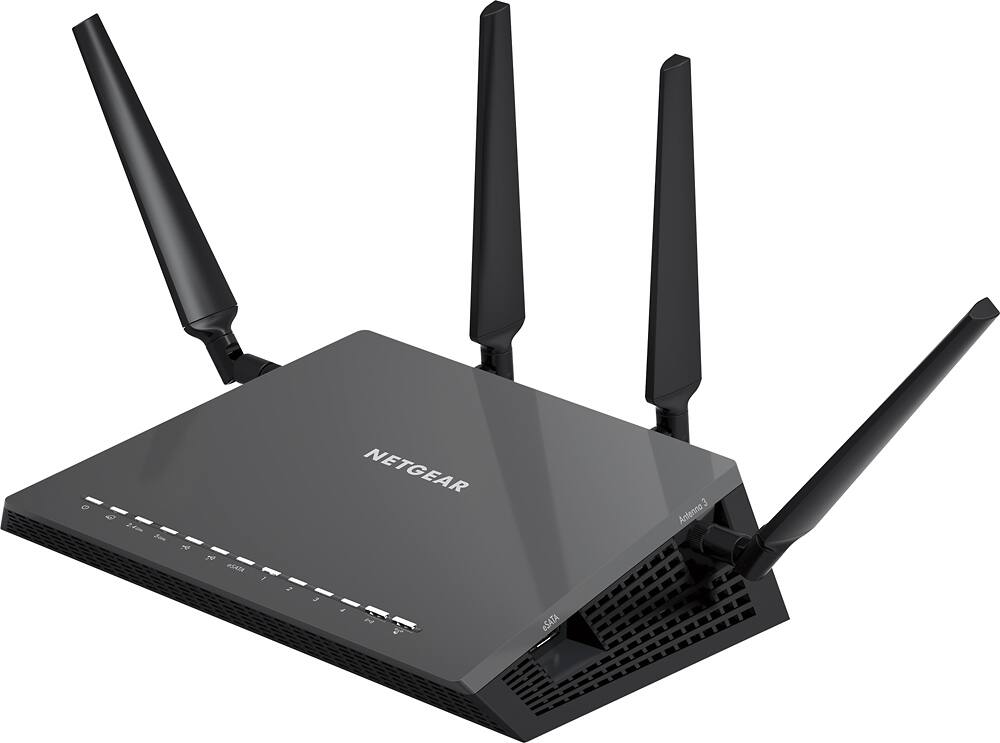
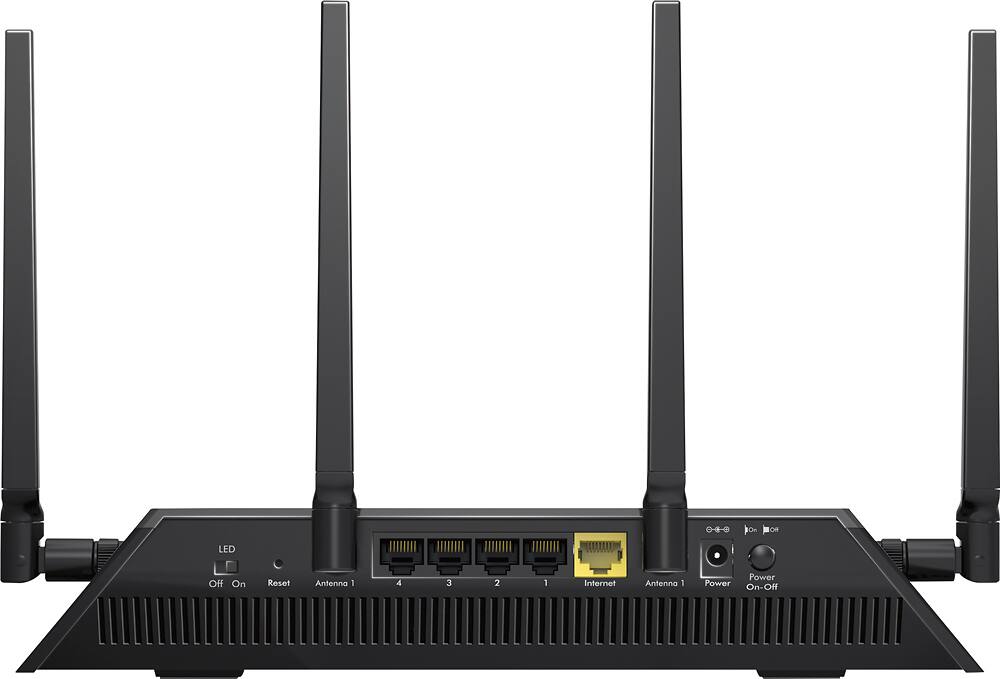
A:AnswerIf anyone has a picture of how this X4S is mounted on the wall I would appreciate it. Will the antennas and ethernet cable be at the bottom? If so, how do you position the two central antennas?
A:AnswerI am not the old version of this one, but this router works just perfect in our household, we have 4 computers, 4 iphones, and not complains anymore about connections and speed.
A:AnswerI get a signal outside my house appoximately 50 plus yards! Haven't seen the need to walk down the street to check distance, though!. I get signal second floor and basement, too! I have been very happy with this router!
A:AnswerThere are many contributing factors to high ping, if you have a poor WiFi connect right now then this will likely improve your overall ping as you connection quality improves. If you have a good WiFi connection, though this router is particularly snappy for throughput you are unlikely to be gaining any substantial ping delay with your existing equipment. The largest factor of high ping sits outside your network.
A:AnswerThe Nighthawk can replace fios router by essentially becoming the wifi part of the setup. Turn off all wireless on the fios and let the Nighthawk be the wifi gateway for everything and the fios router becomes just a modem to the internet. Good Luck!
A:AnswerThis router doesn't have a modem built-in, so you'd still need that. Netgear does have a line of modem/router combos. If you're using Xfinity's phone service though you'll need modem that's also compatible with the telephony and there aren't many of those.
A:AnswerYou need a range extender or booster but if on a community wifi, you need to make sure that the community system will handle all that is being asked. If the total bandwidth i being exceeded, than everyone is going to slow down and have interruptions.
A:AnswerWe had the same issue and a Belkin router. Not sure if it was an n600. We would lose connections all the time even with the router in the same room. Too many items trying to connect at the same time. Upgraded the router and have never lost a connection again.