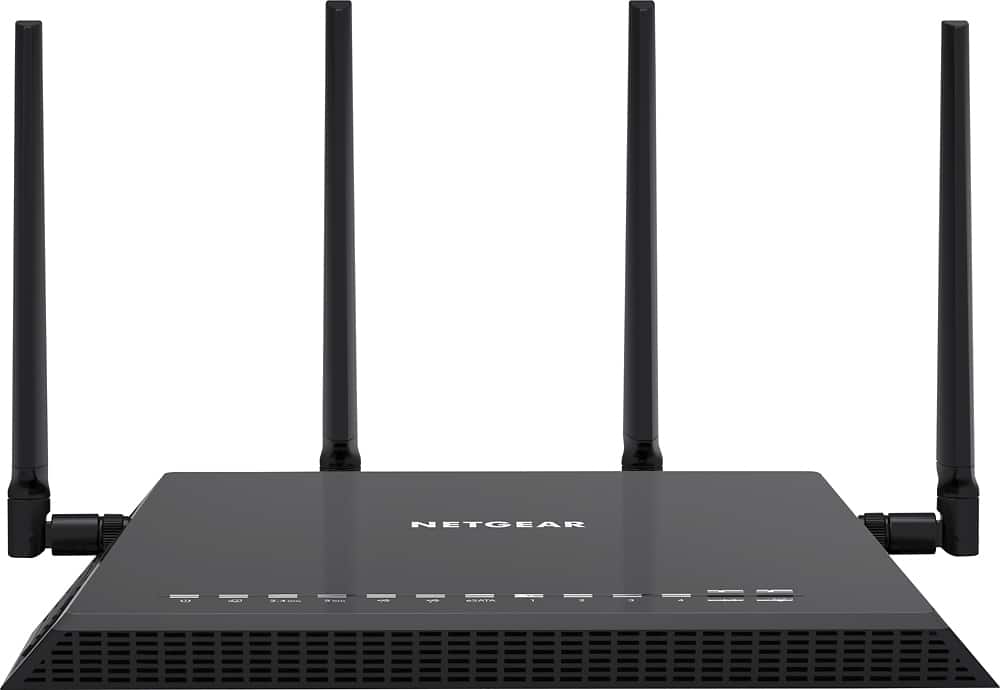
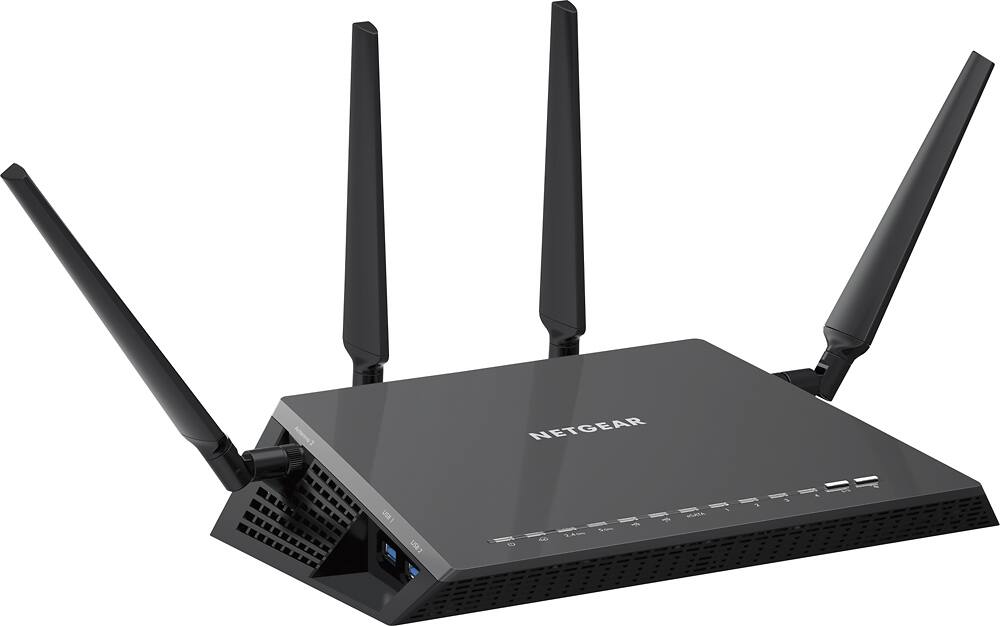
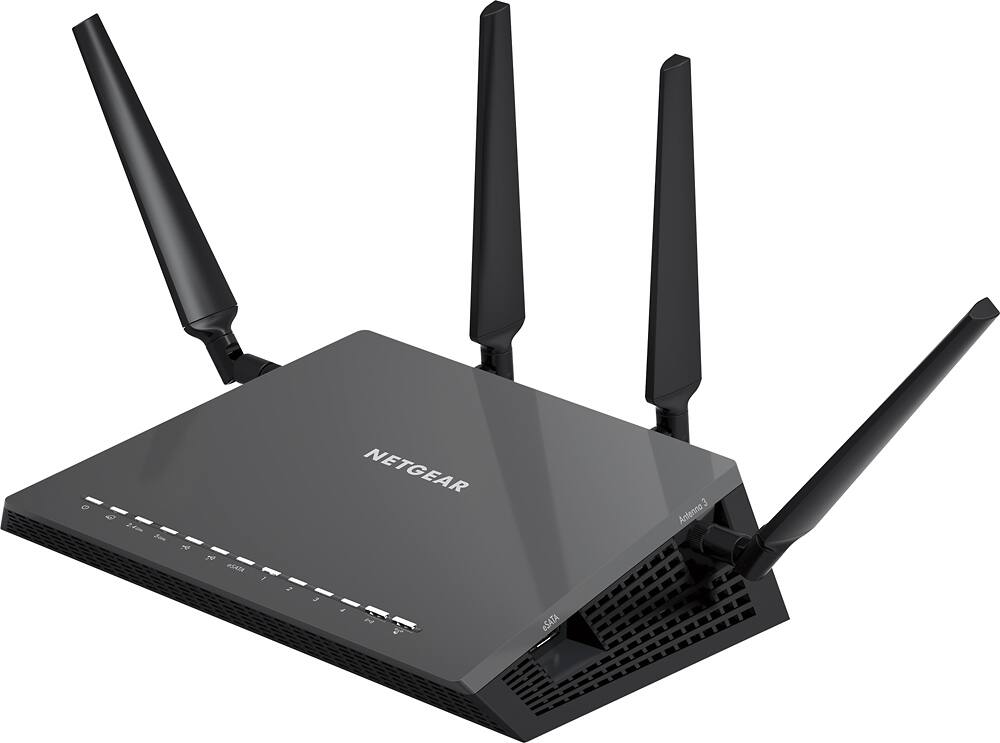
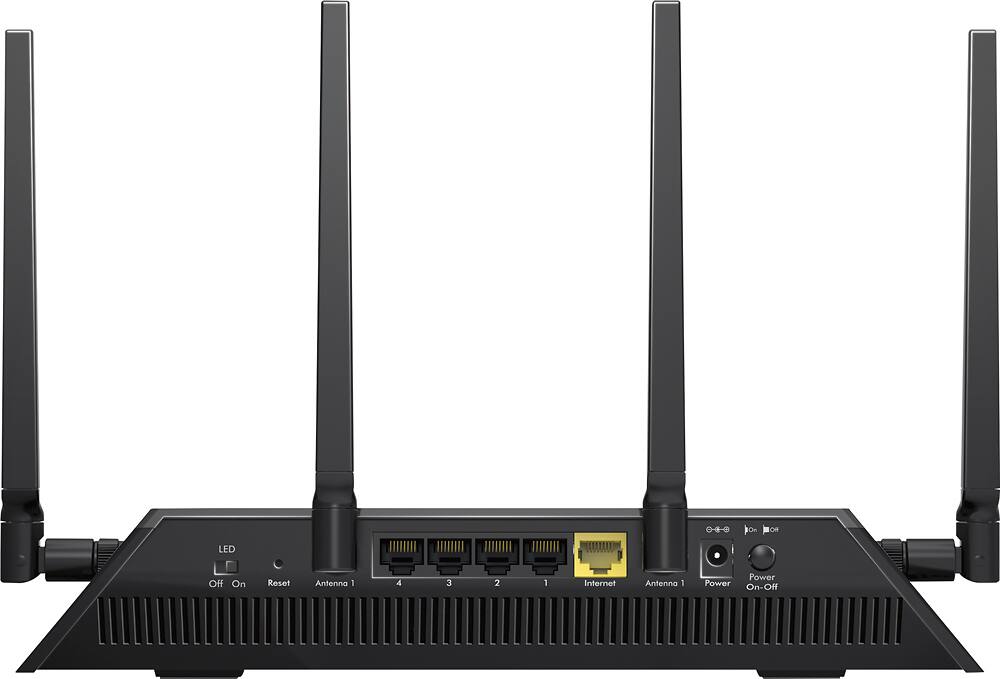
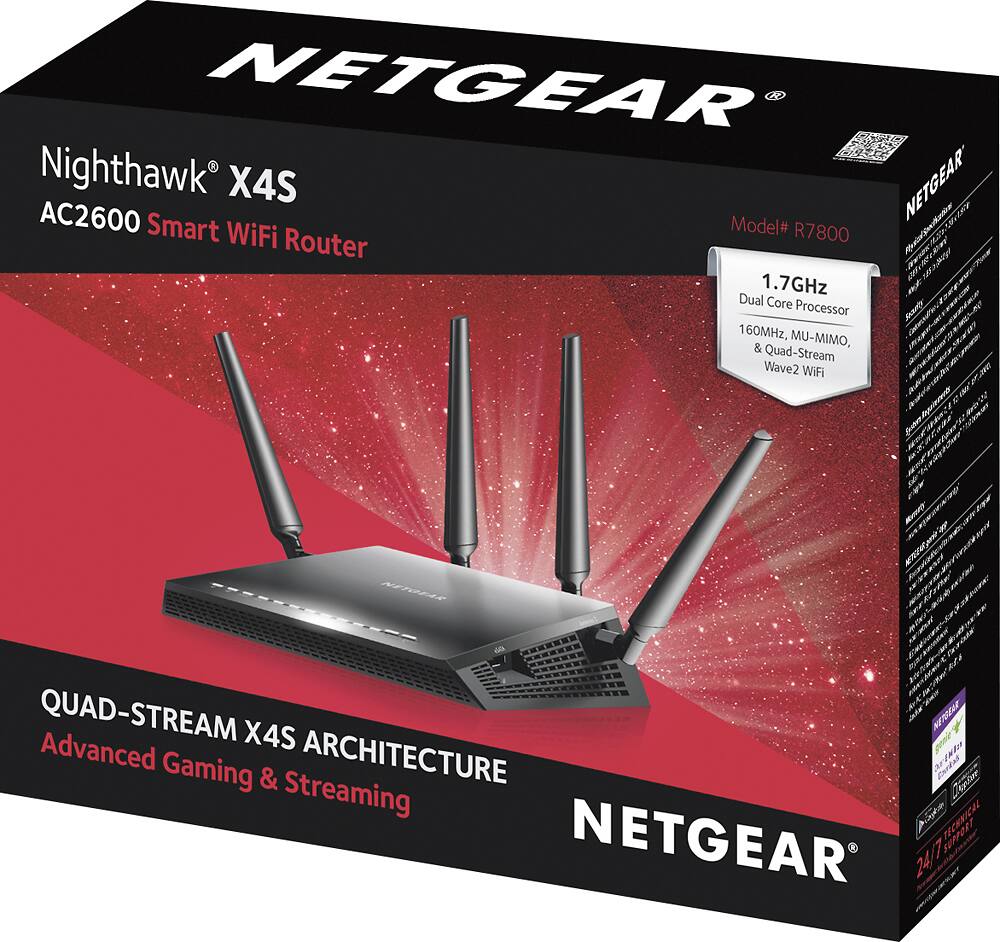
A:Answer Upgrade firmware, get the genie app, and as a reminder this router's quality of service is based mainly off how applications are used to to not congestion your network up like crazy,. For example 1 device gets 50 percent of your bandwidth while the other 50 percent would be split up with like 5 devices.. Device prioritization is sensible too just never figured out how it exactly works, has only low medium high and highest. I'd try to manually set your Quality of Service to off, when I tested that before my speed tests jump by a few 100mbs download speed. Also, if you want full potential of your internet, wire your device straight to your router. This is a really good router supports a large network, very far distance connection, again I'd look into the QOS, possibly see if anyone in the household is hogging up a bunch of bandwidth. Do a full reboot to, after a firmware upgrade, the modem and router unplug them and plug back in, you can even try a 7 second reset on your router if your settings are really jacked up. Good luck!!