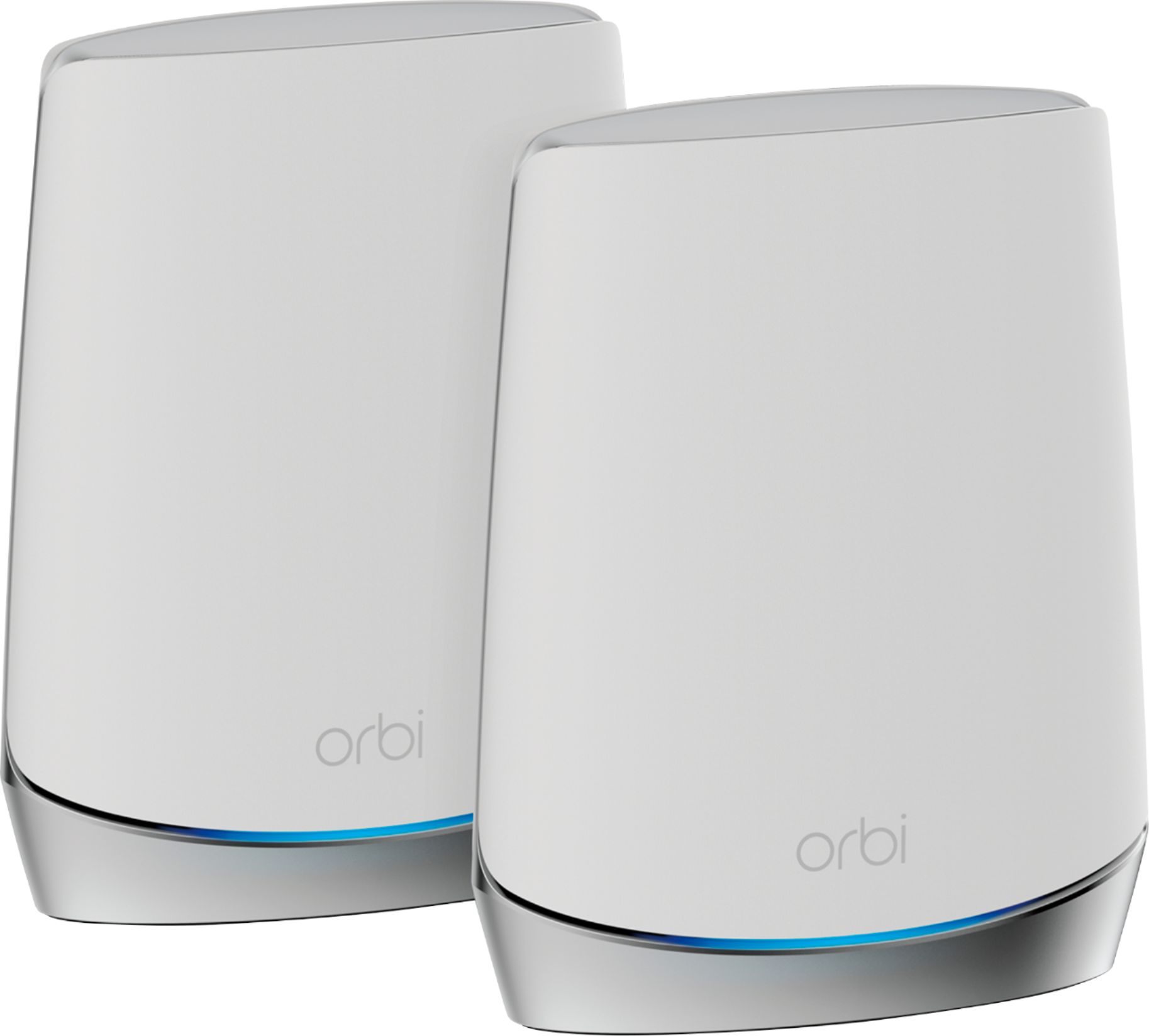
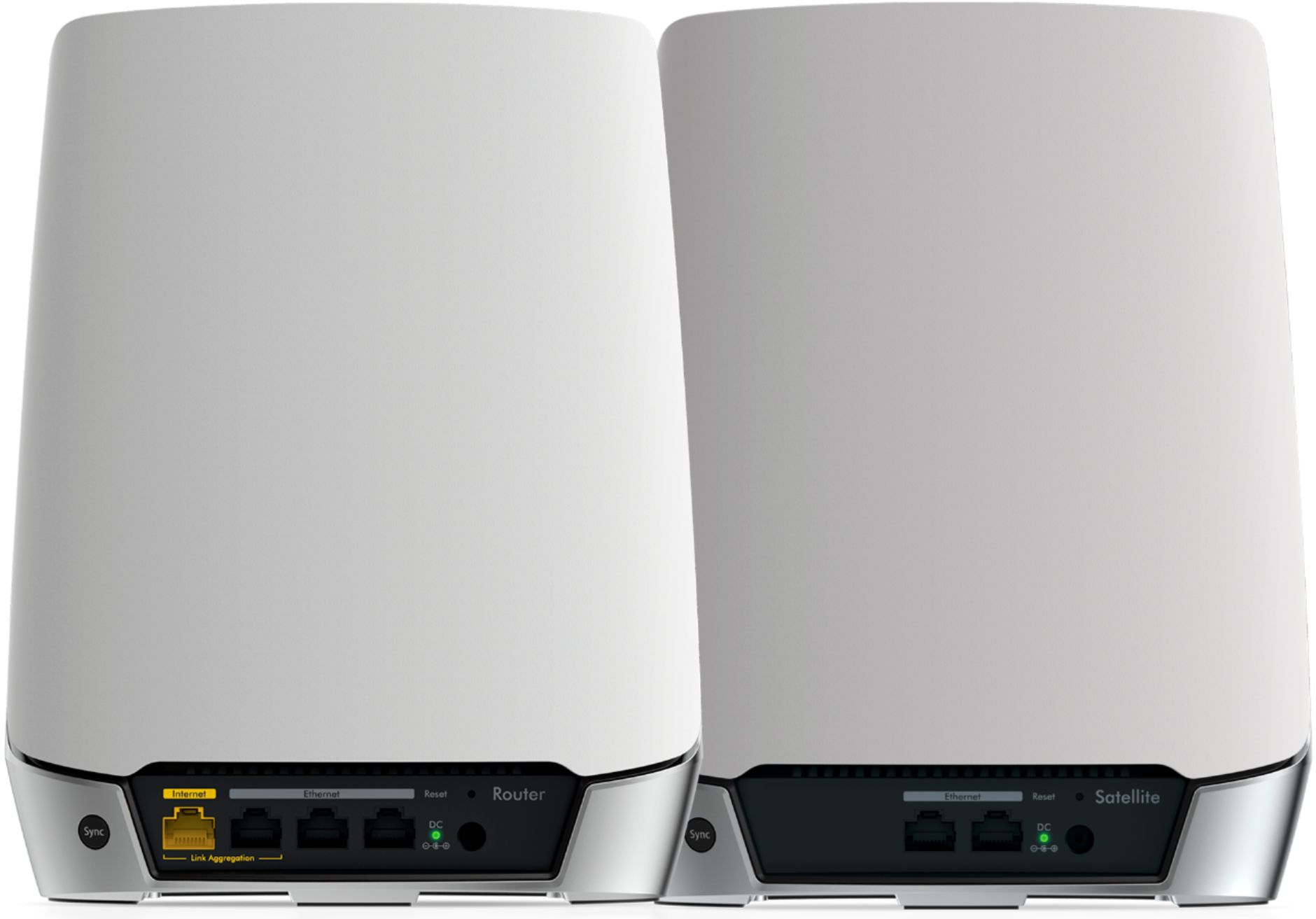
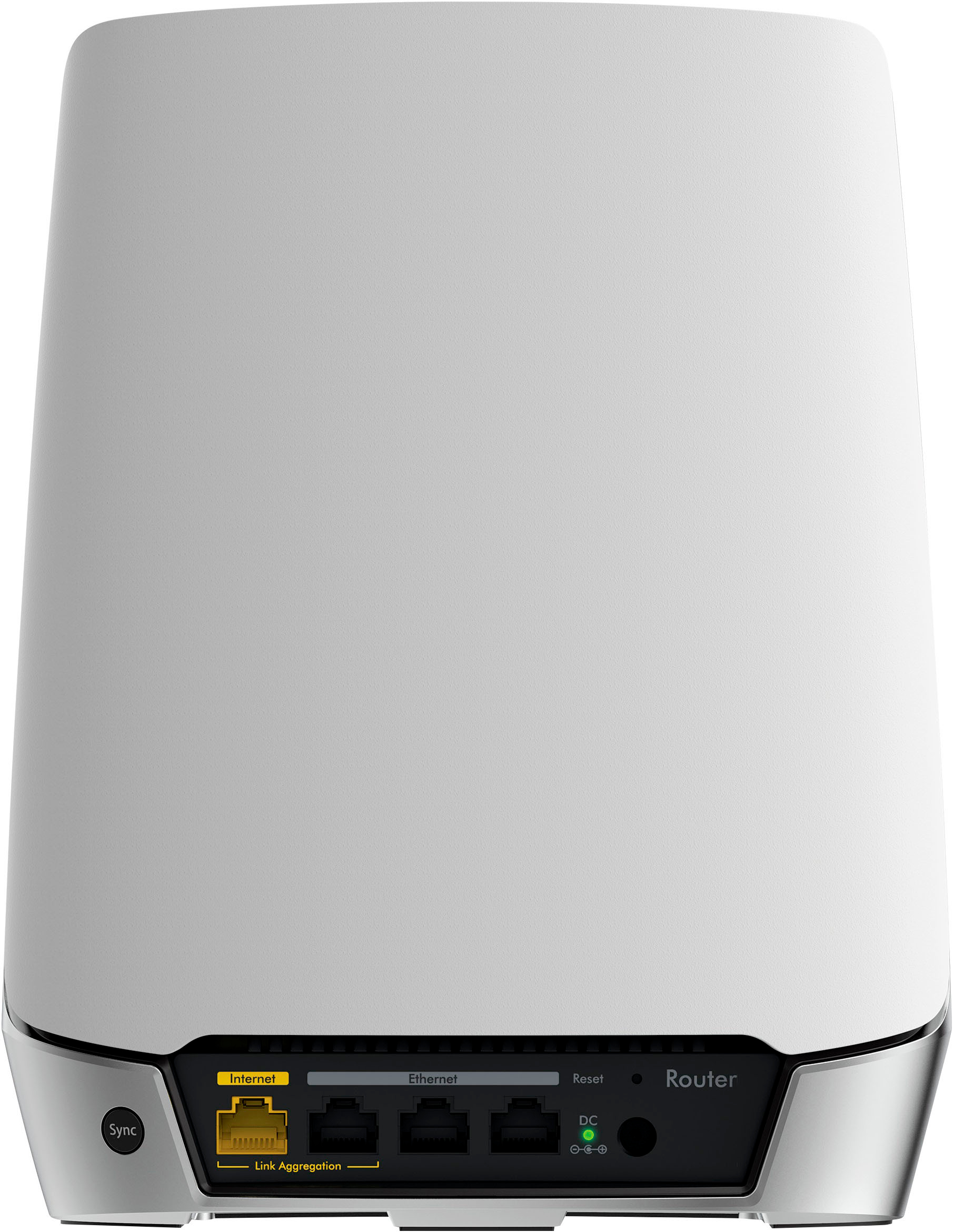
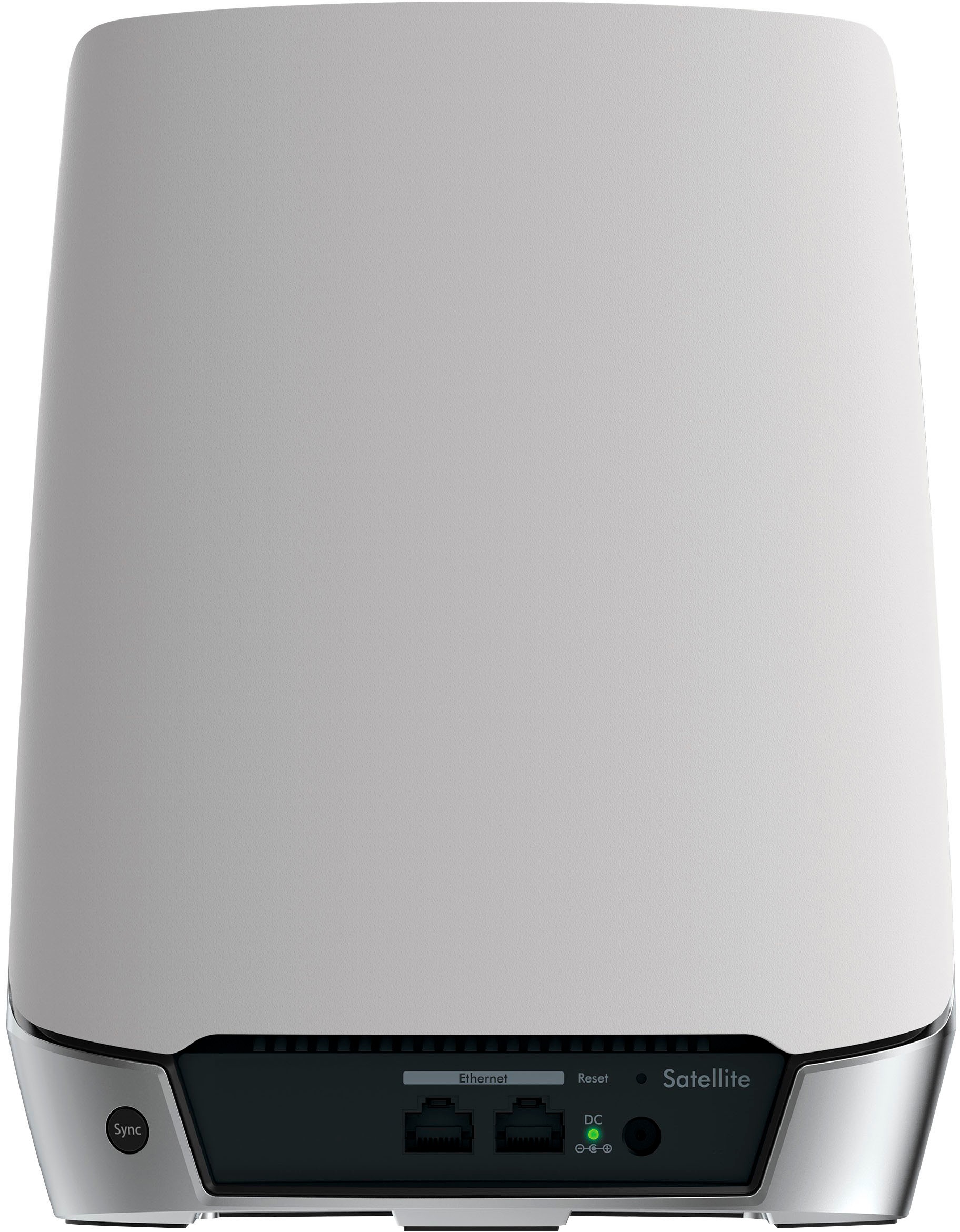
A:AnswerYes this is just a router not a modem and router combination so yes you need your providers modem to connect to the router which then provides your home or business with wifi access.
A:AnswerThis is only a router. You will still need a modem. You can usually rent the modem from whatever company you are getting your internet provider, or you can purchase your own modem. This router is worth buying. It’s really simple to setup and it dramatically increased my internet speed as well as eliminated all the dead spots in my house.
A:AnswerAs long as the Charter Spectrum cable modem has an RJ45 connector on it. To connect the cable modem to the Orbi router it should work fine. A cable is included with the router to connect it to the cable modem if you don't already have one.
A:AnswerIt should. The instructions state to connect the Orbi to the internet source, which would be via ethernet cable. I suggest you get a high end CAT 8 cable.
A:AnswerI had an R7000 but it was only a wifi router...not a modem. I traded it in for the Orbi system and utilized my ISP provided modem. Plug the Orbi system into the ISP modem, download the app to your phone, set up the Orbi system and it will perform lightening fast compared to the R7000. Be certain to trade in your R7000 at Best Buy and they will give you a 15% discount on the Orbi system. That is what I did and I'm not missing the R7000 at all as the Orbi is lighting fast compared to the R7000.
A:AnswerYes, the backhaul channel will work over a wired network (there is a Netgear page about the subject), but unless you have a solid gigabit connection or your satellites are very far from the base, you may get better performance using the wireless backhaul.