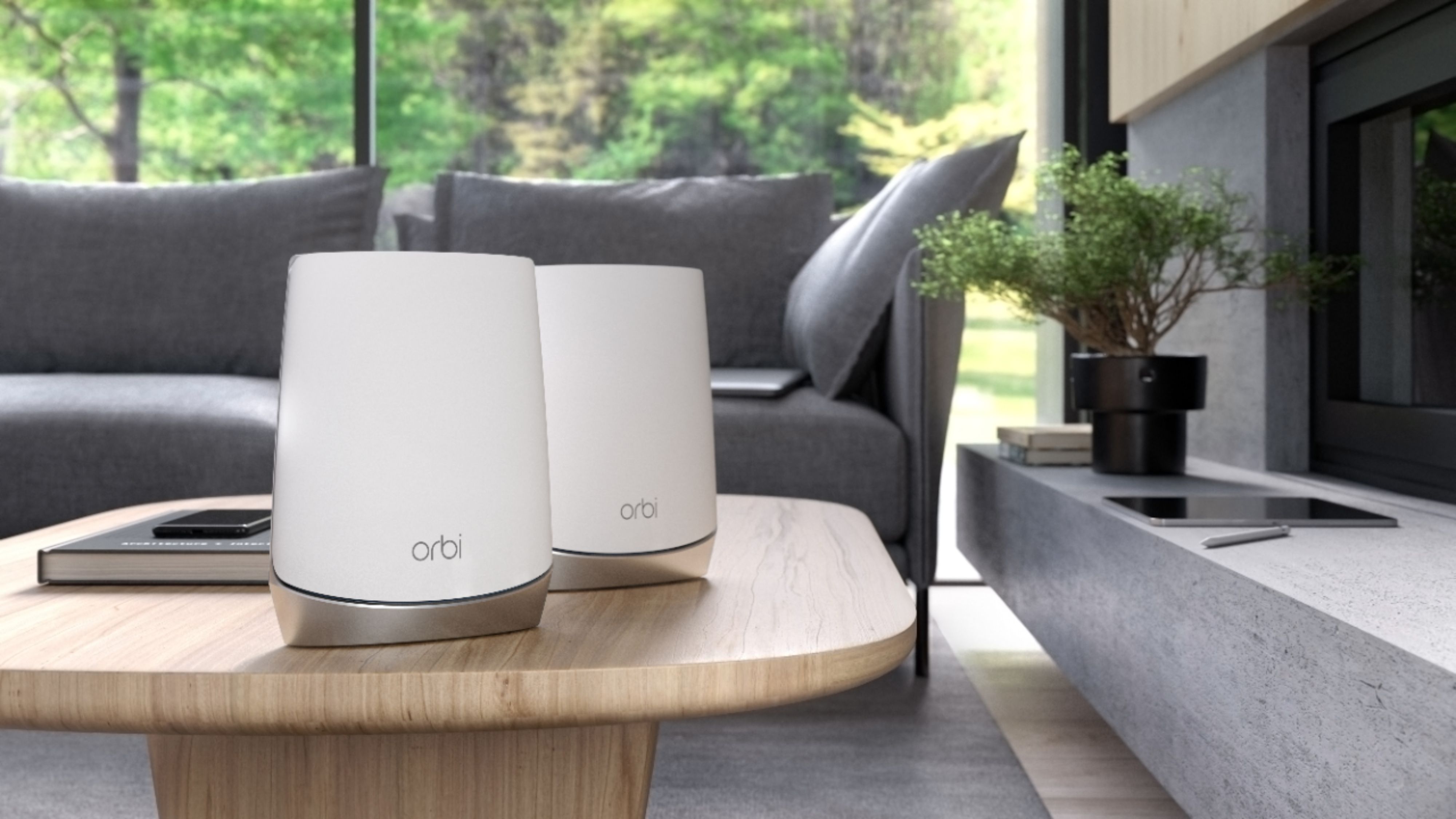
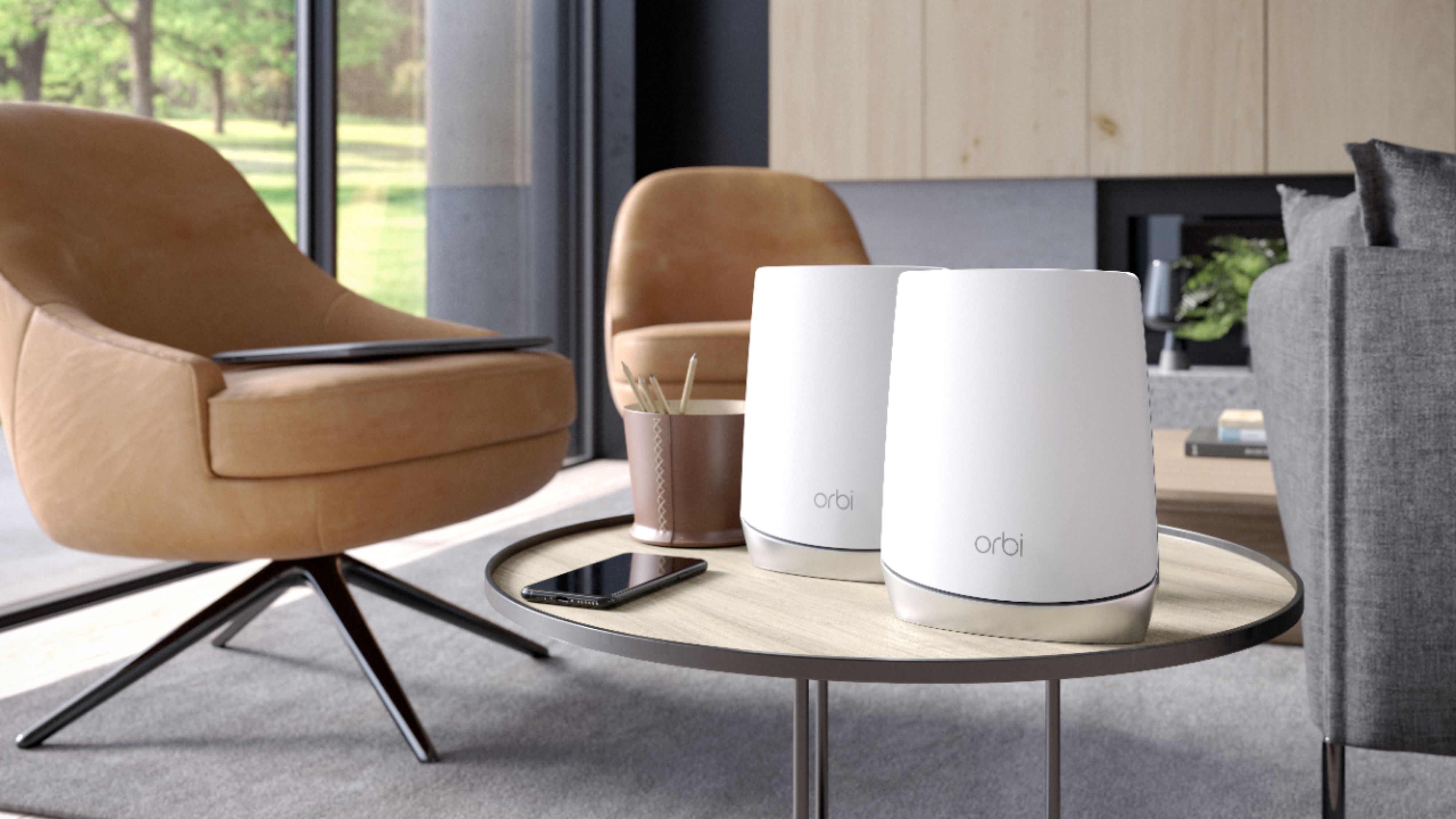
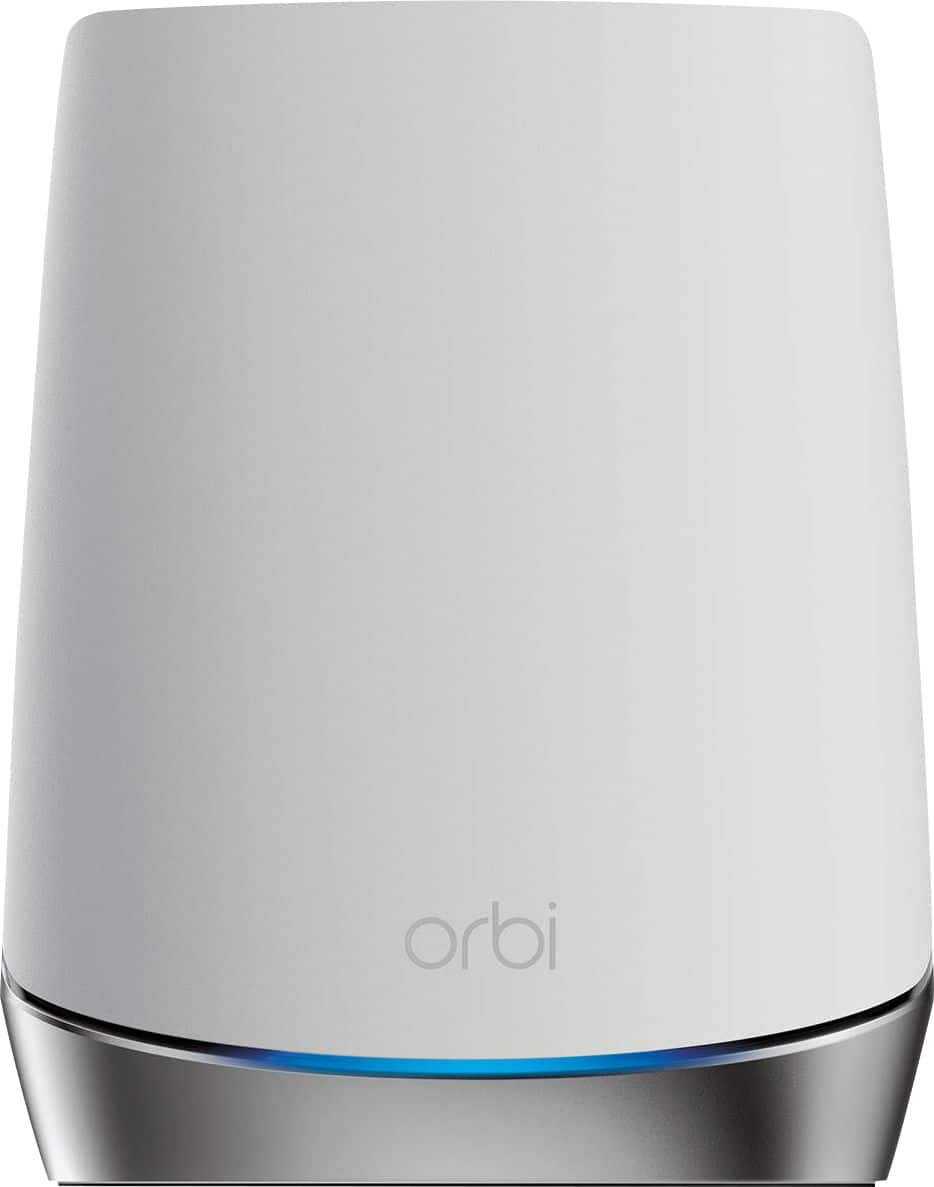
A:AnswerObstacles generally will affect performance. If you want the best performance (speed and bandwidth) possible, the router and satellite should be placed in the open. This system is so good though, that you may find “acceptable” performance by placing the router on the shelf.
A:AnswerEero was my 1st WiFi mesh system. After having similar issues and told by Eero's tech support I needed more satellites I opted for the Orbi and have never been happier. If it's between those two the Orbi is far superior. Better strength and better reliability.
A:AnswerThe main purpose of this mesh router is to provide better WiFi coverage within your house for the internet you have coming to your house from (in your case) the Mexican carrier. You will never get better internet speed that what is coming to your house from your service provider and if the service provider's internet goes out this router won't have anything to work with so you would still be without internet.
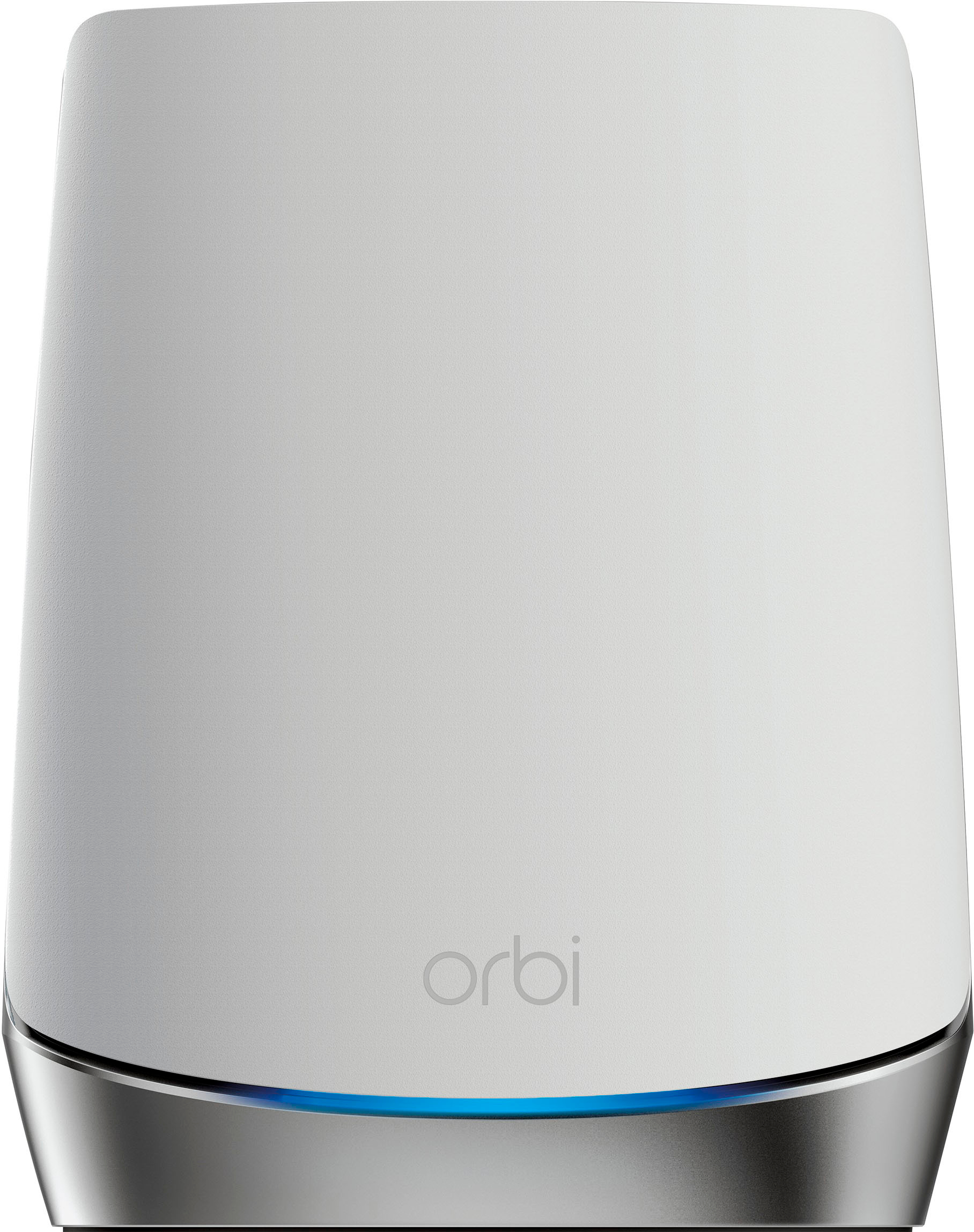
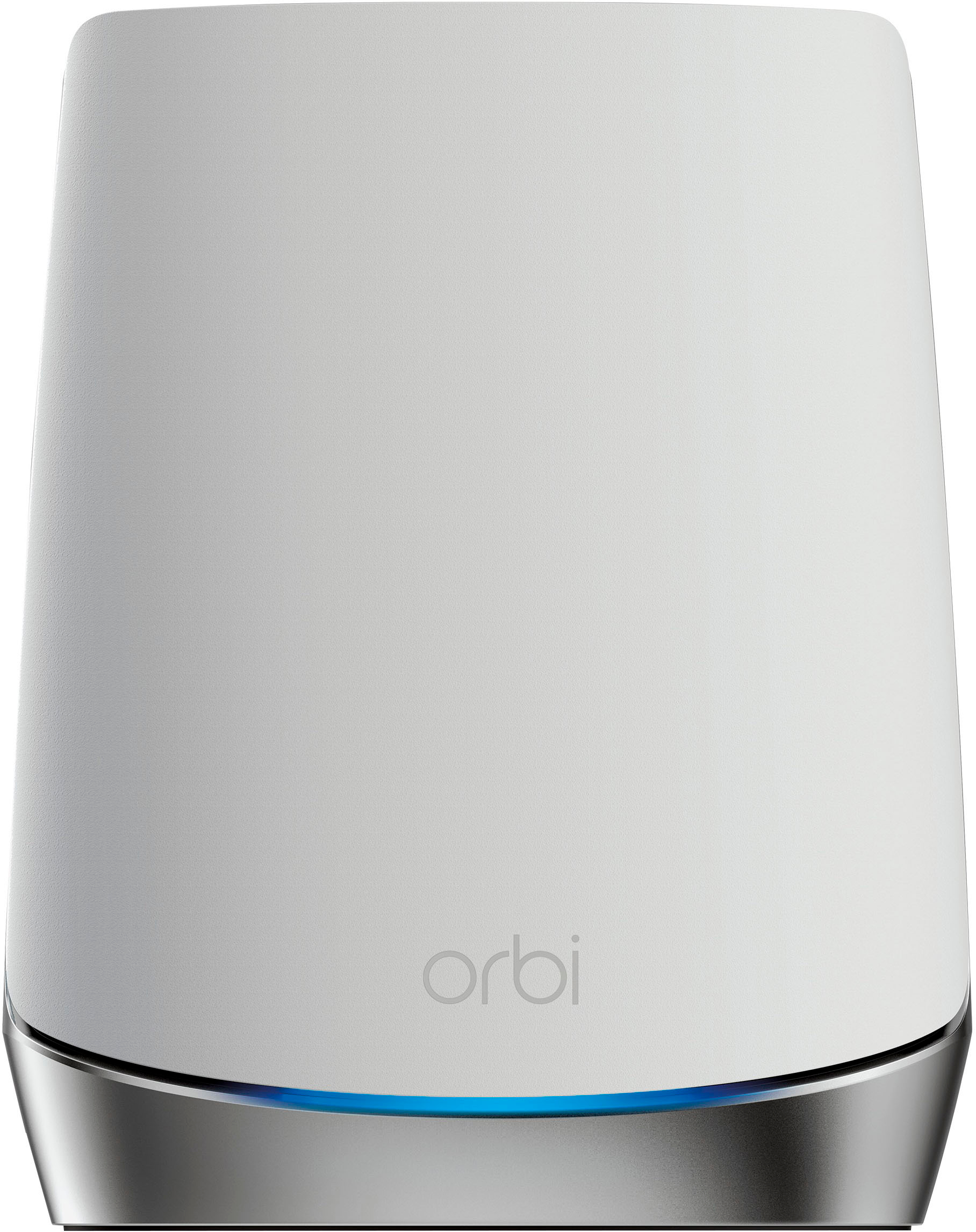
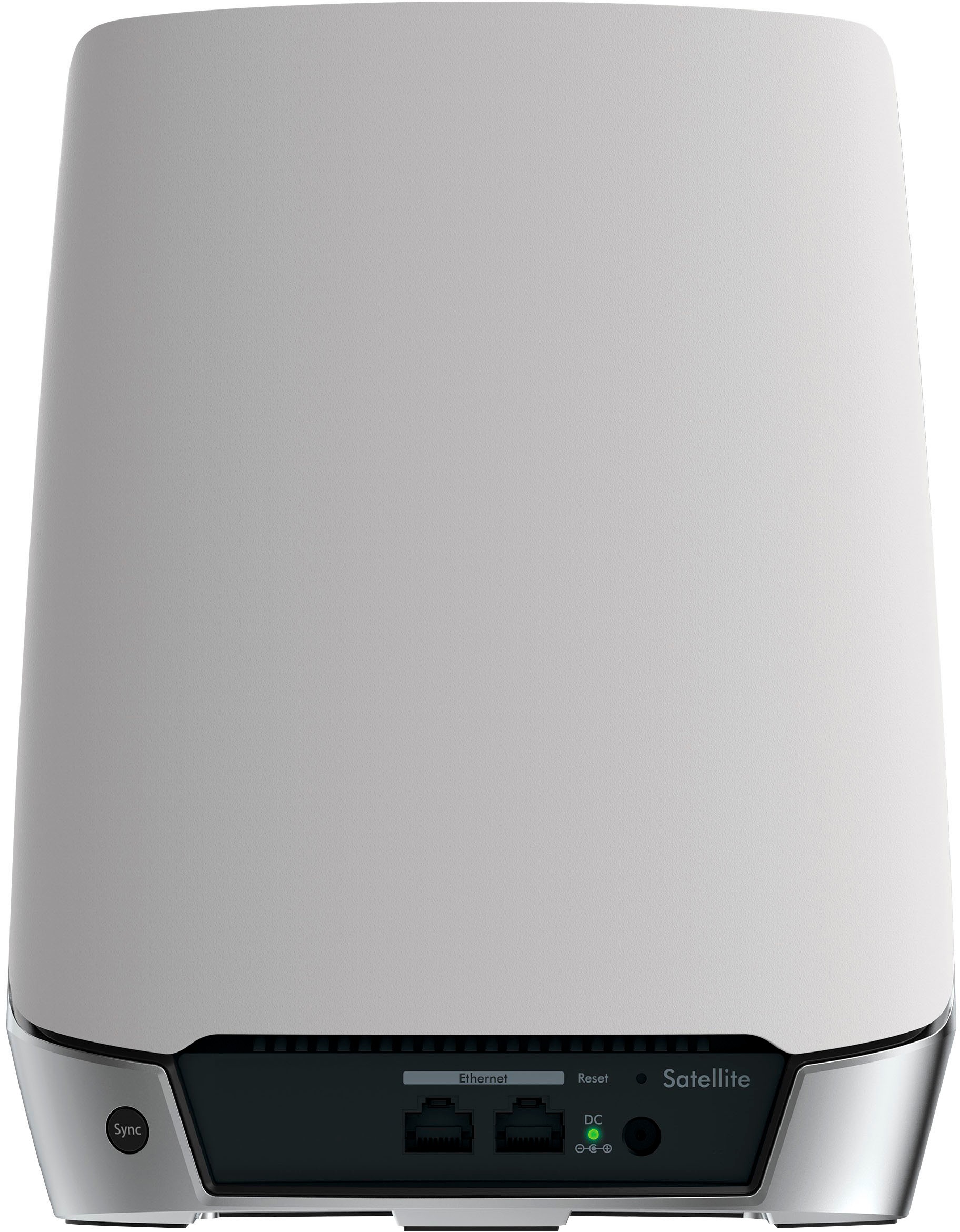
A:AnswerYes, this is a router and a satellite to create your Wi-fi network. The satellite is used to increase your Wi-fi signal in a different area of your home to give you better coverage.
You need to already have a modem.
A:AnswerDon't have the literature in front of me but I believe with pretty good certainty that this is a router only. My Internet Service Provider provided me an Ethernet input. They handled the modem need. The manufacturer's website may provide more detail and they may have options that will handle modem functions as well.
A:AnswerYes, you need a separate modem. I have mine connected to my Fios modem, after you set it up you can turn off the wifi signal in your current modem and then just use this one.
A:AnswerHello!
The Orbi WiFi6 (AX4200) is not compatible with the original Orbi (AC3000) If you need to extend your network we suggest looking at the RBS50 NETGEAR - Orbi AC3000 Tri-band Wi-Fi Range Extender
Thank you,
NETGEAR Team
A:AnswerI suspect they would, but your speed is going to be limited by your 4G LTE connection, not your wifi router. Unless you need high-speed access to a local network device, I would suggest you save some money and get a wifi 5 version instead of this wifi 6 one.
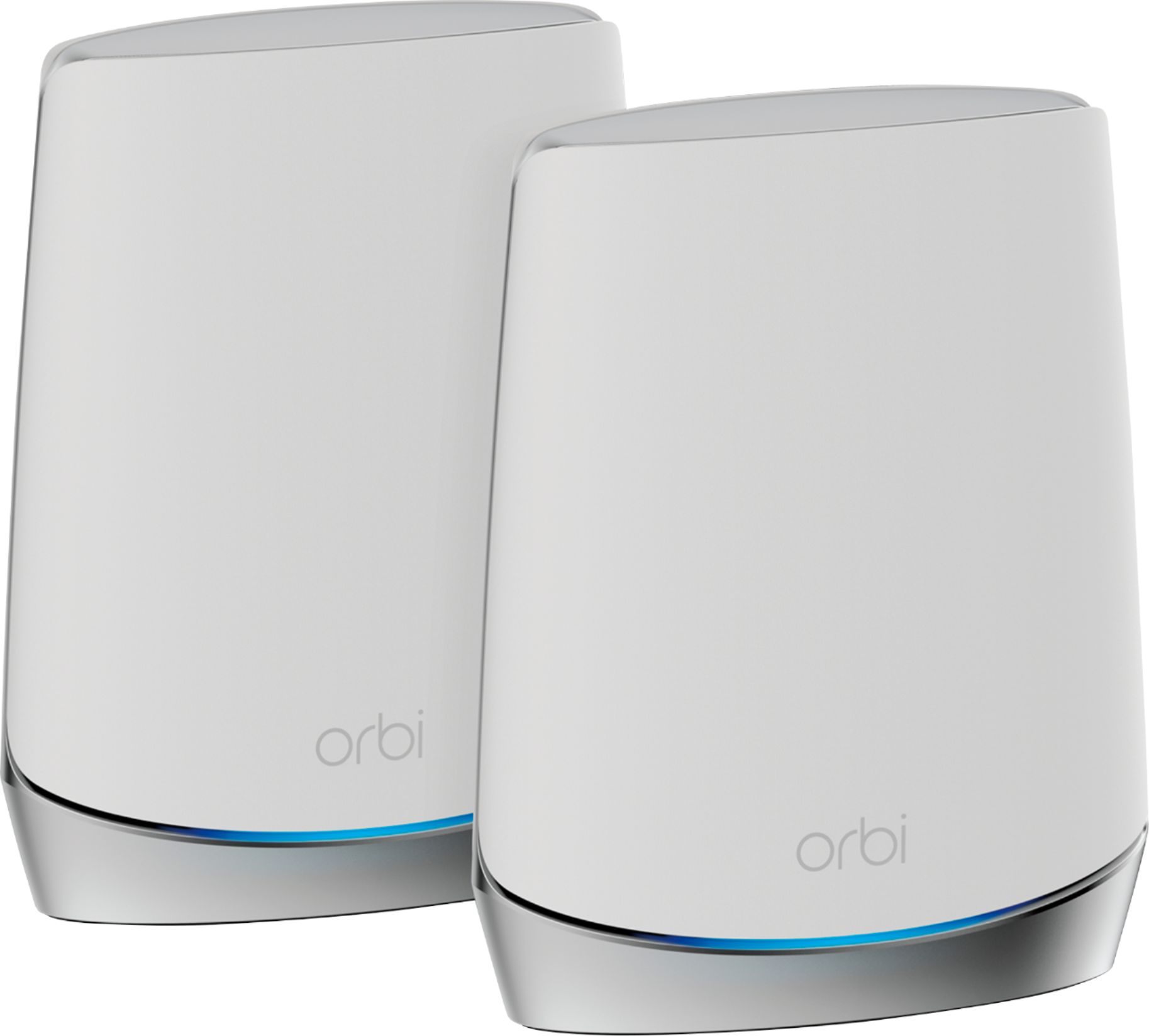
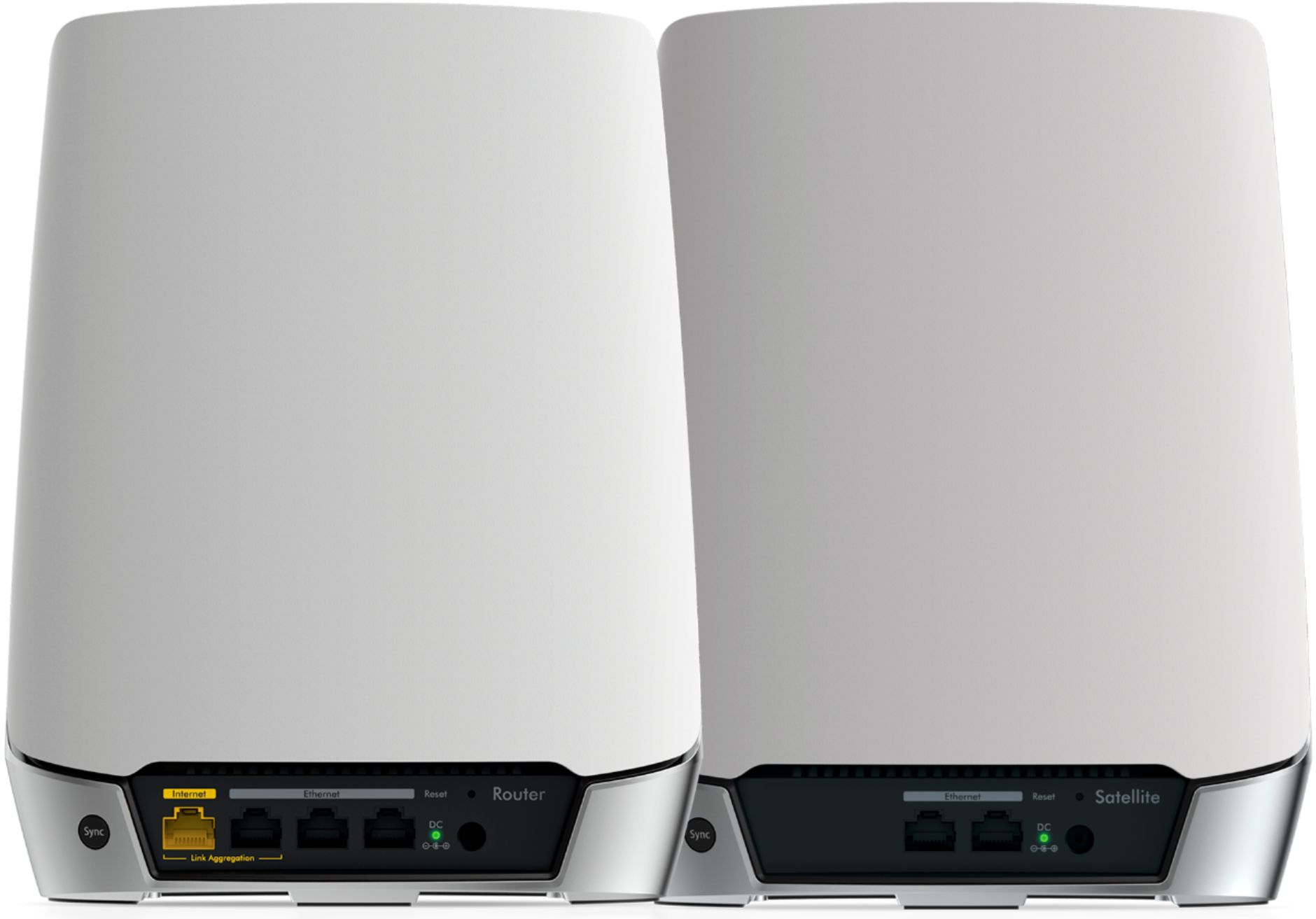
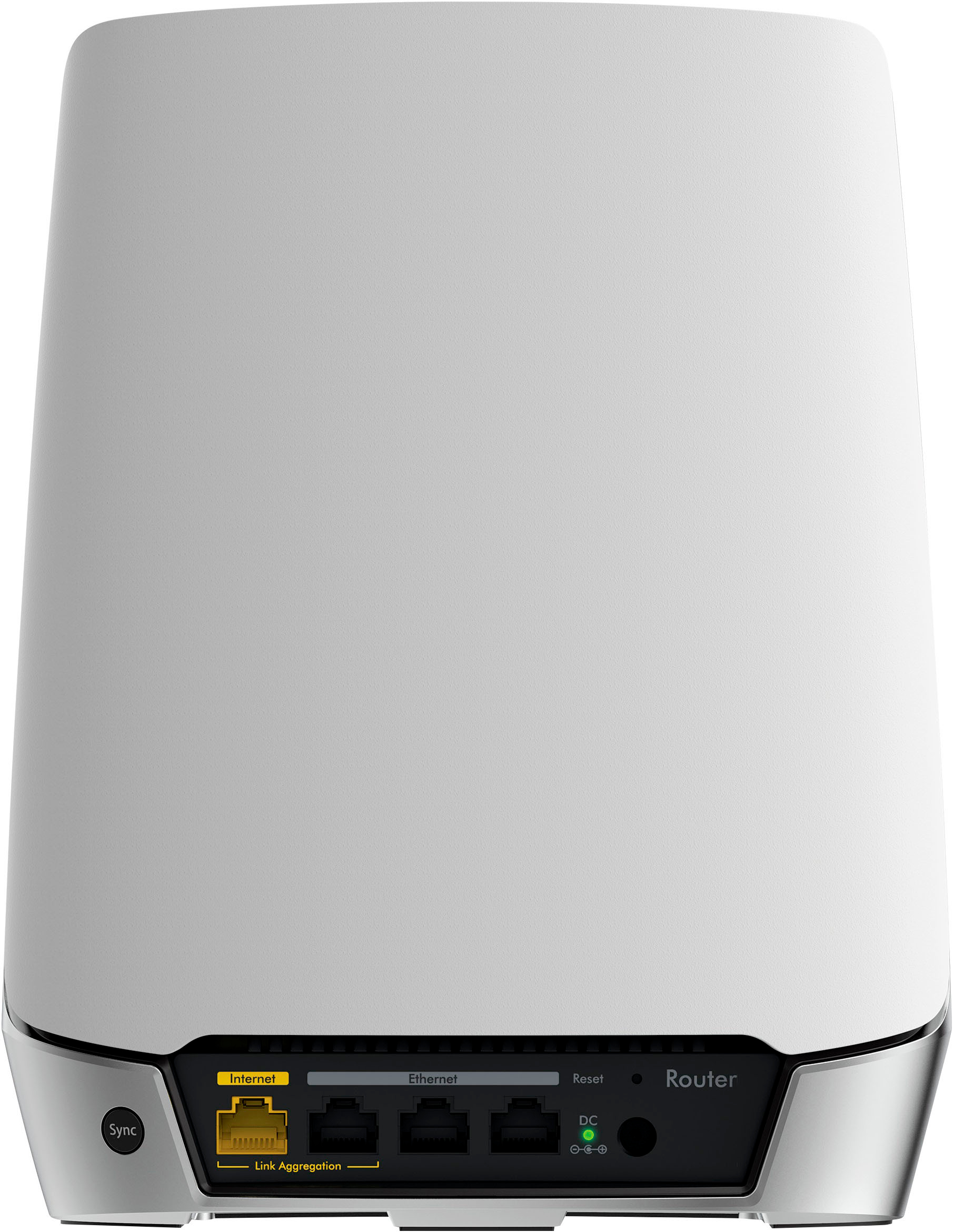
A:AnswerBoth the satellite and the main router have WiFi as well as Ethernet LAN ports. The Main unit sets the satellite's configuration so the satellite can not be used alone.
A:AnswerWill work with any existing router. Just plug ethernet into WAN port. Will also work perfectly as just an access point while still plugged into WAN port.
I already have a VPN router that connects directly to my cable modem. I ran the ORBI in WAN mode connected to my switch. My local network was 192.168.x and my ORBI was 10.x network. Worked perfectly. I decided to run in Access Point mode instead. Just connected laptop to a port on the ORBI and went to the local webadmin and switched. The ORBI and Satellite switched over perfectly. This system is nice.
A:AnswerYes, one unit attaches to your modem the second on a different floor if you have a second floor. We have a 3800 square ft home and it works great. If you have a one floor smaller house it might be overkill.
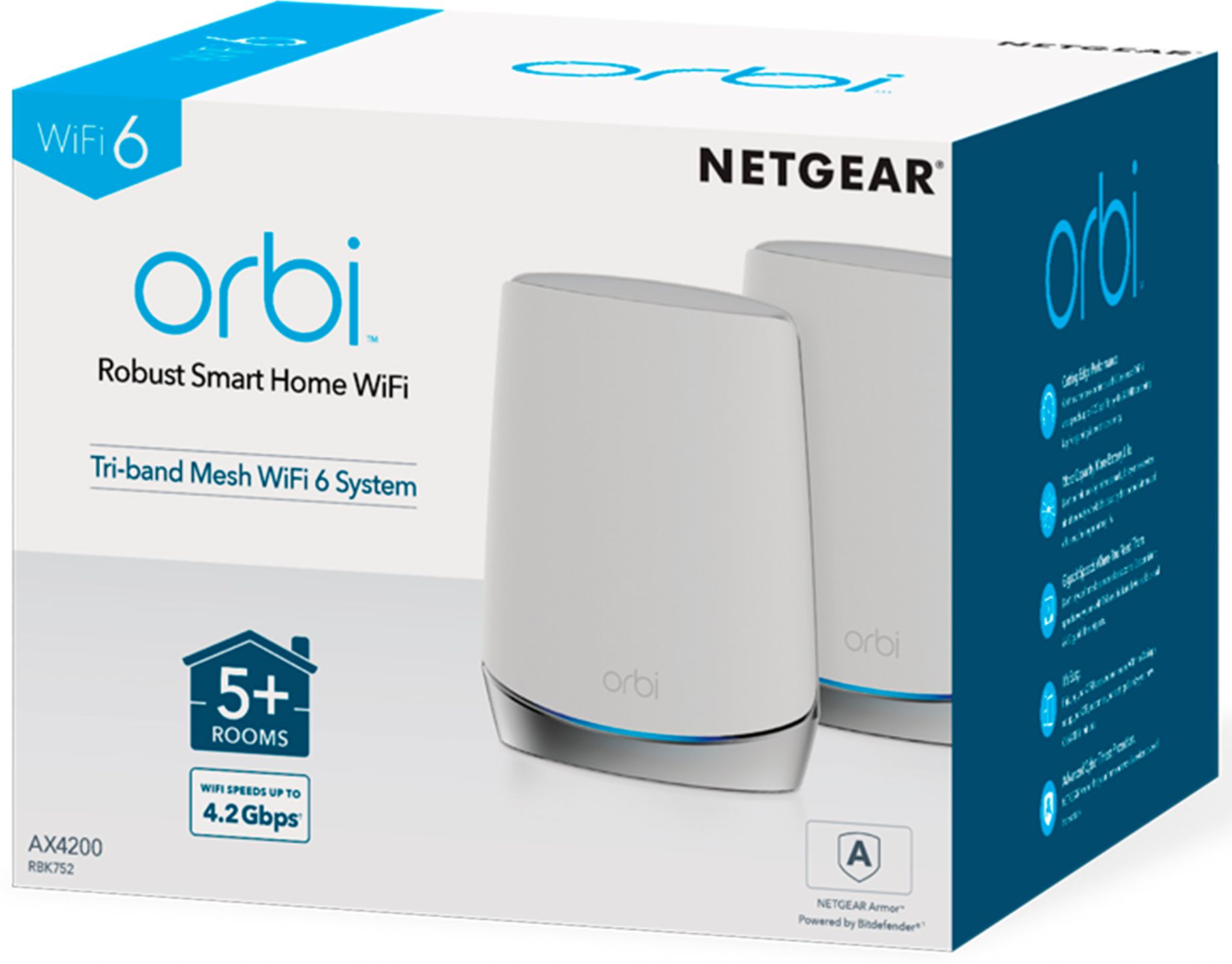
A:AnswerThe AX4200 is primarily sold as a 2-pack (one router and one satellite) and as a 3-pack (one router and two satellites). However you can buy additional satellites separately.