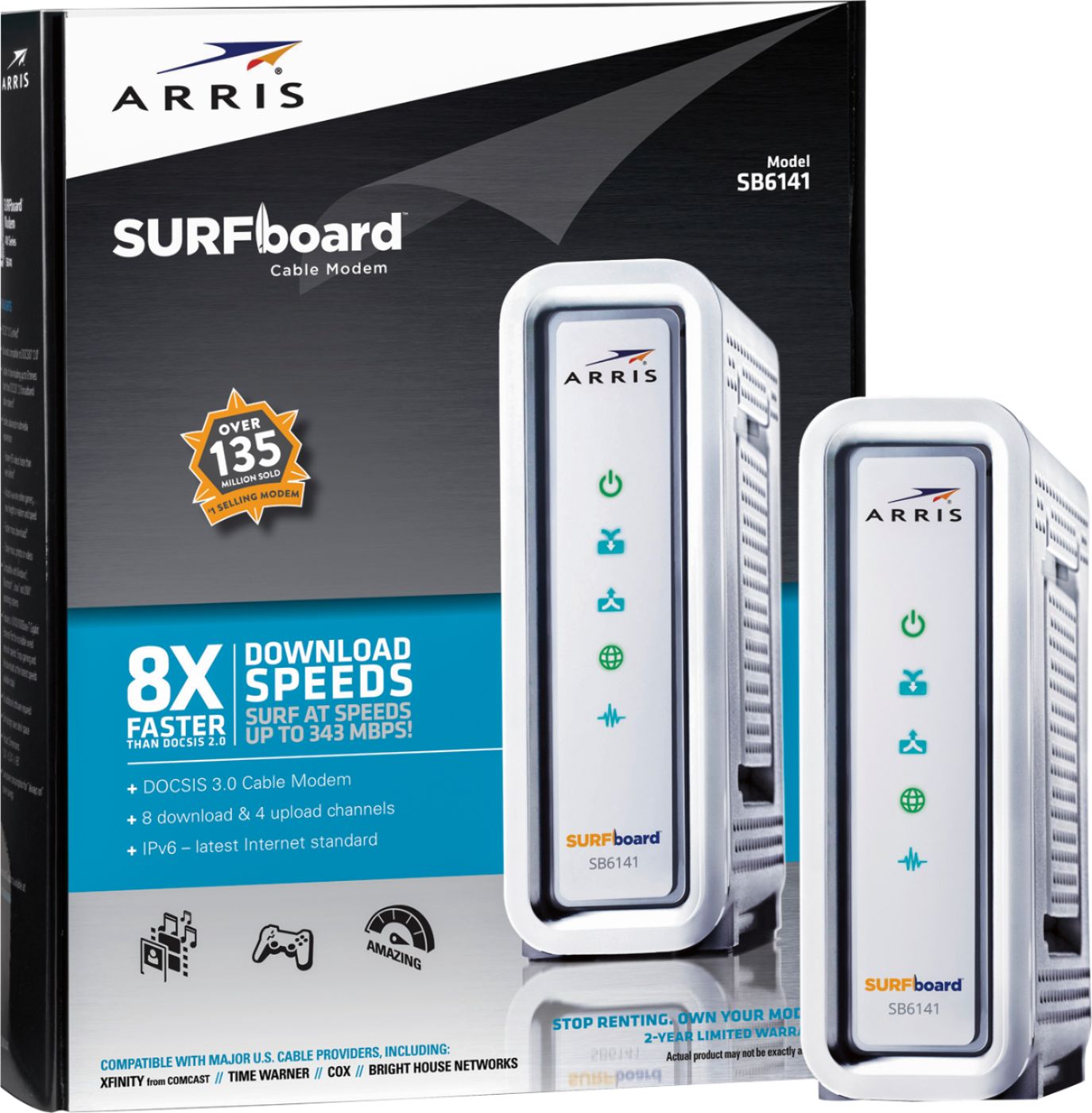
A:AnswerYes. This will work with any modem. DOCSIS 3.0 is a standard for modems that ensure high speeds. I use the attached modem with my cable provider and this router.
A:AnswerNot to be a "cop out" But what I would do is contact century link first (or look it up online) find their requirements (what frequency, what protocol does it require DHCP or MIMO or perhaps a static address) and once you have that info look for a router that supports the specs Centurylink demands. everything will "most likely" work once configured, however, certain companies such as Comcast can be very unforgiving, as an example if you don't get the EXACT DOCSIS 3.0 modem that Comcast is using it simply won't work.
I know it's probably not the answer you were looking for but it looks like this will require some research for you to be sure.
A:AnswerI have Xfinity & was paying an avg of $230/mo. I just bought a Netgear modem router at Best Buy for $200, dropped down to the min Internet only plan for abt $25, retned the cheap $10 router to Xfinity. Good luck
A:Answermy wireless connection is perfect and router is at least 40 feet away from location of laptop and tablet. One story house, no extender necessary.
A:AnswerYour internet provider wouldn't like it very much. However, in theory, if you connect a sufficiently powerful router that can provide a strong signal and enough throughput to feed the ROKU, than you would, in essence, be creating another segment on your network and everything should work. A DUAL band MIMO AC series router is going to be your best bet. You could also install a second router acting as a bridge (or range extender) to carry the signal further.
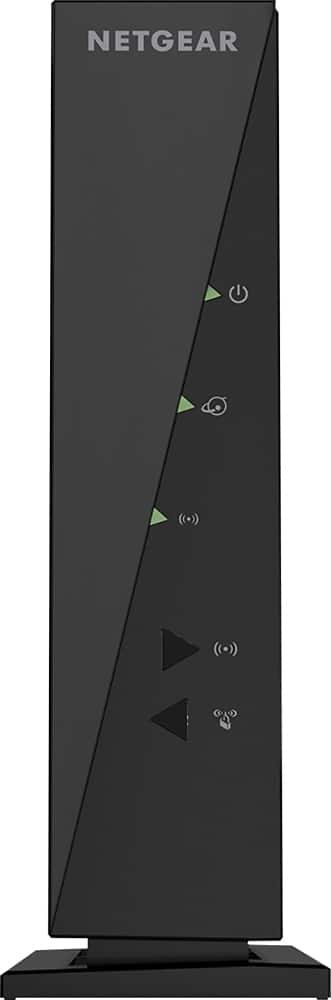
A:AnswerShort answer: Most likely it should work once configured.
Long answer: The N300 could be used as a range extender. You would have to configure the Linksys to use either a "Bridge mode" or "range extender" where it makes both routers have the same SSID. Alternatively, you could install this as a second router providing an entirely separate SSID using either a LAN or UPLINK port on the primary router. you risk interference if the two routers are on the same channel and/or frequency.
The N300 is a basic router, operates on the 802.1n protocol in either the 2.5ghz or 5.0ghz frequency. it is not a MIMO (Multi In Multi Out) router. not being MIMO it only has one pathway for data to travel so it will be much slower than a router that does support MIMO (most AC series routers like the 750 do).
The N300 caps out at 300Mbps (thus the name) where using MIMO and AC protocols the 750 tops out around 750Mbps. Using the N300 for anything other than basic internet or resource sharing is going to be dramatically slower than the Linksys 750 and will slow down a device's connection if it stands between that device and the Linksys 750 router.
A:AnswerIt all depends how much you are using on wifi then wired.
300 Mbps is how much is going into the house each computer takes a little bit of that 300 at the same time. If you only have one at a time you will see the full 300