A:AnswerGood afternoon,
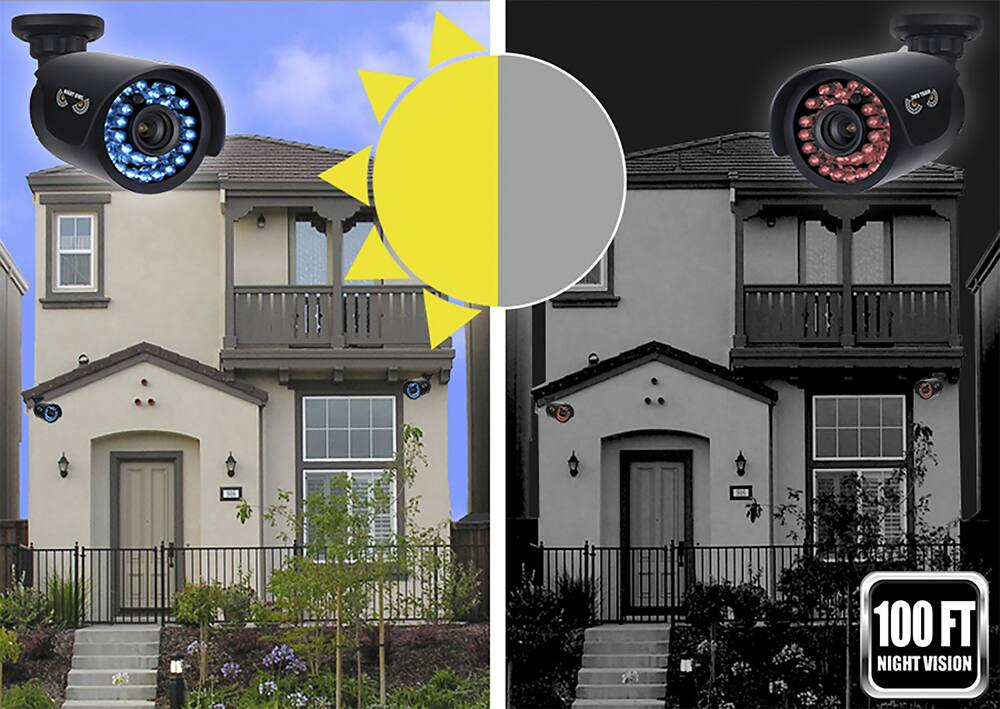
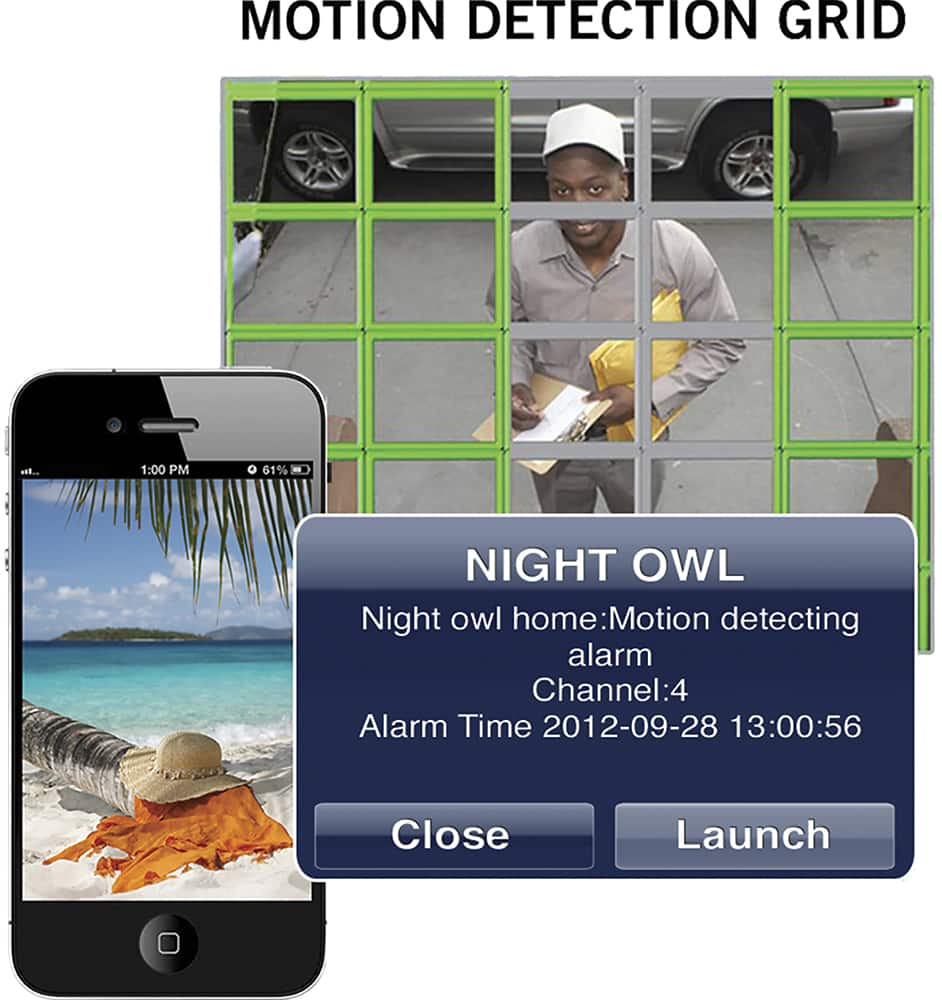
The cameras will activate every time there a change in the picture pixels. this will trigger motion recording. so it will work. just remember to not place the cameras facing a window or any type of glass. this will reflect the light emitting from the LEDs at night mode causing a flare effect on the image.
Best Regards.
A:AnswerYes you will need an Internet connection. This DVR does not have built in wifi so you would have to hard wire it. If you want to see real time recording over the Internet you will have to have a decent upload speed also. Not download speed but upload speed.
A:AnswerDear customer,
Thank you for choosing Night Owl Security,
to view recorded footage, simply start by login on into the DVR unit > right click anywhere in the screen > choose the Main Menu Icon from the bottom of the screen > select the Record tab atop > Select the "general tab" on the left, select the channel from the drop down list > click on teh Search bar and you will be able to find footage.
A:AnswerYes you use your own email as the sender and receiver. Of you are concerned about the DVR being stolen then put it in a DVR lock box mounted to the wall or floor. Or a locked closet.
A:AnswerThis is where these cameras are lame...you won't be able to use all of its functions unless you connect to a router/modem at some point in time.
A:AnswerGood afternoon,
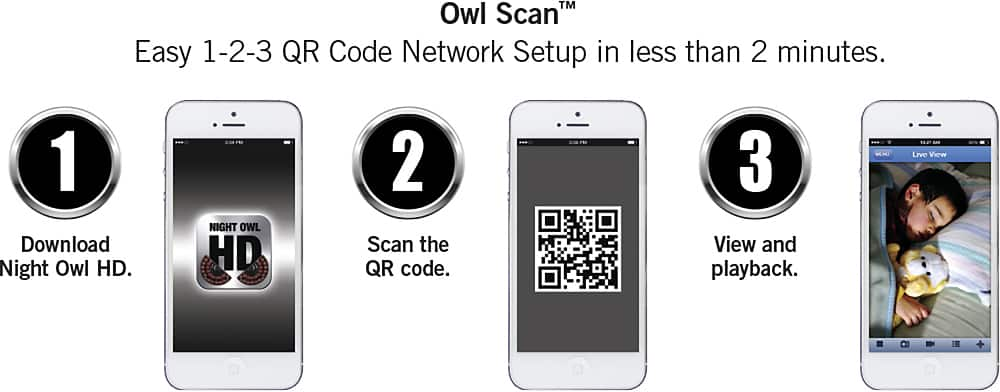
Our suggested Installation and best practices for cameras located over 60 feet in distance, is to have a camera power adapter installed at the camera's location. cameras tend to experience video degradation over long distances. for this setup you will need (2 x) camera power adapters and (2 x) BNC to BNC connector. The DVR can be viewed via HDMI cable connected to your monitor. for remote viewing, you can use the Night Owl HD CMS for PC and MAC and the Night Owl HD App for smart phones. (Android and IOS)
these are very easy to set up following the Quick Setup Guides included within the package.
I hope this information helps you towards the purchase of your DVR unit.
A:AnswerDear, Customer
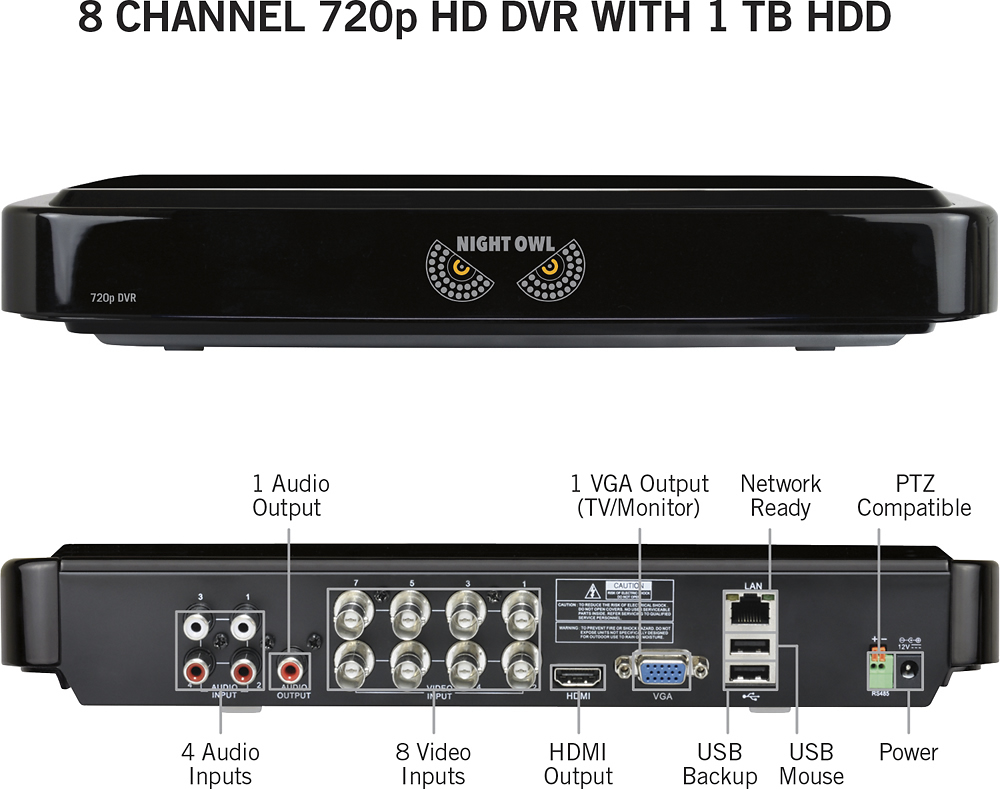
The system AHD7- 841 DVR unit, has 4 Audio inputs to connect 4 audio enabled cameras, However, your system does not come with audio enabled cameras, these are to be sold separately.
A:AnswerGood afternoon,
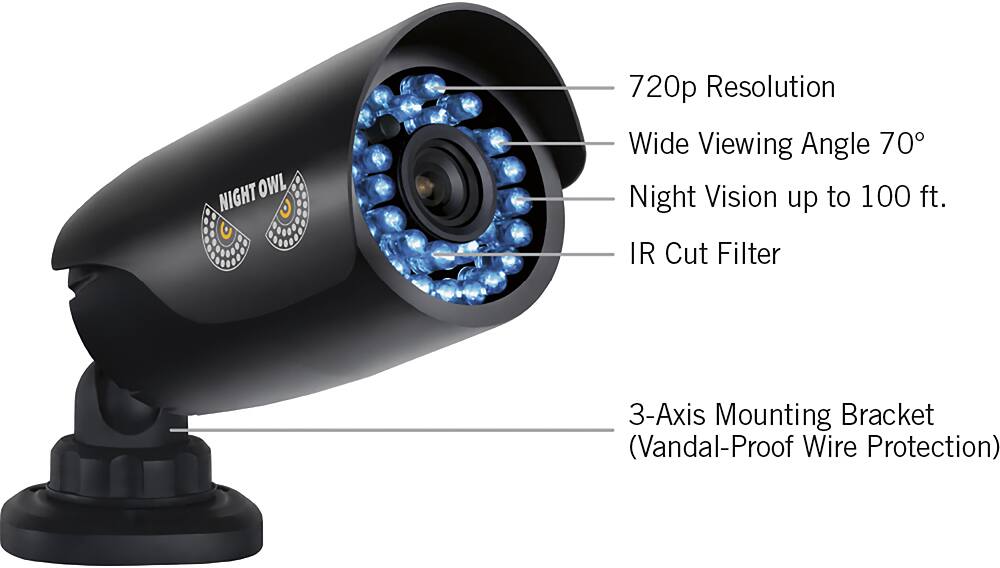
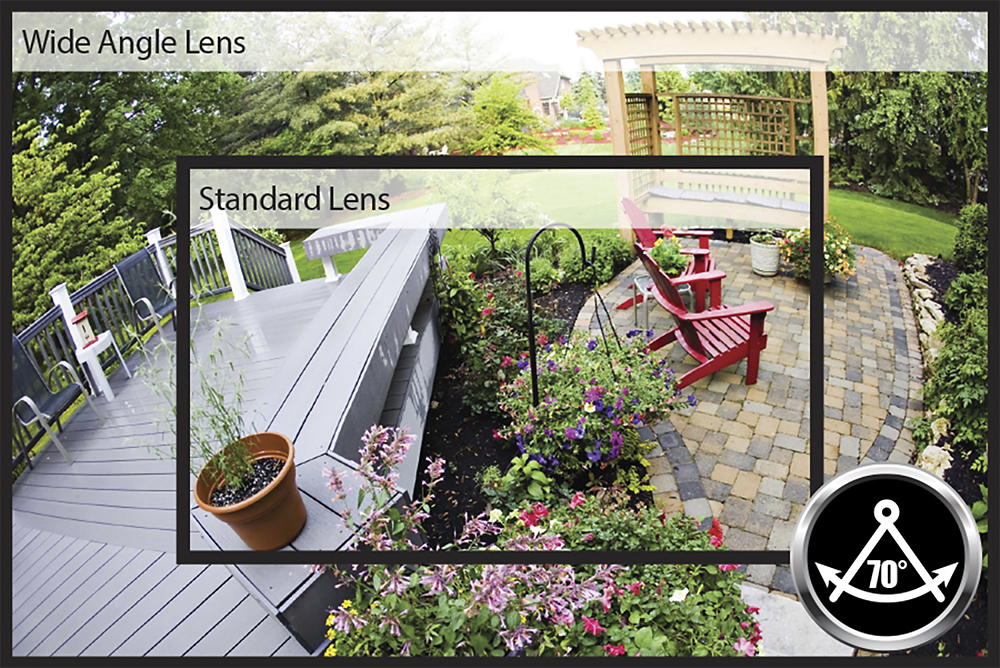
Your DVR unit features 720p High Definition Cameras with a Field Of View of 70°
if you need cameras with more field of view degrees. you will have to update your DVR unit for a HDA10 Series DVRs
Thank you for choosing Night Owl Security.