A:AnswerIf you want to install an additional SSD, it will need to be a SATA drive and you will need to purchase a SATA 3 data cable to connect the SSD to the motherboard. The power cable is already there inside the case so nothing else will need to be changed. I added this one to mine https://www.bestbuy.com/site/sandisk-ultra-512gb-internal-sata-solid-state-drive-for-laptops/5969506.p?skuId=5969506 and you can find tutorials online on how to add an additional SSD to your computer.
A:AnswerI don't believe you can. I ordered an LG GP65NB60 external dvd, cd /burner/player for mine. Cost was $25.00 It's highly recommended and rated.
https://www.bestbuy.com/site/lg-8x-external-usb-2-0-double-layer-dvdrw-r-ram-cd-rw-drive-black/5581020.p?skuId=5581020
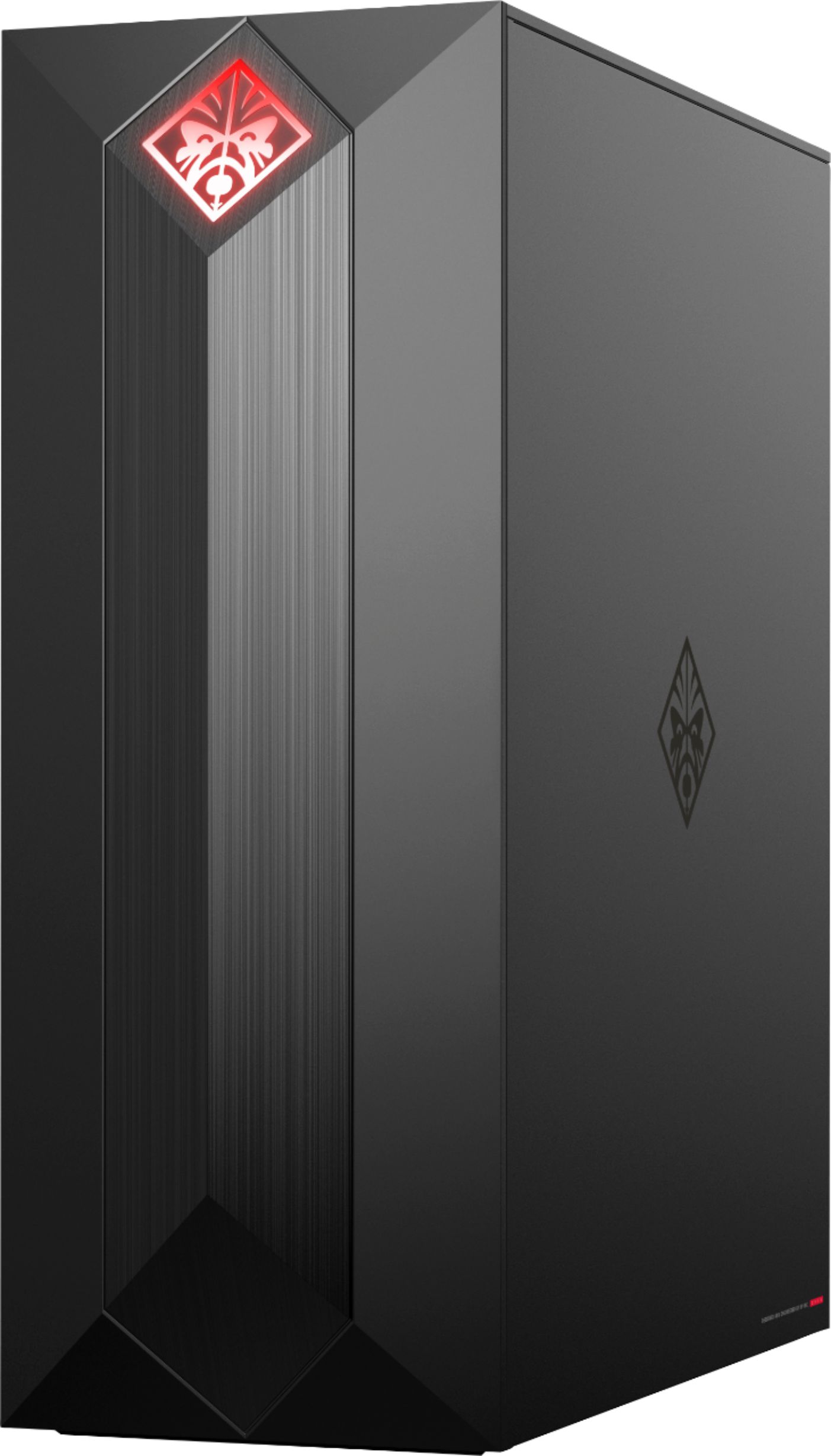
A:AnswerHere is a link to this models full specs: https://support.hp.com/us-en/document/c06125965 It has a 500W 115-230v Bronze PSU. The case is HxWxD 17 x 6.5 x 14
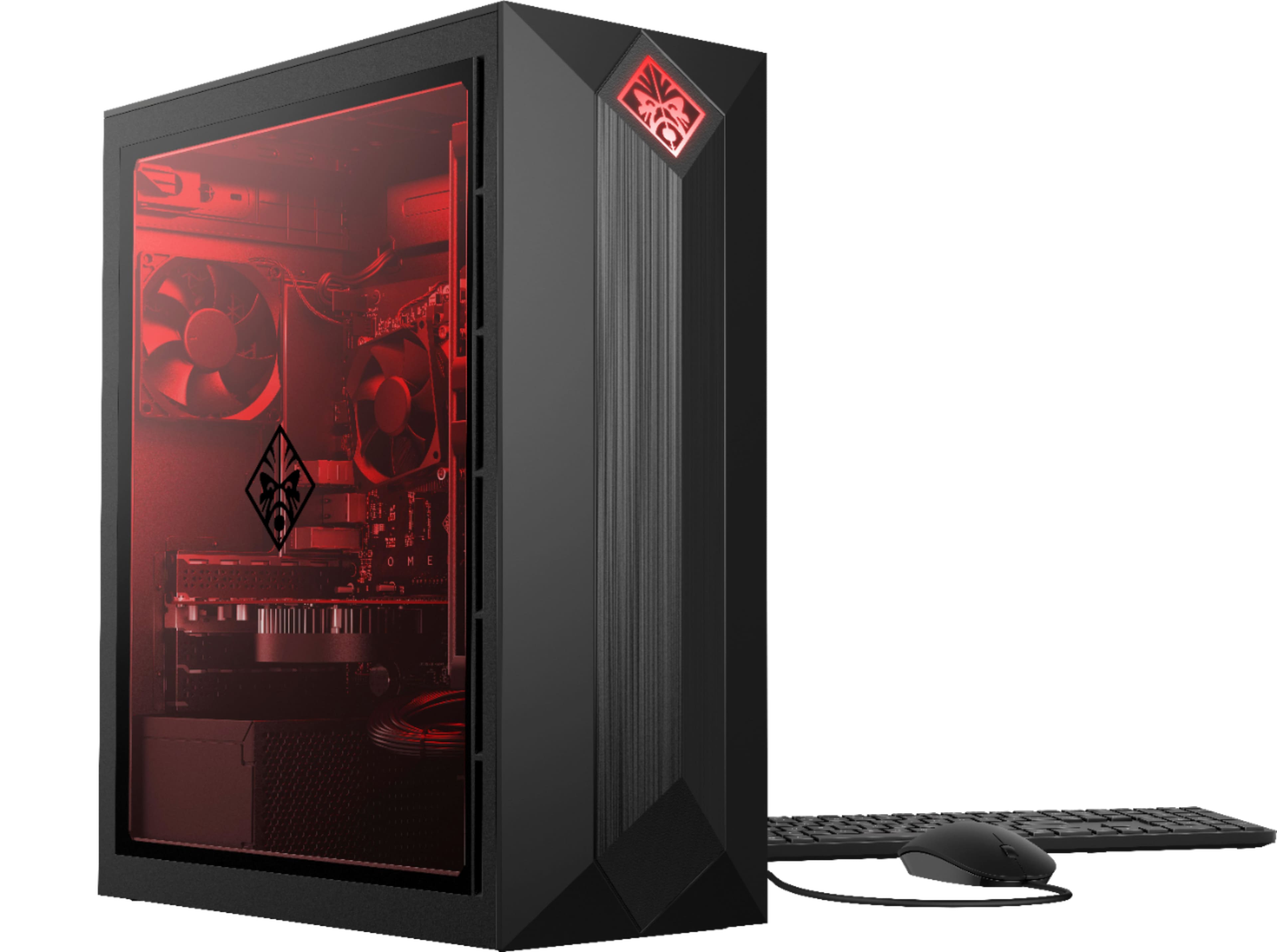
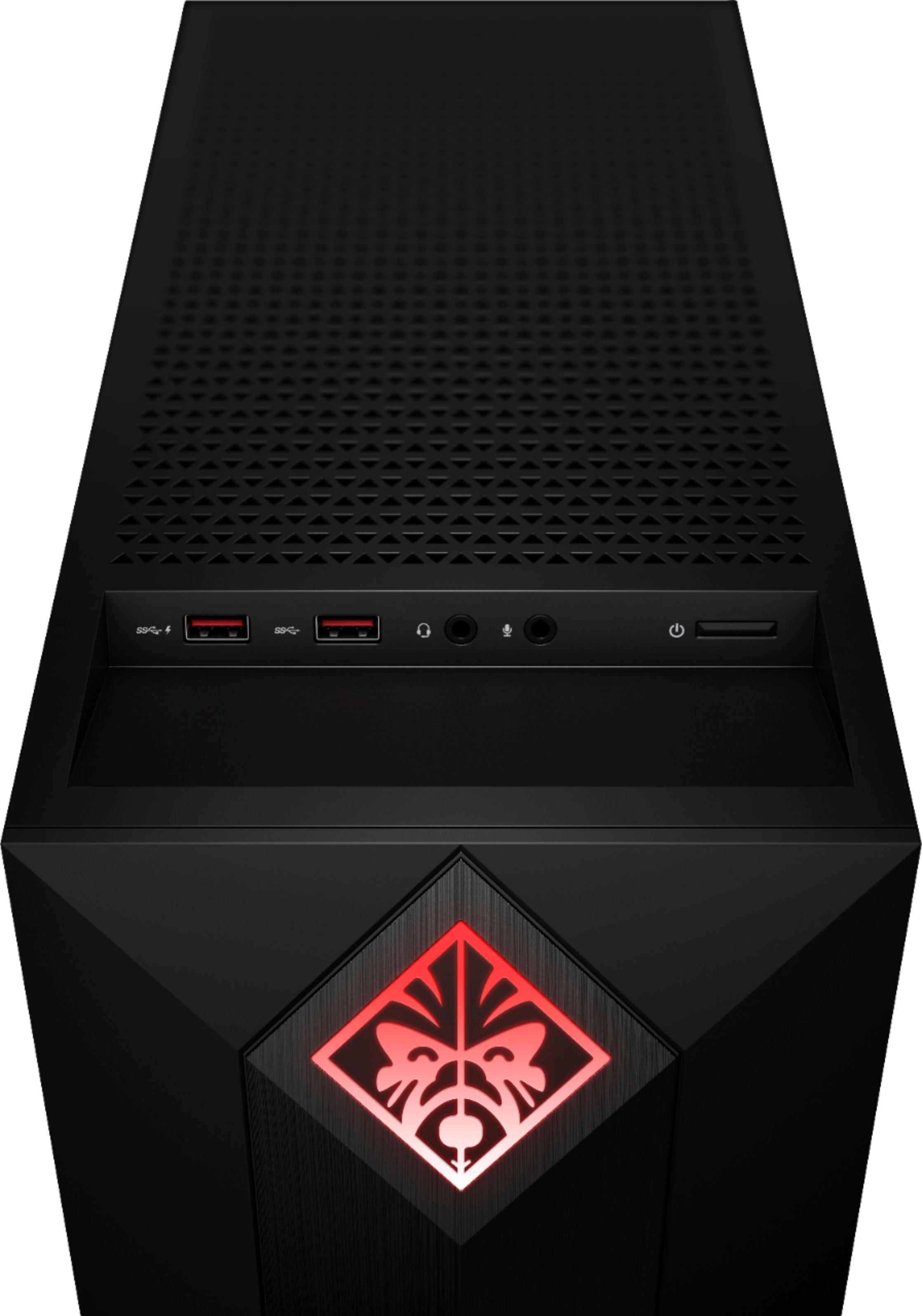
A:AnswerI own this PC and yes you have a program preinstalled in the computer that's the HP Omen command center and you have a pretty wide range of options to play with in colors and how they react either with music, PC temperature, or just cycling through the different colors or if you prefer just a constant lighting preference. The inside of the case has lighting and the logo on the front of the case also lights up and changes colors too.
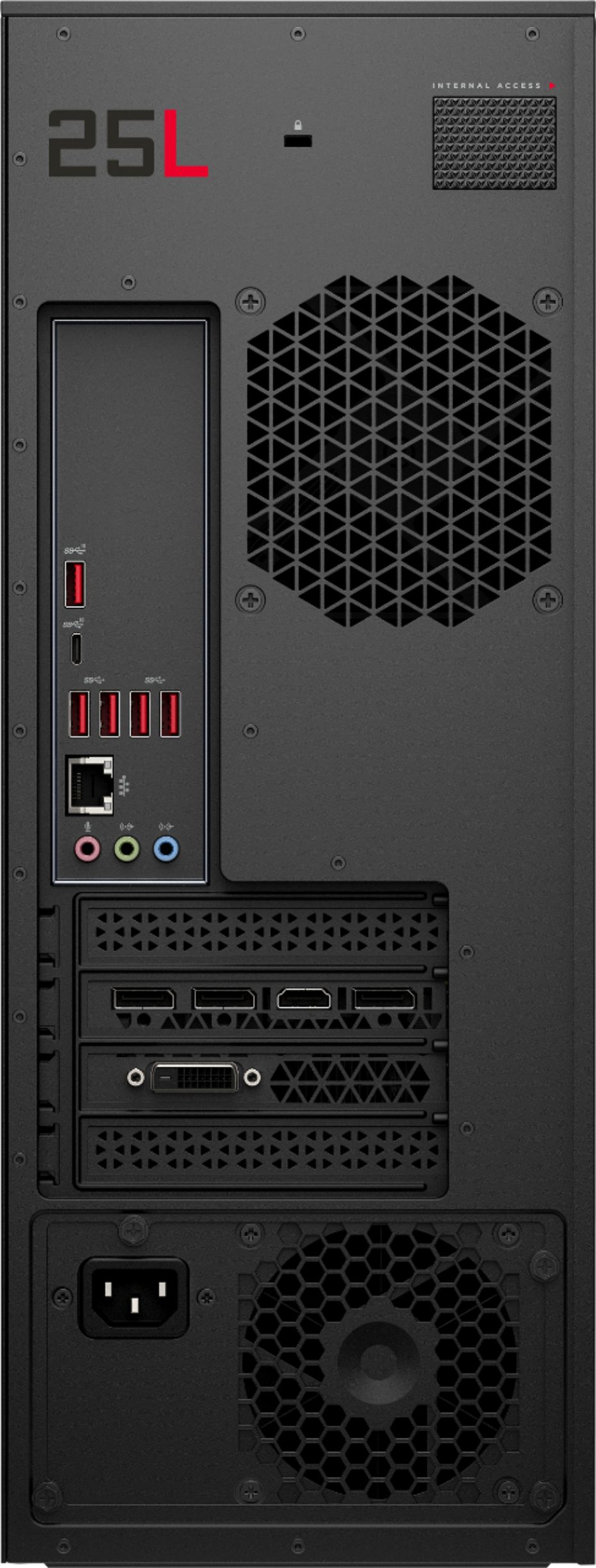
A:AnswerHP's website states the following in regard to the desktop's resolution:
Maximum resolution:
DVI (dual-link) resolution: 2560x1600x32bpp @ 60 Hz
HDMI resolution: 4096x2160x24 bpp @ 60 Hz (HDMI 2.0)
DisplayPort resolution: 5120x3200x24bpp @ 60 Hz / 7680x4320 @ 60 Hz YUV 420 8 bit
If you want more information about the desktop, search HP 875-0014 and click on HP's link for the product information.
A:AnswerYes, with Windows 10 Microsoft also has the full Windows 10 available for download online and there is no need to insert a product key to activate it since your computer already had Windows 10 installed.
A:AnswerUp to 10.5"x4.5" standard dual height PCI Express GPUs will fit without issue. For oversized cards note the total chassis depth is 6.5 inches, which would be the key limiting factor. Also, consult the GPU manufacturer for power requirements. If a power supply upgrade is required for components note that the system uses a standard microATX sized supply.
A:AnswerThis model does not have the capability to add an additional PCI card. I would contact the manufacturer of the Elgato HD 60 Pro to inquire on if there are other alternatives that will work with this model.
A:Answeron the SSD, so it boots up super fast. for me I think at most 7-10 seconds. and I have steam and discord booting up as well when I start my computer.
A:AnswerIf you setup the new Hard Drives as GPT then you can put whatever size Hard Drive you can find in it. You will need to do a little configuring in Windows when you install the new drives to be able to take advantage of all the available space on your new hard drives.