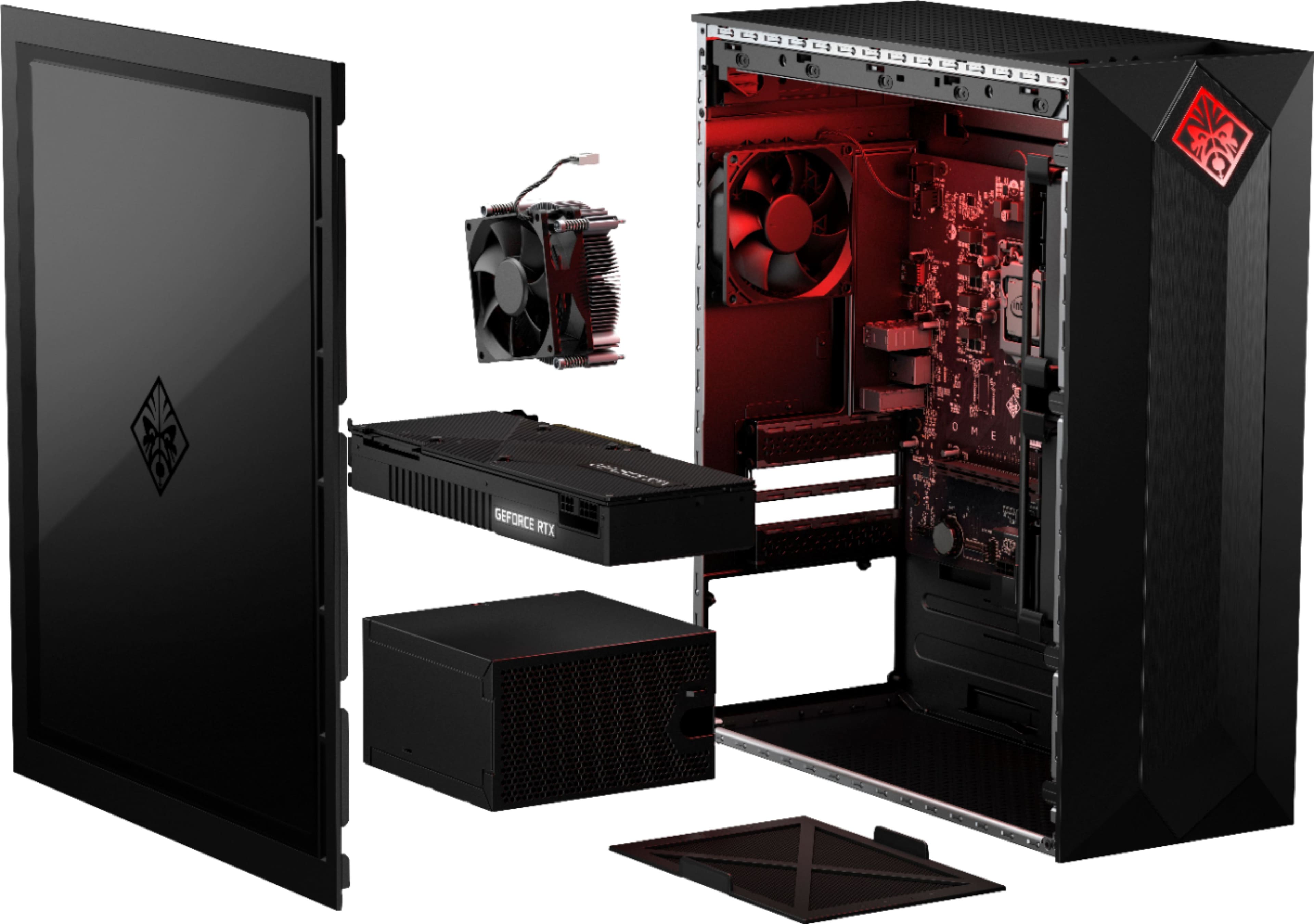
A:AnswerOptical drive will have to be connected via USB. There is an additional slot to add an SSD or 3.5 HDD. You will need to purchase a SATA cable and screws if you install a 2.5 SSD.
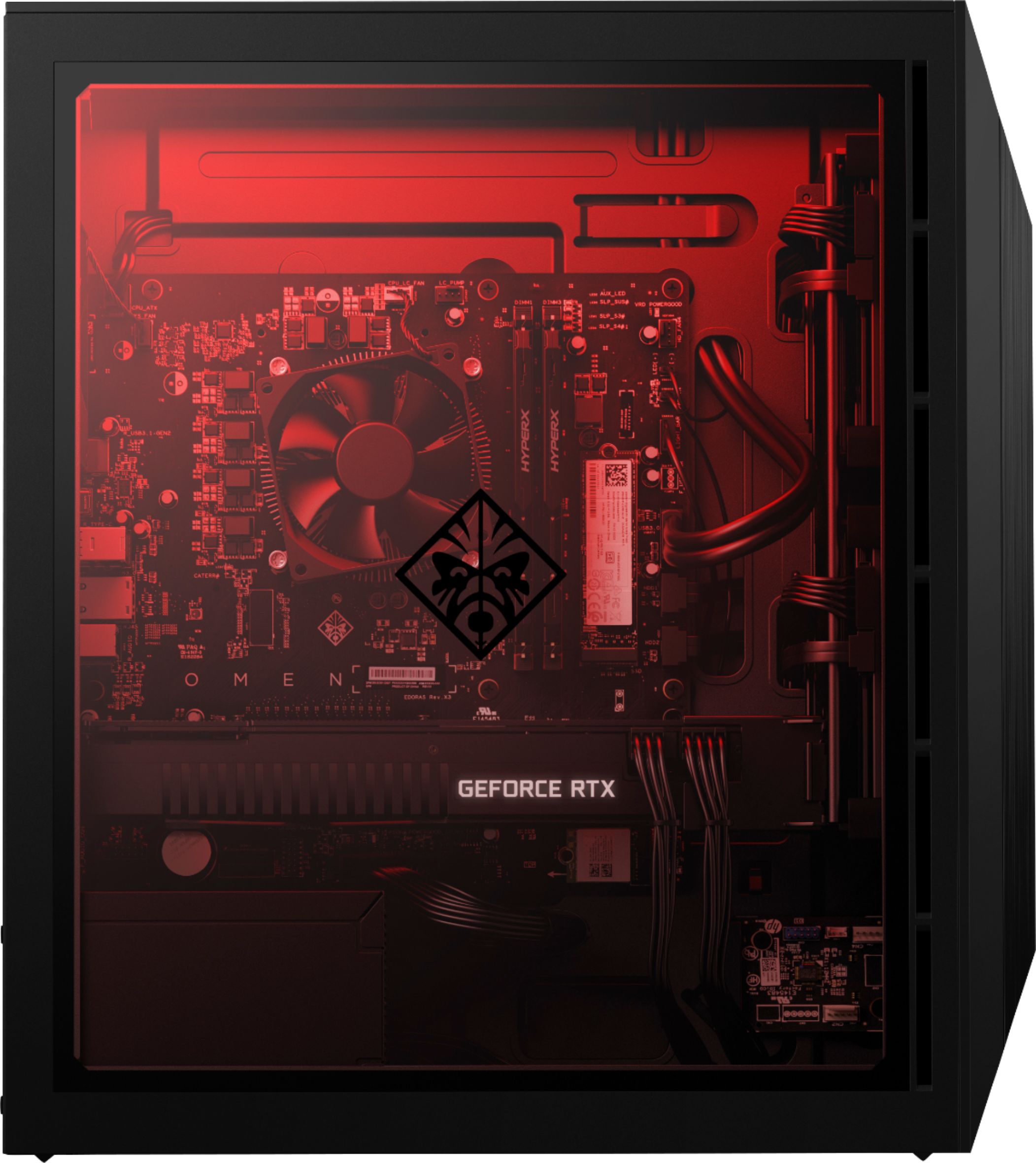
A:AnswerThese is a single free SATA port and an empty 3.5" bay with a sled. With an adapter of some sort you can add another SSD while retaining the 2TB HD.
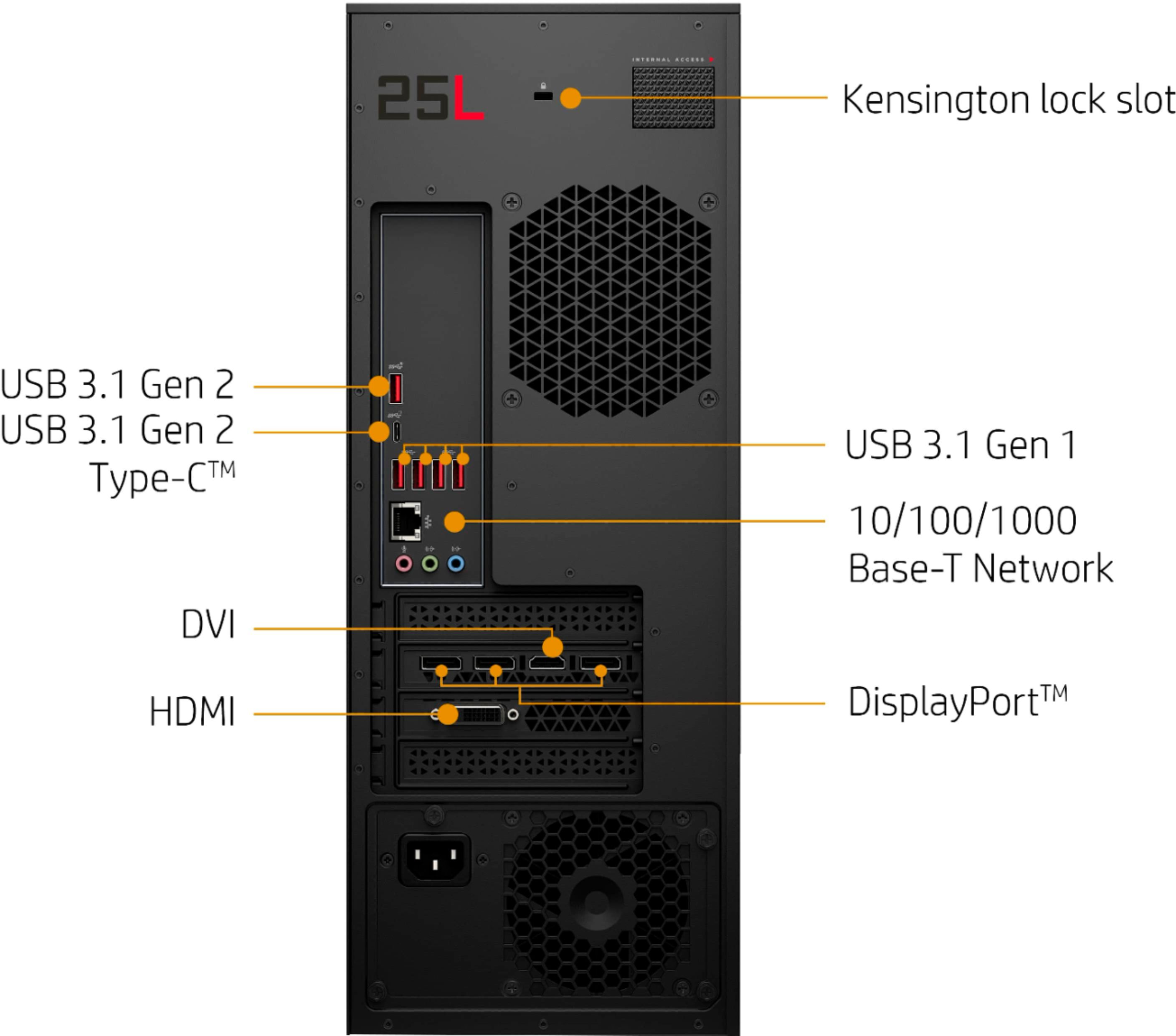
A:AnswerThis computer does not have a DVD or CD player built in. However, you can certainly use an external DVD drive, which will connect to any available USB port.
A:AnswerHP still has not come out with a liquid cooler for this computer.
Inside the top of this computer is a mounting plate for the fan and radiator. It is held to the computer with 4 Phillips head screws. Mount the fan and radiator first then the cooler on the CPU.
Intel BXTS13X Water/Liquid Cooling Thermal Solution
This is the only one I could find that had a four pin power connector. The mother board has a dedicated 4 pin plug for liquid cooler.
A:AnswerI read elsewhere that it was a 4 pin connector, however I didn't see much room to add more. I figured if I need to add an extra fan, I would cut a hole in the clear cover plate and attach it to that.
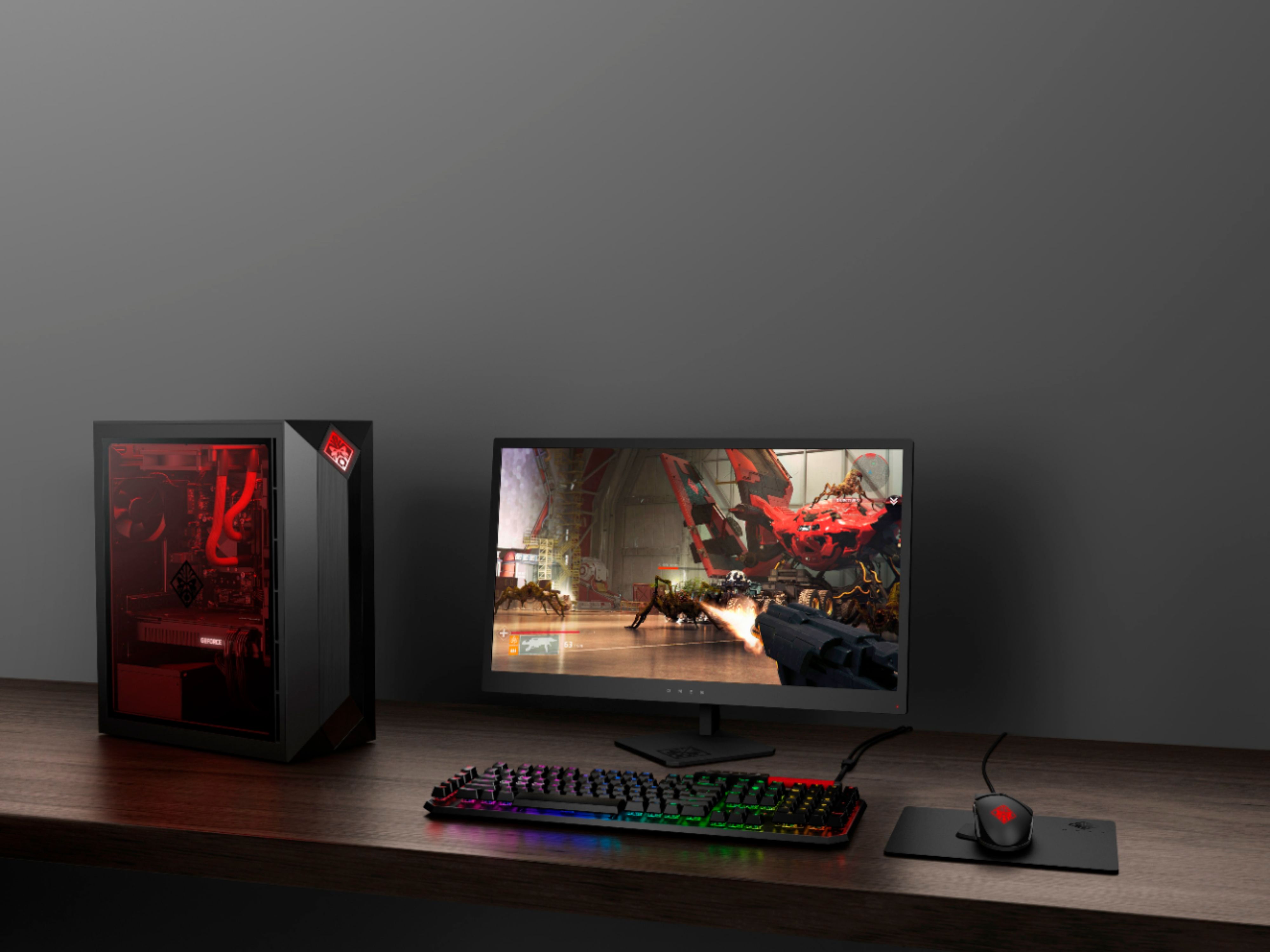
A:AnswerYes it can do all that and more. The Intel i7 8700 is a hexa-core CPU with 12 threads, and it has plenty of RAM and an RTX 2080. You can connect multiple monitors to the Omen.
A:AnswerI cannot be sure about future promotions but I recommend reaching out to the Best Buy customer service team to assist with inquires on pricing and promotions.
A:AnswerUnfortunately no, we cannot provide images of the keyboard. It is just a standard HP Wired keyboard and mouse combination with the Obelisk Desktop.
A:AnswerIf you upgrade later to a GPU more powerful than the RTX 2080, you'll most likely need to upgrade the PSU first. In order to prevent any future upgrade problems, I swapped out the HP 500W PSU for a 850W Seasonic PSU (length 140mm). It was a perfect drop-in replacement.
A:AnswerI just got this in the mail and started playing black ops 4 and the GPU temp topped out at about 82 degrees C. It's really hot and I recommend looking into a cooling system.
A:AnswerDefinitely yes! The RTX 2080 is significantly faster, more powerful, renders more detail at higher settings, etc. You should not experience any lag with this!