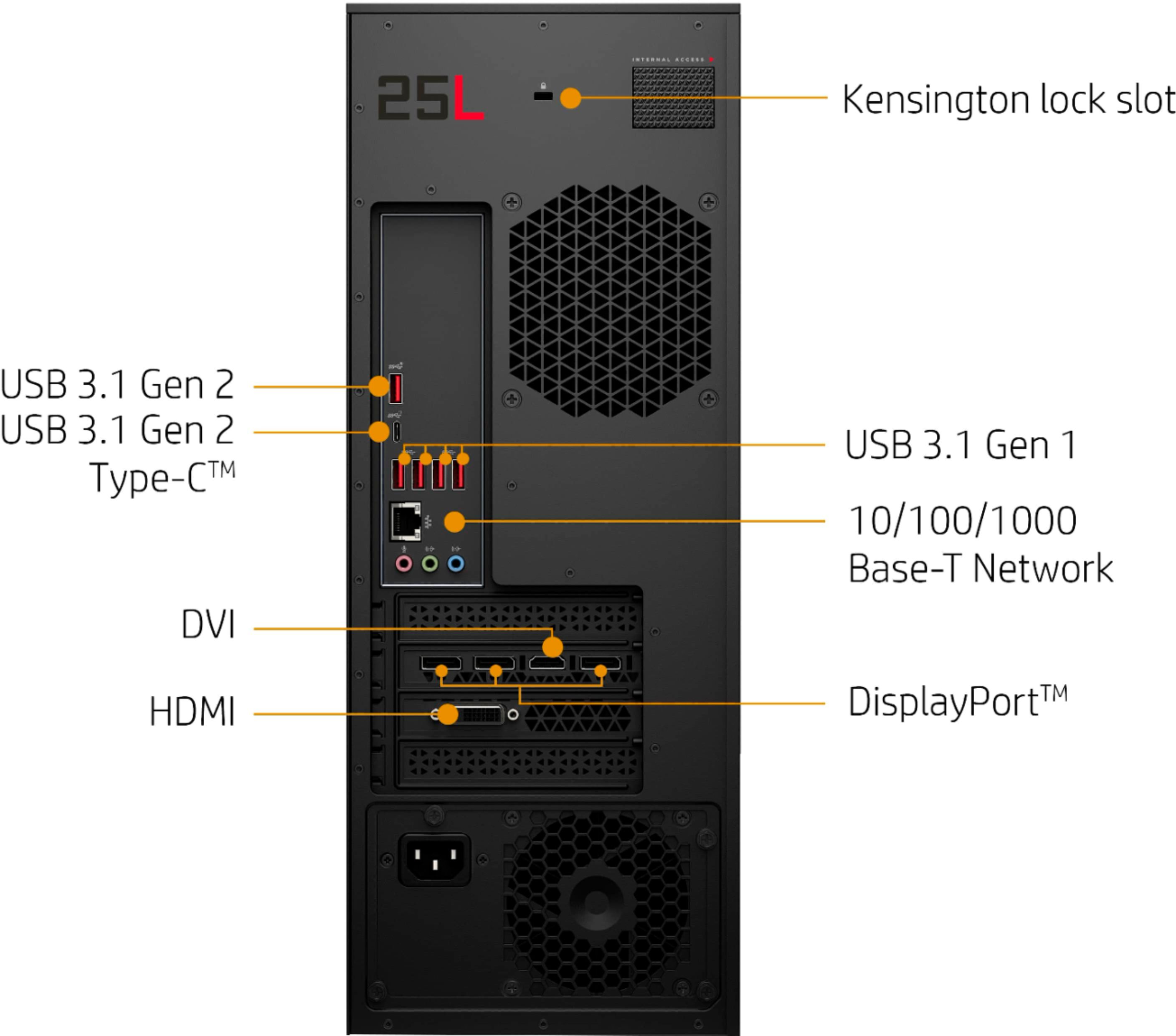
A:AnswerThis model has USB-C and HDMI and DisplayPort. It does not have a DVI port. You may be able to find adapters for your monitor if it only supports DVI-D.
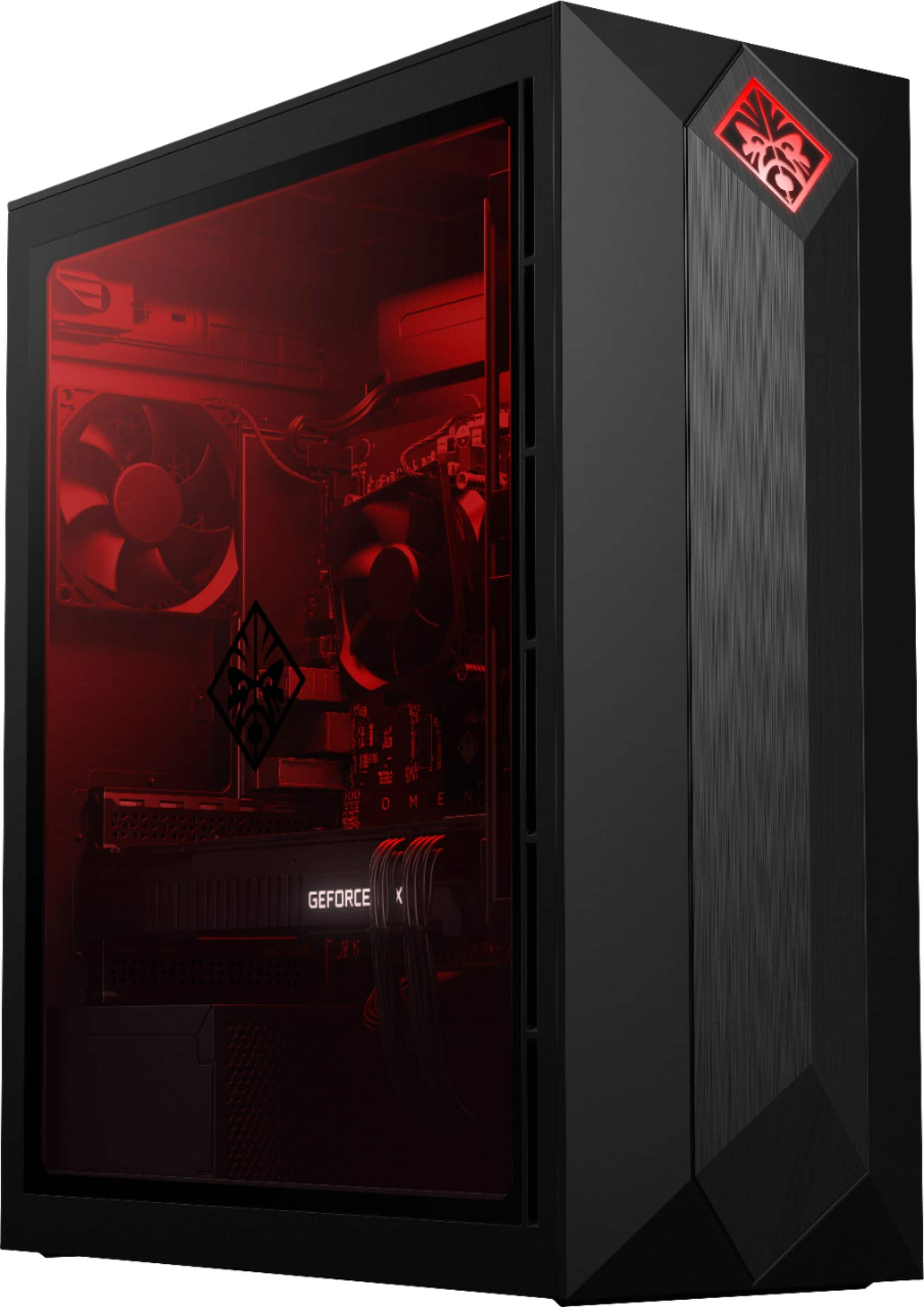
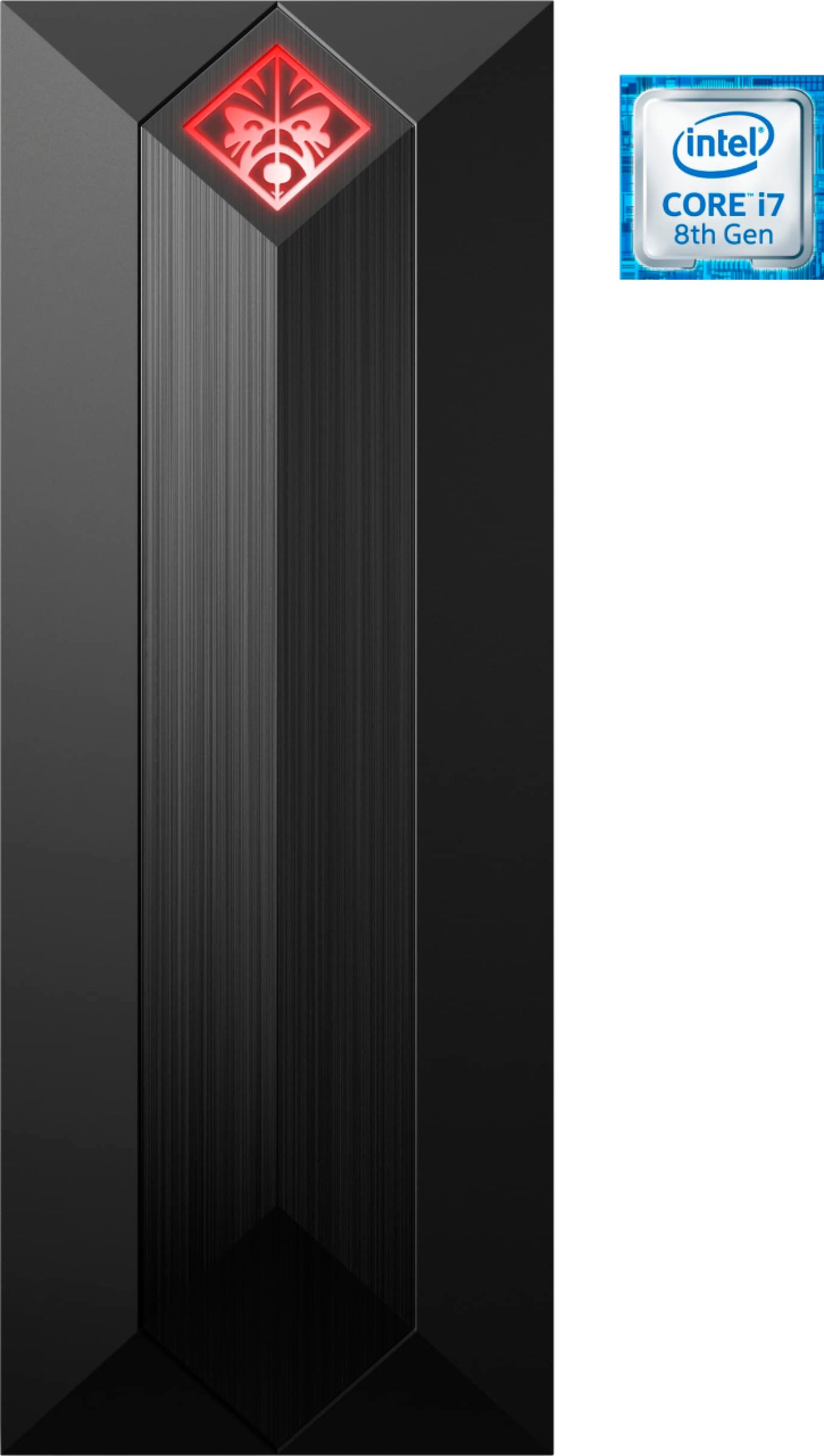
A:AnswerNot at all a dumb question :) This would be a great model for VR. It has a six core 8th gen processor, 16G of memory, and 8G dedicated GTX 2080 graphics, with plenty of storage for VR software and all of your games!
A:AnswerFPS will rely on a multitude of settings/features beyond just the computer's hardware. That being said, this "big boi" will have no problem maintaining at minimum 60fps on max settings ;)
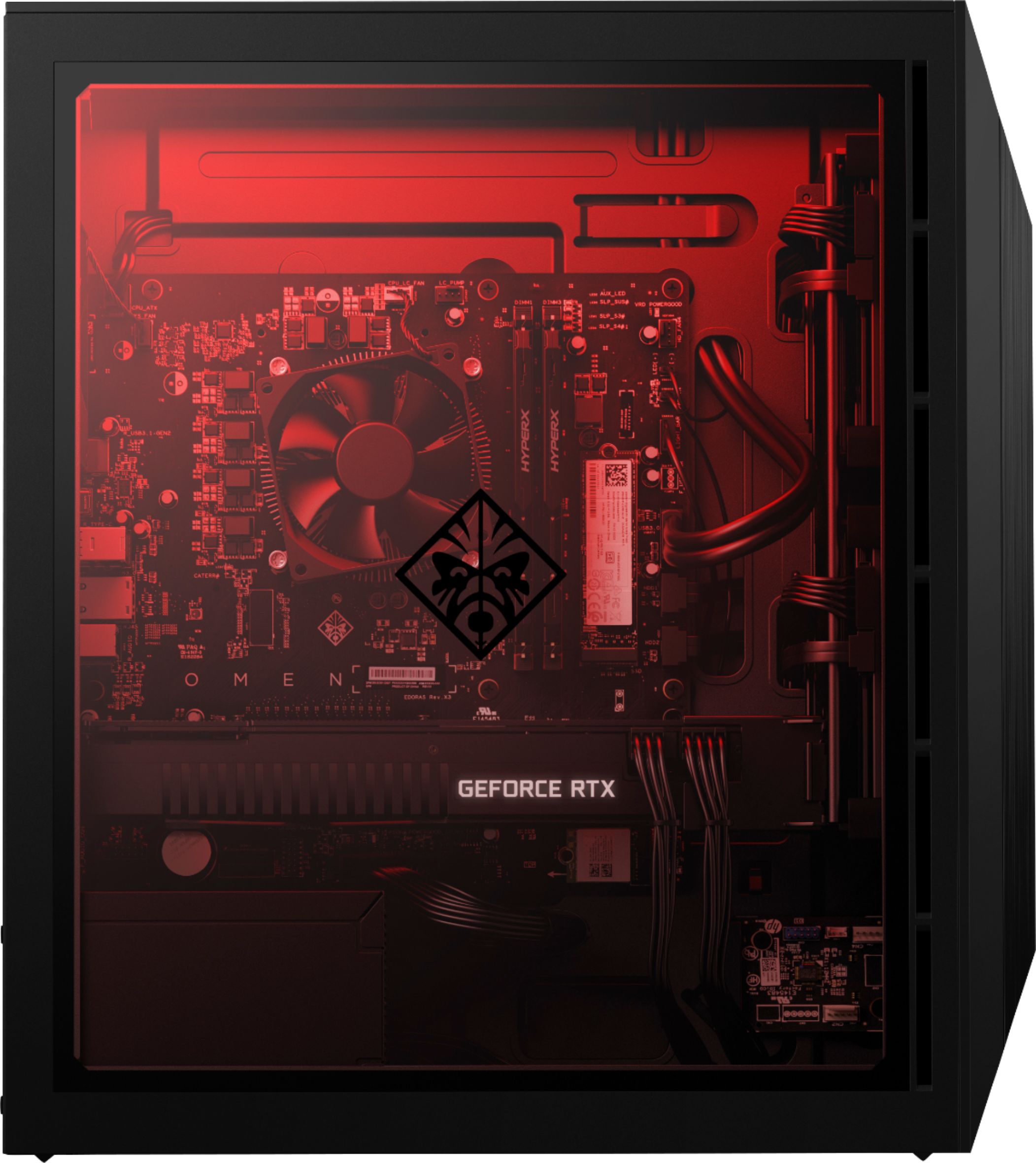
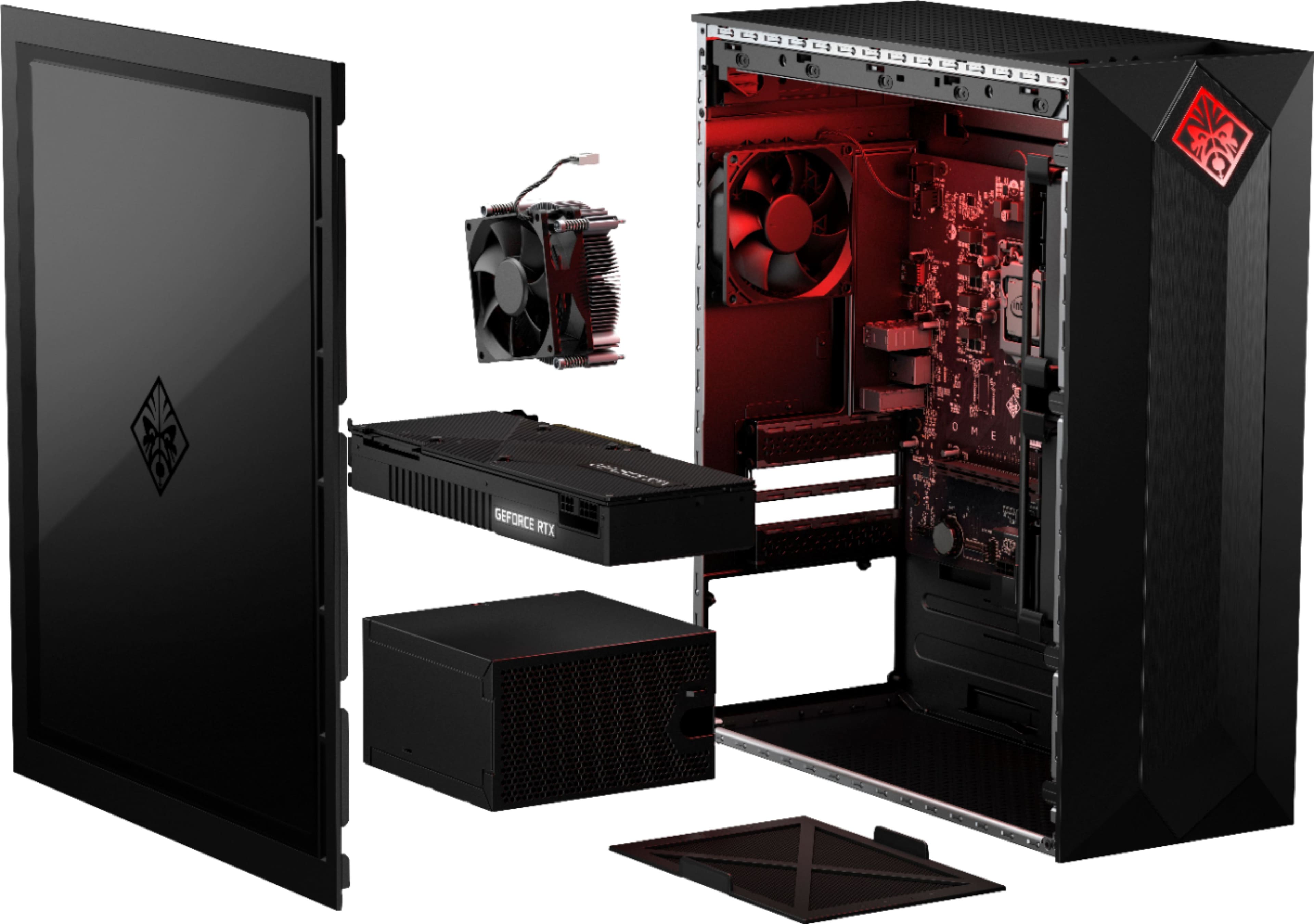
A:AnswerSo I agree that the STOCK Intel cooler while on paper is technically sufficient its not ideal. The Top area for a Raditor is also flawed in my opinion. You essentially mount the Radiator to a plate. The top is not a true exhaust. Instead I went with a Noctua NH-C14S in the Low Profile Configuration. That has a height of 115m in that configuration. Installs easily and dropped my idle temps by 12C. Looks awesome too.
A:AnswerThe rear case fan is 92mm not 80mm. I installed a Noctua NF-A9 PWM. As for the top its a plate so its not a true intake or exhaust. It supports 1 120mm fan. I mounted mine as an intake to blow across my after market cpu cooler
A:Answer500 W. It's barely enough since there's no overclocking and there's only 2 fans. If you want to upgrade the PSU get a 650 at least. The 2080 drains 250. Also be aware of the size of the PSU you're choosing as the depth is shallow and it might not fit in there.
A:AnswerNvidia states on their website under the RTX 2080 > Specs > full Specs that 88c is the max recommended temp. I have seen mine run in the high 70s to low 80s regularly. If I pop off the glass cover it helps a ton, and see it run in the 60s-70s but I dont want to leave the internal exposed all the time like that. Hoping for some better software updates or ill be putting in some more ventilation. Keep an eye on your CPU temp as well, ideal temps over 50c are an indication of poor air flow or too high of ambient temp or both.
A:AnswerYou can also check to make sure your RTX 2080 has the latest Nvidia drivers.
You can use the Nvidia Geforce Experience or check the official site.