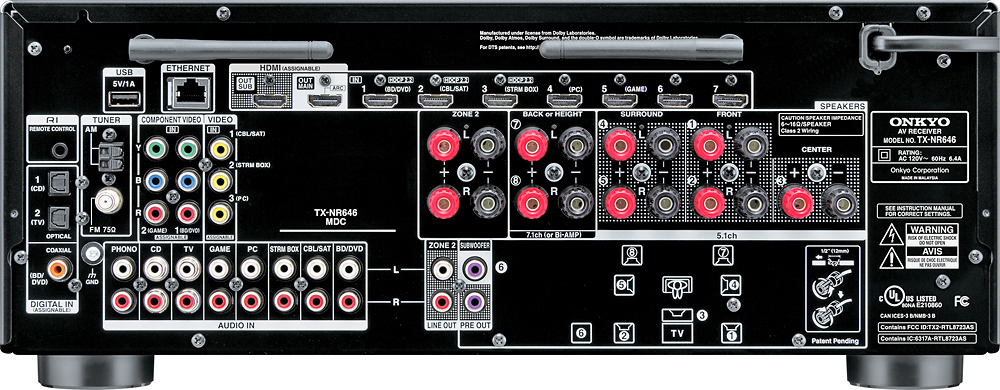
A:AnswerHi Bane, HDMI 2.0 is the current standard which all of the inputs on this unit support, if you require further clarification please give us a call at 800-229-1687, Thanks, JT
A:AnswerZone 2 is a seperate pre amp out. You can also configure Zone 2 to output on the surround back speaker taps, giving you a powered Zone 2. Turning it on and off and selecting sources is done with the remote control. You have to press the Zone 2 button on the remote, then the power buttons, input selection and volume controls are set to operate Zone 2. Check the owners manual. If you don't have it, download it from Onkyo's web portal.
A:Answeryou can connect a bare wire (should tin the wire first). Rotate the connector counterclockwise and insert the bare tinned wire into one of two slots at the base of the connector.(slots are located at 8oclock and 2 o'clock)
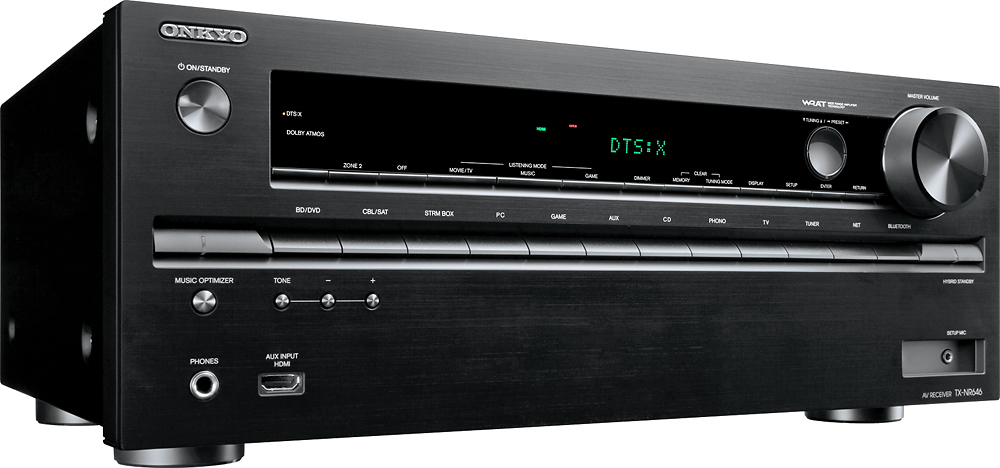
A:AnswerHi Joe, yes the tx-nr646 does have a dedicated Phono input so no pre amp will be necessary. We currently do not have issues with this model. If there are any issues with your purchase or if you have other concerns please feel free to email me at [email protected], Thanks, JT
A:AnswerNo. You will need an active HDMI cable. You might also consider using an HDMI balun kit with a single Cat 5 cable. That is what I normally do if I have to run HDMI over longer distances. Snap AV has a good one in their Binary line of equipment. They're not cheap, but they work well and permit transmitting HDMI over distances in excess of 130'.
A:AnswerThis has two zones only. So you will be able to push to one zone or the other not both at the same time. I think you're solution would lie outside the receiver if everything is set up to a zone switch you could push the sound to one or multiple rooms.