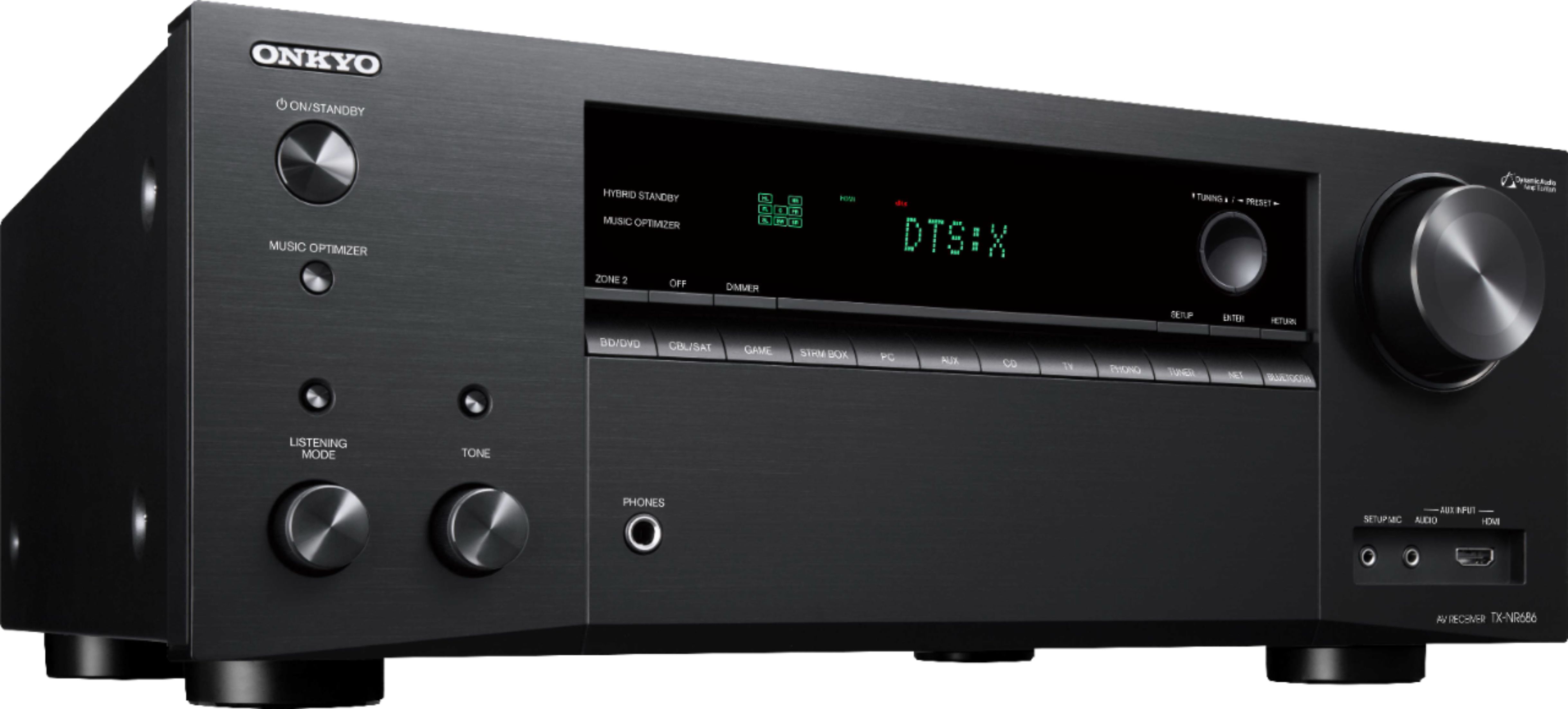
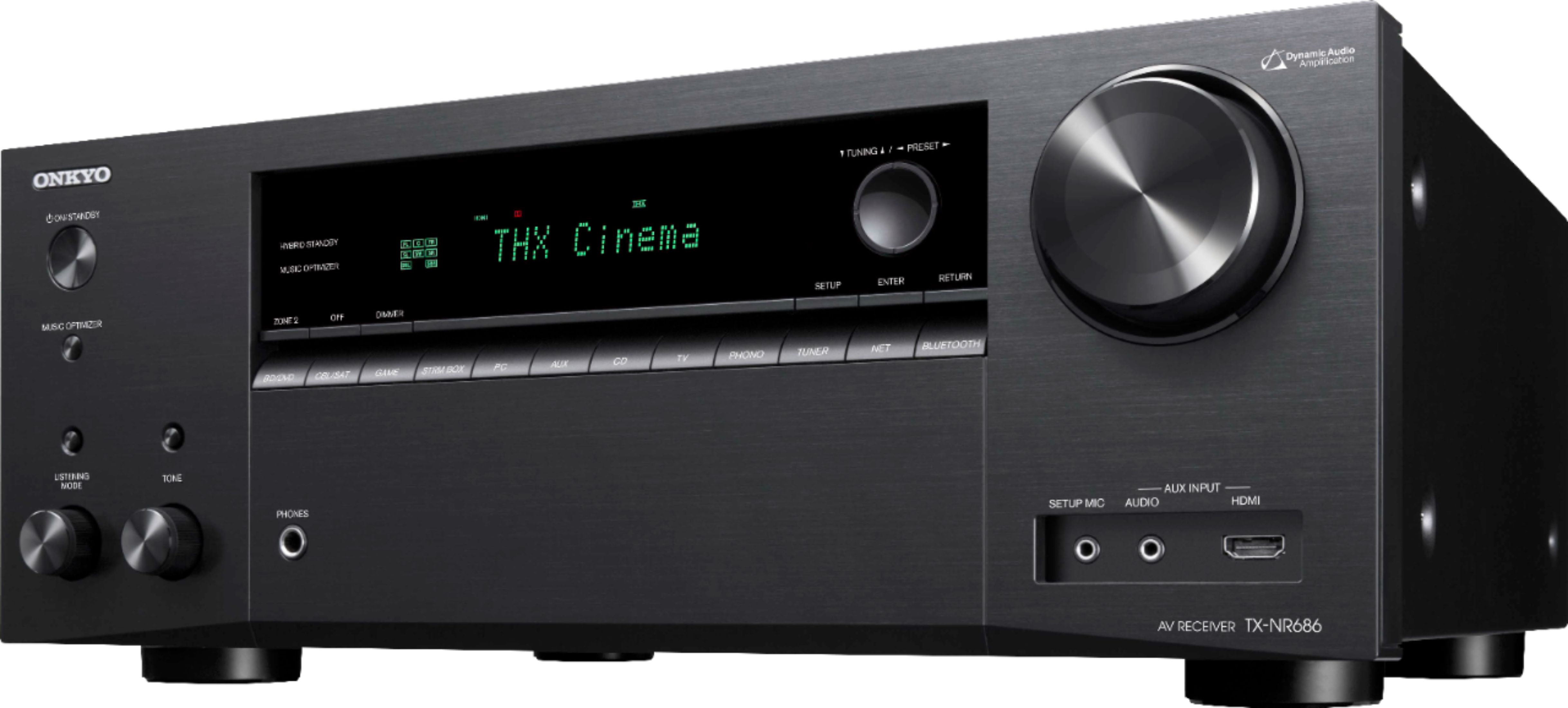
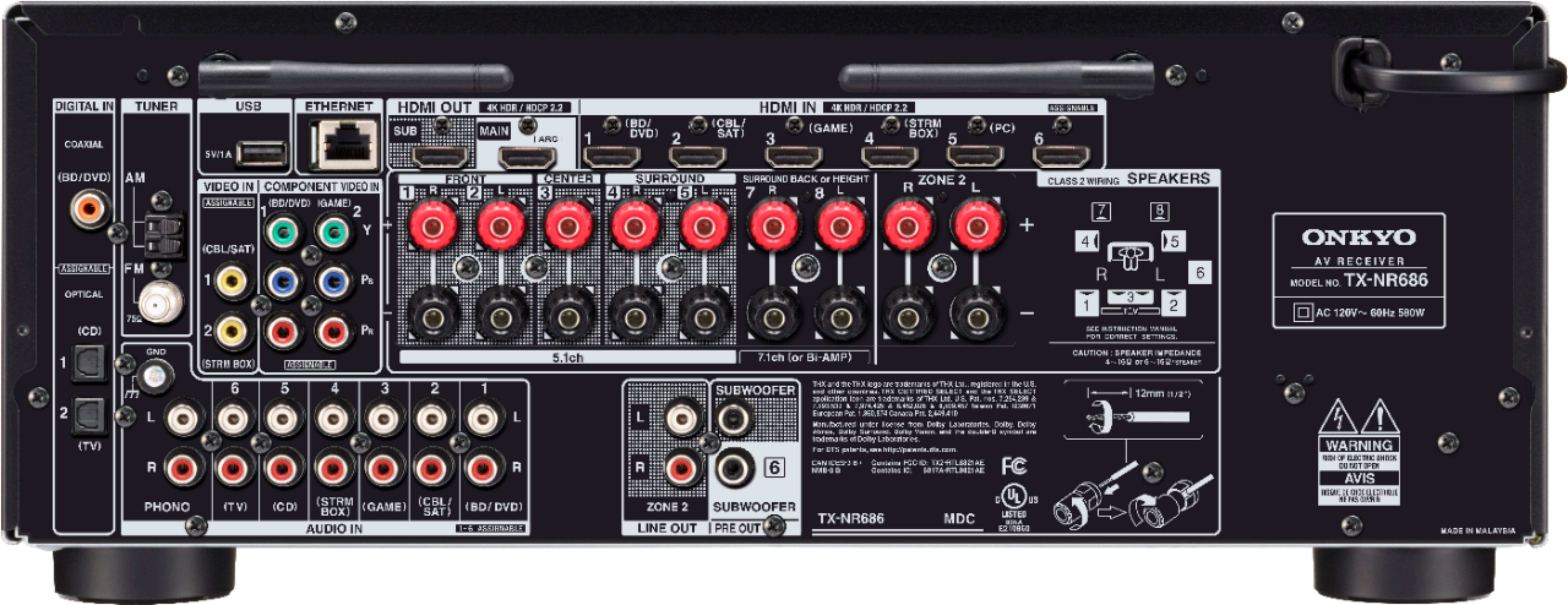
A:AnswerNo. Zone 2 is completely separate. I realized this after I bought as well. If you want true 9.2 you have to go to the next mode up. Same power as this receiver but the 2 extra channels can be used in the same room.
A:Answer"A: Does your tv have arc support?
If it doesn't you may have to go the optical route to get your audio, if that doesn't work you may have to upgrade your tv.
By MattBatMan 10 hours ago"
No, my TV does not have ARC support. I did not expect to be running my TV through my audio receiver and I did not expect to be in a situation where I can't do anything to my receiver without a TV screen. Although I guess in fairness it does say 'AV' - I just didn't realize that was required and not optional.
I ended up attaching the receiver to the TV via HDMI and optical audio. Then I moved my BlueRay DVD player over to the receiver since I ran out of HDMI ports on my TV. I did not want to rearrange all my other components and left the cable box, VCR/DVD, computer, and Apple TV dongle attached directly to my TV. I attached my turntable, cassette player, BlueRay, and CD/DVD player to the receiver. I didn't bother attaching the video output from the CD/DVD player to the TV because I pretty much only use it for CDs and have two other DVD players in the setup. Everything seems to work, but I have a gazillion remotes lying around and haven't figured out how to cut that down yet. It is interesting to see incoming phone calls pop up on my TV. At some point I may figure out how to make better use of all the features in my new receiver, but for now it works OK this way.
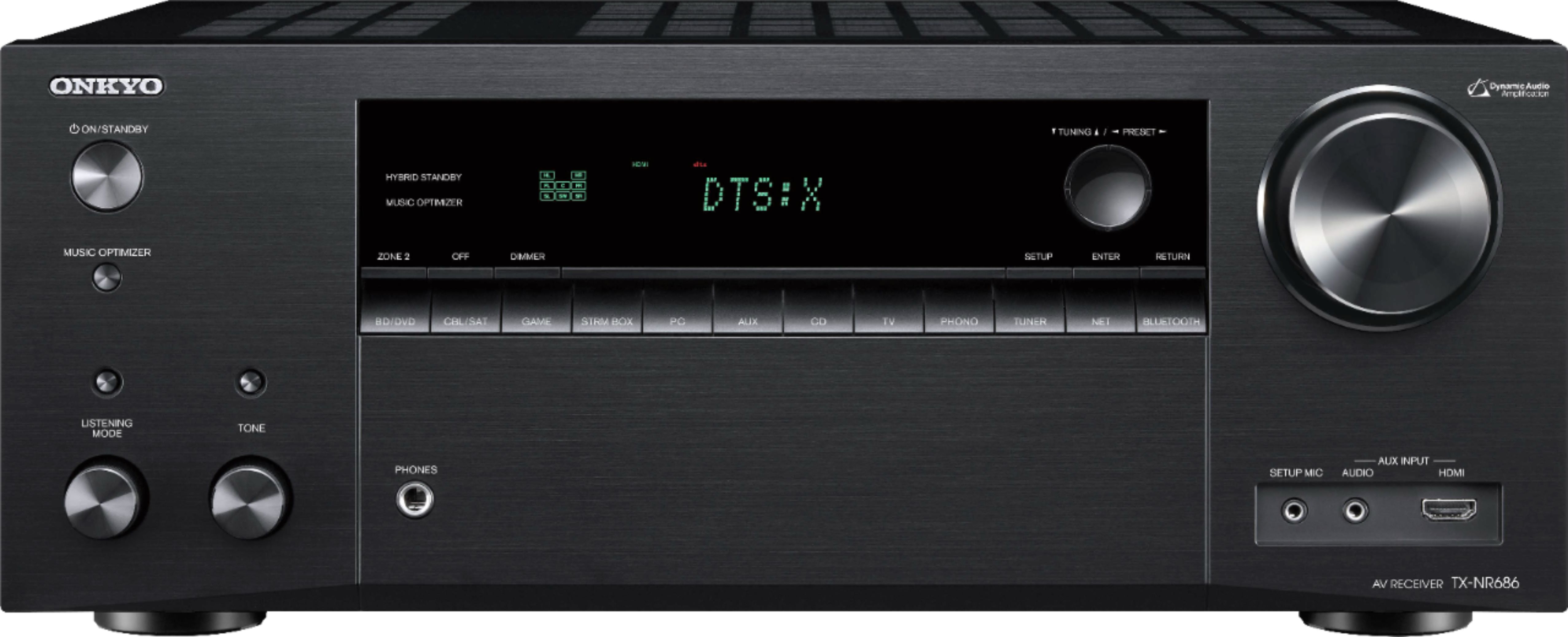
A:AnswerThe way you phrased your question led me to believe that the Bose series 4 included and required an equalizer. I looked them up and found no mention of an equalizer, so I assume you have been using one and thought you might need one. Rest assured that is not the case. This receiver has a built in equalizer that will match most any need. There are numerous pre-sets and also a manual EQ that shows up on screen for easy adjustment. I don't remember how many bands of adjustment are available but it's more than enough (more than ten I think). During set-up the receiver analyzes speaker output and makes adjustments as needed. You can use that as a starting point and tweak it to your liking.
A:AnswerYou can try turning off CEC on the tv itself and not on the receiver cec is pretty much what allows you to use your tv remote to control other devices connected to the tv/receiver, I.e. an Apple TV, cable box, etc. turning off cec should not disable the 4K portion
A:AnswerThis receiver is rated for 100 watts per channel. If the minimum specs for the wattage for your speakers is under $100 it will work. Also check for the impedance of them, this receiver supports 6ohm or above.
A:AnswerI have 7.1 surround sound system. Not knowing what system you have, I can only answer from my stand point. I ALWAYS Turn the TV Sound to 0.
It would interfere with the 7.1 system.
I hope this helps you.
A:AnswerPlug in the microphone and run the auto setup. That should get you close. Then adjust the audio processing by pressing the "movie/tv" button on the bottom of the remote. If you need more adjustment, go into the audio section of the menu and adjust the equalizer.