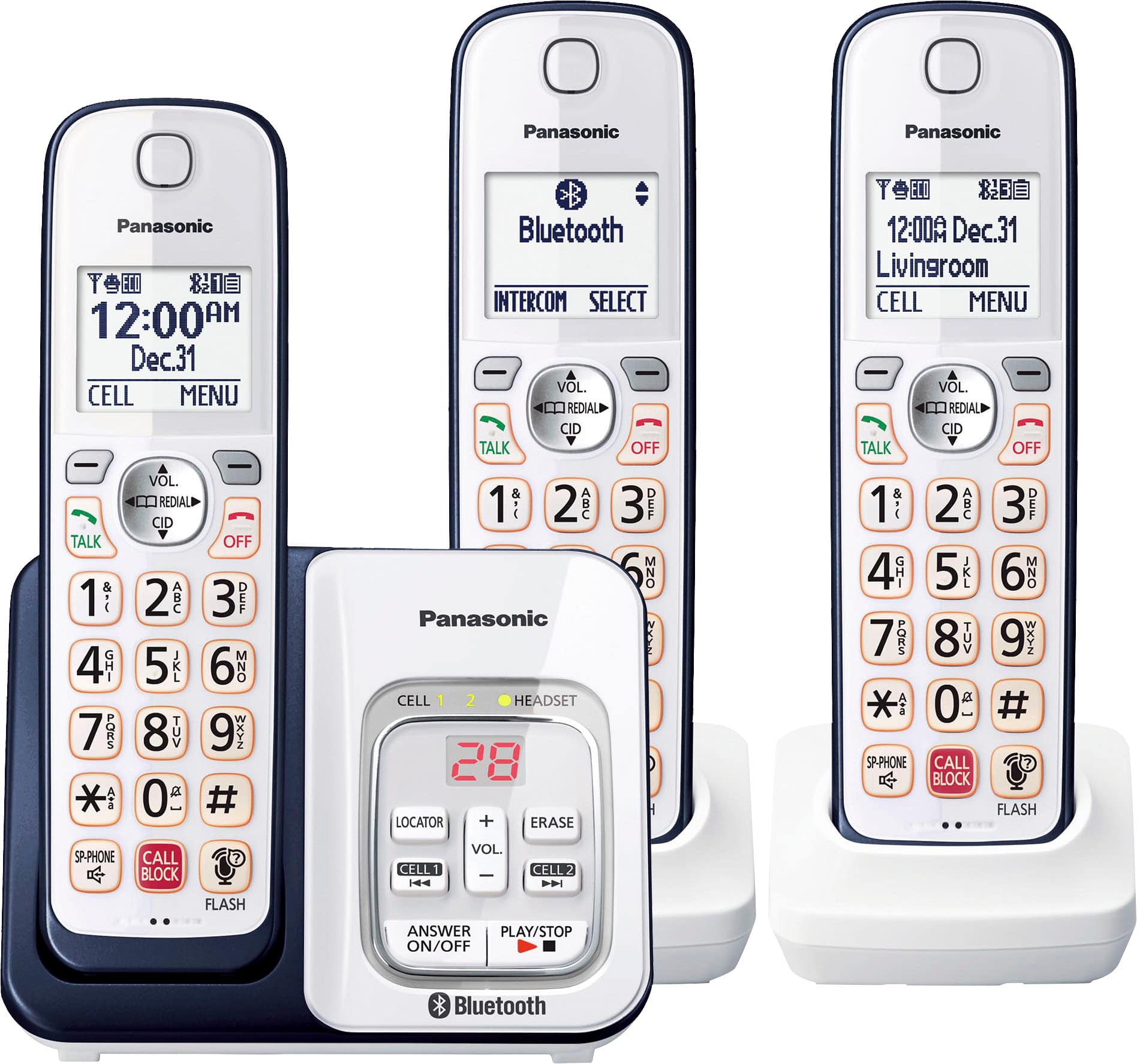
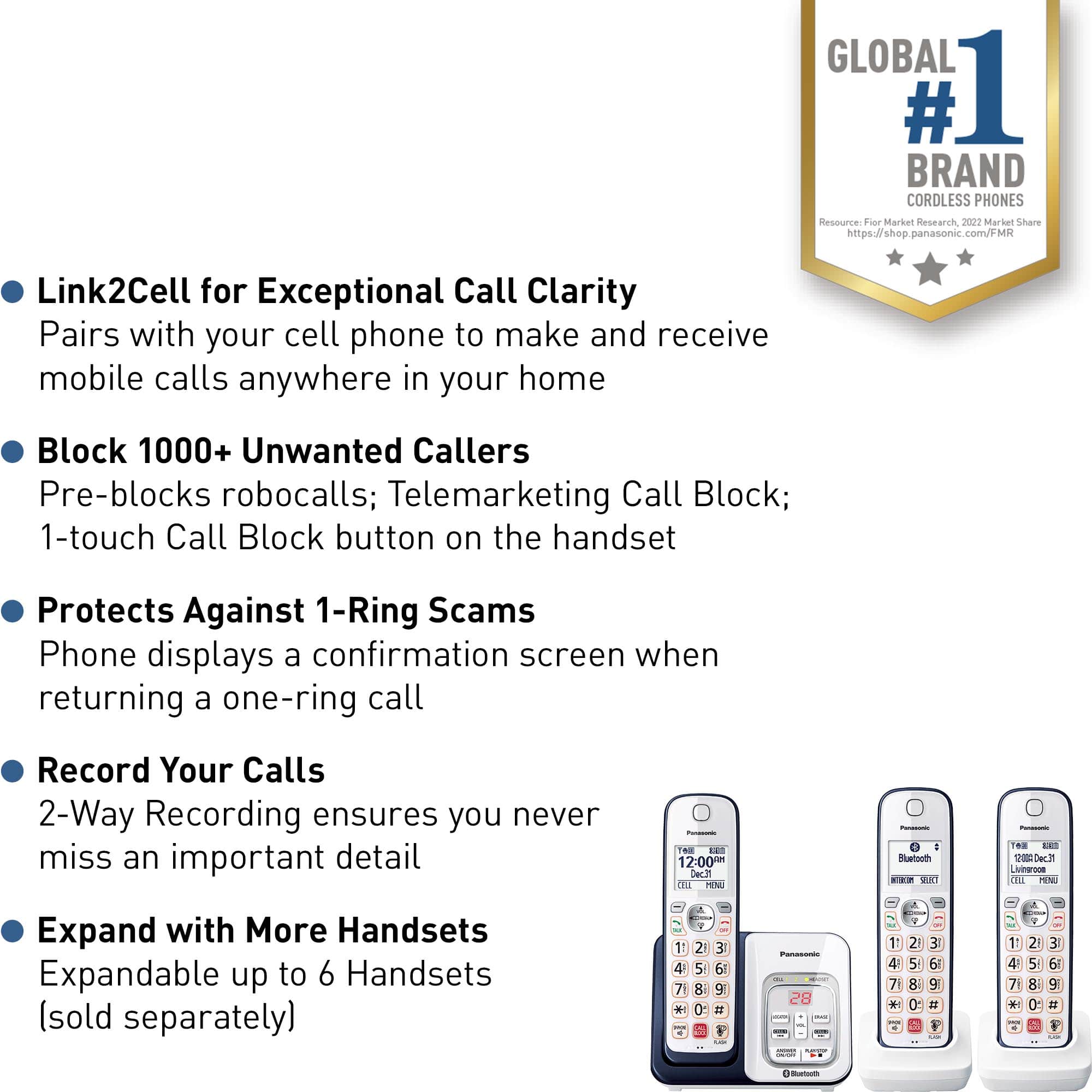
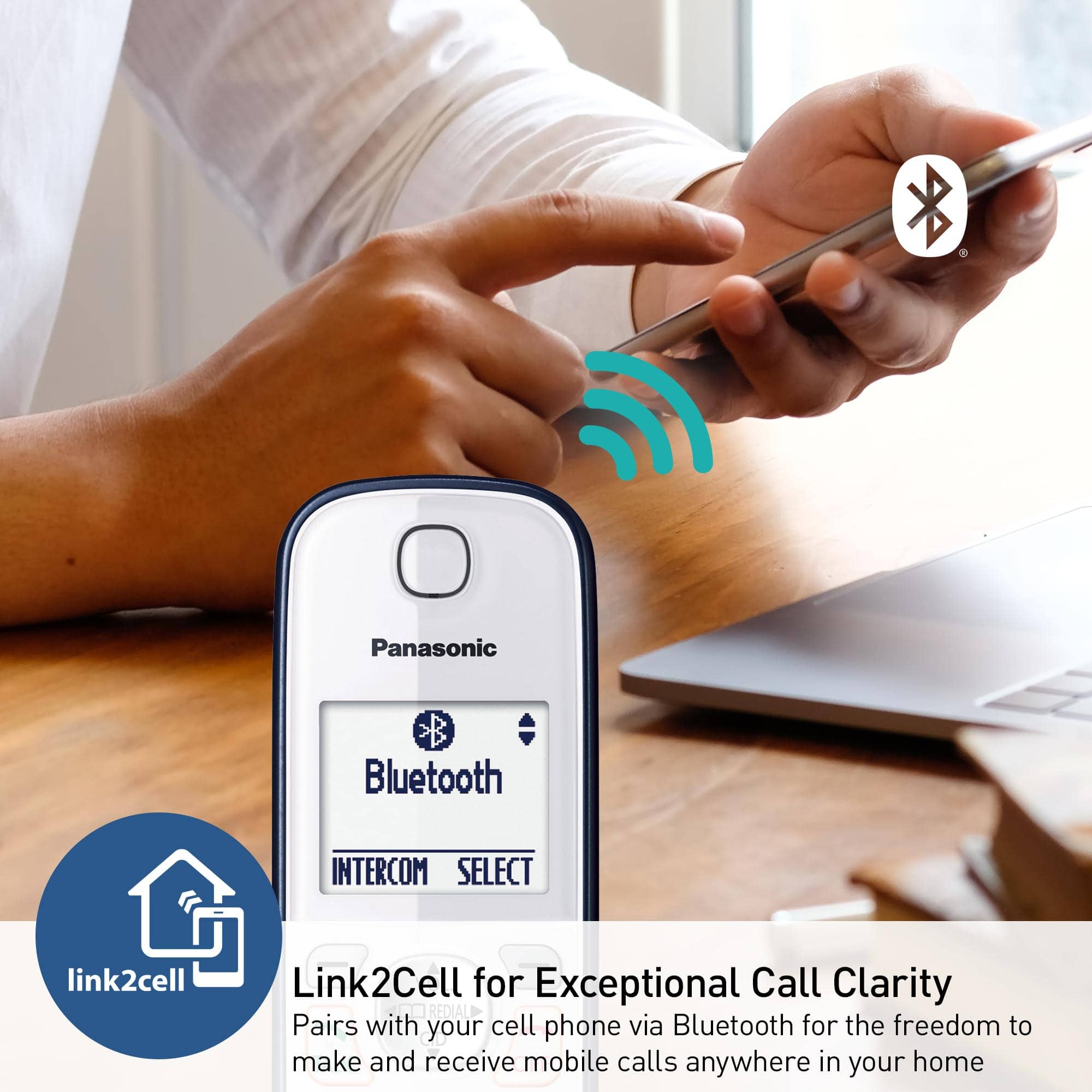
A:AnswerHi, Jade! The KX-TGD863 has the Link2Cell feature, which allows you to connect your mobile phone via Bluetooth in order to receive calls. Compatibility depends on the model of your mobile phone. -M
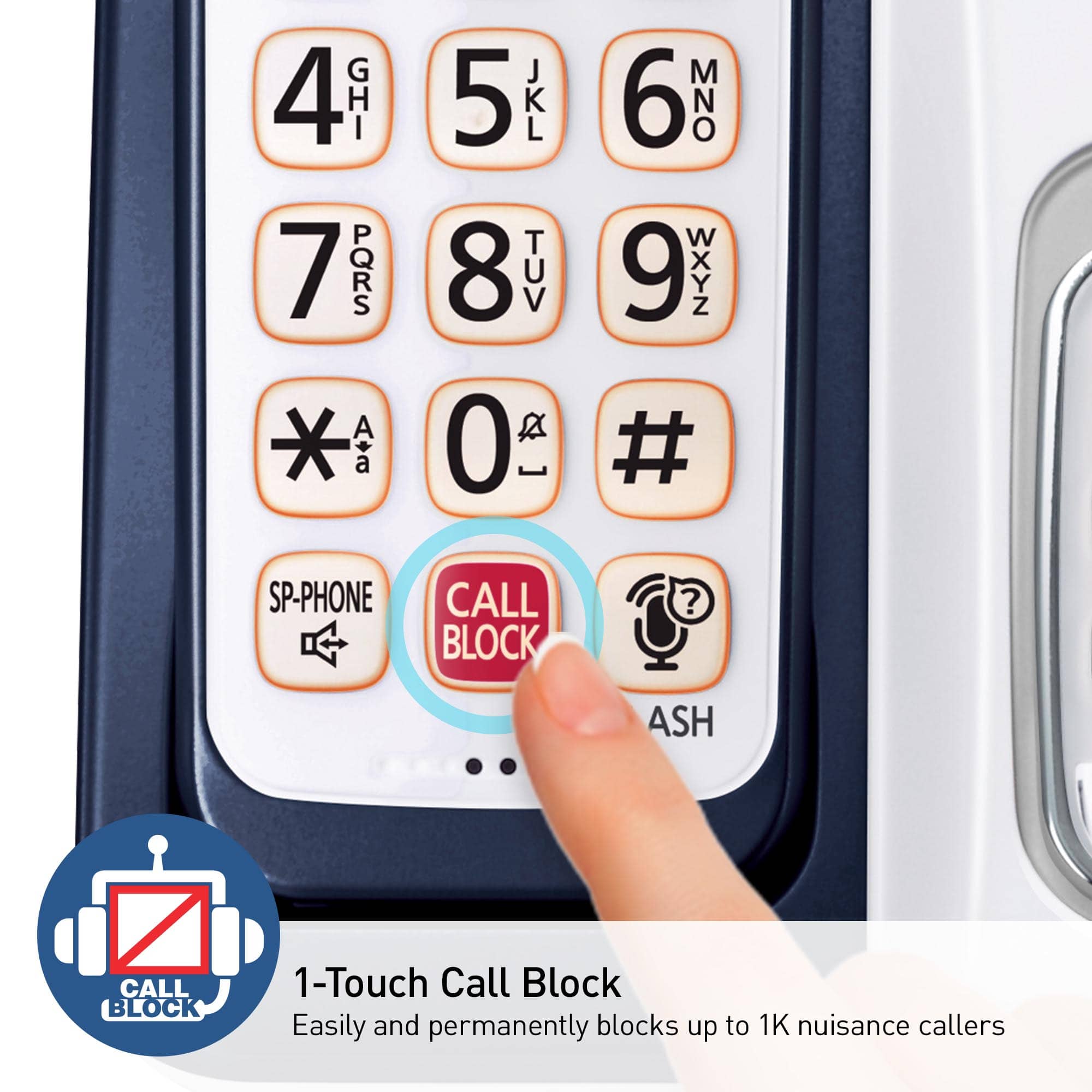
A:AnswerHello. To unblock the number you will have to access the list, by pressing the Call Block button, then select "Block a single number" list. You will need to locate the number in the list, and then press the button under the word Unblock, displayed on the screen. -G
A:AnswerHello. Both the base unit and the charger of the cordless handsets can be wall mounted. The instructions for this are available in the manual on page 69. You can access the instructions using the following link https://help.panasonic.ca/PCS/OperatingInstructions/KXTGD86_Series_OIManual.pdf#page=69 -G
A:AnswerHi Mike! The phone's Bluetooth feature (LinktoCell) can be used to make/receive calls on the mobile service of the paired cellular phone. It is not compatible with applications, such as Facetime. -G
A:AnswerHello. The volume can be turned off with the code MENU #160 on the handset. After entering the code, you will see the current volume, and you can reduce it by pressing the down arrow key on the handset until you reach the desired volume level. -G
A:AnswerIncoming calls from real people will repeatedly ask them to type in the phones access code. Which is automatically set to (1) while the auto blocking feature is enabled.
A:AnswerHi! The handset KX-TGEA20 will not be compatible with this system, however, here are the handsets that will: KX-TGFA85B, KX-TGFA88B, KX-TGEA60, KX-TGEA61, KX-TGFA61B and KX-TGTA61. -A
A:AnswerI have not had to block any numbers because the Robo calls do not ring in the house, so I am not disturbed! Yea! I have all my # stored and still have room for 2400!