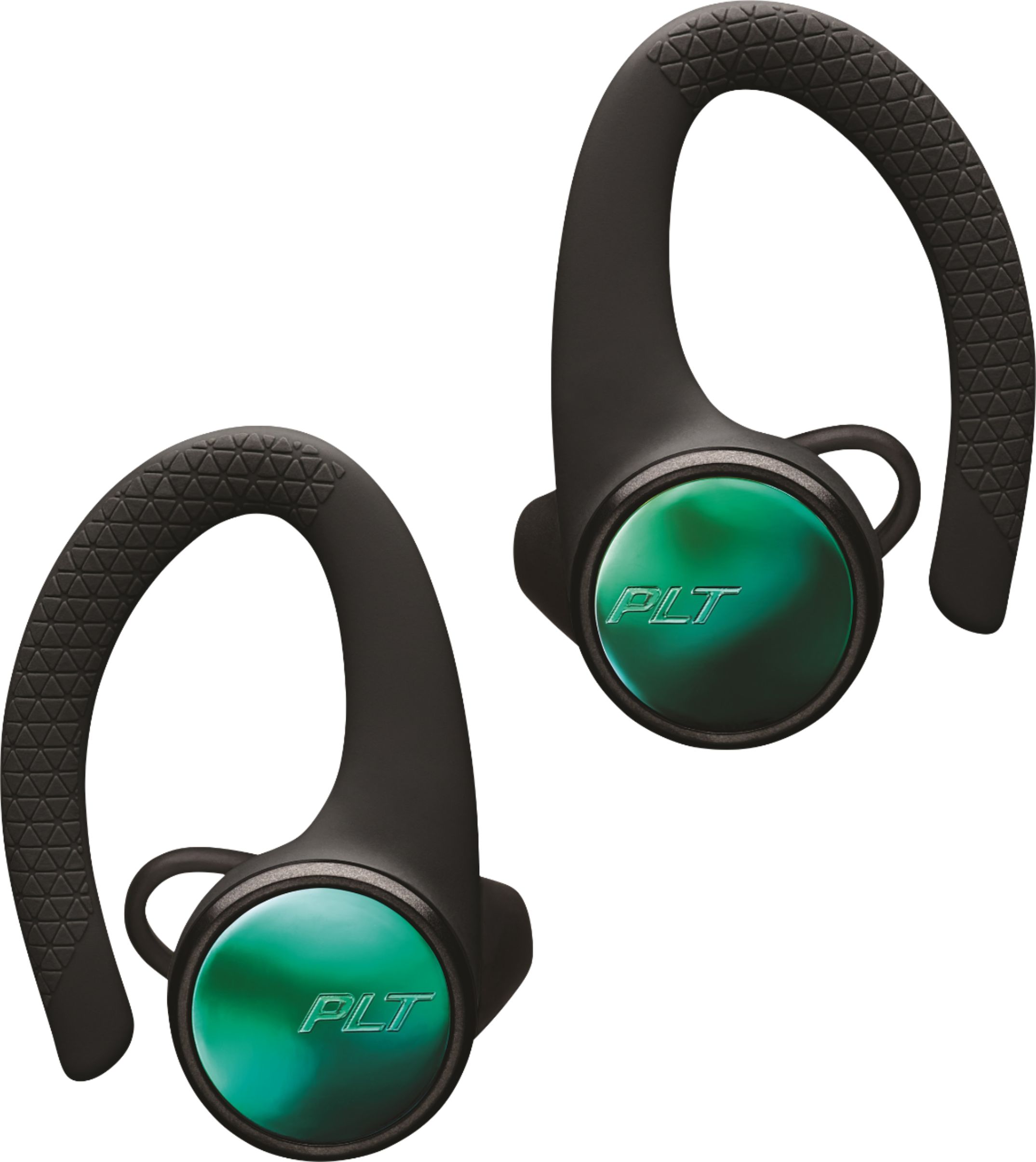
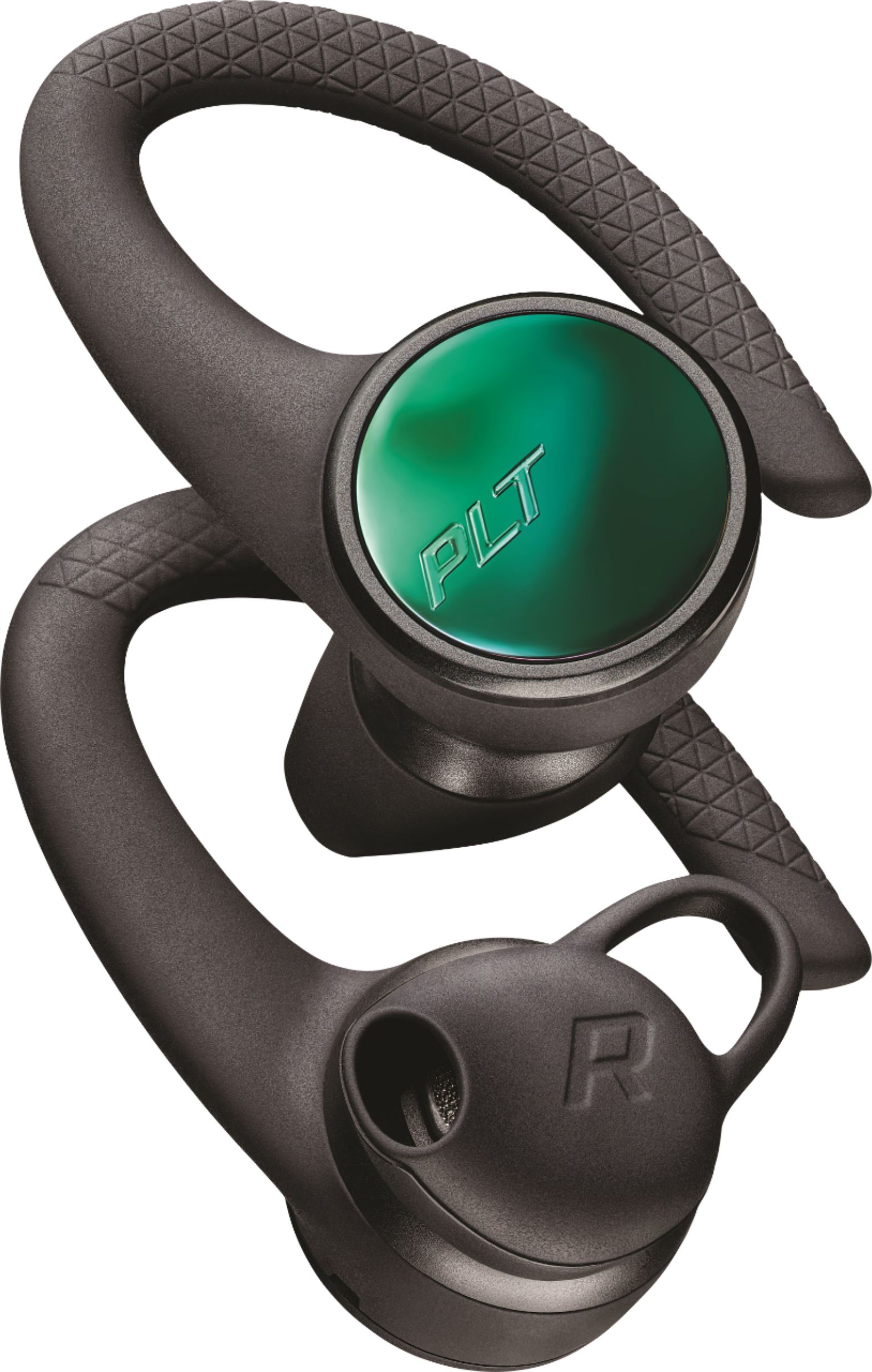
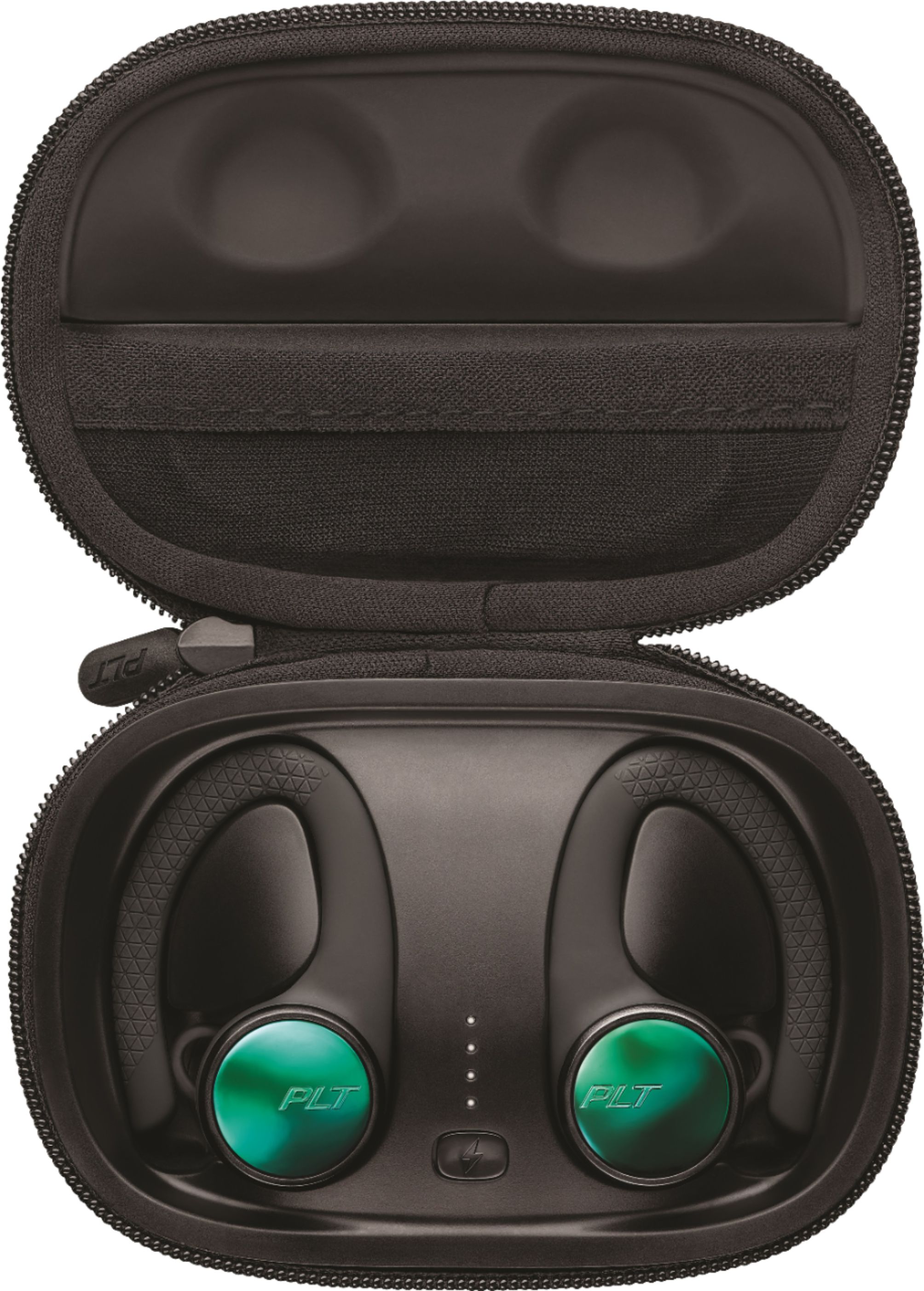
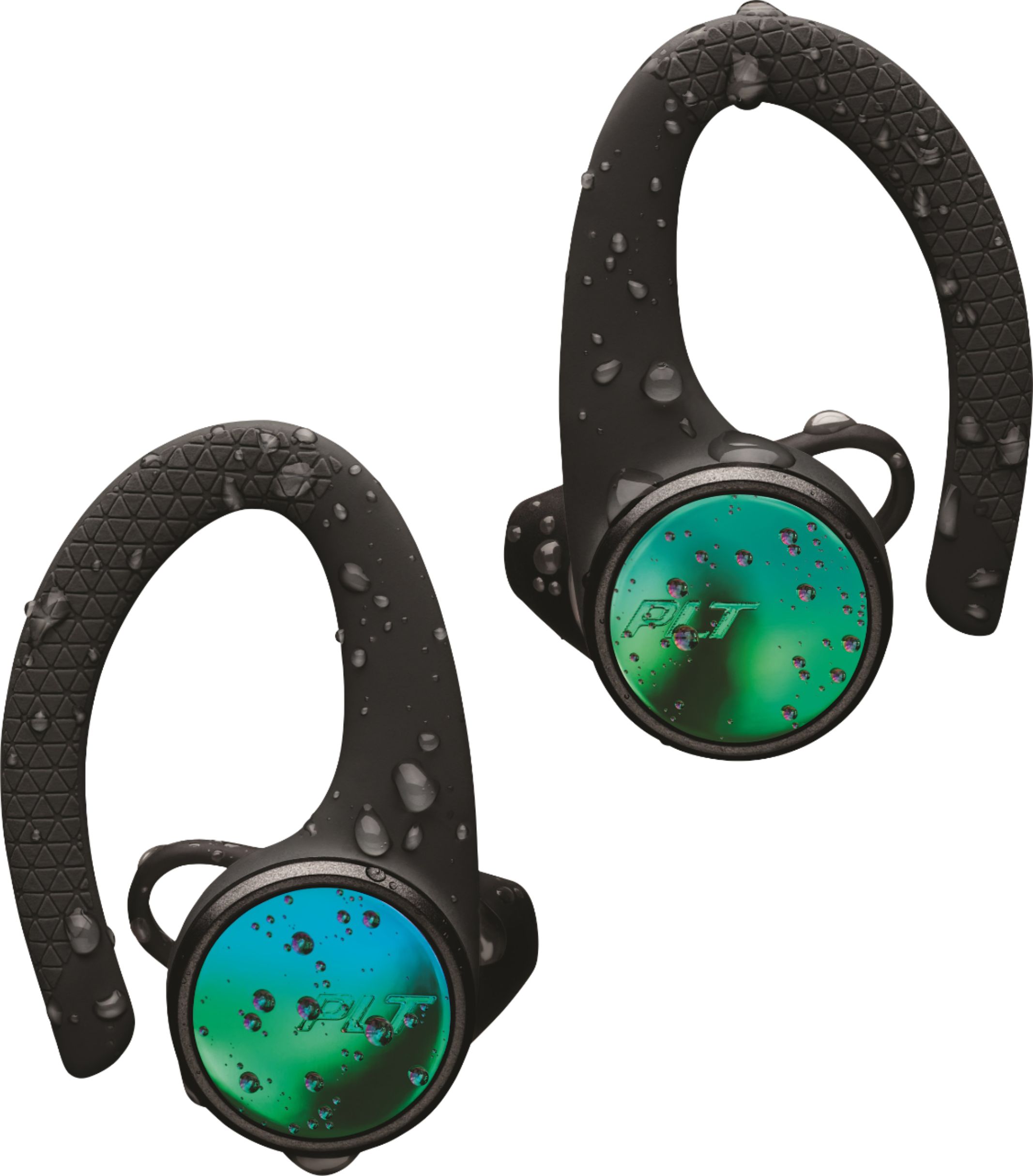
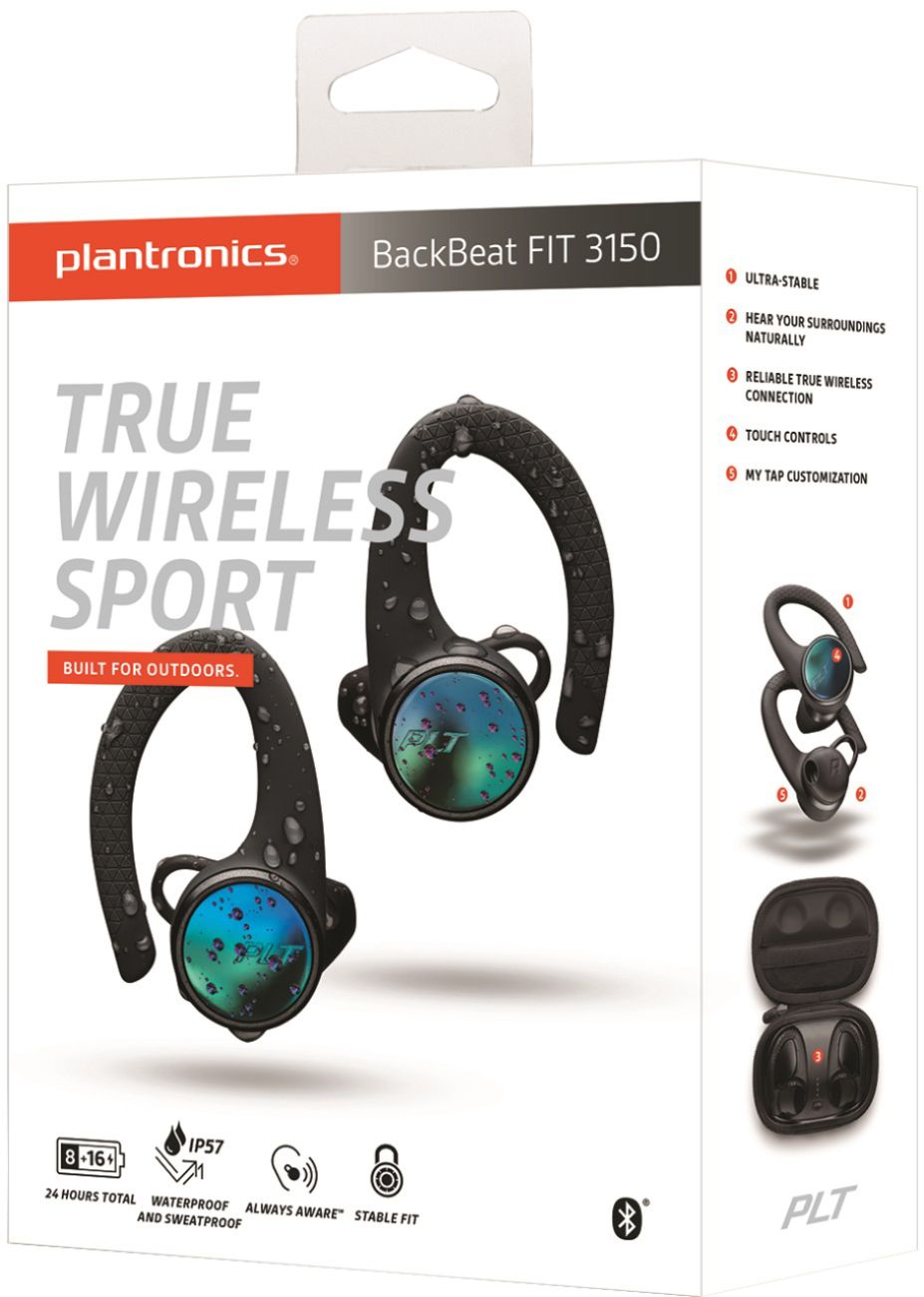
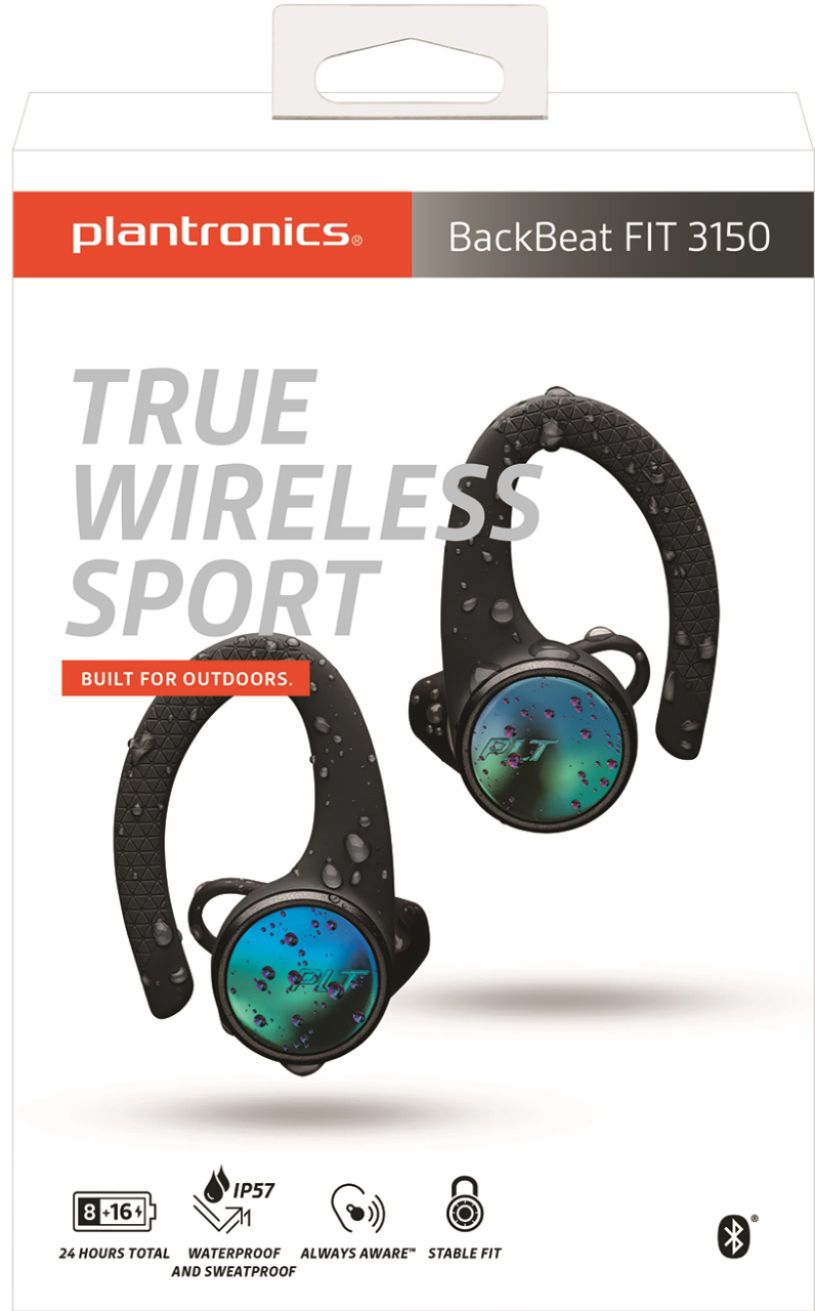
A:Answer Hello Linda! In order to pair your BackBeat FIT 3150 to your iPhone you simply need to set the unit in pairing mode: With the headset powered off, click and hold the right earbud for about 8 seconds until you hear "pairing." Then you will see the device listed under Bluetooth settings. Once you select it, the left ear bud should pair to the right one within a few seconds. In case this doesn't happen, turn on the left earpiece by pressing the button for approximately 3 seconds and then it should pair. Here you will find the complete user guide: https://bit.ly/3gu8qvh. If you have any further questions, please don't hesitate to contact our Customer Care Team at: 1-888-363-0726.