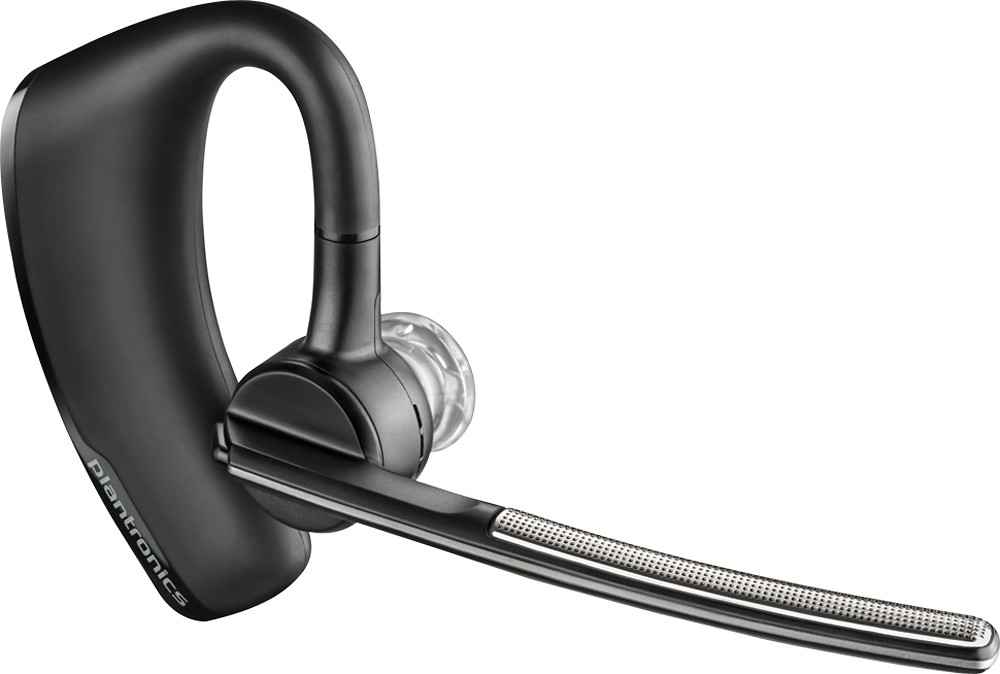
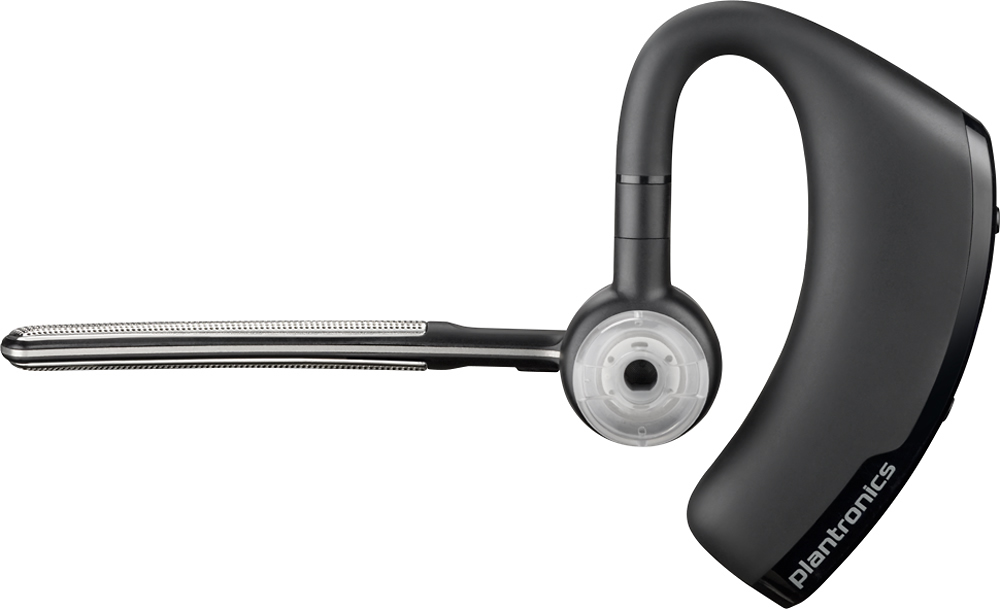
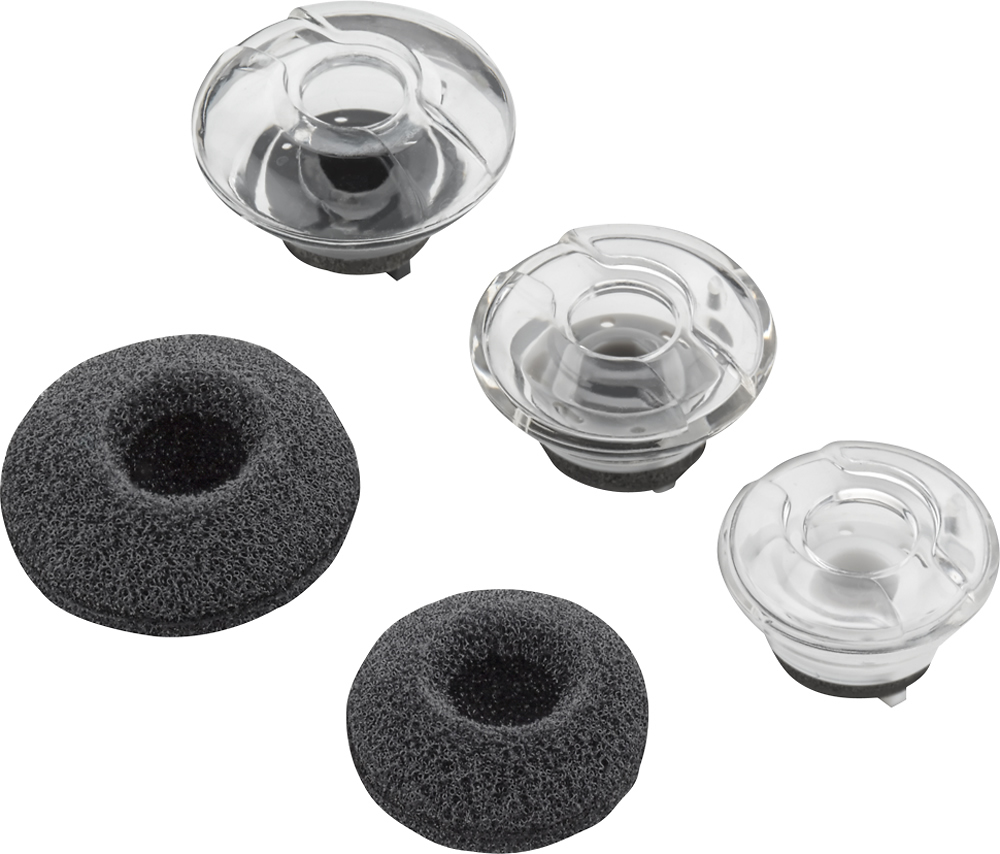
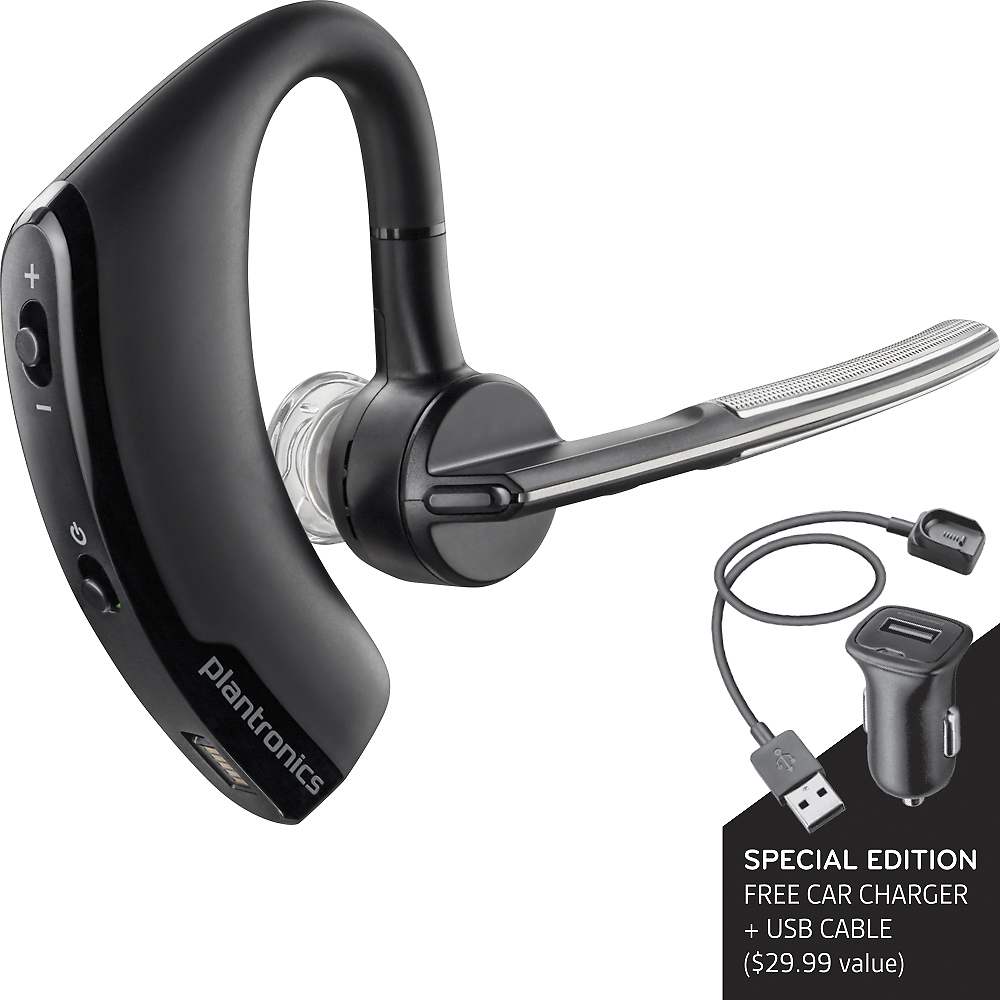
A:AnswerBluetooth headsets are universally compatible with devices that support them. While most deskphones do not feature Bluetooth headset support we recommend that you contact your phone manufacturer to determine if your specific phone model supports Bluetooth audio devices like headsets and headphones. Please feel free to contact our customer care group anytime at www.plantronics.com/support if you have other questions!
A:AnswerYes, our Voyager Legend and Voyager Legend SE feature smart sensors technology for automatic call and media handling features. Please don't hesitate to contact us at www.plantronics.com/support if you have other questions!
A:AnswerGo to settings. Select Bluetooth and allow phone to search for devices when you see plantronics it's one step connection. See instructions to put your Bluetooth device in pairing mode.
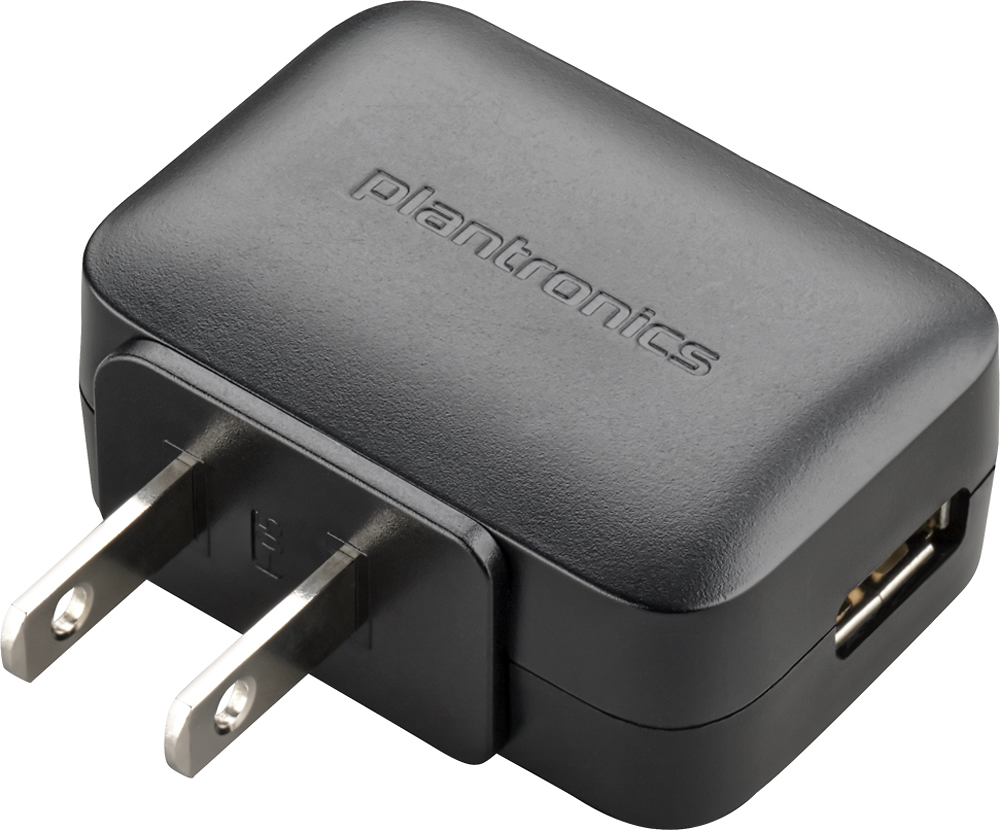
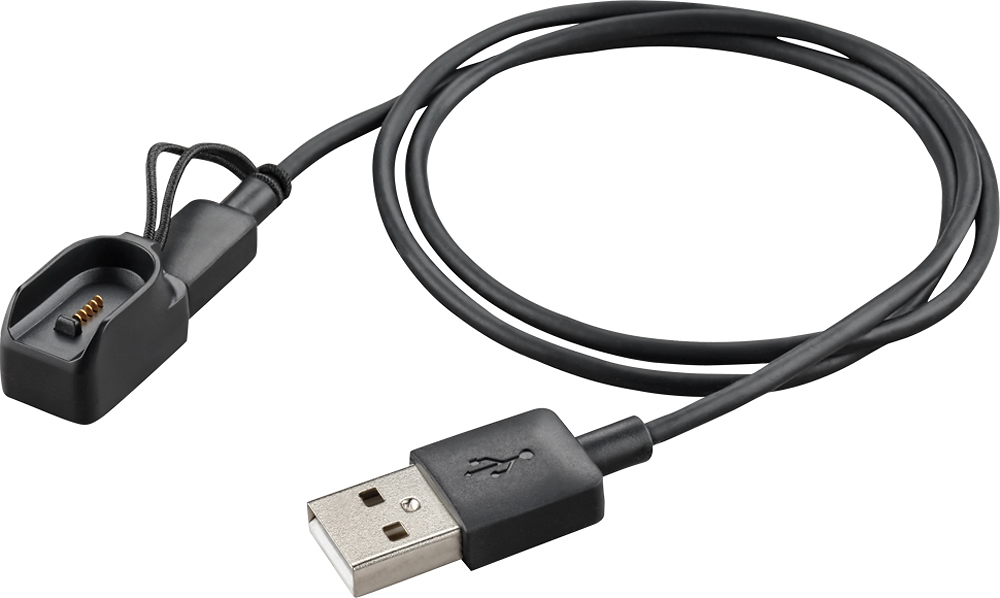
A:AnswerThe battery most likely did not charge. Problem starts with the power plug at the outlet, also the wire, and them the part that connects to the headset. I have problem with all the parts over several years and familiar models. Wiggling the wire at the ends can solve it sometimes and just watch for the charging light to come on the headset.
A:AnswerI have it connected to my computer upstairs. I have been able to walk downstairs and out front door before it notified me in my ear "disconnected"
A:AnswerNeed to be able to connect via Bluetooth. Your phone is Bluetoothcompatible so yes, you can use this. If you don't know how to connect via Bluetooth, ask your cell provider, YouTube, or the closest 5 year old. ;-)