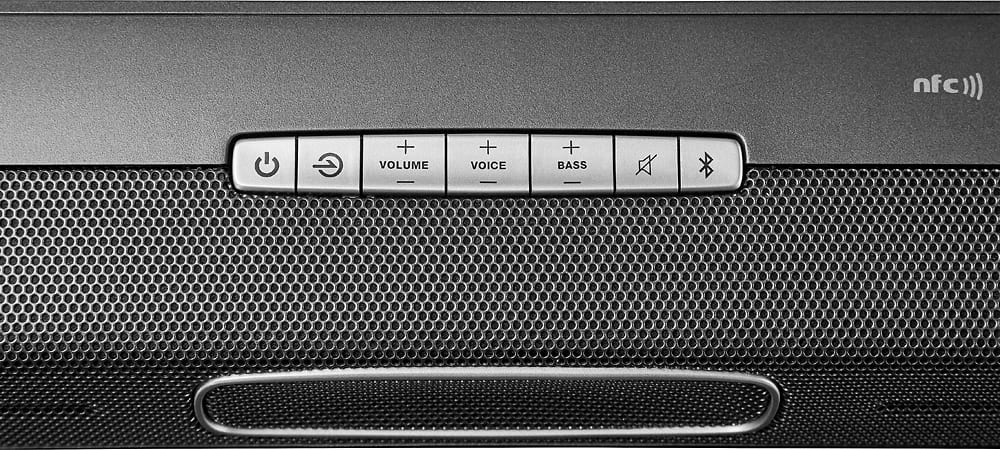
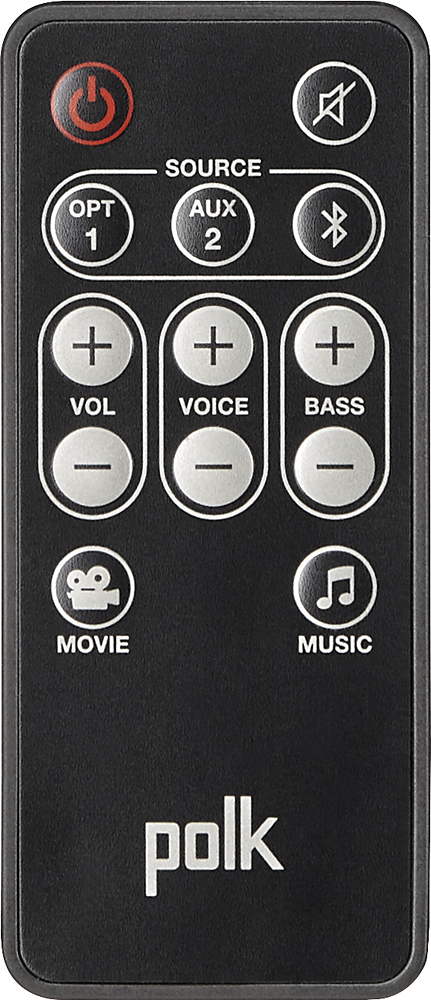
A:AnswerNot with Samsung remote but did the same with me. When programming remote I would use the volume up button to sync and them resync using the down arrows. Don't ask me why but it worked. However, the system volume buttons o my go up and it wasn't syncing with television when changing between blue tooth and optic cable. I have read enough complaints about this plugging and unplugging to reset system and I'm not wasting my time. Taking it back first thing in the morning.
A:AnswerI have the same LG TV. Remote will not work as the LG uses IT/Bluetooth technology. I was able to program my cable remote; however. Still, it loses connection at least once per night. Purchased last week and now see it's $200 off. It's going back next week.
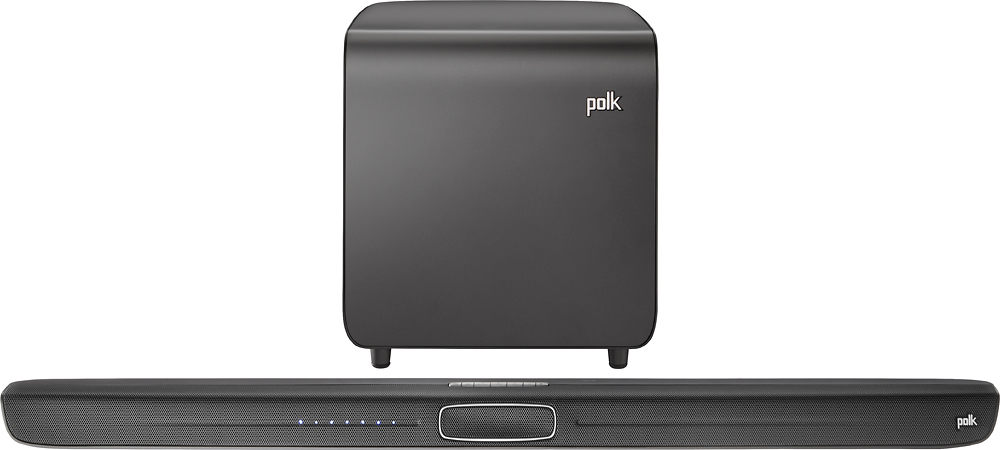
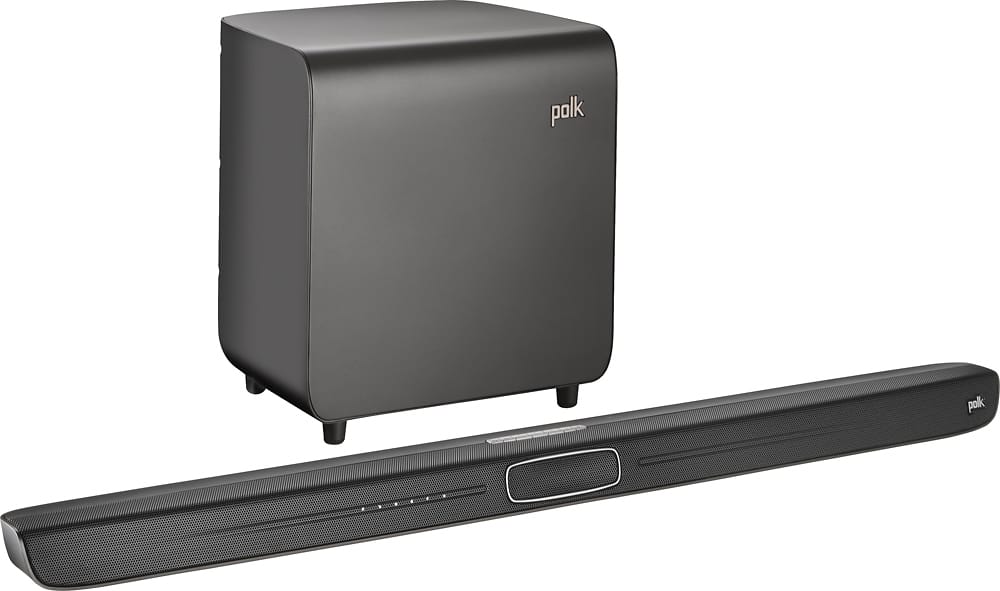
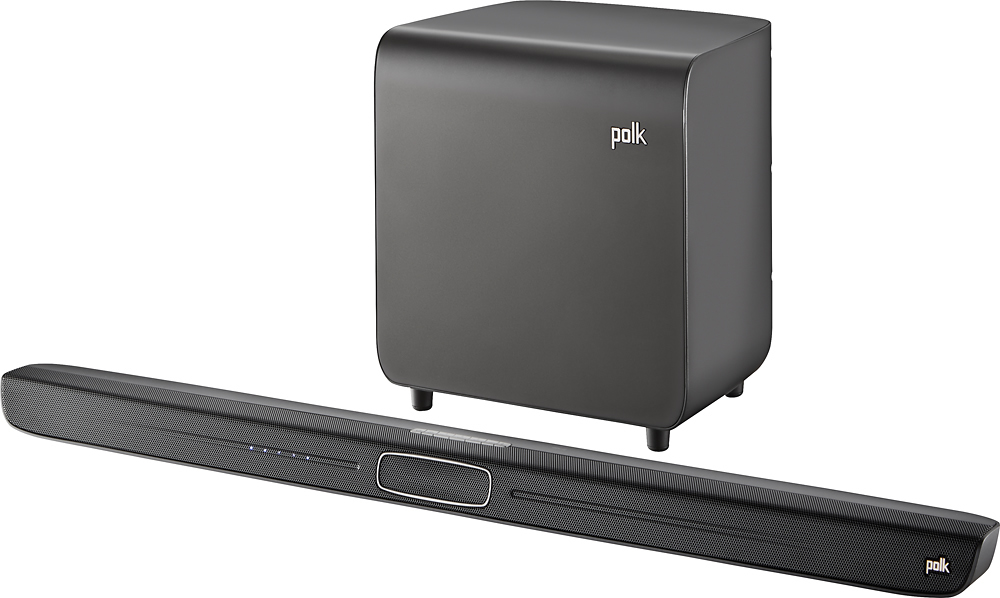
A:AnswerOn the remote there is a separate volume control for voices. The claim to fame of this sound bar is the ability to control the volume of the voices independently from the other audio.
Most turn this up. Sounds liked you need to turn it down.
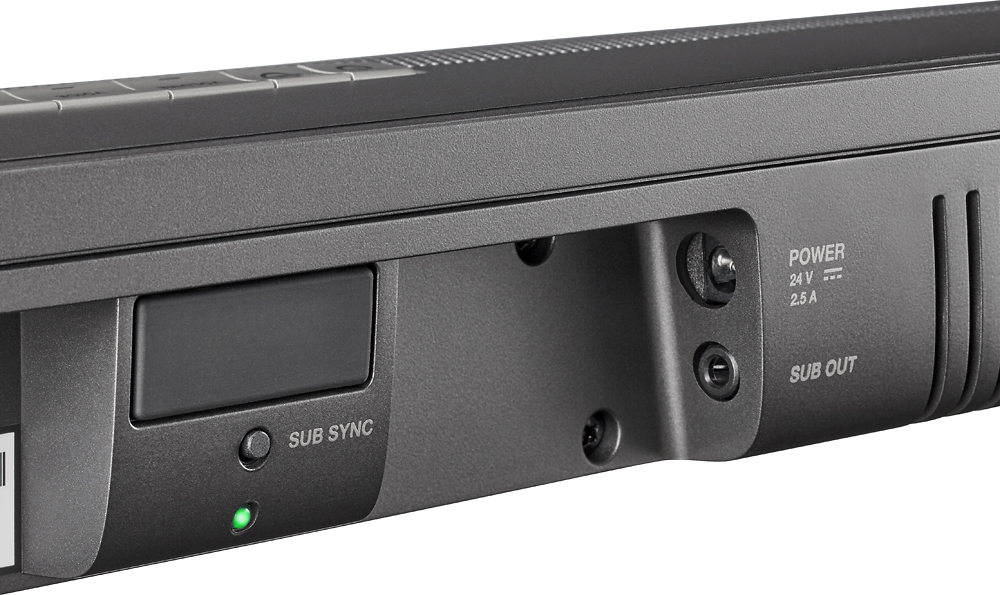
A:AnswerNo, all you need is the sound bar. You can plug it directly and simultaneously to your tv, your dvd and your tablet, as it has three inputs. Additionally you can connect using Bluetooth.