Early Black Friday DealsNew Doorbusters through SundayShop now

Main Content

Questions & Answers

Page Showing 141-160 of 343 questions
  • QuestionCaller anoucment

    Asked by Anonymous.

    • Answer Yes it reads contacts name if saved in the phone

      Answered by Gunnyjones12

  • QuestionWhat is the difference between the 5200 and the 5220? I am really needing a good wireless that doesn't sound muffled and that I can answer from the headset. I am finding that I cannot answer the phone from the headset with the other headsets I've tried.

    Asked by del.

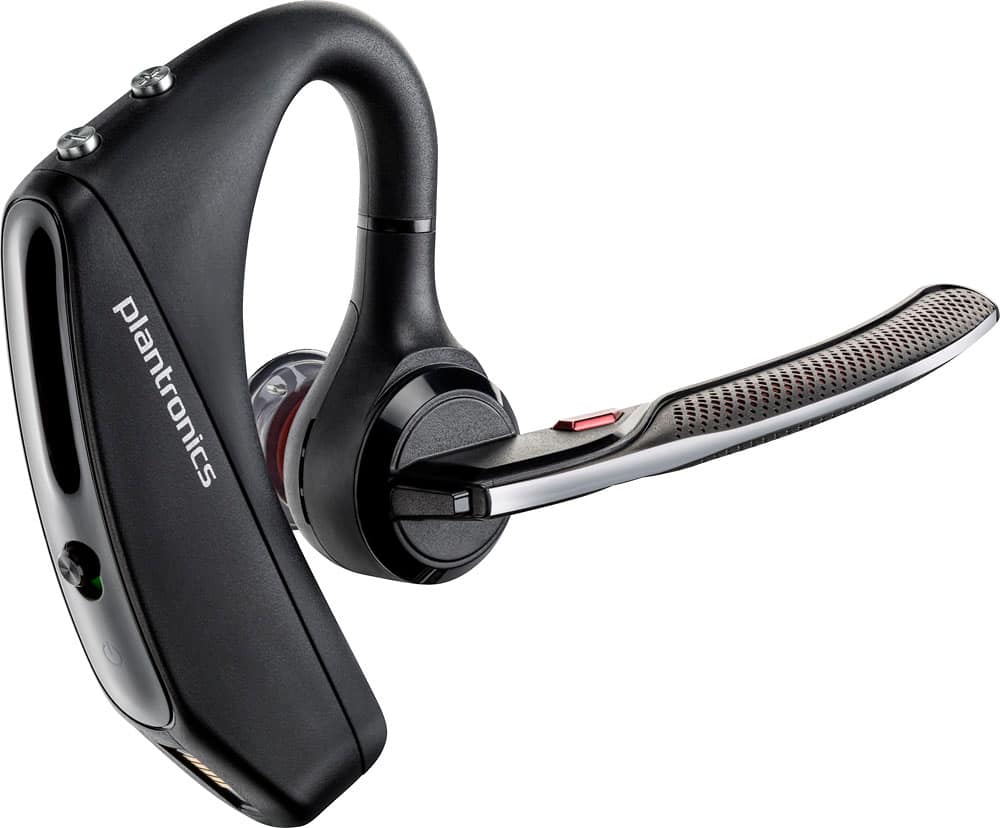
    • Answer Hi! The only difference between the 5200 and the 5220 is that the latter includes a vehicle charger. Both units have the exact same features. As for being able to answer from the headset, this earpiece comes with a call button that allows you to answer/reject incoming calls from your cell phone. To access the complete user guide: https://bit.ly/2Y1cqMC. If you require further assistance, please don't hesitate to contact our Customer Care Team at: https://www.poly.com/us/en/support/contact

      Answered by PlantronicsRepresentative

  • QuestionCan you use this Bluetooth with Cisco jabber softphone?

    Asked by Danielle.

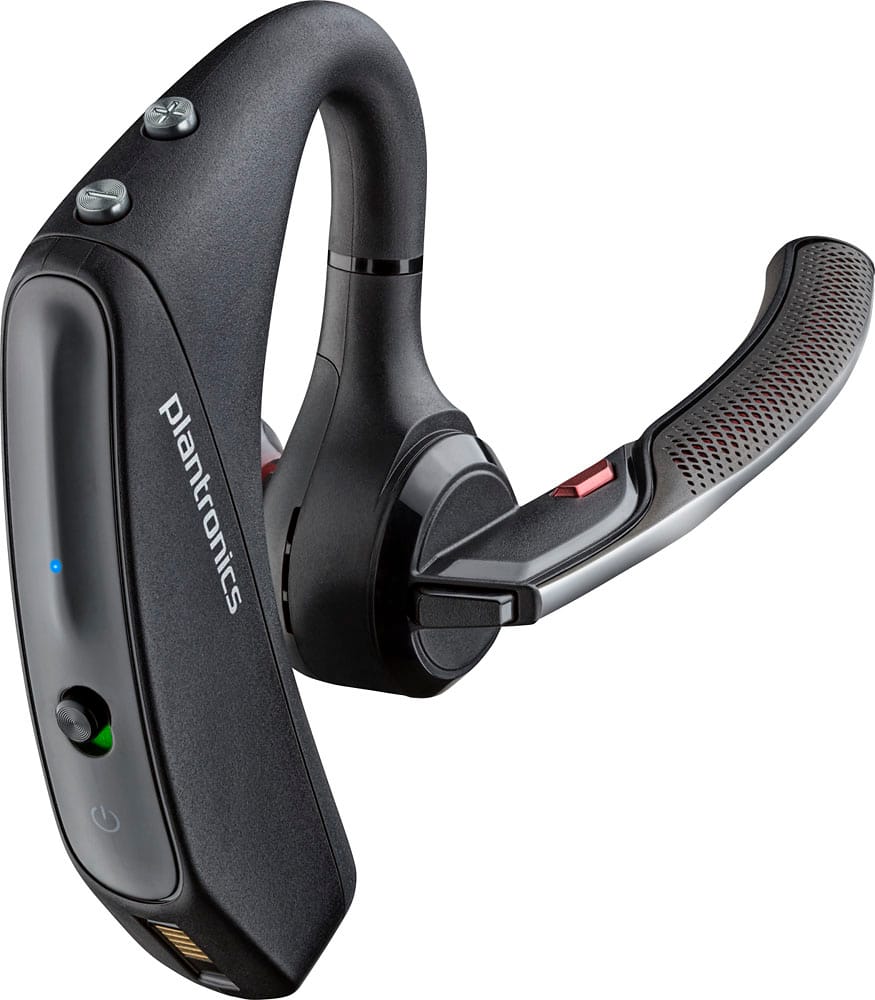
    • Answer Hi! This model is mainly designed to work with any cell phone or tablet that supports Bluetooth headsets. As you know, most computers nowadays are equipped with native Bluetooth; However, not all of them support the same features. BT Technology works through different profiles, and these are the ones the earpiece requires to at least allow a connection: Bluetooth Advanced Audio Distribution Profile (A2DP), Audio / Video Remote Control Profile (AVRCP), (HFP) Profile 1.6 and Headset (HSP) Profile 1.2. Most likely the earpiece will pair and you will be able to listen and talk through calls; yet, we are unable to guarantee optimal performance in terms of audio quality, range and connectivity. For Cell phone and PC/Laptop use, we recommend the Voyager 5200 UC which includes a USB BT600 that ensures PC connectivity with all of its features since it provides all the necessary drivers and profiles. We hope you will find this information useful. If you have any further questions, feel free to contact our Customer Care Team at: 1-855-765-7878
      Answered by PlantronicsRepresentative

  • QuestionI have 2 plantronics voyager , had a lot of trouble getting them to pair with iphone 12 , people complain of background noise and echo . Is this model not compatible with Iphone 12 ?

    Asked by Gstang.

    • Answer It works great with my iPhone 12 and my computer - no background noise or anything. Maybe try unpairing and repairing

      Answered by Michael

  • QuestionWill this connect with my office desk top phone?

    Asked by Curious.

    • Answer Hello! This headset model can be used by any device that supports Bluetooth headsets and audio streaming. Bluetooth technology works through several Bluetooth Profiles, the Bluetooth enabled needs to support the following Bluetooth profiles to at least allow a connection to the headset: A2DP (Advanced Audio Distribution Profile), AVRCP (Audio/Video Remote Control Profile), HFP (Hands-Free Profile), HSP (Headset Profile). We recommend checking the compatibility details of your desk phone model directly on our official website, you can access our Compatibility Guide under Support. We hope you will find this information useful, if you require further assistance, please don't hesitate to contact our Customer Care Team at 1-888-363-0726.

      Answered by PlantronicsRepresentative

  • QuestionWhen paired with two devices can either be answered from the 5220?

    Asked by Kim.

    • Answer Yes, 100%. I have a personal phone and a business phone and I use both on a single headset daily.

      Answered by BekklerX

  • QuestionMy head set will not charge got one 2 months ago won’t charge got another on 2weeks ago now it won’t charge what do I do?

    Asked by 5200.

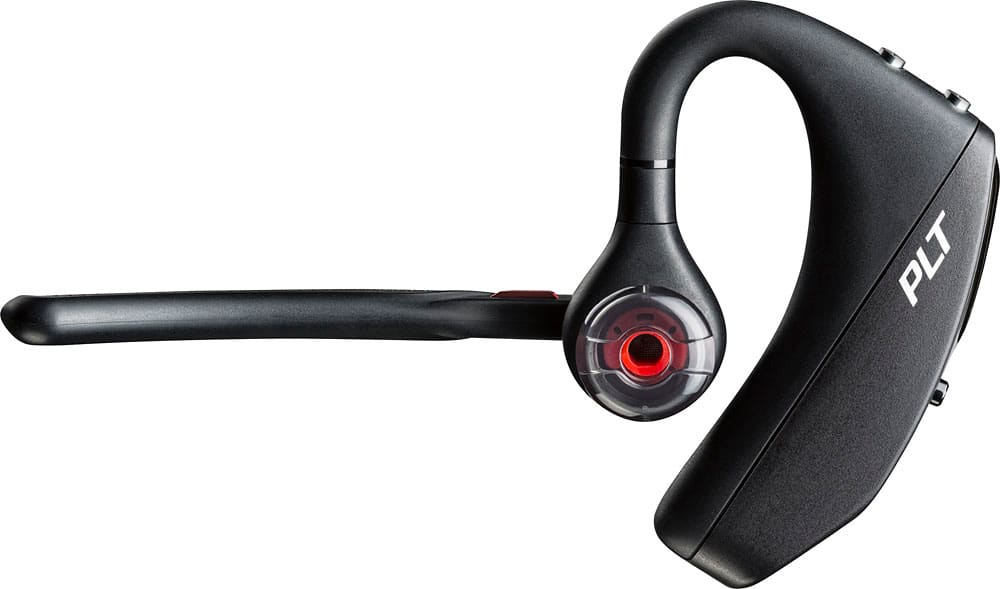
    • Answer We're sorry to hear this. Please rest assured that we take the quality of our products very seriously, and scenarios like these are very unlikely. To troubleshoot your unit, try using a different, micro-USB cable and make sure you're using a 5-volt wall charger. You might also want to ensure the unit's firmware version is up to date through our Hub Software for Desktop. We would also like to share a few tips to take into account in order to extend the battery life of our products: https://bit.ly/35IMed5. If you require further assistance, feel free to contact our Customer Care Team at: 1-855-765-7878
      Answered by PlantronicsRepresentative

  • QuestionCan this be used on either ear or is it a right ear only piece?

    Asked by Ear.

    • Answer Yes it can

      Answered by KyleP

  • QuestionDoes this earpiece tell you who is calling?

    Asked by Mel.

    • Answer Hi Mel! The earpiece counts with Phone Book Access Profile (PBAP). This means it will announce the name of the caller as long as it is saved within your contacts. For more details on this unit: https://cutt.ly/OjrHMDo or contact our Customer Care Team at: 1-855-765-7878.

      Answered by PlantronicsRepresentative

  • QuestionIs this model compatible with the Moto Z phone?

    Asked by Tye.

    • Answer Yes, It will work with any phone with bluetooth capability.

      Answered by MichaelB

  • QuestionMy piece simply stops connecting at times. What can I do to fix. It?

    Asked by Yoweitzner.

    • Answer Hi! We're sorry to hear you're having trouble with your unit. First, resetting the BT connection should fix it. https://bit.ly/2OOMfnw. To set the earpiece in pairing mode, press and hold the call button for 6-8 seconds until LED flashes red and blue repeatedly. If you've noticed sometimes the headset doesn't connect as you put it on to answer a call or during calls it disconnects, this might be related to the smart sensors. They detect the pressure from your ear when wearing the earpiece, yet there can be several conditions triggering them like wearing glasses or having the earpiece a bit loose from your ear. To isolate the cause of the issue you can try to disable the master sensor through our Hub Software for Desktop: https://bit.ly/30jDXJM on settings>sensors. You might also want to ensure the unit's firwmare is up to date. If you require further assistance, feel free to contact our Customer Care Team at: 1-888-363-0726

      Answered by PlantronicsRepresentative

  • QuestionWill this voyager work with the Bria program?

    Asked by Anonymous.

    • Answer N/A

      Answered by Beavers

  • QuestionCan I use this to answer calls by connecting to a laptop and using a VoIP phone application like Fuse?

    Asked by Chris.

    • Answer As long as your voip allows a different blue tooth mic/sound choice.. the headset is not the limiter, built the voip system.

      Answered by Beaken

  • QuestionHi does this unit have called ID

    Asked by Anonymous.

    • Answer Hello! Yes, if your phone supports Phone Book Access Profile (PBAP), a caller name can be announced when there is an incoming call. If you require further assistance, please don't hesitate to contact our Customer Care Team at 1-888-363-0726.

      Answered by PlantronicsRepresentative

  • QuestionDoes this model pair with desktop PC's or phone software on a desktop? Is there a version like this for desktop?

    Asked by Desktop.

    • Answer yes it pair.an nice.

      Answered by hola

  • QuestionI have a hard time hearing the person on the other end. What do you recommend I do for my problem?

    Asked by Chad.

    • Answer Hello! We are sorry to hear you are having problems with your headset. If you are experiencing audio issues, we recommend resetting the headset by pressing and holding the call control and mute buttons for 5 seconds while it's turned off, this will reset the headset. We also recommend unpairing and repairing the headset with your mobile phone, testing with a different phone can also help us isolate the problem. Last but not least we always recommend checking if there are any firmware updates with the Plantronics Hub application. If you require further assistance, please don't hesitate to contact our Customer Care Team at 1-888-363-0726.

      Answered by PlantronicsRepresentative

  • QuestionHow does it work with the iPhone 11

    Asked by Peanut.

    • Answer I don't like the Bluetooth devices that come with Alexa, Google Assistant, or Siri. Mine is not without these. But I have configured it with wife work iPhone 8 and works without issues. I hope this helps you.

      Answered by Siva72

  • QuestionI can’t answer call by saying answer. How to fix

    Asked by Boomer.

    • Answer The problem is due to the sensor in the earpiece. Just turn the sensor off in the hub app and that should fix the problem.

      Answered by Cblguy76

  • QuestionHow long does it take to charge.

    Asked by Anonymous.

    • Answer With a 15 min charge, it can give approximately 1+ hrs and a full charge gives 7 hrs. I never kept track of the time to fully charge. Normally I leave it for a charge at night and whenever it gives a low battery or time left voice notification when I am wearing it. I charge it for 15-30 min to get another 1-2 hrs of time. I hope this helps. a fully charged one gives 6-7 hrs.

      Answered by Siva72

  • Questioncan i use these headset voice command to use for gps from my phone

    Asked by dede.

    • Answer Hi Dede. The Voyager 5220 provides call audio for regular phone calls and media audio to listen to music/videos and so on. As for being able to use voice commands for gps, that will depend on the app. The app needs to support Bluetooth devices as a source of audio. On the other hand, the unit allows you to access your voice assistant (Siri, Google Assistant™, Cortana). To do so: Press and hold the Call button for 2 seconds to activate yourphone's default voice assistant. Wait for the phone prompt to activate voice dialing, search, and other smartphone voice controls. If you have any further questions, feel free to contact our Customer Care Team at: 1-855-765-7878.

      Answered by PlantronicsRepresentative