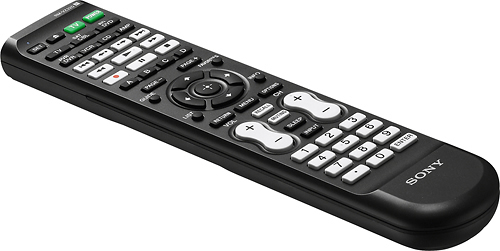
A:AnswerOn the product page, below the pricing information there will be a link labeled "check stores." You can use this link to check the availability in your local store.
A:AnswerI would recommend looking at each remote and comparing the functions that each have. Keep in mind that Best Buy has a 15 day return period that allows you to return the remote if you are not satisfied.
A:AnswerThe specs on BestBuy.com say this particular remote control is only compatible with select Insignia TVs. I have included a couple other universal remotes that should be compatible with Toshiba TVs.
Thank you!
A:AnswerThis remote does not provide the DVD functions. A replacement remote is available though. The part number is 240602000509 and it can be ordered from Partstore.com.
A:AnswerThe functionality of the Bluray player with a universal remote is going to depend on the codes programmed into the universal. In most cases I would suggest buying a replacement Bluray remote via partstore.com
A:AnswerHello there,
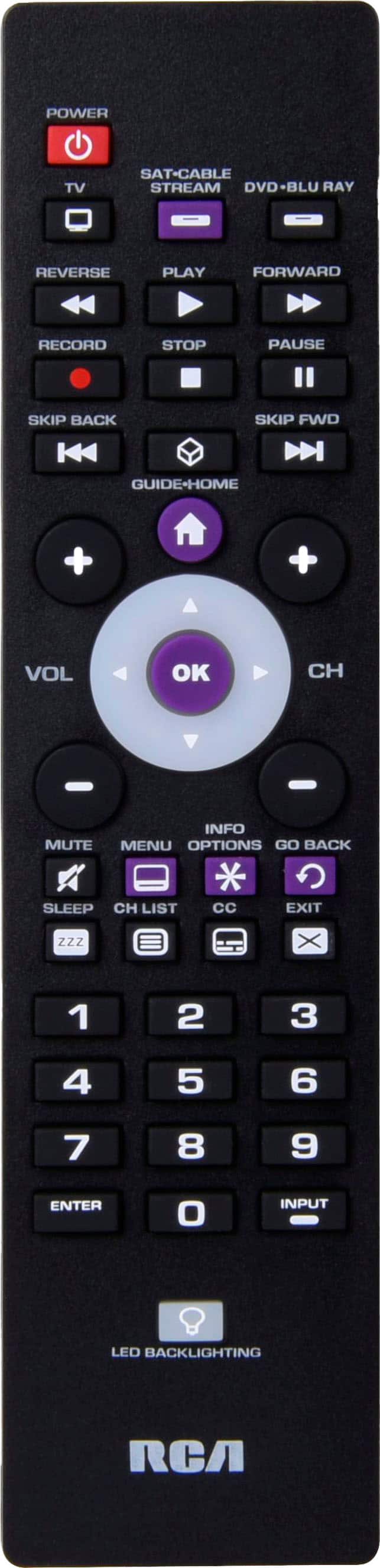
Thank you for purchasing our Universal Remote Control for Sansung Tvs. To scroll up/down left/right you can use the four arrow keys around the OK button. If you need further assistance working with your remote please feel free to contact our customer service at 1-855-544-2030 from 8 am to 9 pm CST.
Arely R. - Insignia Support
A:AnswerI'm sorry that your TV is not functioning as it should. Please contact our team so we can assist you with some troubleshooting. They can be reached at http://www.insigniaproducts.com/contact-us.html.