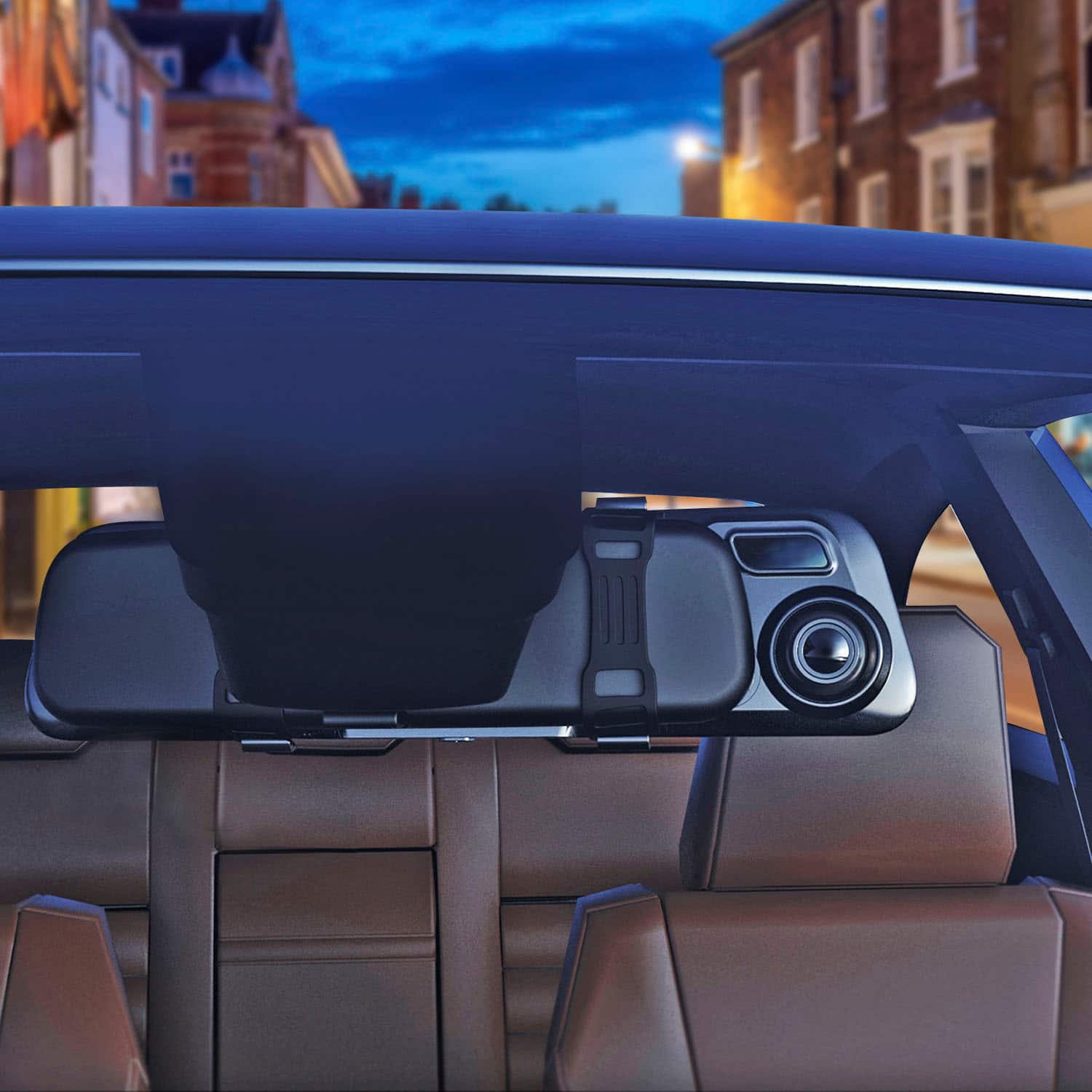
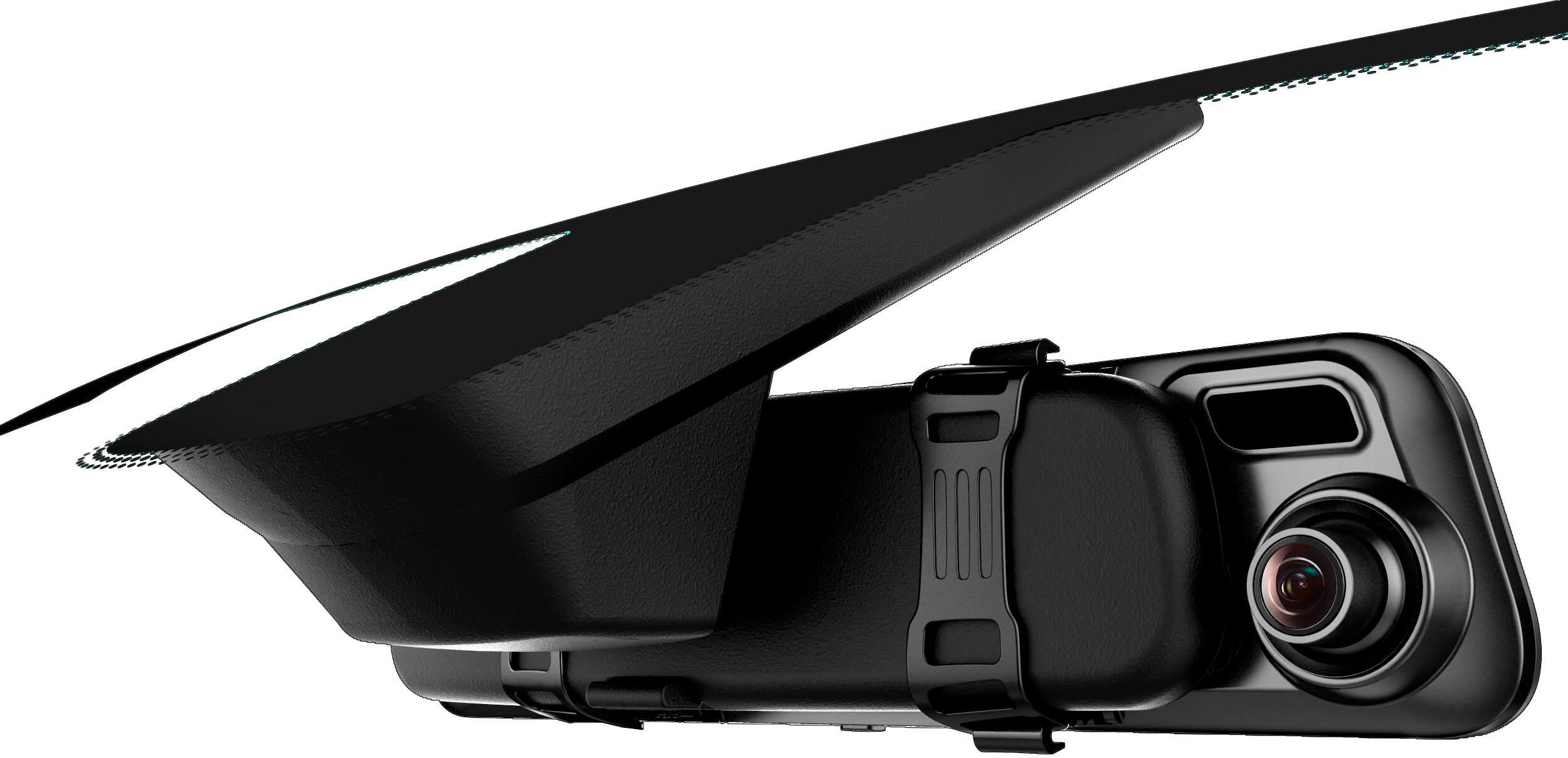
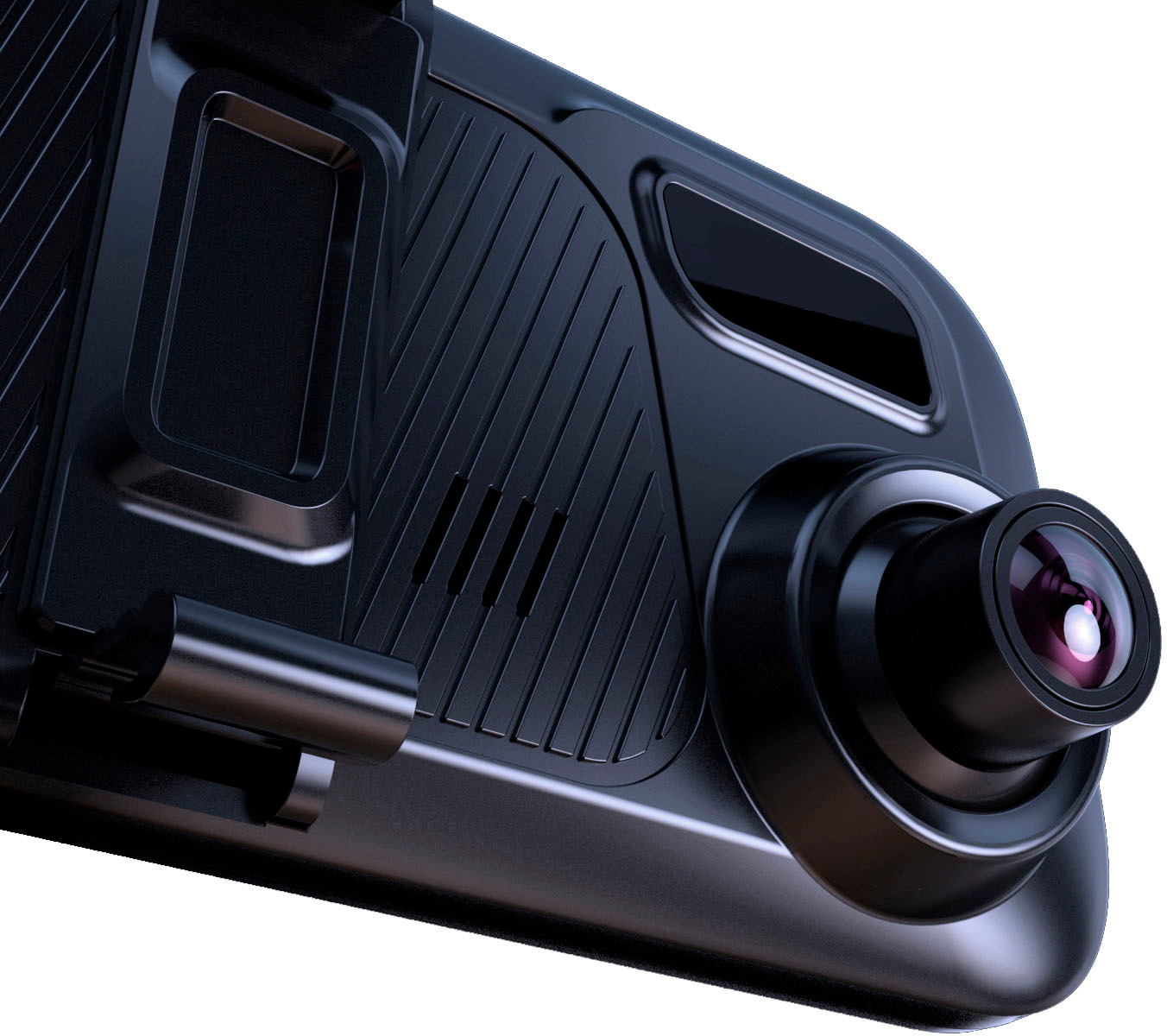
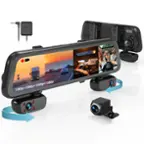
A:AnswerThe best way to reduce glare is to point the camera further down so the headlights and sun do not cause the glare. We also recommend driving with the screen saver on and using the mirror as a regular rearview mirror while the device records.
A:AnswerHello!
As long as you are able to press these buttons with the dashcam, they should work. There should be no interferences coming from the dashcam that would disable these buttons from working. The main concern would be if the buttons are being blocked by the dashcam.
A:AnswerHello!
With the use of the GPS, it will automatically set the time and date correctly. However, if you are unable to get this to work, there's also a timezone setting in the menu of the dashcam.
A:AnswerHI! Thank you for your message! You do not need to install the red wire to use it for reversing. You can simply mount it anywhere you would like inside or outside of the vehicle and just have it record while you drive.
A:AnswerHello!
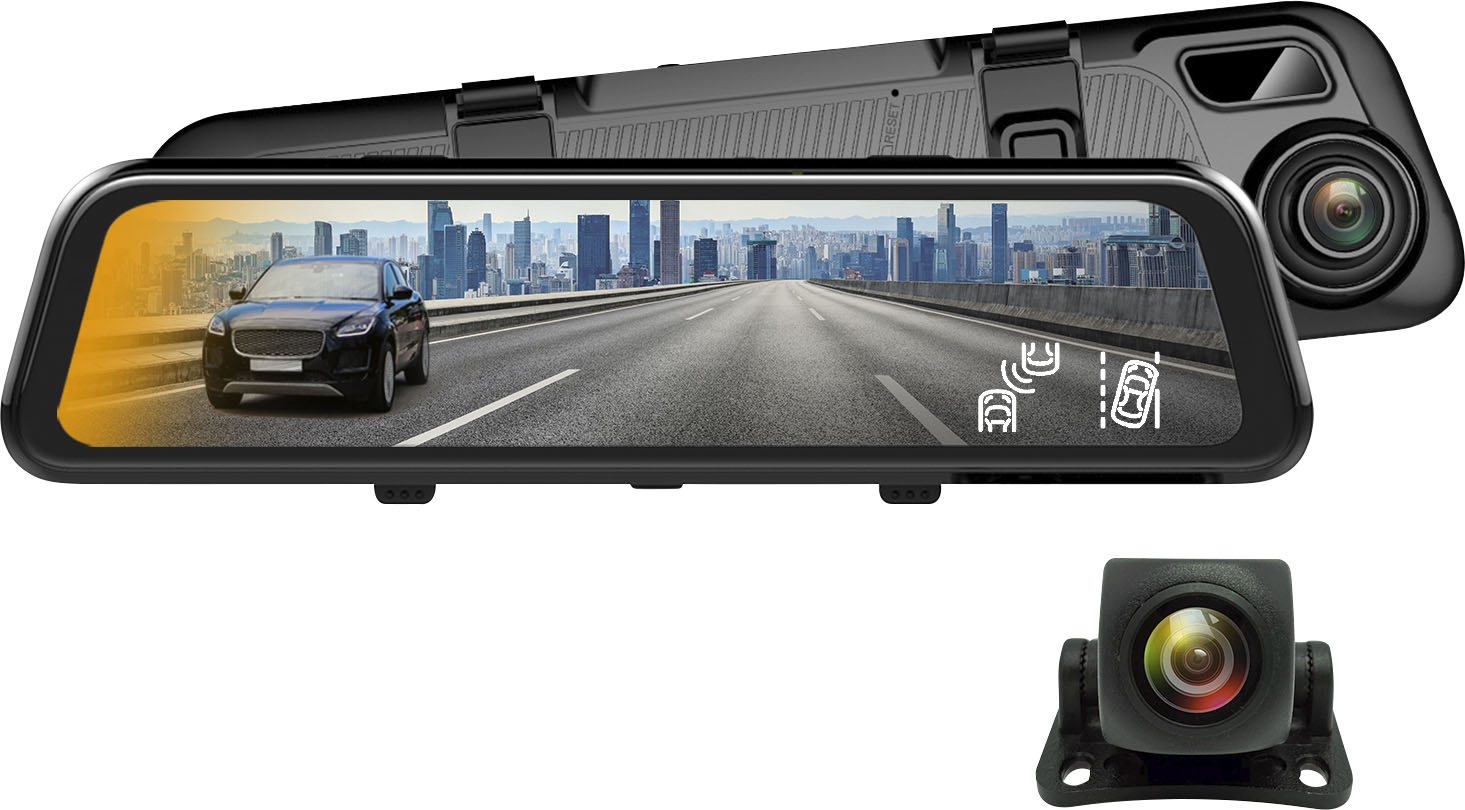
I believe you are referring to mounting the rear camera to the spare tire in the back, if so, please note the rear camera comes with its own mounting units. This allows you to use the provided adhesive mount or screws to mount it.
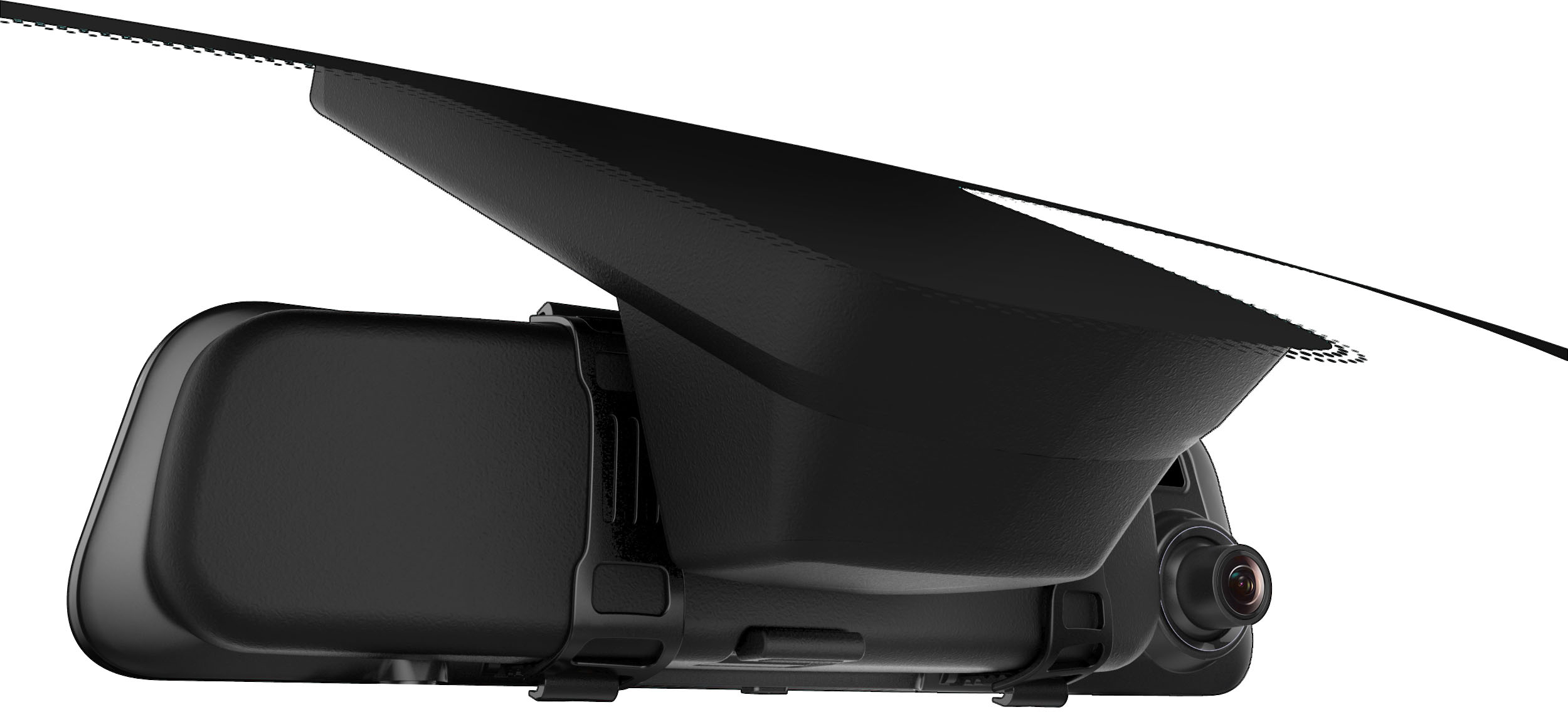
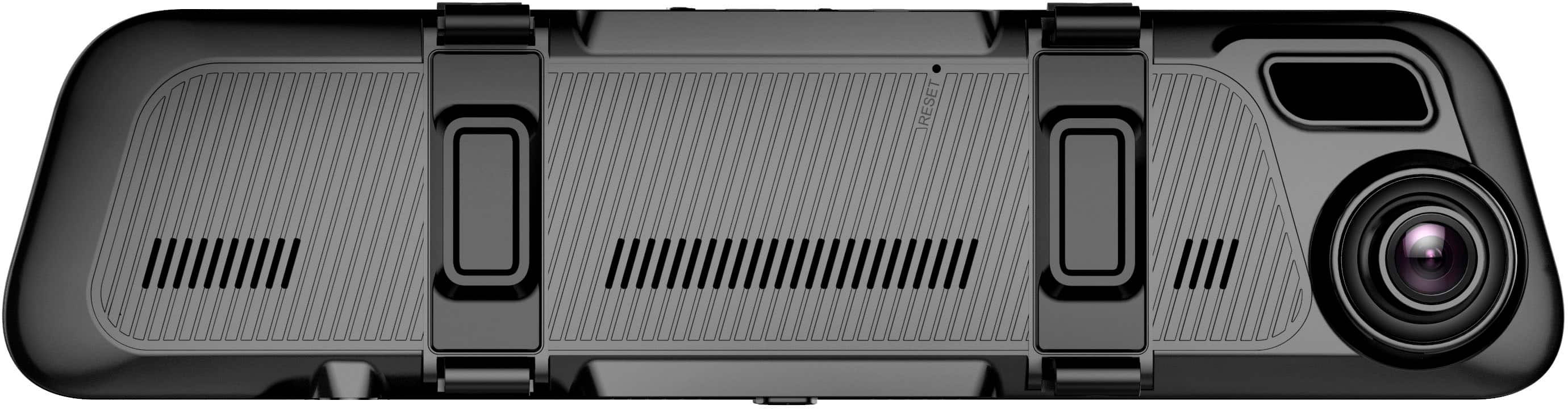
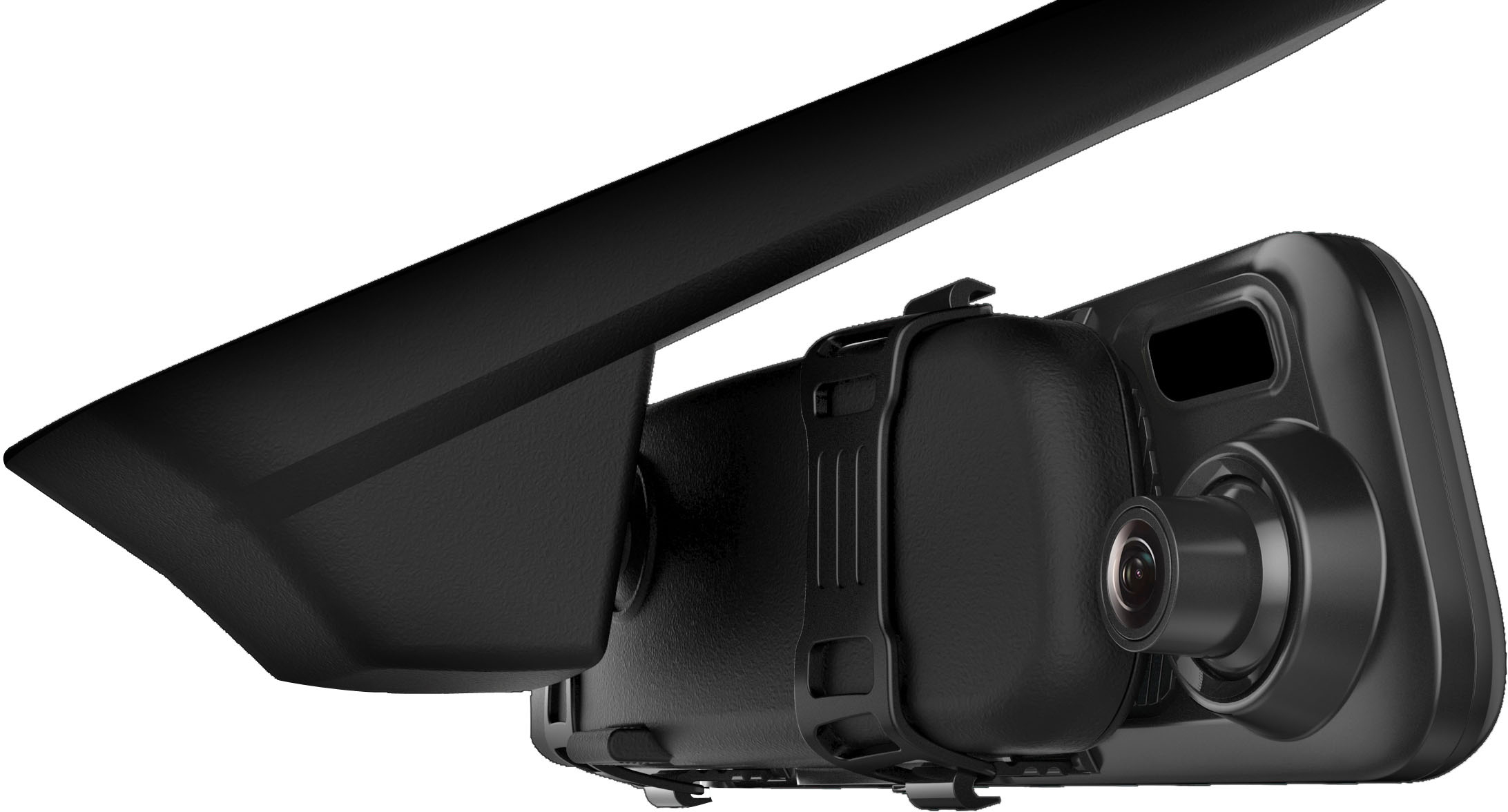
A:AnswerYou can reset the device to default settings from the menu. It is also simple to uninstall from your mirror and reinstall. Just unhook the rubber straps.