A:AnswerGood afternoon Mike,
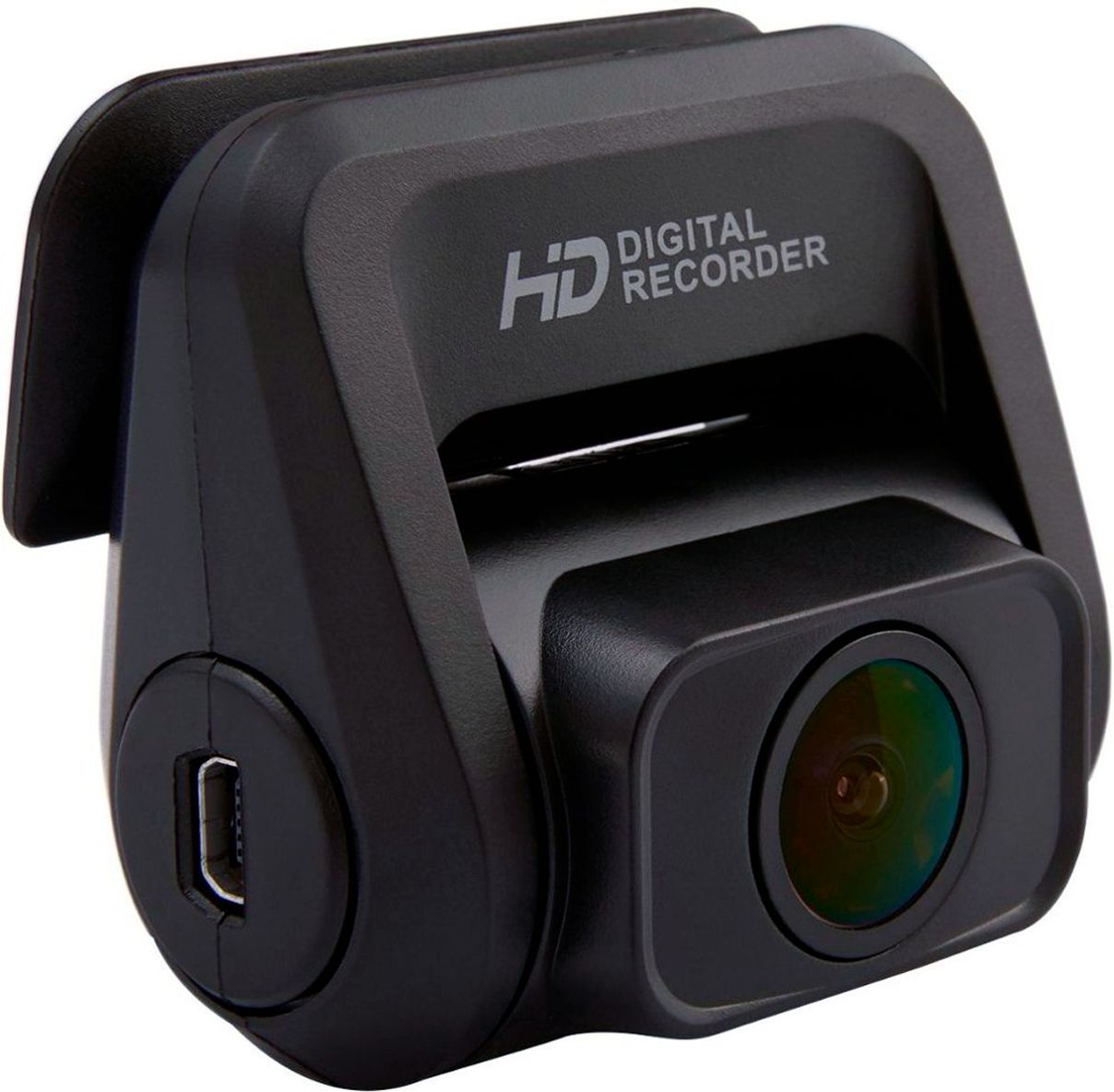
You'll need to purchase a 3.5 MM extension cable from Amazon, in order to extend the rear camera cable. That's if you're interested in the V1P-4K/V1PGW-4K models, not for the V1P Max/V1P Pro.
A:AnswerHi Midnightrider!
Yes your local Geek Squad can definitely help you with installing / hardwiring.
Hardwiring unlocks the very useful Parking Monitoring function.
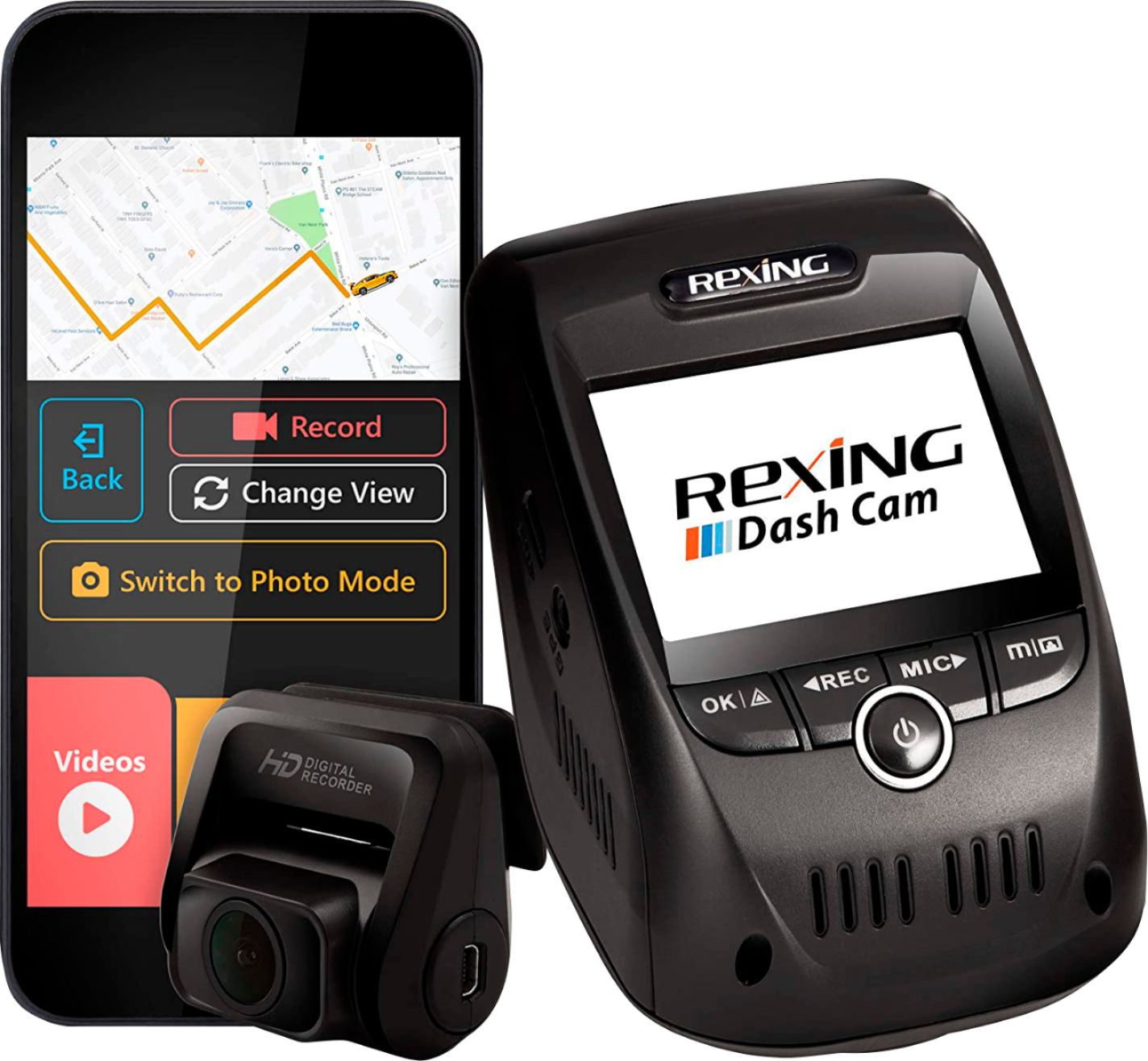
A:AnswerHi Confused! Essentially all of our cameras would work in your vehicle as it will work in any vehicle with a cigarette charger port but depending on your needs as a safe driver, we have different products for everyone! Usually a camera that records the front or both the front and rear fits most needs but sometimes people like a 3 channel camera that records the inside too perfect for police encounters, etc. Most of our cameras have WiFi which will allow you to connect your phone to the camera and transfer video files, share to social media & bring up the live view of the camera ( If you’re in reasonable distance )
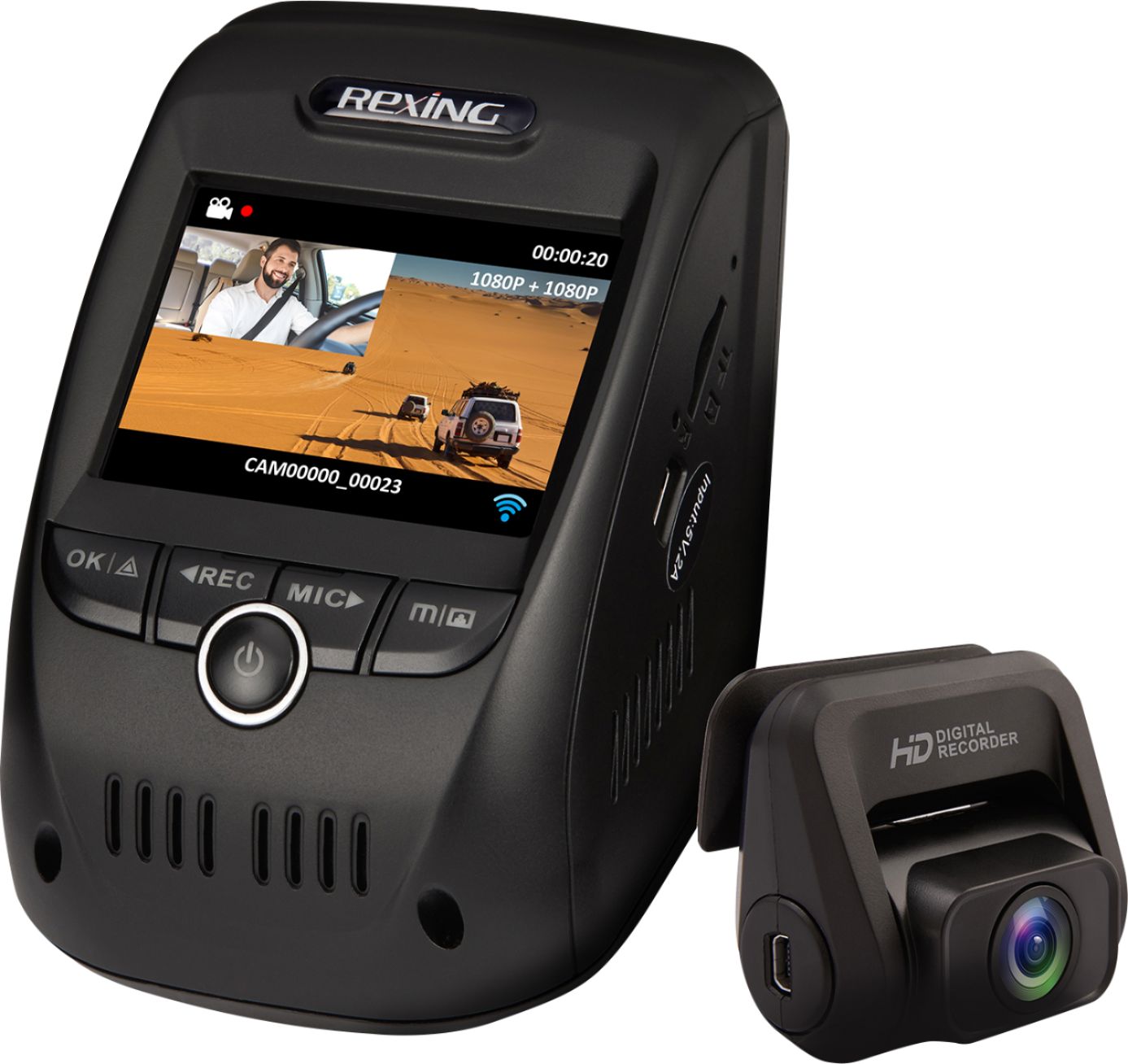
A:AnswerHi there! You can always set the parking monitor function to record a 24/7 time lapse or you can set it to monitor your car for when a hard vibration is set, it will turn on and record a locked video.
A:AnswerHello! Unfortunately we do not currently offer longer hardwire kits. We recommend the ones we sell here and in our website. Lastly, Please keep in mind that hardwiring the device is not necessary and that you can get power through the included power cable.
A:AnswerHi Sean! In order to use the Parking Monitor Function which will monitor your car while parked, you need to hardwire the camera directly to the battery as it will power the device via a low voltage. The rear camera does monitor the surroundings along with the front camera. Hope that answers your questions!
A:AnswerI'm using a 126 mb. I did some research and it said it can take up to a 256. The 126 records up to 12 hours before it starts to loop over the latest video.