Black Friday is hereAlso, shop the 24-Hour Flash Sale.Shop now

Main Content

Questions & Answers

Your price for this item is $110.99
The comparable value price is $164.99
Page Showing 21-24 of 24 questions
  • QuestionI got my headset today and i dont believe it works. The base turns blue once plugged in then turns off. However when i try to turn the headset on it stays off. The only way to turn it on and connect is by plugging it into my playstation and turning it on.

    Asked by Seth.

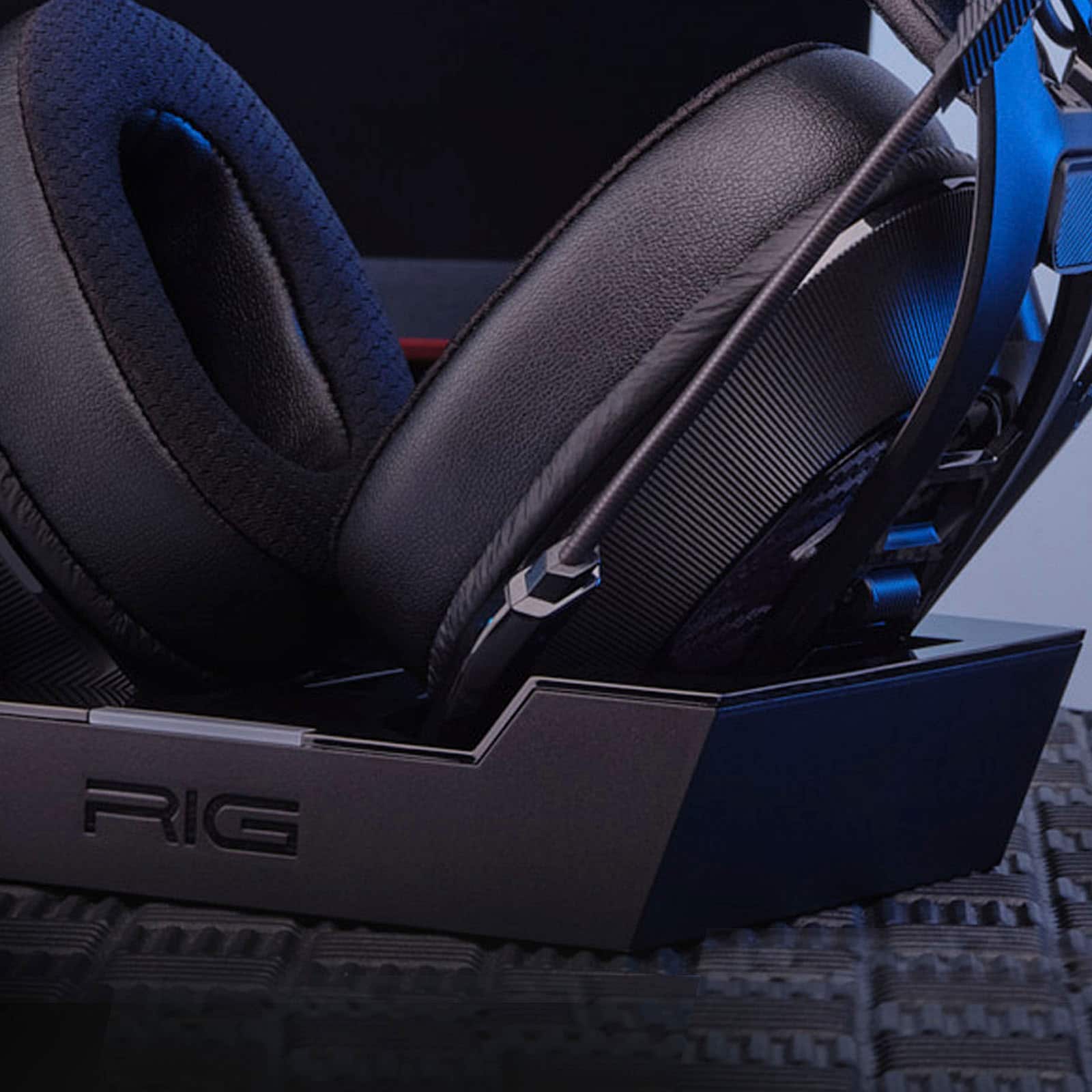
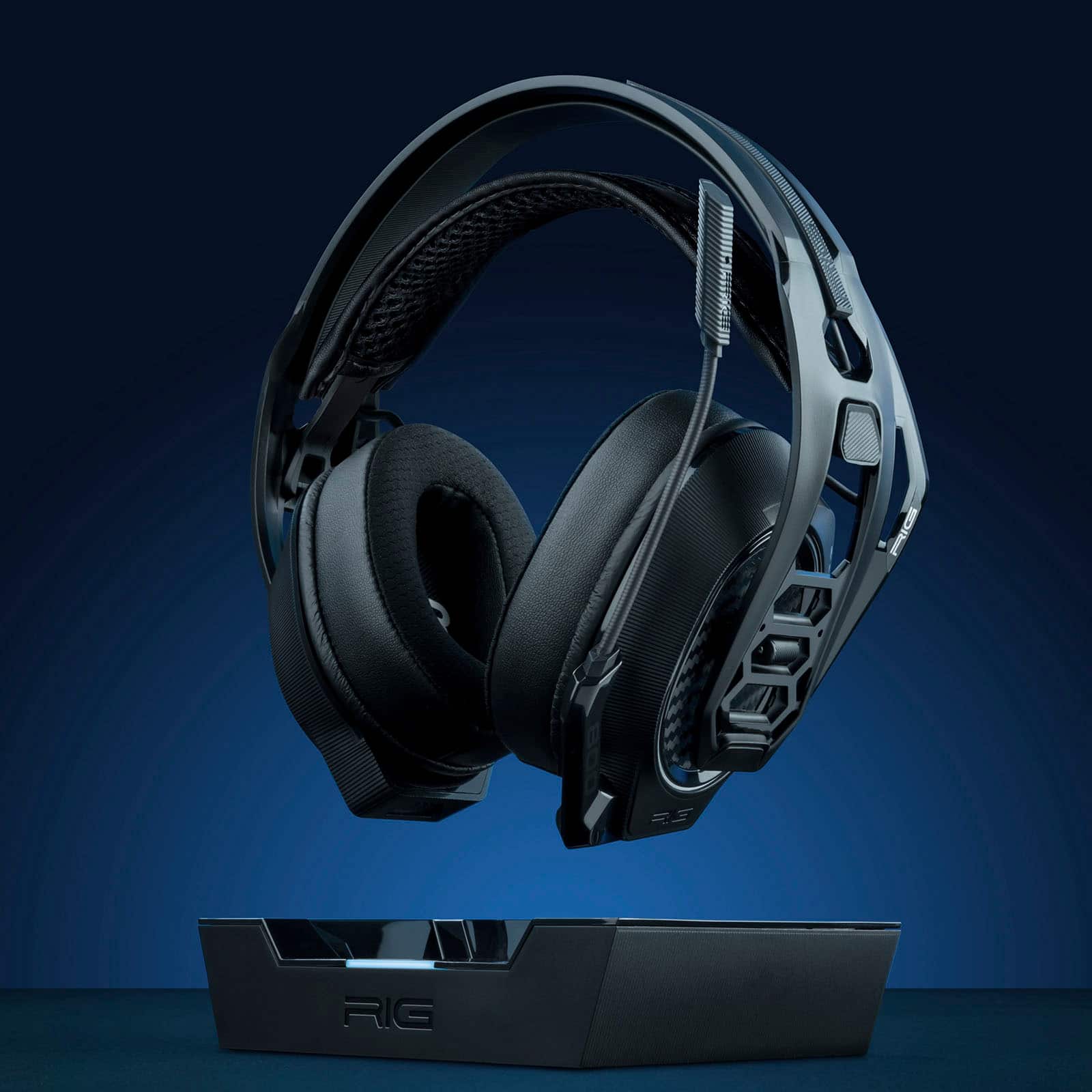
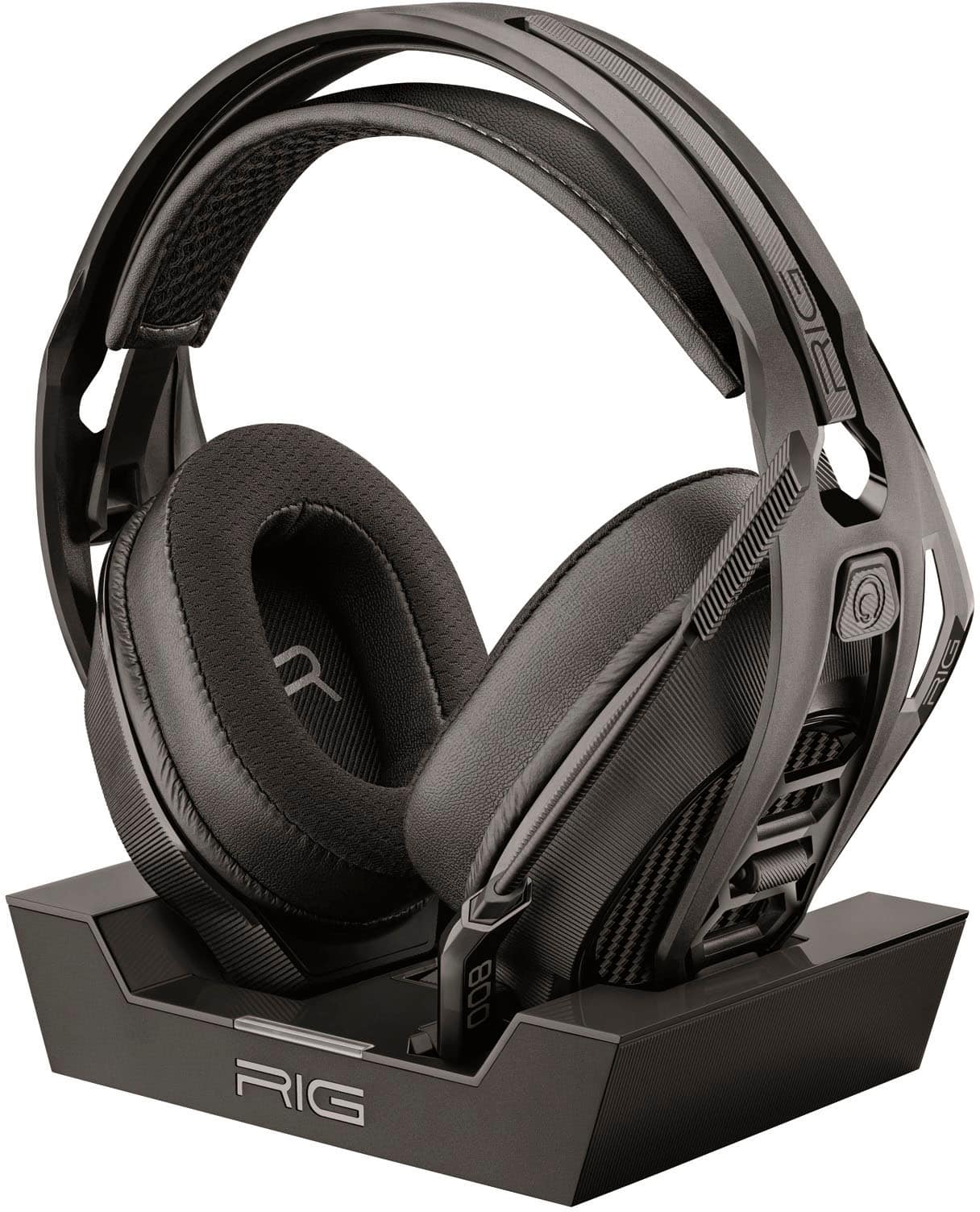
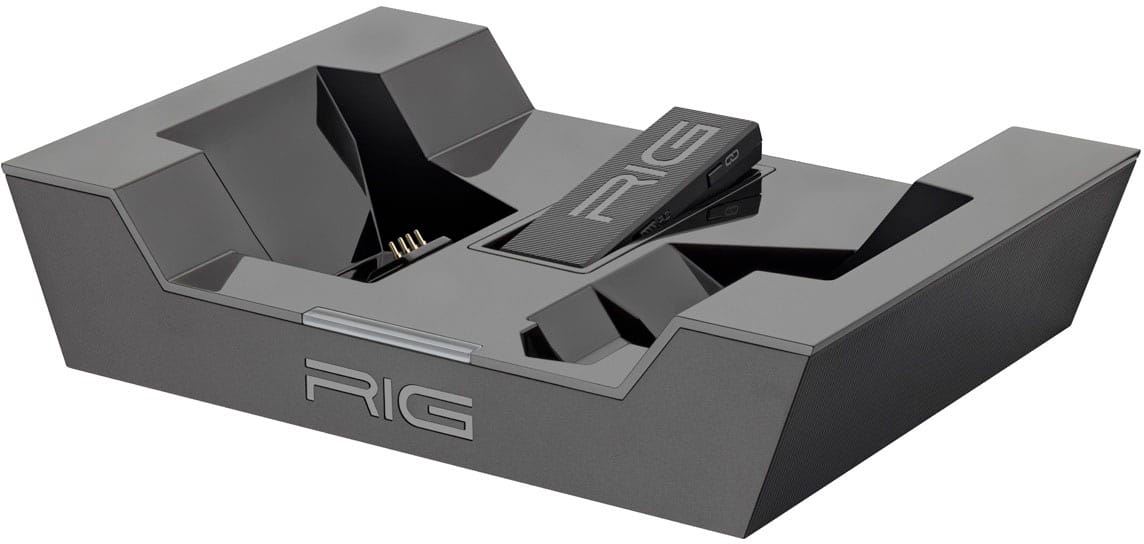
    • Answer Hi Seth, When you plug in the RIG 800 PRO base, it should turn blue at first and then go out. Once you set your headset in the base, it should blink red a few times and then stay steady red while charging. Once the headset is fully charged, the red light goes out. Please note, it's a good long 3 second press-and-hold on the power button on the headset to turn the headset on. Also, when you put the headset on the charging base while it's powered on, it will power itself off in about 4-5 minutes for more efficient charging. When you remove it from the base, you will have to power it back on. You can also try direct charging it by plugging the charging cable into a charging port, like the USB port on a laptop, and directly into the headset. The indicator light on the headset should be red indicating charging and will go out once fully charged. If your RIG 800 PRO HS is not behaving this way, you can contact RIG Customer Support via email at [email protected] if you need warranty service. Thank you for choosing RIG Gaming products from Nacon...

      Answered by RIG Customer Support

  • QuestionHi I just bought this headset it blinks a couple times red then goes off and won’t turn back on I don’t know how to charge it

    Asked by Anonymous.

    • Answer Hello, We apologize you are having an issue with your RIG 800 PRO HS. Please note, the RIG 800 PRO series is a long press to power on and power off - like 4-6 seconds. Typical indicator light behavior, on both the headset with direct charging or via the multifunction base station, is "RED" while charging and off once charged. If you believe there is a defect with the product, please contact Nacon Customer Support via email at [email protected] or via phone at 1-833-622-6687 for further assistance. Thank you for choosing RIG gaming audio from Nacon...

      Answered by RIG Customer Support

  • QuestionHow do you know if this headset is charging on the base and headset

    Asked by Hunter.

    • Answer Hi Hunter, When the RIG 800 PRO HS is charging on the base, the indicator light on the base will show "RED" for charging and then goes out once fully charged. Please note, if the headset is left powered "ON" when put in the charging base, it will power off after about 4-5 minutes in the base for more efficient charging. So then to power it back on after removing from the base, just press and hold the Power button for about 3-4 second to Power ON. As it powers on, the headset speaker will say "Power ON", "Battery High" (For a fully charged battery), and "Headset Connected" if your USB wireless adapter is connected to host device either directly or through the multi-function base station. To check battery level when the headset is powered on, simply do a short press of the Power button and it will audibly give battery level and connection status. Hope that helps. Thanks for choosing RIG Gaming products from Nacon...
      Answered by Nacon Team

  • QuestionI just buy some Rig 800 the I have to wait until they’re full charged to turn it on? The base is red like they need charge but I been waiting for almost a hour and I still can’t used it thanks!

    Asked by Ozzy.

    • Answer It blinks red when charging and is solid red when charged

      Answered by d0x360