Main Content

Questions & Answers

Page Showing 21-40 of 130 questions
  • QuestionI have a gate 100 feet from the internet. I would like to install Ring on my gate instead of the front door. Will this work?

    Asked by RAS.

    • Answer That’s not likely to work unless you have a very powerful WiFi right by the front door that can easily go through you door and walls and windows and reach 100 feet to the gate. I don’t think wifi 2.4g which is slower than 5g but more stable of a signal even extends 100 feet. You do have options on the camera to set the distance or alerts from motion so if your worried about seeing all who come near your home it should get them at the gate and alert you if installed at your door, but they won’t be able to ring the doorbell or talk to you through it from that distance

      Answered by MelodyM

  • QuestionWill the latest ring doorbell model work with T-Mobile home internet?

    Asked by Anonymous.

    • Answer Hello. Thanks for asking! The Ring Battery Doorbell Plus requires a minimum upload speed of 1 Mbps, but 2.5 Mbps is recommended for optimal performance. It is intended to be used with a home wifi network, not a mobile device hotspot. We invite you to reach out to our Community if any additional information is needed regarding your question. The Ring Community is our first peer-to-peer community forum, giving our customers the ability to help one another by sharing their feedback and experiences with each other. All the best, Nicole from Ring.

      Answered by Ring

  • QuestionWhat year was it manufactured?

    Asked by Lovislov.

    • Answer Hi Lovislov. We appreciate the time you have taken to ask this question. The Ring Battery Doorbell Plus was released in 2023. If any additional information is needed regarding your question, please reach out to our community. Ring Community is our first peer-to-peer community forum, giving our customers the ability to help one another and share their feedback and experiences directly with Ring. Join the Ring Community today! Thank you, Amilia from Ring.

      Answered by Ring

  • QuestionWill the ring plus battery doorbell when activating by motion ring inside home on mounted door bell chime as well as cellphone

    Asked by Anonymous.

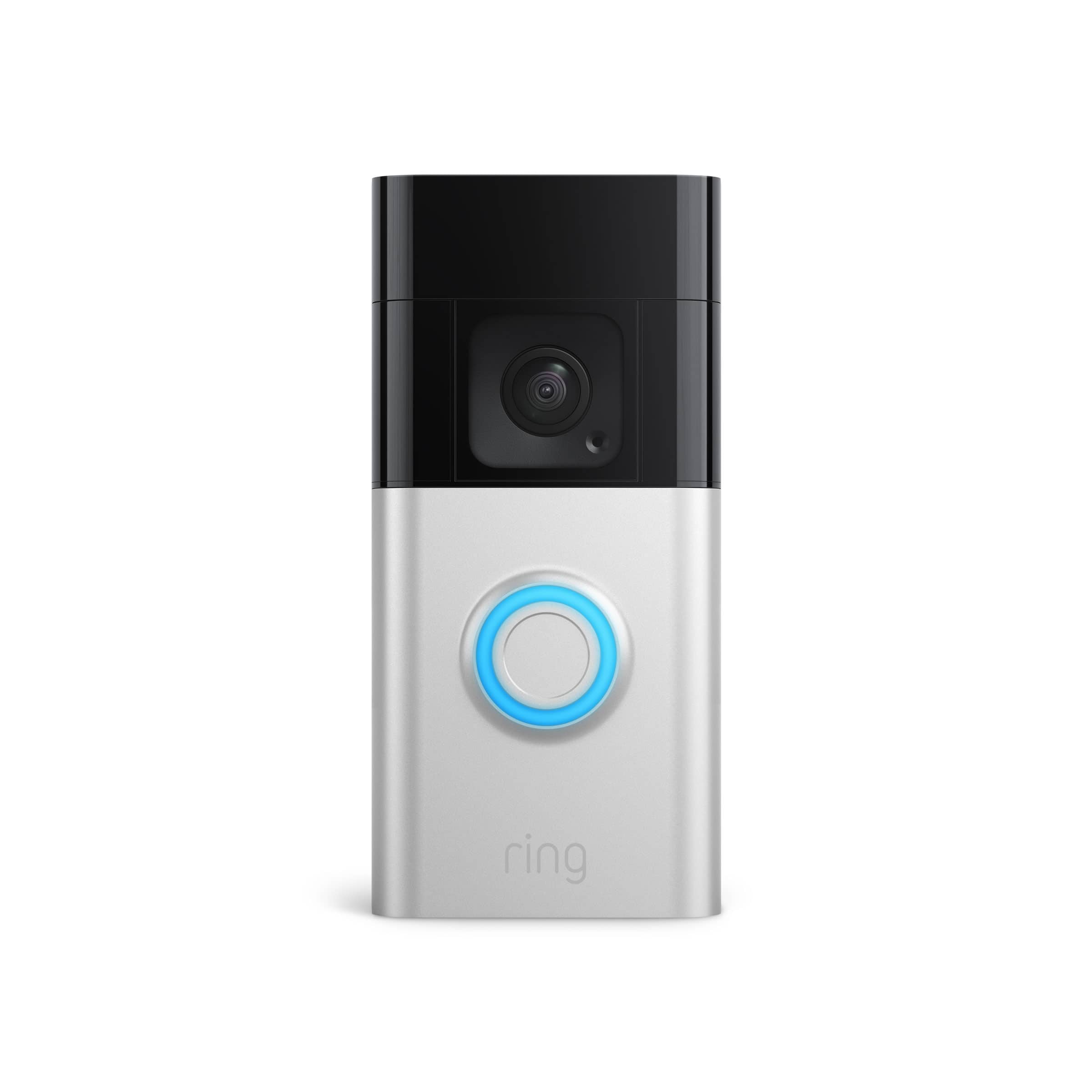
    • Answer Hi. Thank you for your question today! The Ring Battery Doorbell Plus can work with your existing in-home doorbell chime when hardwired to an 8 to 24 VAC system, allowing it to ring inside your home when motion is detected or the doorbell button is pressed. You will also receive notifications on your cellphone through the Ring app. We invite you to reach out to our community if any additional information is needed regarding your question. The Ring Community is our first peer-to-peer community forum, giving our customers the ability to help one another by sharing their feedback and experiences with each other. Thank you, Miyuki from Ring.
      Answered by Ring

  • QuestionHow do I remove the cover for my Battery Ring Doorbell Plus to replace the battery?

    Asked by DJS.

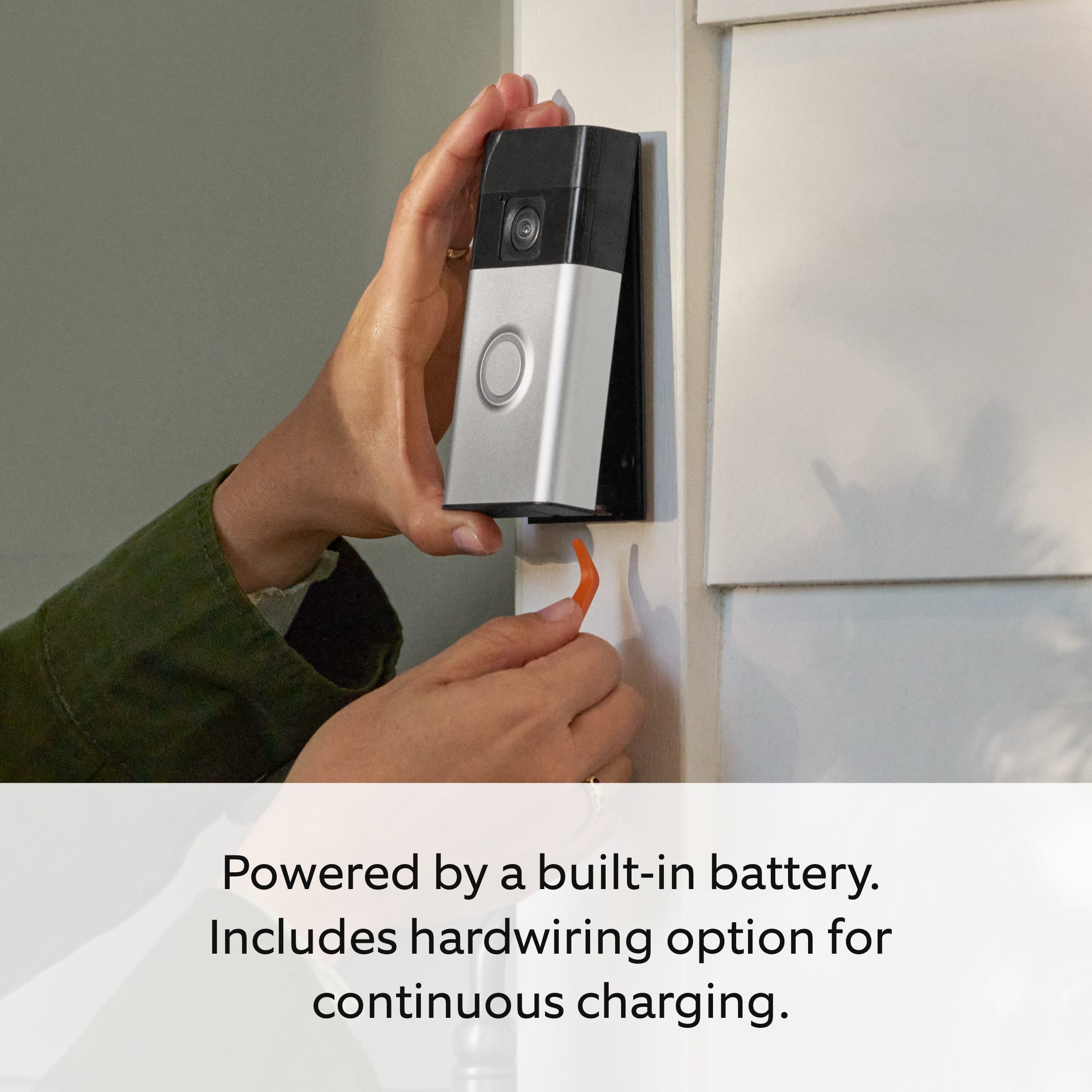
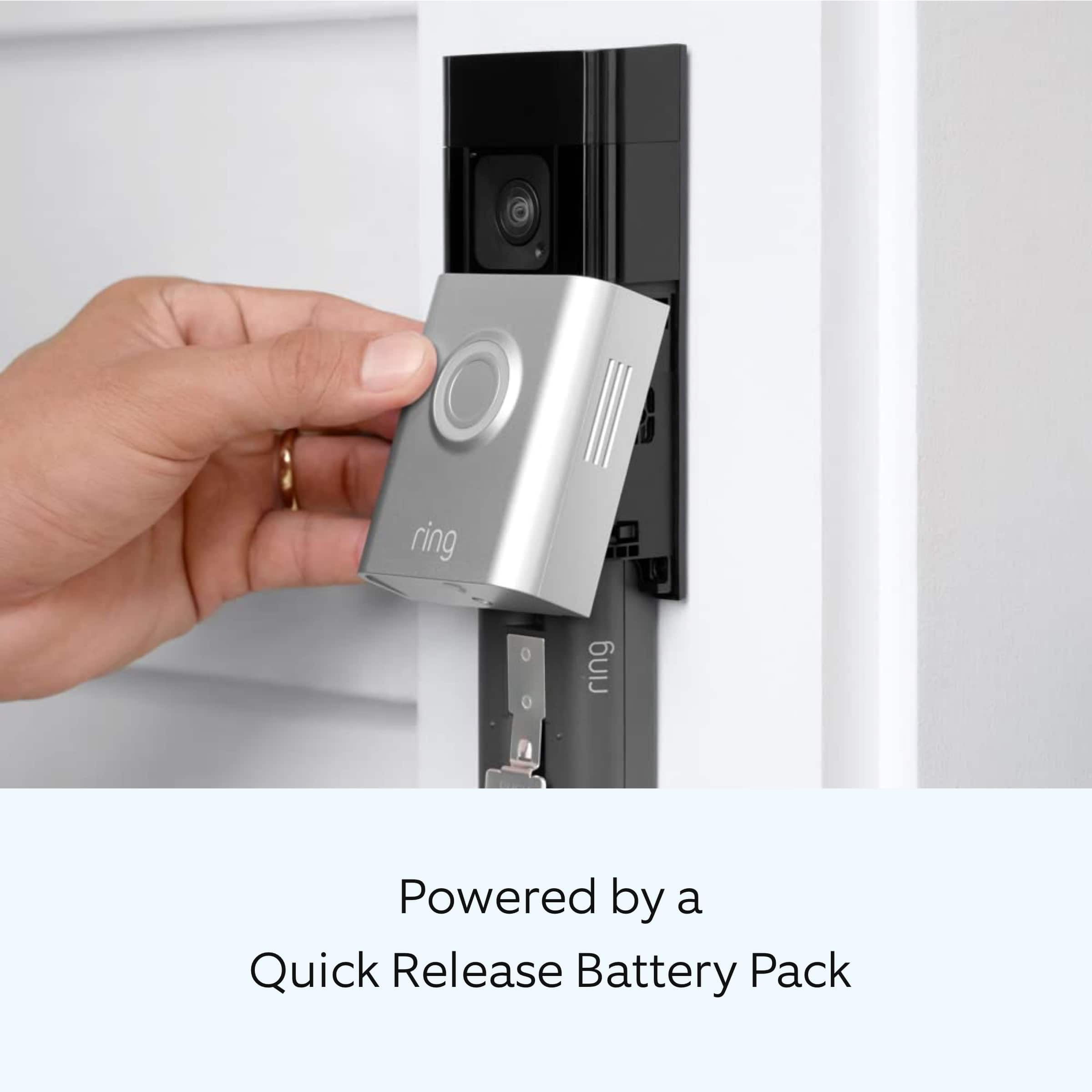
    • Answer Hi DJS. We appreciate the time you have taken to ask this question. Follow these steps to charge the Ring Quick Release Battery Pack for your doorbell: 1. Remove the security screws: Use the included security screwdriver to remove the security screws located on the bottom of the device. 2. Remove the faceplate or cover: Press in on the sides of the faceplate or cover and pull it out and off. 3. Remove the battery: Press the metal release tab to unlock the battery and slide it out. 4. Charge the battery: Connect the charging cable to the battery's charging port. While charging, your battery displays two colored lights, a solid green and an amber light. Charge the battery until only the green light remains lit. 5. Reinsert the battery: Slide the fully charged battery back into the compartment until it clicks in place. 6. Reattach the faceplate: Place the faceplate or cover back on the device until it clicks, and then reinsert the security screws. 7. Wait for the device to power back on: It can take up to 60 seconds. If any additional information is needed regarding your question, please reach out to our community. Ring Community is our first peer-to-peer community forum, giving our customers the ability to help one another and share their feedback and experiences directly with Ring. Join the Ring Community today! Thank you, Amilia from Ring.

      Answered by Ring

  • QuestionDoes the ring doorbell plus come with rechargeable battery

    Asked by Ringer.

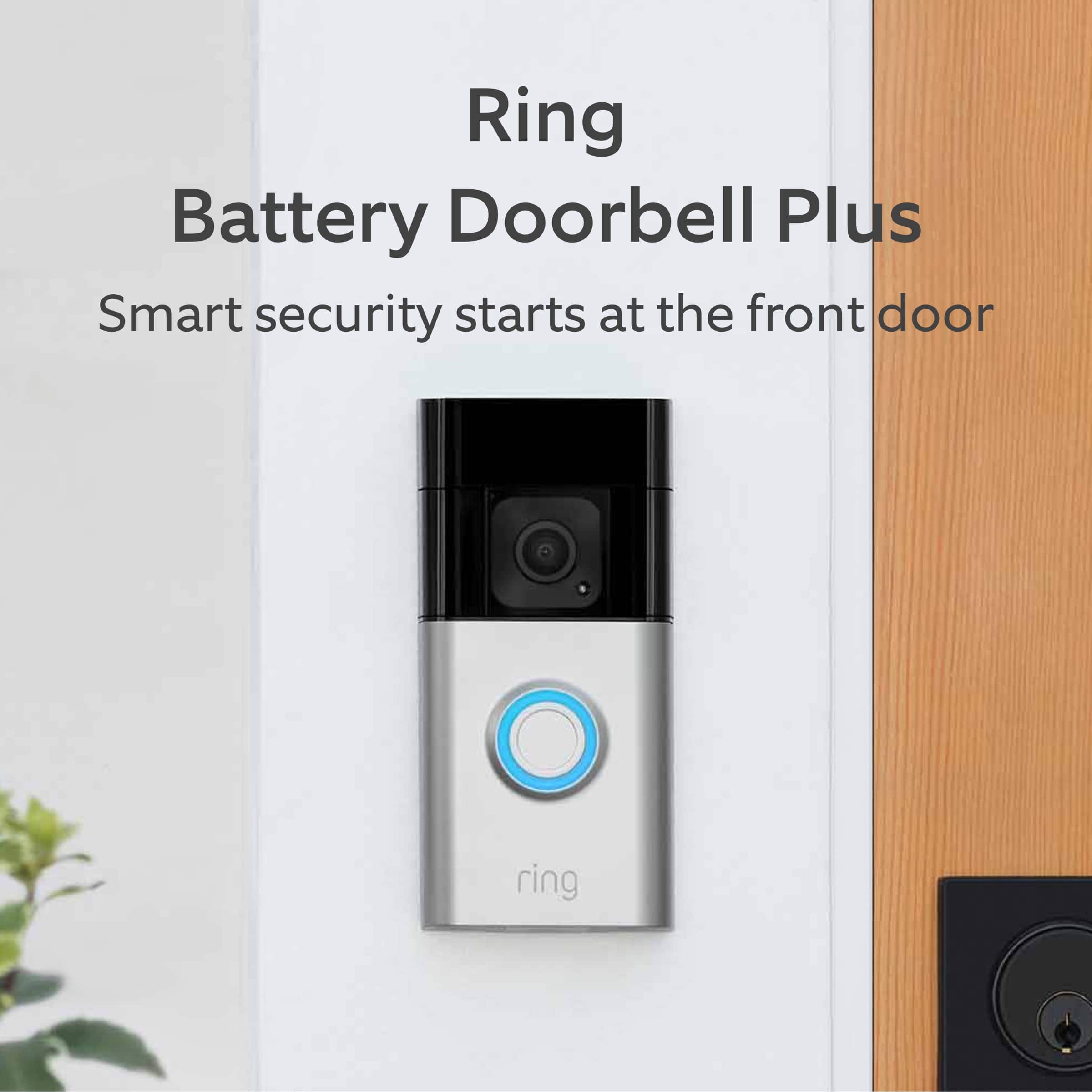
    • Answer Hi Ringer. Thank you for your question today! Yes, the Ring Battery Doorbell Plus comes with one Ring Rechargeable Battery Pack. We invite you to reach out to our community if any additional information is needed regarding your question. The Ring Community is our first peer-to-peer community forum, giving our customers the ability to help one another by sharing their feedback and experiences with each other. Thank you, Miyuki from Ring.
      Answered by Ring

  • QuestionNeed to activate alerts from my Ring Battery Doorbell Plus to my iPhone.

    Asked by JeffK.

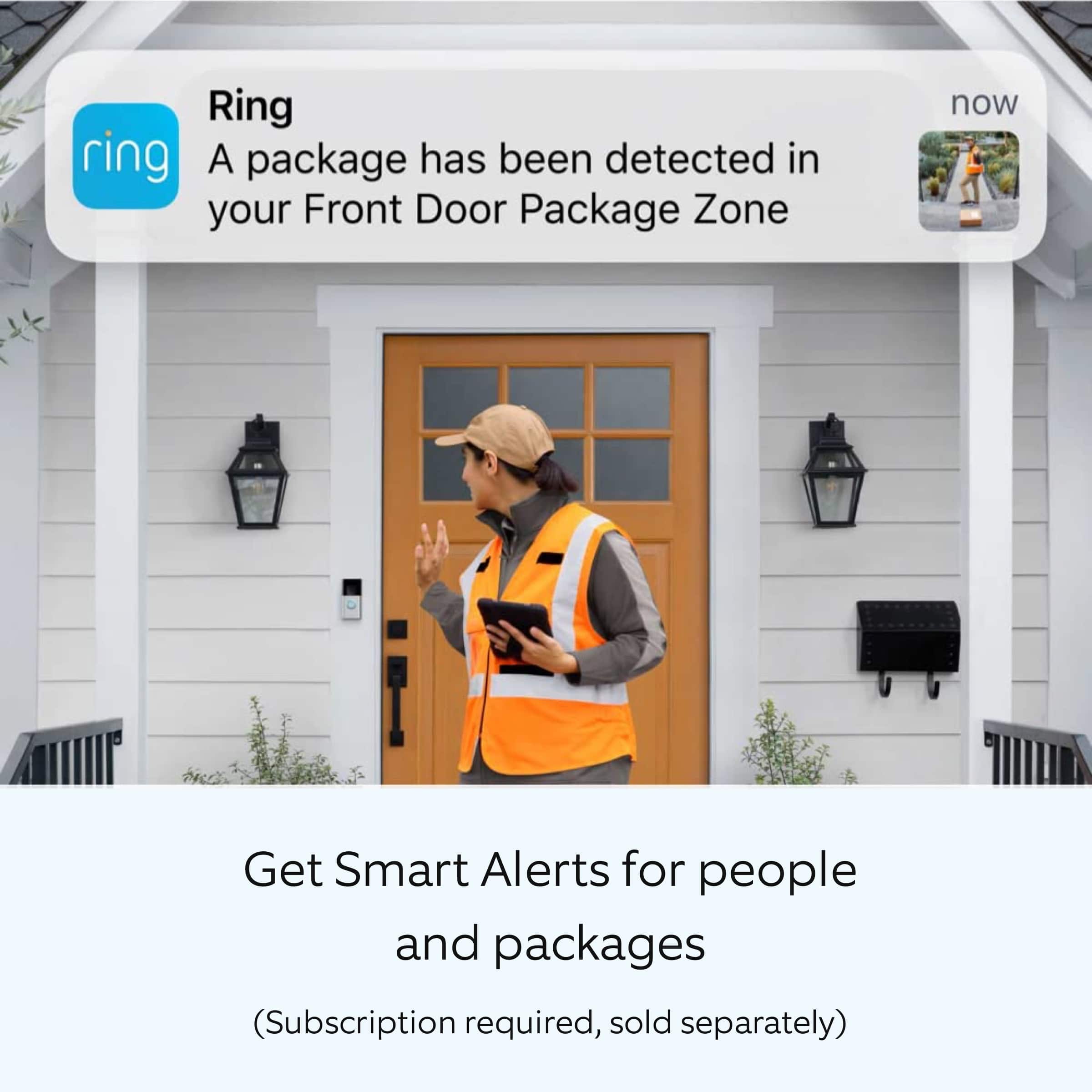
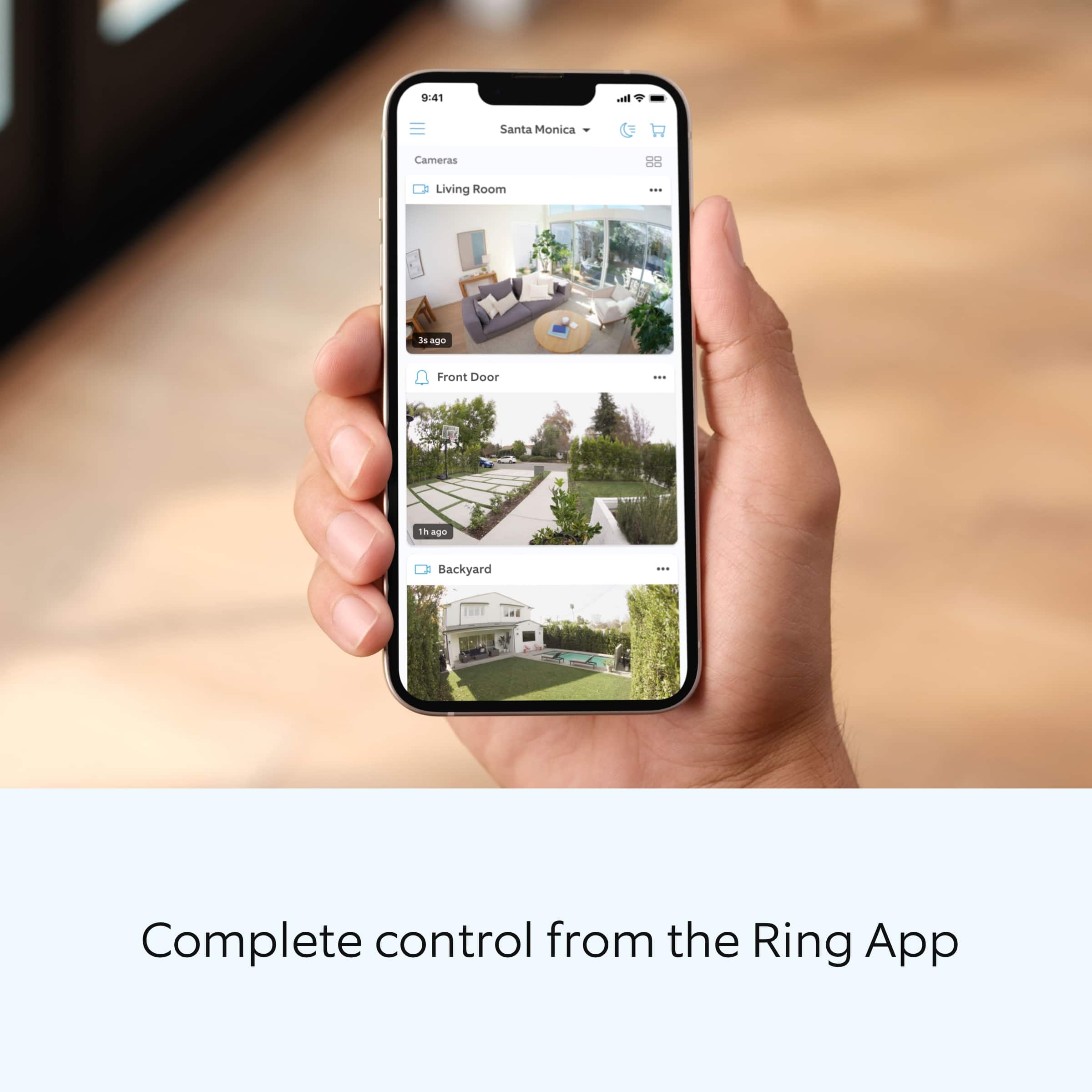
    • Answer Hi JeffK. Thank you for your question today! To activate alerts on your Ring Battery Doorbell Plus to your iPhone, open the Ring app and go to the main dashboard. Tap the three dots on your Battery Doorbell Plus device, then tap Settings. At the top of the screen, you'll need to toggle on three important settings: Ring Alerts to receive alerts when someone presses the doorbell, Motion Detection to enable recording and alerts for motion, and Motion Alerts to receive alerts when motion is detected. Make sure notifications are also enabled for the Ring app in your iPhone's system settings to ensure you receive all alerts properly. We invite you to reach out to our community if any additional information is needed regarding your question. The Ring Community is our first peer-to-peer community forum, giving our customers the ability to help one another by sharing their feedback and experiences with each other. Thank you, Miyuki from Ring.
      Answered by Ring

  • QuestionI replaced a Doorbell Pro with a Battery Powered Doorbell Plus. The new Plus is hardwired to an existing digital indoor chime with transformer. The digital chime worked with the old Pro. It does not work with the Plus. What is digital bell 1 vs. 2?

    Asked by JeffK.

    • Answer Hi JeffK. Thank you for taking the time to ask this question. Digital chimes can be wired with different polarities, and selecting the correct type ensures your in-home chime rings properly when someone presses your doorbell. I would recommend selecting the automatic chime detection in the Ring app to allow the app to detect the in-home chime. If it does not ring correctly, select either My chime rang partially or My chime didn’t ring. The Ring app will adjust the device settings automatically and prompt you to test your doorbell again. If the app is unable to detect an in-home chime, it will redirect to the start of the automatic chime detection process. If any additional information is needed regarding your question, please reach out to our community. Ring Community is our first peer-to-peer community forum, giving our customers the ability to help one another and share their feedback and experiences directly with Ring. Join the Ring Community today! Thank you, Amilia from Ring.

      Answered by Ring

  • QuestionCAN I USE WITH MY OTHER RING ITEMS?

    Asked by kat.

    • Answer The old battery will work on the plus

      Answered by BeatrizB

  • QuestionDoes it come with a battery?

    Asked by jc.

    • Answer Yes. I also ordered additional batteries with a charger so I can easily swap out one.

      Answered by Chelo

  • QuestionI would install this on my entry gate to my front door....it is not under cover. Is this weatherproof for rain and snow?

    Asked by WQ.

    • Answer Hi WQ. Thank you for your question today! Ring doorbells and outdoor security cameras are water-resistant and designed to withstand normal rainfall and snow. However, they are not waterproof and should not be submerged or exposed to high-pressure water. Consider installing your Ring device under a protective overhang. We invite you to reach out to our community if any additional information is needed regarding your question. The Ring Community is our first peer-to-peer community forum, giving our customers the ability to help one another by sharing their feedback and experiences with each other. Thank you, Miyuki from Ring.
      Answered by Ring

  • QuestionCan I add a other camera in my account and used the camera in other location like my daughter house

    Asked by Anonymous.

    • Answer Hello. Thank you for reaching out to us with your question. Yes, you can use the cameras at separate locations and wifi networks under the same Ring account. Upon setup, you will be asked to choose a location for each individual device. If any additional information is needed regarding your question, please reach out to our community. Ring Community is our first peer-to-peer community forum, giving our customers the ability to help one another and share their feedback and experiences directly with Ring. Join the Ring Community today! Thank you, Amilia from Ring.

      Answered by Ring

  • QuestionWill it connect to an existing indoor digital chime?

    Asked by JK.

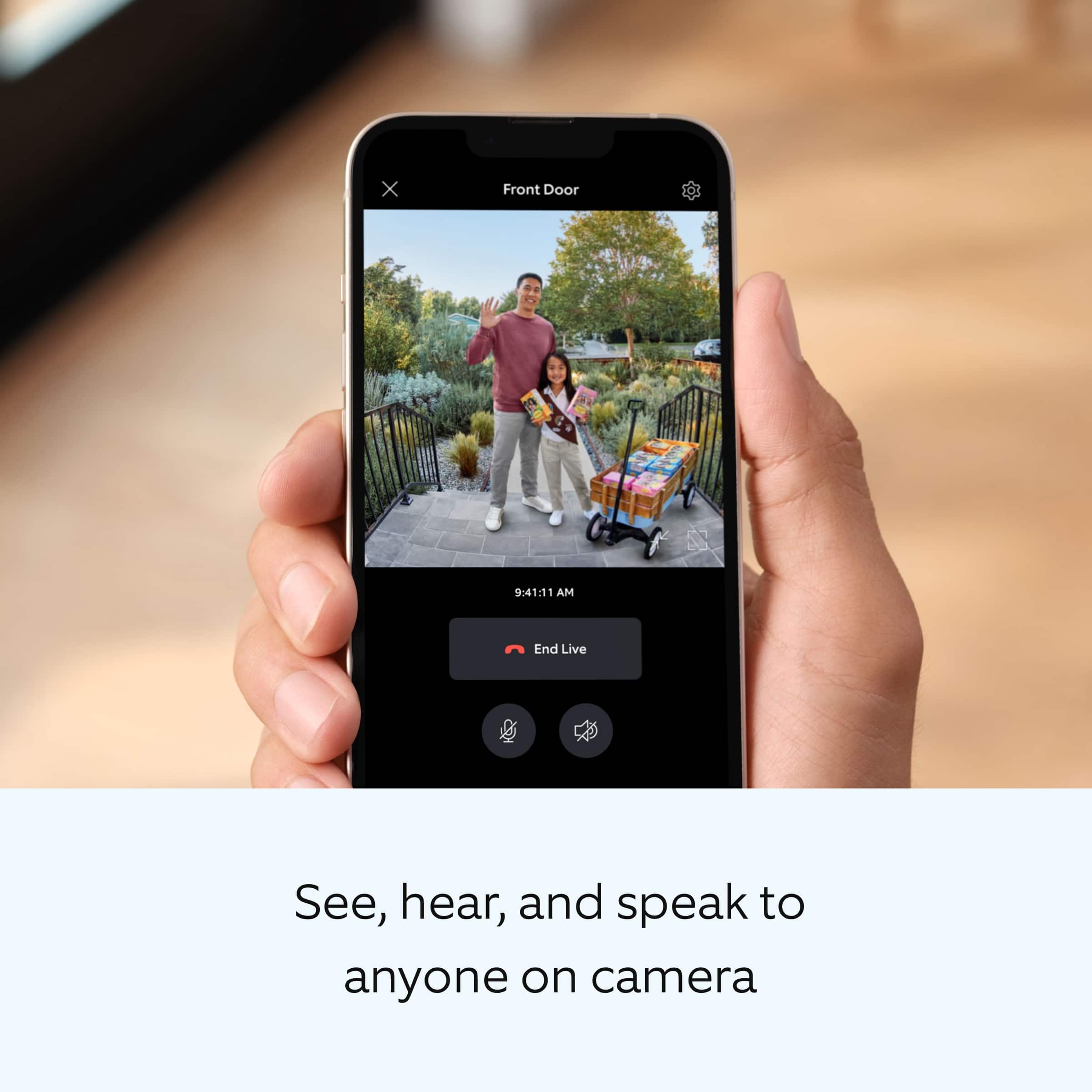
    • Answer Hi JK. Thank you for your question today! Yes, the Ring Battery Doorbell Plus can connect to an existing indoor digital chime when it is hardwired to your home's doorbell system. To make this work, you'll need to configure the connection through the Ring app by accessing your device settings, going to In-home Chime Settings, and selecting your chime type as either Digital Type 1 or Digital Type 2. The app offers an Automatic Chime Detection feature that will help identify your chime, or you can manually select your chime type in Advanced Settings. After configuration, you'll need to test the doorbell to ensure it rings your existing digital chime properly. Keep in mind that if your Battery Doorbell Plus is running on battery power only without being hardwired, it will not activate your existing indoor chime, and you would need to use a Ring Chime or Ring Chime Pro instead We invite you to reach out to our community if any additional information is needed regarding your question. The Ring Community is our first peer-to-peer community forum, giving our customers the ability to help one another by sharing their feedback and experiences with each other. Thank you, Miyuki from Ring.
      Answered by Ring

  • QuestionIs this a guaranteed NEW item? NOT used/reconditioned?

    Asked by jer.

    • Answer Hi jer. Thank you for taking the time to ask this question. For more information regarding the device, we encourage you to contact our dedicated support team, where we can work together to find the best solution for your specific situation. Our support team is available 24/7 at +1 (800) 656-1918. If any additional information is needed regarding your question, please reach out to our community. Ring Community is our first peer-to-peer community forum, giving our customers the ability to help one another and share their feedback and experiences directly with Ring. Join the Ring Community today! Thank you, Amilia from Ring.

      Answered by Ring

  • QuestionWhat is the monthly subscription fee for this

    Asked by Greg.

    • Answer Hi Greg. Thank you for your question today! We have listed the pricing for the optional Ring Home Plans here: The Ring Home Basic Plan includes video recording for one Ring doorbell or home camera, person and package alerts, video preview alerts, and 10% off select Ring site purchases. The cost of the Ring Home Basic Plan is $4.99/month or $49.99/year. The Ring Home Standard Plan covers all home devices at one location, includes everything in the Ring Home Basic Plan, doorbell calls, extended live view, alarm cellular backup, and more. The cost of the Ring Home Standard Plan is $9.99/month or $99.99/year. The Ring Home Premium Plan covers all home devices at one location, includes everything in the Ring Home Standard Plan, smart video search, 24/7 recording, SOS emergency response, and more. The cost of the Ring Home Premium Plan is $19.99/month or $199.99/year. We invite you to reach out to our community if any additional information is needed regarding your question. The Ring Community is our first peer-to-peer community forum, giving our customers the ability to help one another by sharing their feedback and experiences with each other. Thank you, Miyuki from Ring.
      Answered by Ring

  • QuestionAre batteries rechargeable

    Asked by Anonymous.

    • Answer Yes, they are,

      Answered by journaltk

  • QuestionAre batteries rechargeable

    Asked by Anonymous.

    • Answer Yes

      Answered by WalterM

  • QuestionUSB C or micro?

    Asked by RBPCT1.

    • Answer USB C

      Answered by JacobS

  • QuestionWhy is my ring doorbell bell always going off line

    Asked by Anonymous.

    • Answer You probably have a bad internet connection. Get a Ring Chime Pro. It is a chime and an extender in one. It will boost your signal . It worked with my Ring Doorbell.

      Answered by PaulA

  • Questiondoes the doorbell have sounds to choose from Like a barking dog?

    Asked by DonnaF.

    • Answer Yes

      Answered by WalterM