A:AnswerYes, there are time intervals. With these (wired) it is fine to have a longer time set. Also, you can set it up to capture "stills", which helps in basically 24 hour recording.
A:AnswerThe box indicates that it can. I just had a pretty gnarly thunderstorm at my home on Saturday morning (an electric transponder blew out and my entire neighborhood was without electricity for a couple hours) and the camera did well. I opted for the wired camera, so it went down with the electricity, but came back on without issue.
A:AnswerHello.
Good question. Yes, unless you tell it otherwise, your Ring Floodlight Cam Plus Wired device will detect motion at all times of the day and night based on the settings you select. In order to have recordings of these events, a Ring Protect plan is required.
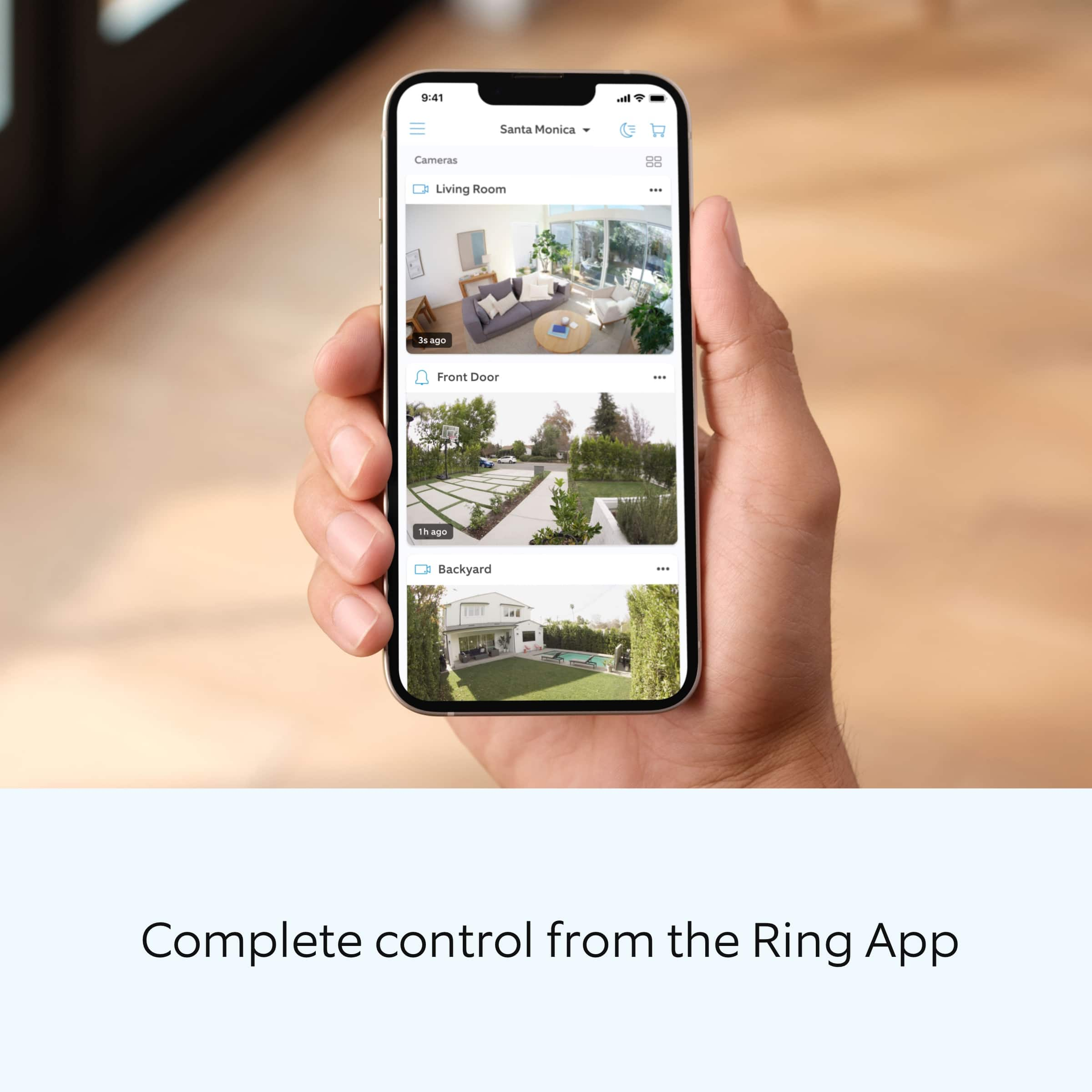
Without a Ring Protect Plan, you can still view real-time video for Ring doorbells and cameras and answer doorbell notifications when they happen, but you don’t get video recordings of those events.
We invite you to reach out to our Community if any additional information is needed regarding your question. The Ring Community is our first peer-to-peer community forum, giving our customers the ability to help one another by sharing their feedback and experiences with each other.
All the best,
Nicole from Ring.
A:AnswerIt's direct wire and needs to be in a box as per electric codes. I did not have a box either, I installed one, to do it properly. Contact a local electrician to help you.
A:AnswerThe lights are not effected by motion in the daylight and remain off.
You can turn the lights on and off via the app, but I don’t think it is possible to turn off the lights with a wall switch without shutting off all the power to the system.
A:AnswerHello Monthly,
Thank you so much for showing interest in our products and desiring to have more information regarding the optional Ring Protect Plan subscription. We want to ensure that we can answer any questions you may have concerning how the Ring Protect Plans work and how to save/share your videos, when necessary.
Ring gives customers a complimentary 30-day trial with each new Ring device. After the 30-days, you can choose if you would like to purchase a Ring Protect Plan or not. A Ring Protect Plan is not necessary to view real time notifications on your Ring cameras. Without the Ring Protect Plan, you can still use the live view and two-way audio feature, you are still able to see who is at your door and answer motion notifications. In order to see past recorded videos from your ring device, you will need the optional Ring Protect Plan, which starts at $3/month per device or $30/year per device. Please see the following link for more information regarding the Ring Protect Plan and the benefits it offers: https://support.ring.com/hc/en-us/articles/115001671383-General-Information-on-Ring-Protect-Subscription-Plans.
We invite you to reach out at https://community.ring.com/ if any additional information is needed regarding your Ring Protect Plan question. Ring Community is our first peer-to-peer community forum, giving our customers the ability to help one another and share their feedback/experiences with Ring.
Thank you,
Jamila with Ring
A:AnswerHello Ceekkit,
Great question! Yes, Ring offers a full line of solar and motion activated camera devices. Here is a helpful product comparison chart, so you can review each of our device's power capabilities and features: https://support.ring.com/hc/en-us/articles/115004687606-Ring-Security-Camera-Product-Comparison.
For any additional questions or product information, please feel free to reach out on our community forum at https://community.ring.com/.
Thank you,
Alexis with Ring
A:AnswerHi Reb.
Good question. Yes, you can set a schedule for the Ring Floodlight Cam Plus lights to come on for set periods of time, such as dusk to dawn. Follow these steps in the Ring app to set up a light schedule:
Open your Ring app.
Tap the Menu (☰).
Tap Devices.
Tap the Device Schedule tile.
Tap Light Schedules.
Follow the prompts in the Ring app to customize your light schedules.
To adjust or change any of the light settings, use the same step-by-step sequence to navigate back to your security camera and select the Device Schedule tile.
We invite you to reach out to our Community if any additional information is needed regarding your question. The Ring Community is our first peer-to-peer community forum, giving our customers the ability to help one another by sharing their feedback and experiences with each other.
All the best,
Nicole from Ring.
A:AnswerHi Hamilton.
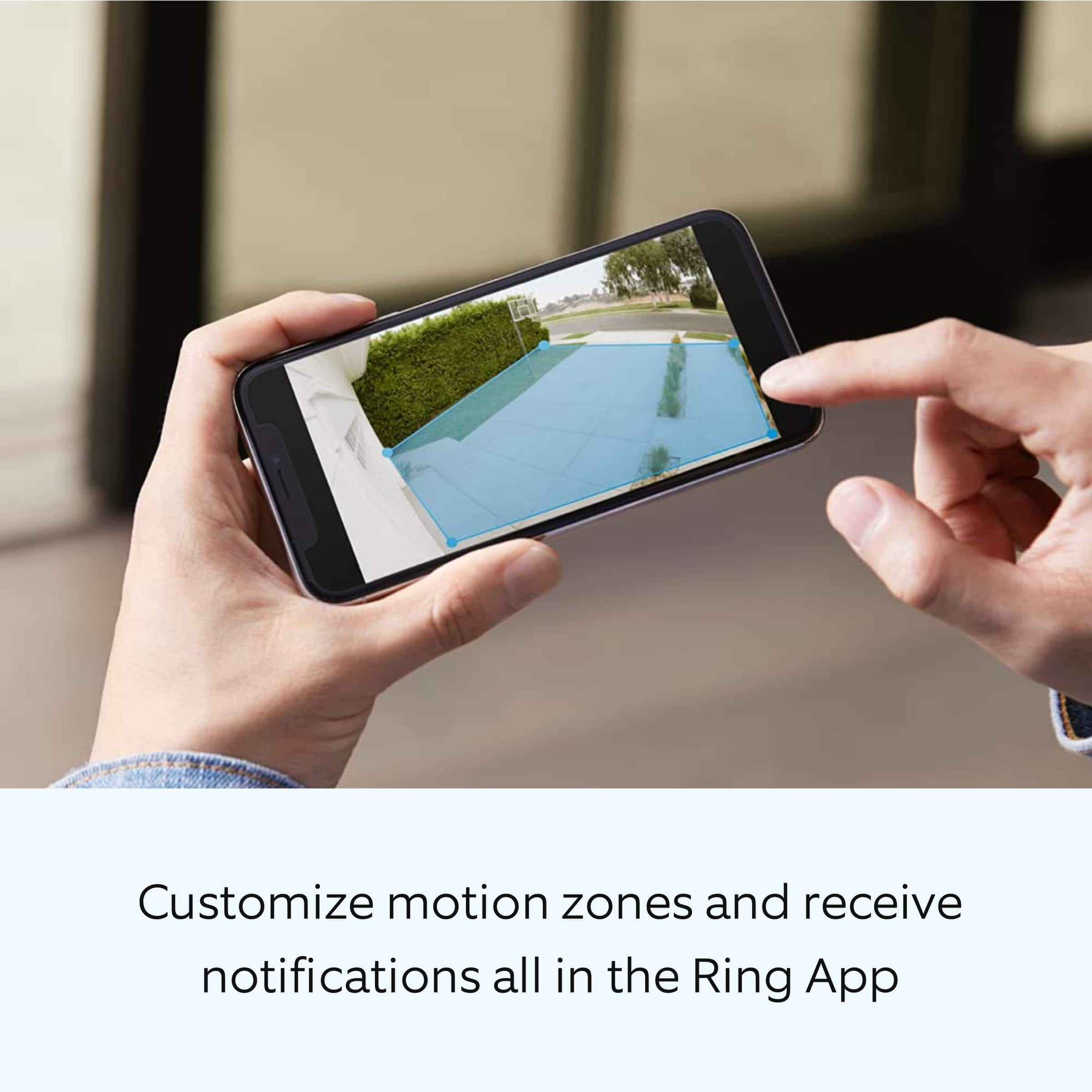
Good question. The Ring Floodlight Cam Wired Plus includes Live View, Two-Way Talk, Advanced Motion Detection, Customizable Motion Zones, Customizable Privacy Settings, and an easy-to-use app.
The Ring Floodlight Cam Wired Pro builds upon all these great features with a new design and advanced features, including radar-powered 3D motion detection, bird's-eye view, Audio+ for enhanced audio, a 110db siren, dual-band wifi, and an array microphone that limits sound distortion.
We invite you to reach out to our Community if any additional information is needed regarding your question. The Ring Community is our first peer-to-peer community forum, giving our customers the ability to help one another by sharing their feedback and experiences with each other.
All the best,
Nicole from Ring.
A:AnswerHi JohnJohn.
Good question. The Ring Floodlight Cam Wired Plus security cam requires a hardwired connection and must be installed on a 4“ round UL-listed weatherproof electrical box. It does not have a battery backup option.
We invite you to reach out to our Community if any additional information is needed regarding your question. The Ring Community is our first peer-to-peer community forum, giving our customers the ability to help one another by sharing their feedback and experiences with each other.
All the best,
Nicole from Ring.