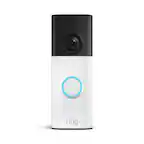
A:AnswerHi Blivet,
This is a fantastic question! Since each wifi network is unique to its locale, we would love the opportunity to discuss this with you directly, to ensure you are set with the best expectations for your specific environment.
We do offer more information regarding power and wifi requirements at Ring.com within our Help Center. The link provided will show you a complete side-by-side comparison of product requirements for our Ring Video Doorbells: https://support.ring.com/hc/en-us/articles/115004668746-Ring-Video-Doorbells-Product-Comparison
I understand how important it is that you have confidence in your home security, and kindly ask that you reach our team of specialized agents directly at [email protected], to ensure we fully resolve your questions and concerns.
Thank you,
Caitlin from Ring
A:AnswerHi Devhog,
One of my favorite parts about owning a Ring system is that the experience is completely customizable by you, for your specific home security needs. When considering adding more to your home security, it's important to factor in what your wifi environment can support, and what you can do to improve it, if necessary.
I wanted to provide you with a full comprehensive comparison guide of all the Ring Cameras we have to offer, so you may make a well-informed decision on the future of your home security: https://support.ring.com/hc/en-us/articles/115004687606-Ring-Security-Camera-Product-Comparison
In addition to providing you with informative articles from our Help Center, I would like to extend the personal invitation to reach out to us directly, for help with any additional questions or concerns you may have. https://support.ring.com/hc/en-us/articles/360036196372-Get-in-Touch
Thanks,
Caitlin with Ring
A:AnswerHello curious,
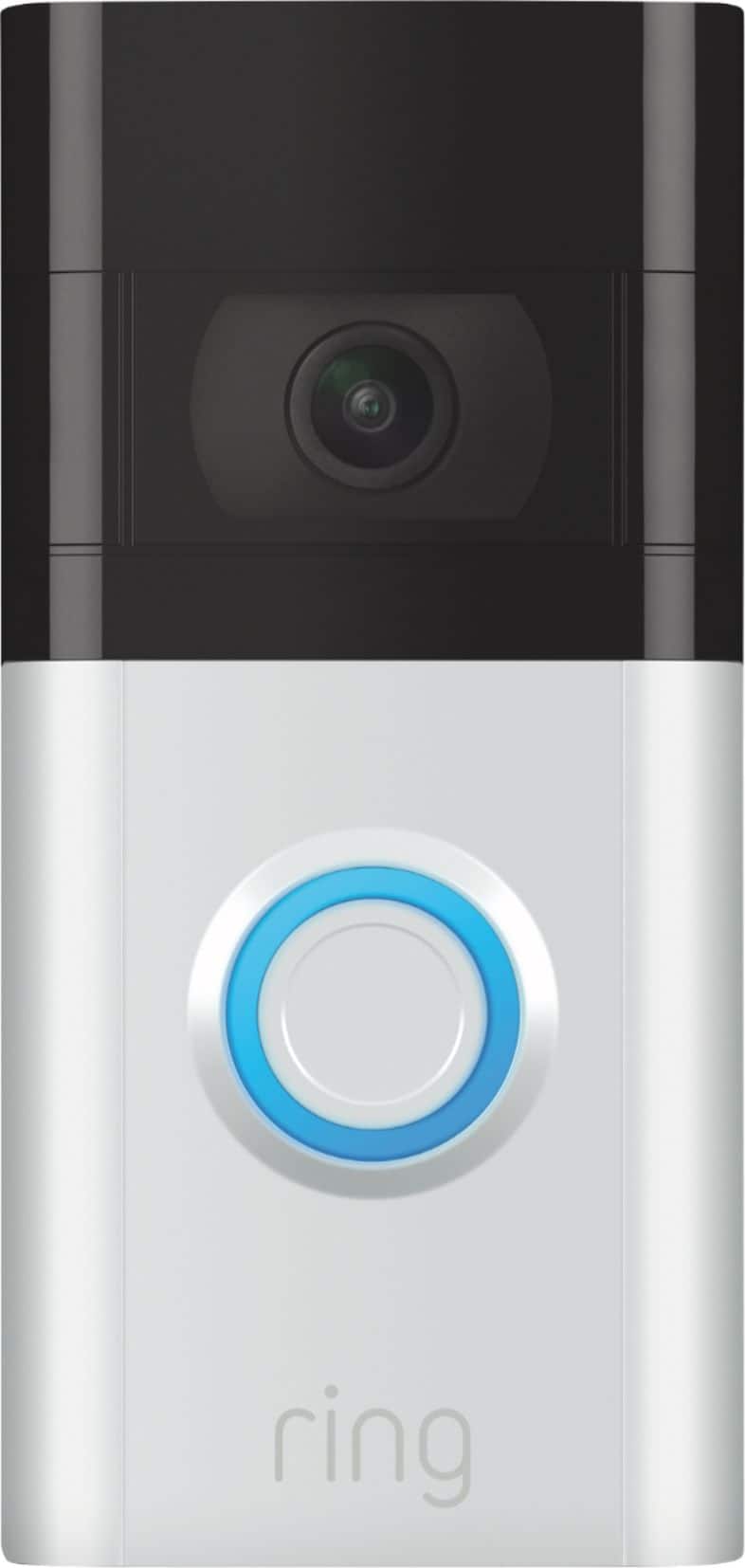
Yes, the Echo Show can be set up to broadcast videos when motion is detected and doorbell rings take place. To start using two-way communication, just say "Alexa, answer [camera or doorbell name]" or "Alexa, talk to [camera or doorbell name]." You can also enter a Live View by saying "Alexa, show me [camera or doorbell name]." If you wish to speak, you can unmute that mic to start a conversation. Here is a helpful article regarding the Alexa Skill integration with your Ring Doorbell 3: https://support.ring.com/hc/en-us/articles/115003247146-Integrating-Amazon-Alexa-supported-Devices-with-Ring-Devices.
For any additional questions or concerns, please feel free to reach out on our community forum at https://community.ring.com/.
Thank you,
Alexis with Ring
A:AnswerI installed the ring doorbell without using the existing door bell wiring. I linked the ring doorbell to Alexa, so "she" announces throughout the house when someone touches the ring doorbell button. Works really well, because we can get the Alexa notifications while in the backyard using the Alexa dots.