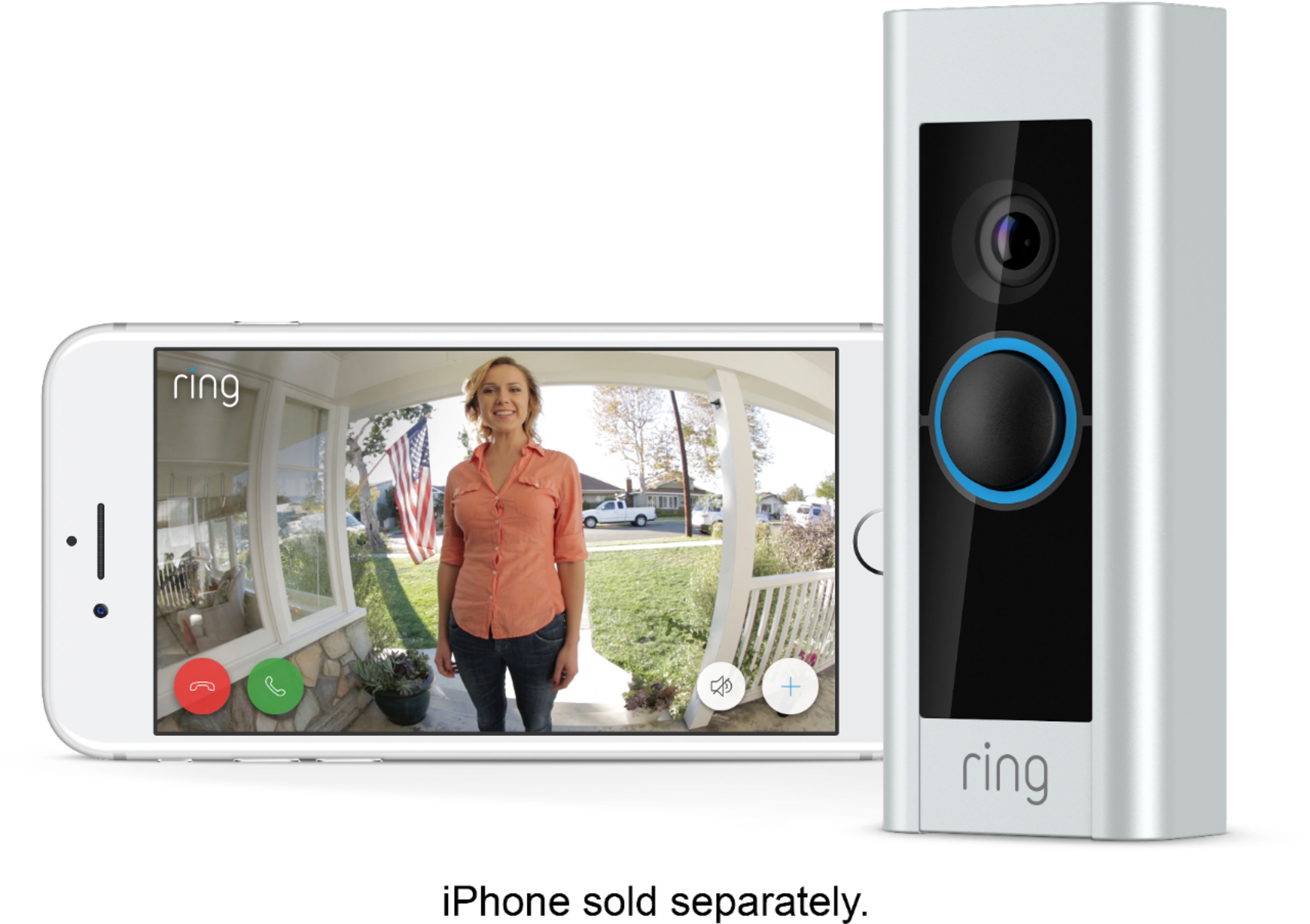
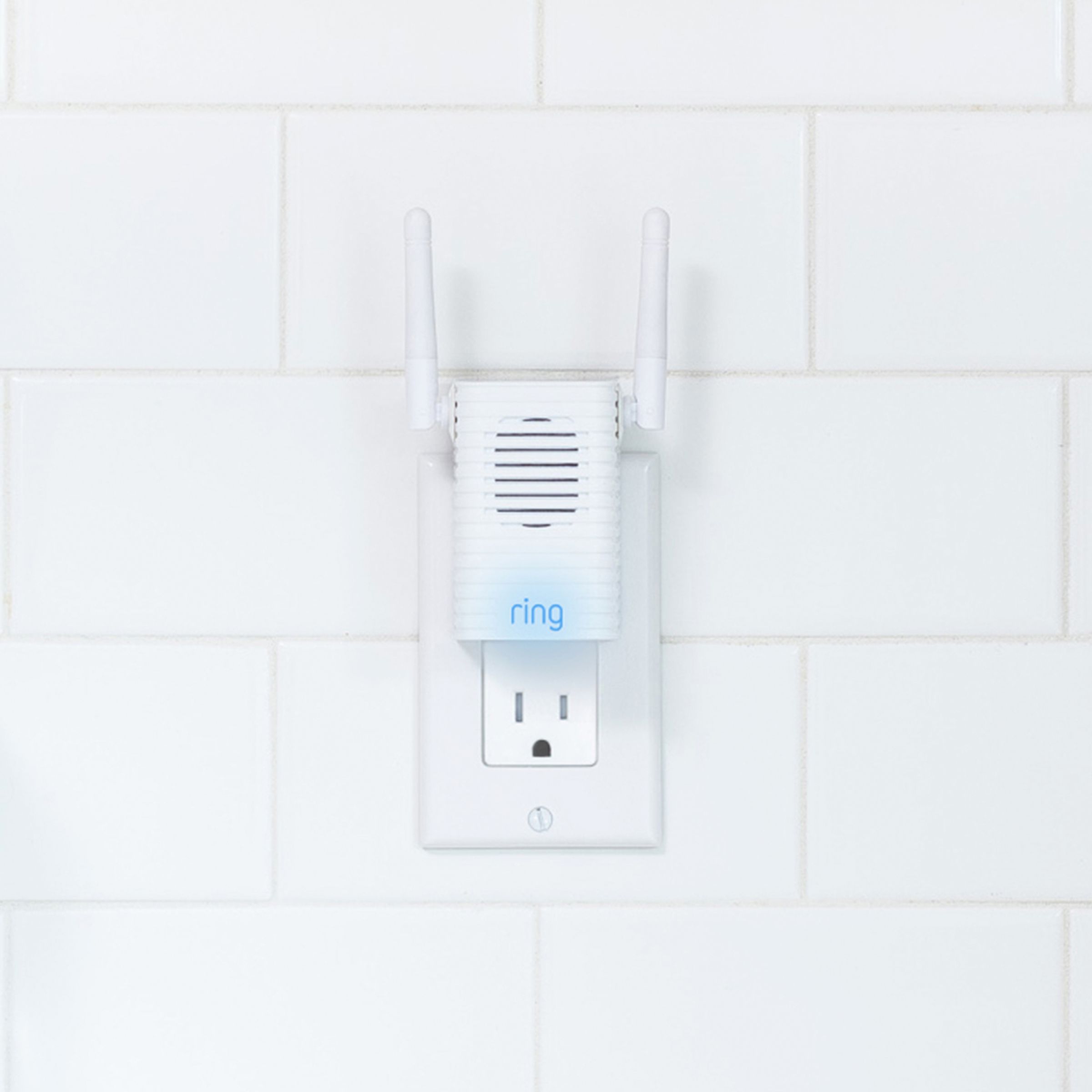
A:AnswerThe doorbell is the same model however on includes the chime (which is an indoor device that has an extra signal boost and an audible doorbell sound)
A:AnswerMy house also faces North and I have a clear view across the street in bright daylight to my neighbor's and to each side neighbor as well. At night my camera picks up motion if they're out walking their dogs across the street. My chime (dogs barking) is set low to detect 'People only' motion so that it's not annoying but it also picks up small animals as well, thunder too if it's loud enough! You might try using one of the wedge templates to get a better angle for less glare.
A:AnswerThe doorbell only connects to WiFi. If you are viewing the video - that will use whatever network your phone is connected to - WiFi or cellular
A:AnswerYes, using Chime Pros will increase the signal of your WiFi which you need for your ring doorbell. Plug your chime pros to the nearest outlet indoor to your ring chime pros.
A:AnswerDid you check to see if you have the ring app turned on in notifications, if it's not turned on, it will still work, but your phone wont notify you.
A:AnswerHi JB,
Yes. The Ring Doorbell Pro and Chime do not require connection to any Alexa device. The Doorbell Pro is compatible with 802.11 b/g/n WiFi networks operating on 2.4 gHz or 5 gHz frequencies. or best streaming performance, we recommend 2 Mbps upload and download speeds.
Bilan J, Customer Satisfaction Specialist
[email protected]
A:AnswerYes I have it outside it gets wet when it rains and snow on it and no problems I would not put it in submerged in water though but doubt that anyone would do that
A:AnswerHey Alex,
I have not tried on a computer but it can be saved directly to your phone. You will have to open the Ring app and download them that way.
A:AnswerThe Ring Video Doorbell Pro can be powered by your existing home doorbell transformer if greater than 16 volts. Or you can purchase an AC power adapter (as I did) to install and power your doorbell. The power adapter has a 20 foot cord attached to reach a nearby interior power outlet. I led the power cord down to an installed power outlet on my unfinished basement level. You may need to hire an electrician or handyman if do not have the technical ability to do this.
A:AnswerYou don't need an existing doorbell to use this product. You can get alerts on your phone or the optional chime if you don't have an existing bell. All it needs is power from a transformer that's wired into any box that has 120V power. If you're not lucky enough to have wire at your door from an old doorbell, you can run new even if you're marginally handy. All it needs is power. You don't need an existing doorbell to use. I have two synced into the chimes and they work great.
A:AnswerYes, multiple phones can get all the notifications at the same time. For example when someone comes to my door, my wife and I both get the notification. You just have to set it up in the app.
A:AnswerHello,
Great question! Yes, Ring offers a variety of products that work without an existing doorbell. Battery powered Ring Video Doorbells paired with a Ring Chime allow you to utilize all of the great features a Ring Video Doorbell has to offer, without an existing chime kit or doorbell wiring. Visit our support center to compare the different Ring Doorbell options: https://support.ring.com/hc/en-us/articles/115004668746.
You can also go to the Ring Community. Ring Community launched in March 2019 to help deliver the most current news and educational information to our neighbors. It is our first peer-to-peer community forum, giving our customers the ability to help one another and share their feedback/experiences with Ring. Please reach out at https://community.ring.com/ if any additional information is needed.
All the Best,
Nicole with Ring