A:AnswerYes. I'd recommend a professional do the installation (Geek Squad, etc.). The only limitation will be the up/down and left/right turning ratio of the tv given that it will not be mounted on a flat wall.
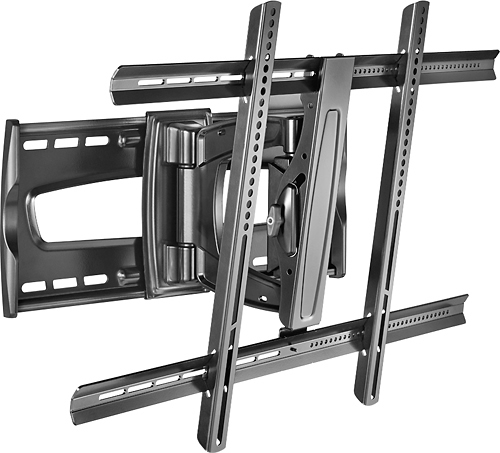
A:AnswerI doubt it. This articulating mount has a hinged bracket that allows the arm to slide and extend (for viewing at angles). Unless the fixed mount has a similar set up it won't work. You might want to contact Rocketfish directly. I'm sure they can give you a definitive answer.
A:AnswerIf you use the supplied flat mount adaptors supplied with the t.v. everything will work great. I had to purchase different bolts though. The ones in the kit were too short. No other issuea after that.
A:AnswerIf you are inclined enough then I don't see why not. Another option might be to contact Rocketfish and explain to them and see if maybe there is a smaller set of brackets they could get for you that would work.
A:AnswerNo. Studs will need to be 16" apart for this to properly work. Unless you want to create a mounting plate first and affix this mount to that and then the plate to your studs.
A:AnswerI used this mount on a 65" curved screen Samsung. It worked good for me. I think it would work for mounting in a corner fine. I had to purchase extra bolts at Ace Hardware to complete the mount on mine. I hope this helps!
A:AnswerAs long as your TV has the standard VESA mounting holes in the back then the brackets of this mount will bolt onto it.
All Sanus mounts come with a variety of screws in many different lengths and sizes along with spacers if needed.
My guess is that if you TV was built in this Century than you should be good to go.
A:AnswerIt holds up to 70 lbs., which is what our old 48" Sony Bravia weighed. The new 4K 65" Bravia weighs a lot less than that. Either way, you'll definitely need to use lag bolts into the studs.