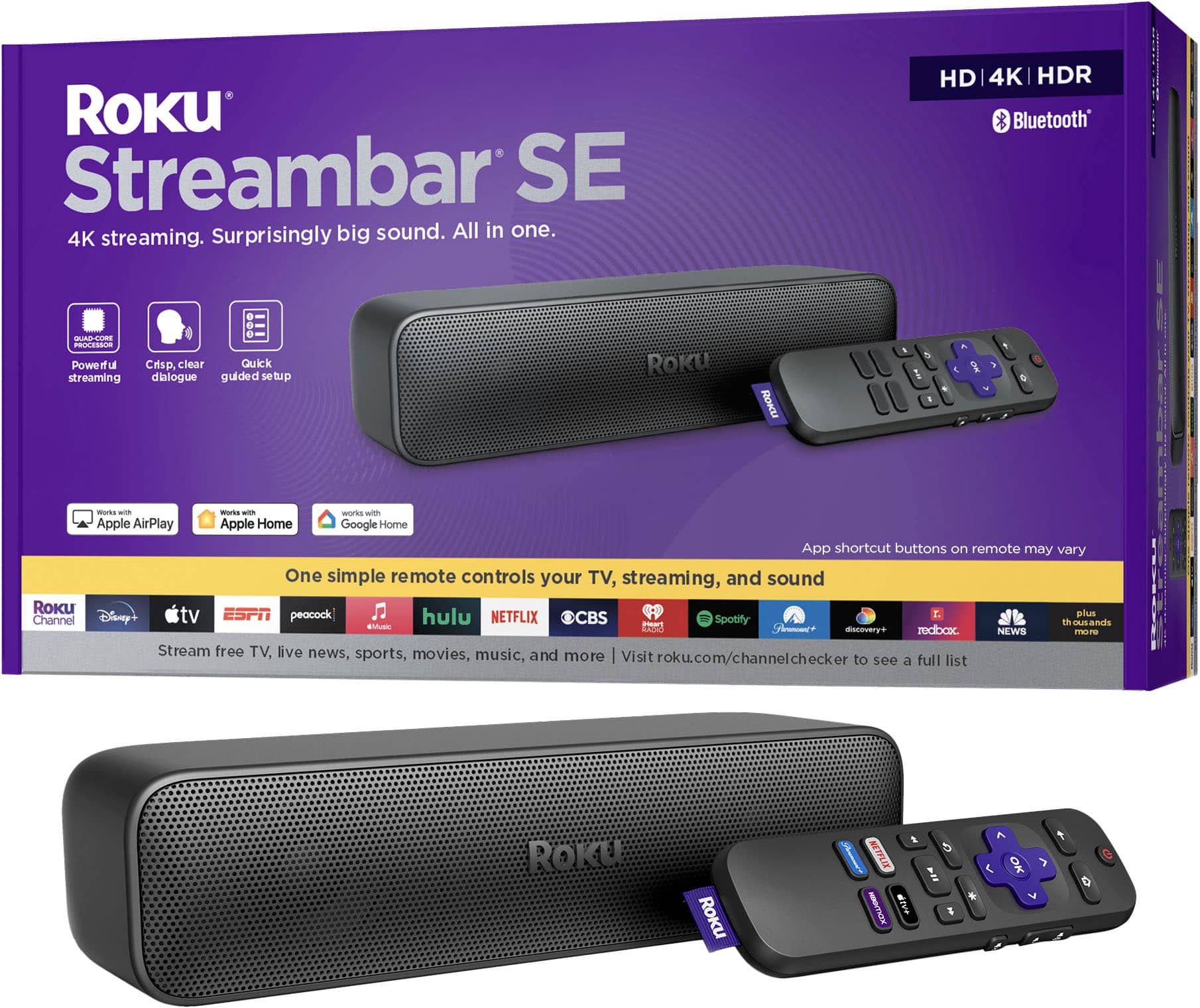
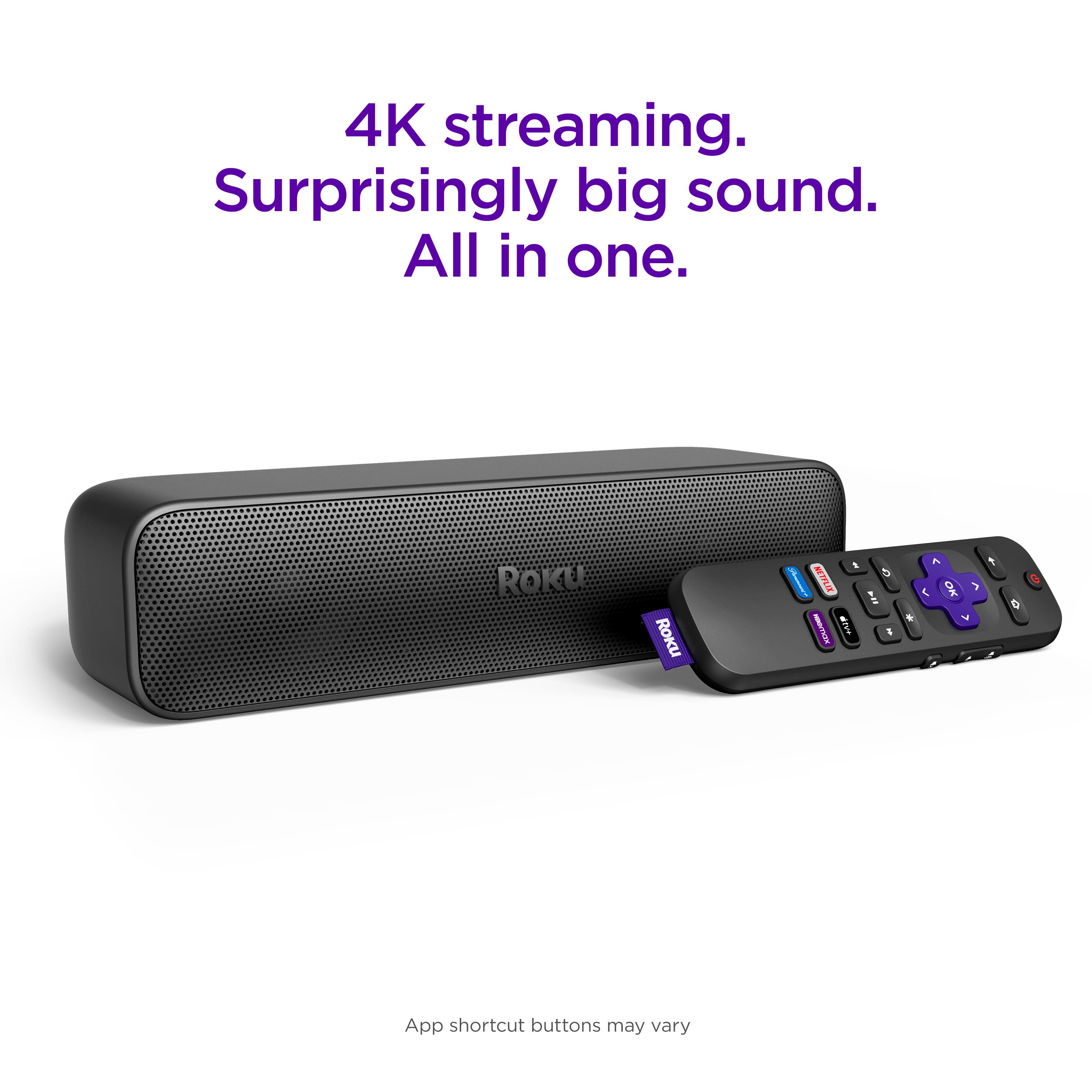
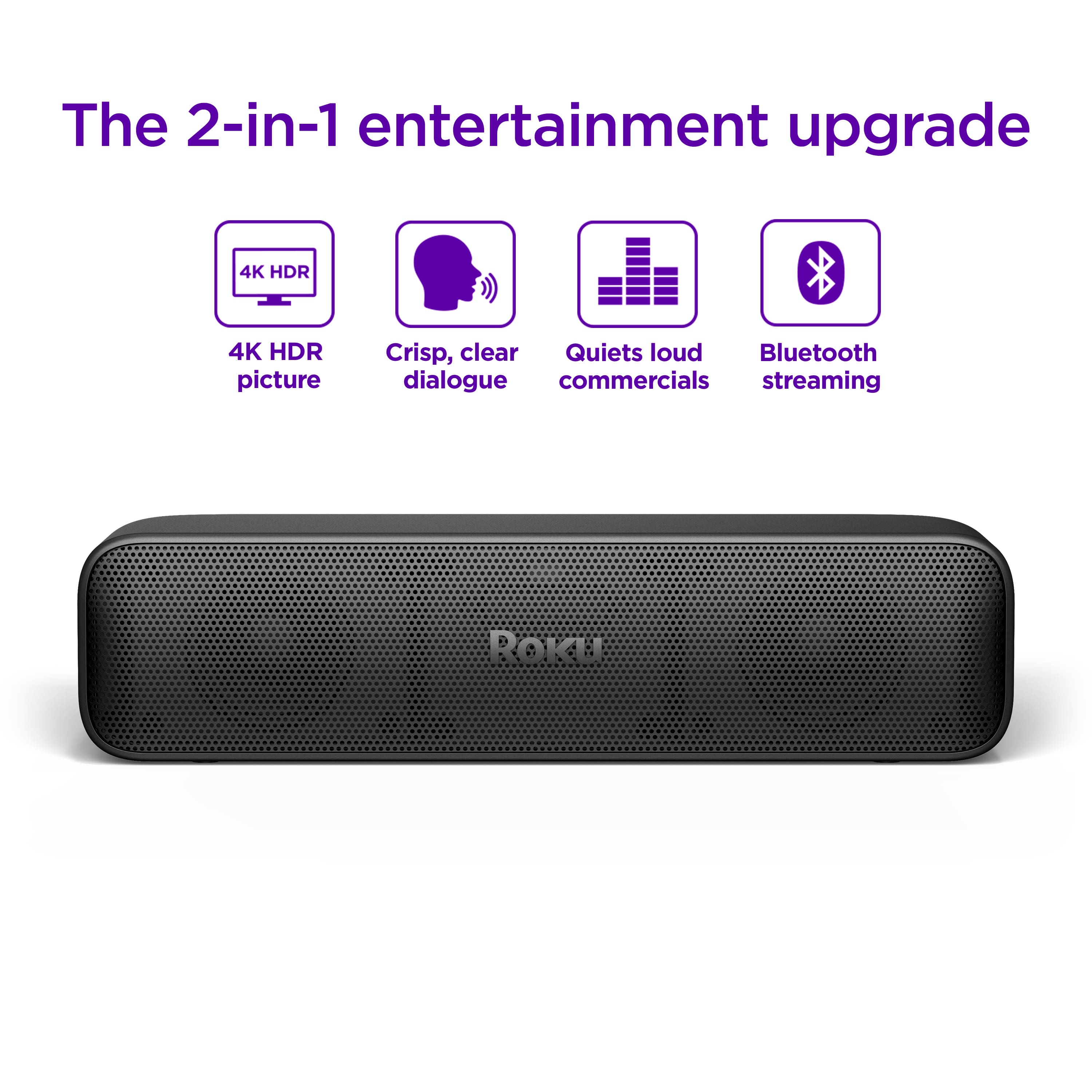
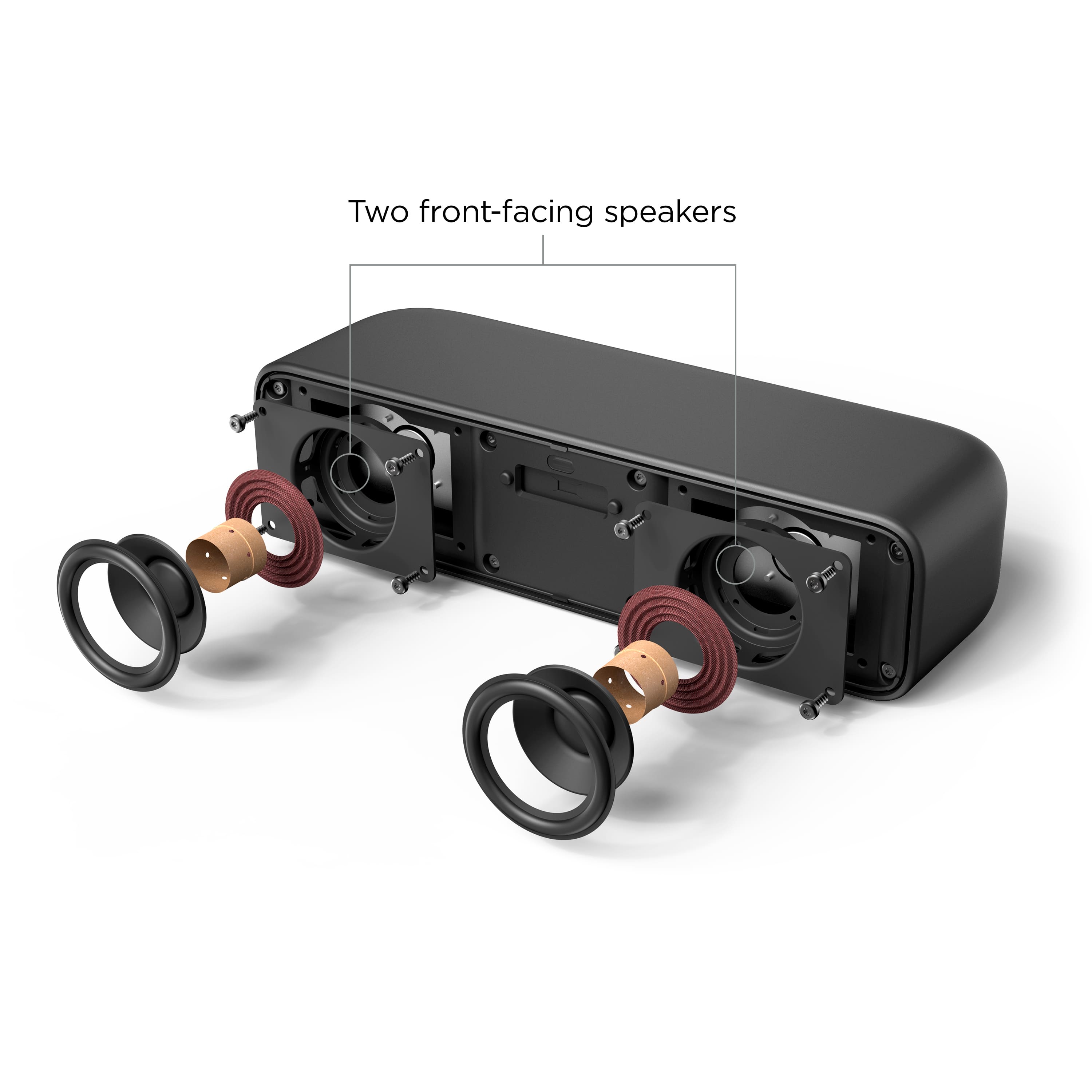
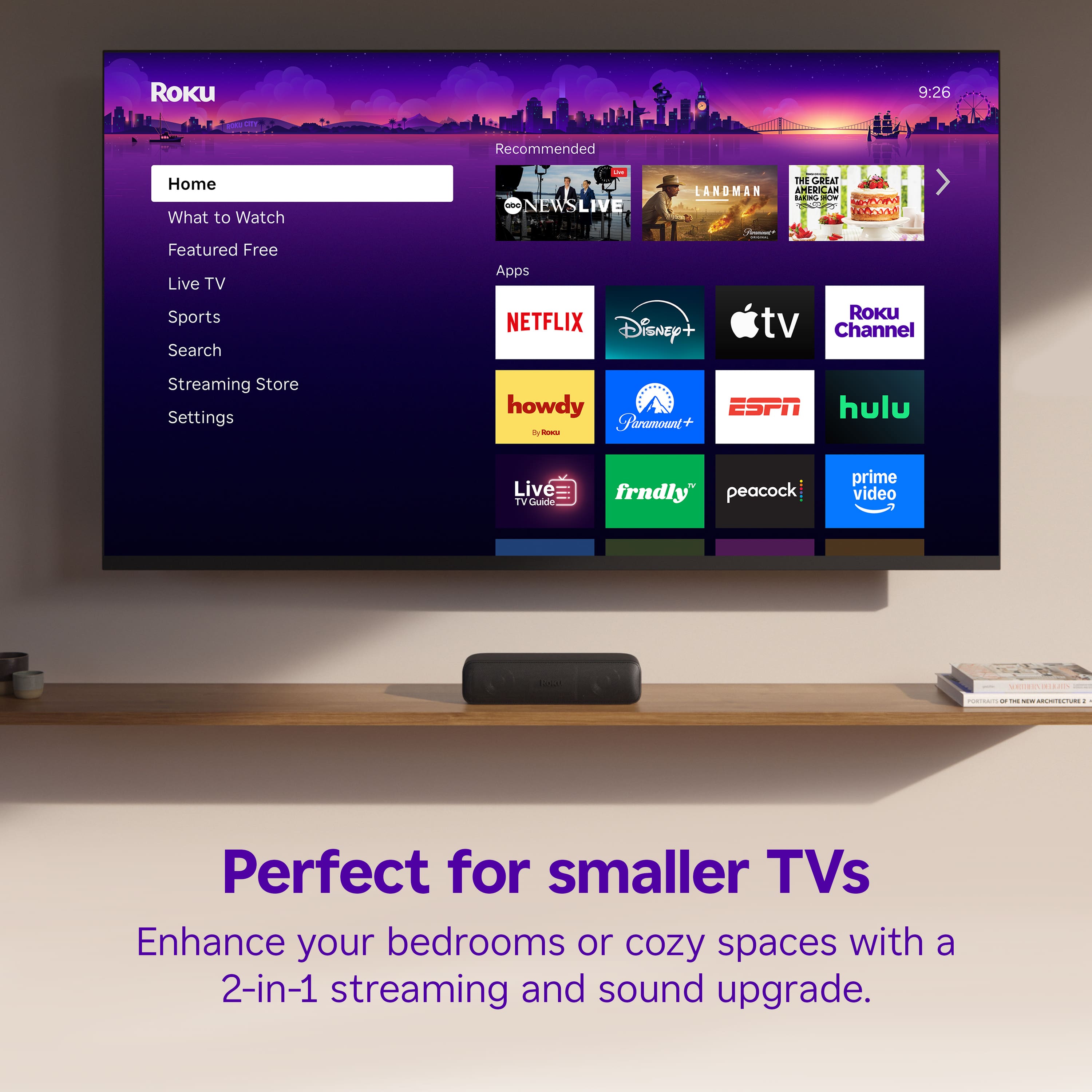
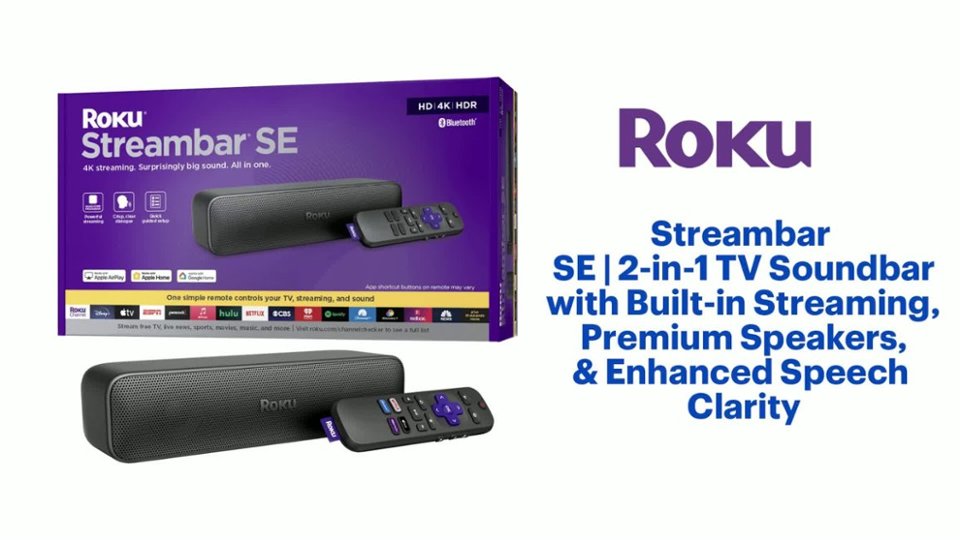
A:AnswerHello Ortho, This soundbar is a Roku Device and a soundbar, so it will turn any TV you use it on into a Roku TV. You can load any apps you have on your TV on the soundbar as well.
A:AnswerHello Lucy! If you have Bluetooth hearing aids you can connect via Bluetooth. One thing to note with the Bluetooth it does cancel out the audio on the streambar so there is private listening. You cannot do both Bluetooth and listen to the soundbar at the same time.
A:AnswerHello Mike, When you have a soundbar connected through HDMI ARC, any audio coming from the TV or from one of the other HDMI ports will come through the soundbar.
A:AnswerHello phyllis1, The Sreambar connects via HDMI ARC. Please visit Roku Support for any product or support related questions at https://support.roku.com/ or call 408-556-9391
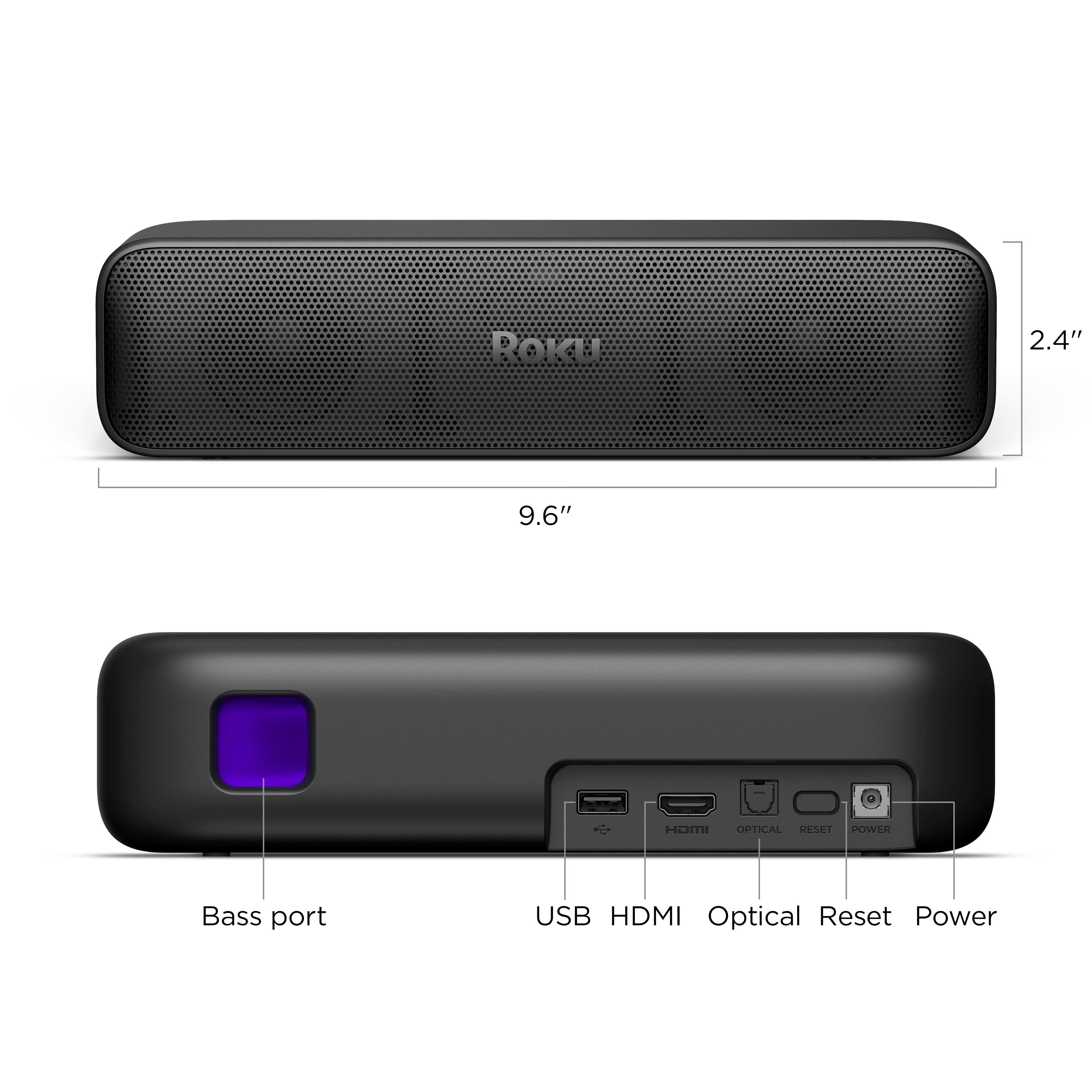
A:AnswerHello Greg, the Roku Streambar SE does have a USB port but it is not for charging the sound bar as it has to be plugged in. The USB port is for playing content off of a USB or powering something with 5v.
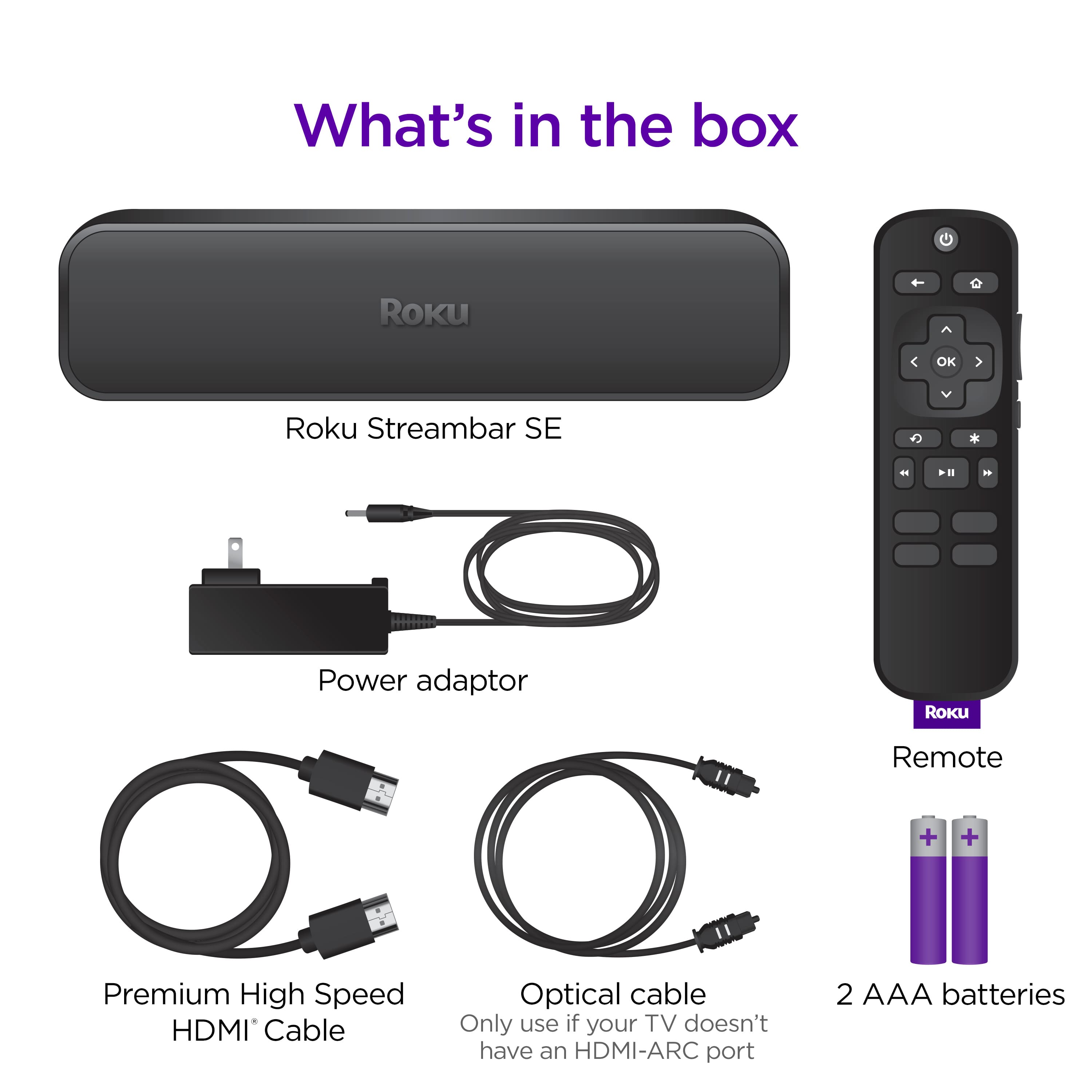
A:AnswerHello, the Roku Streambar SE will work on any TV with an HDMI port. Since your TV is a bit old if you want audio coming out of the streambar for anything other than off the Roku OS you’ll more than likely need to use an optical cable (this would refer to a dvd player or a gaming console).
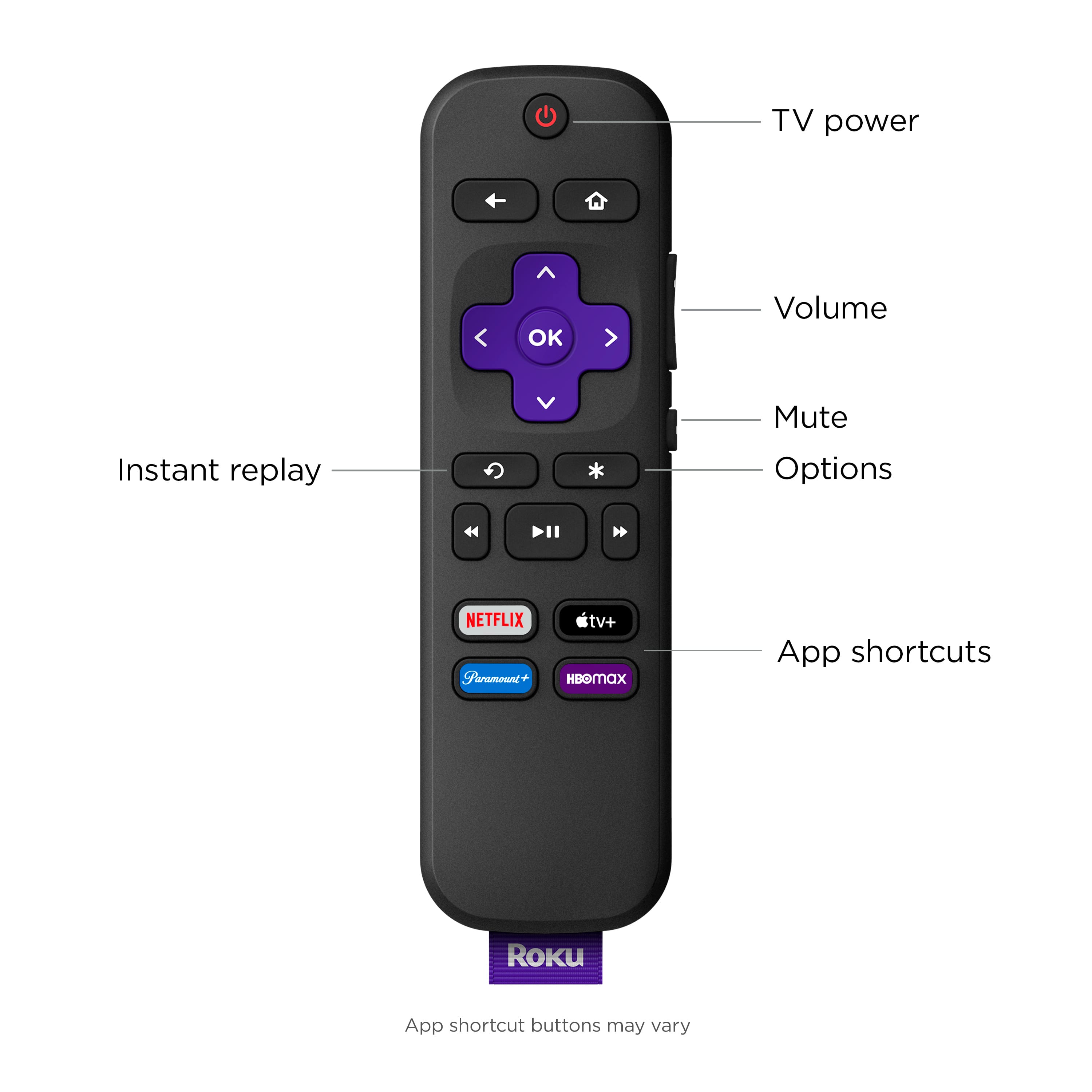
A:AnswerHello Suzanne, For this to work you would need to use the Roku Mobile App's Headphones mode and control the audio through your phone for the headphones and the remote will control the audio for the soundbar. Here's how https://support.roku.com/article/12210854415383
A:AnswerHello Pam0006, Yes! you won't need your other Roku device as this soundbar has one built in to it giving you both the Roku Smart platform and amazing audio. The popping noise will go away since the audio would come out of the Streambar SE