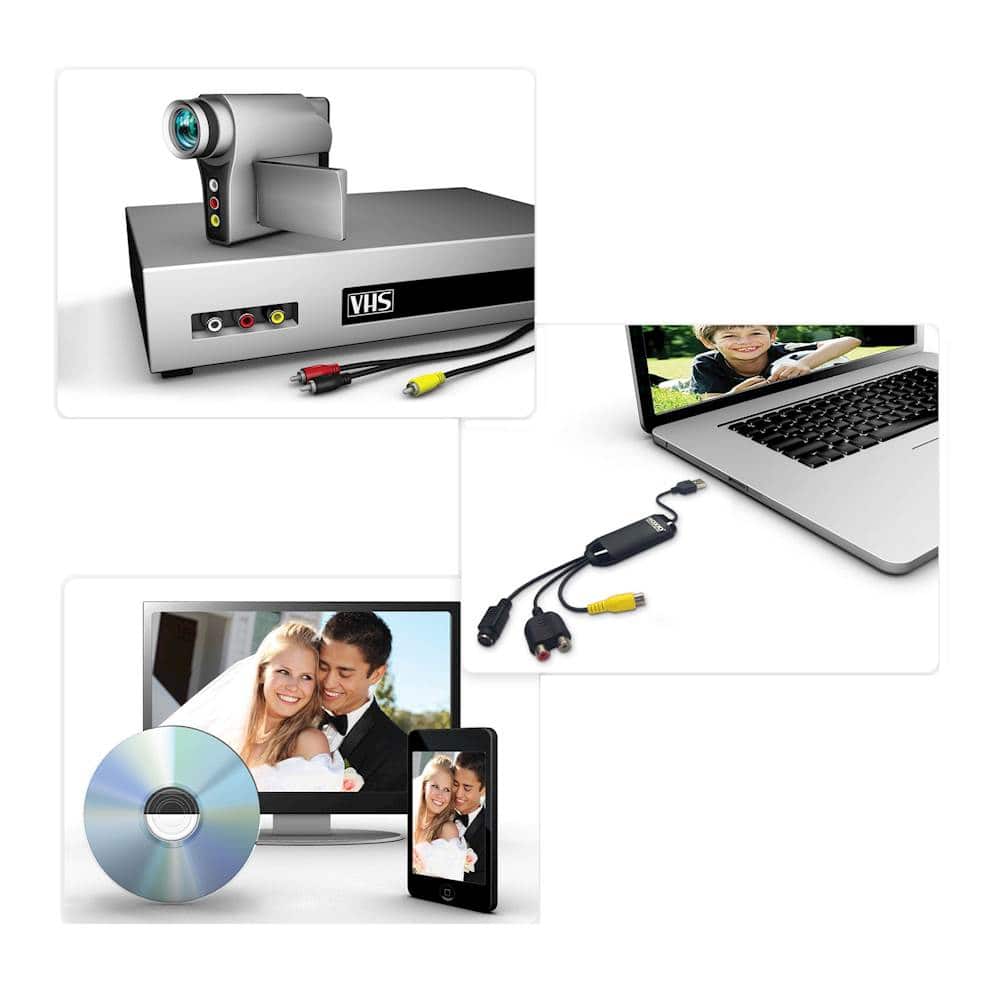
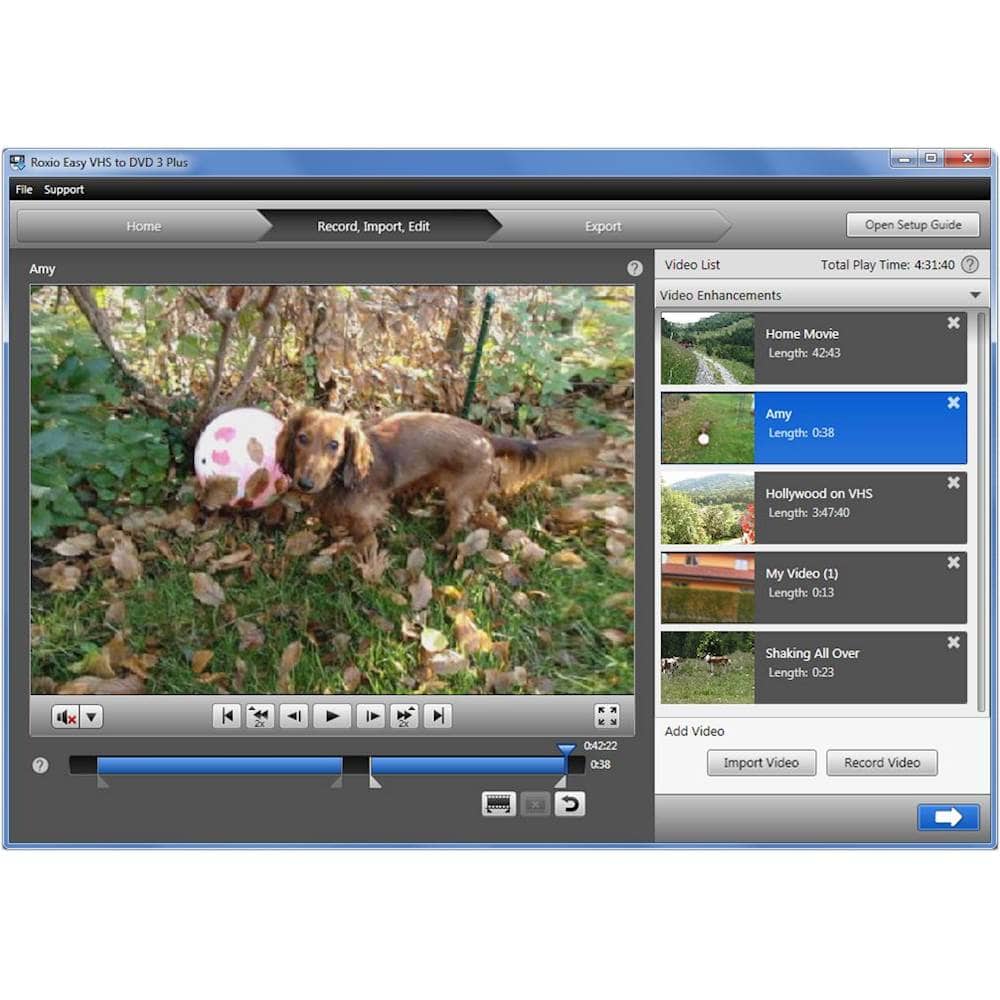
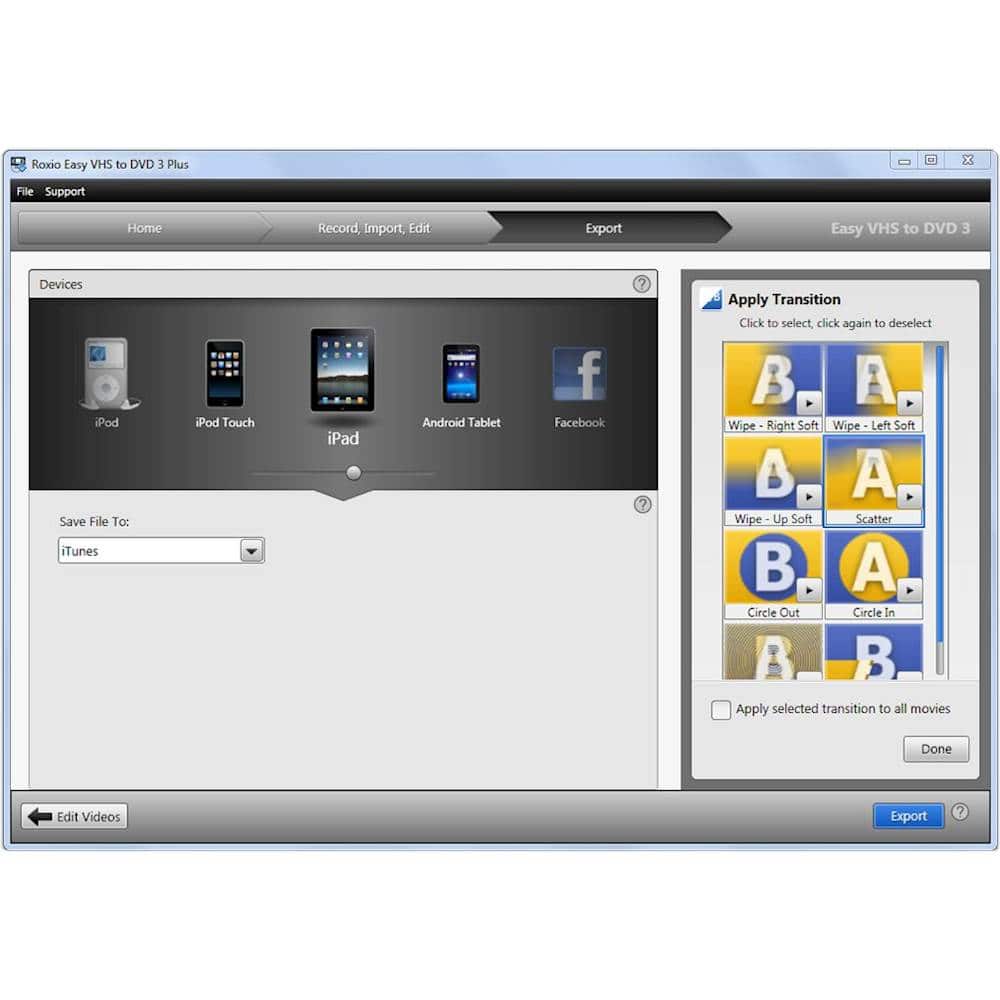
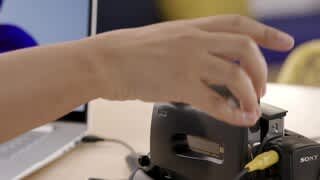
A:Answer That is what it is for-but...It doesn't record directly to CDs. You record the tapes to your computer, then burn to the CD or, more likely, DVD from there. One problem that surprised me. I had some old tapes that someone wanted converted, It turns out that the contents of a two hour tape will not fit on a standard DVD. If you want to put it all on a DVD you'll need a dual layer DVD. Or you can do some clipping with the included program and put the finished videos on separate DVDs. I only had two tapes so I didn't try out the program. The device itself appeared to perform well although my finished videos did show some wear but that could have been from the VCR or the fact that the tapes were sitting around for 25 years. Also, when I tried to watch the finished DVDs on another laptop, I got an error that I needed an updated mpeg-2 CODEC downloaded to the year old laptop to play the DVD. The CODEC was free from the Microsoft Store, but obtaining it was a nightmare because I needed a long forgotten password and wound up having to change my password and my wife's before I could actually download the free update. But once done, the process worked.