A:AnswerI have a older Hitachi tv an I had no problem connecting it an I had no sound or driect HDMI I run my computer wire with computer and in tv an HDMI end in sound bar hooked my firestick in other HDMI slot an I finally got great sound an picture was the only solution so if it fixed my issue it can fix URS
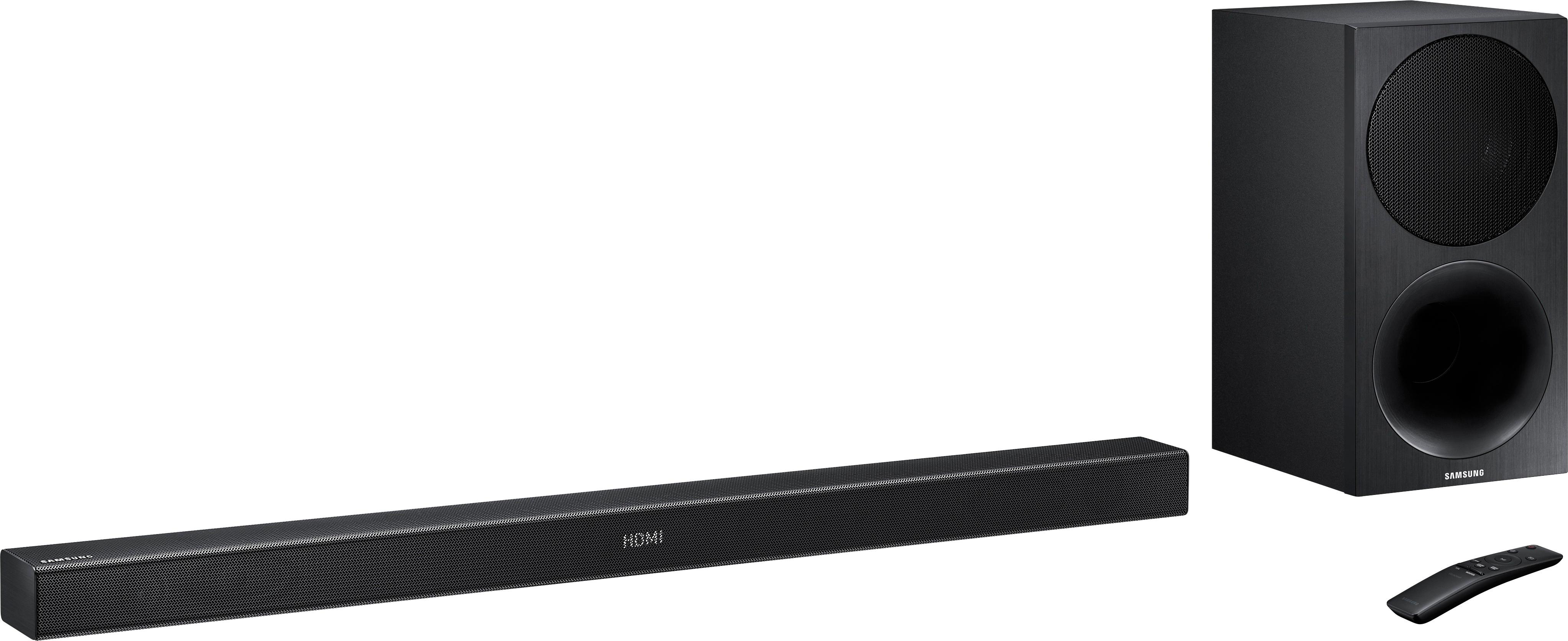
A:AnswerYes, If you simply google "Samsung Soundbar Replacement Remotes" I would follow the amazon links and they should all work with your soundbar. However, if you have a subwoofer as well make sure the remote also has a subwoofer button on it as you'll want to be able to control it.
A:AnswerFirst check your outlet to make sure the power supply is working properly.
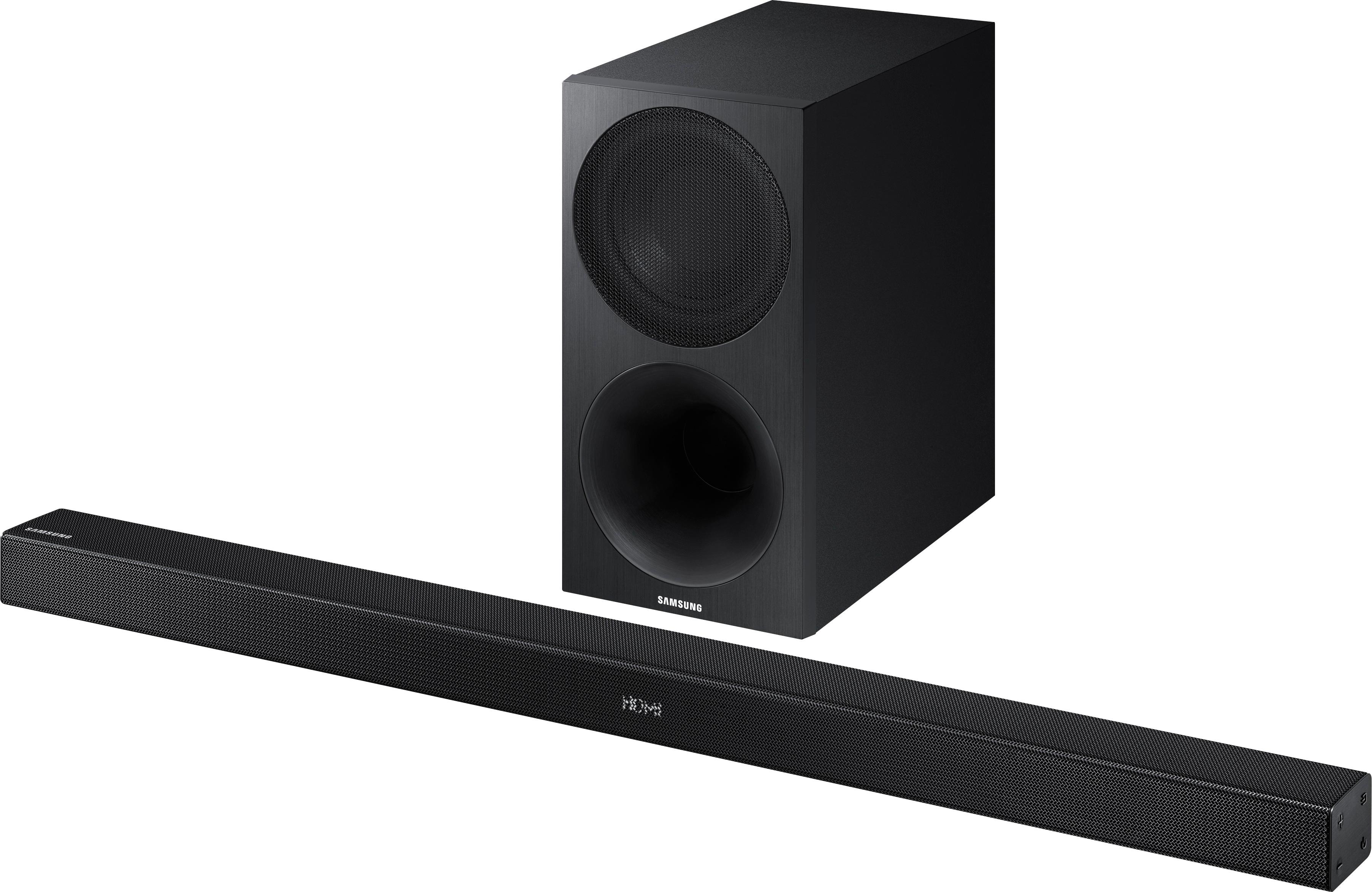
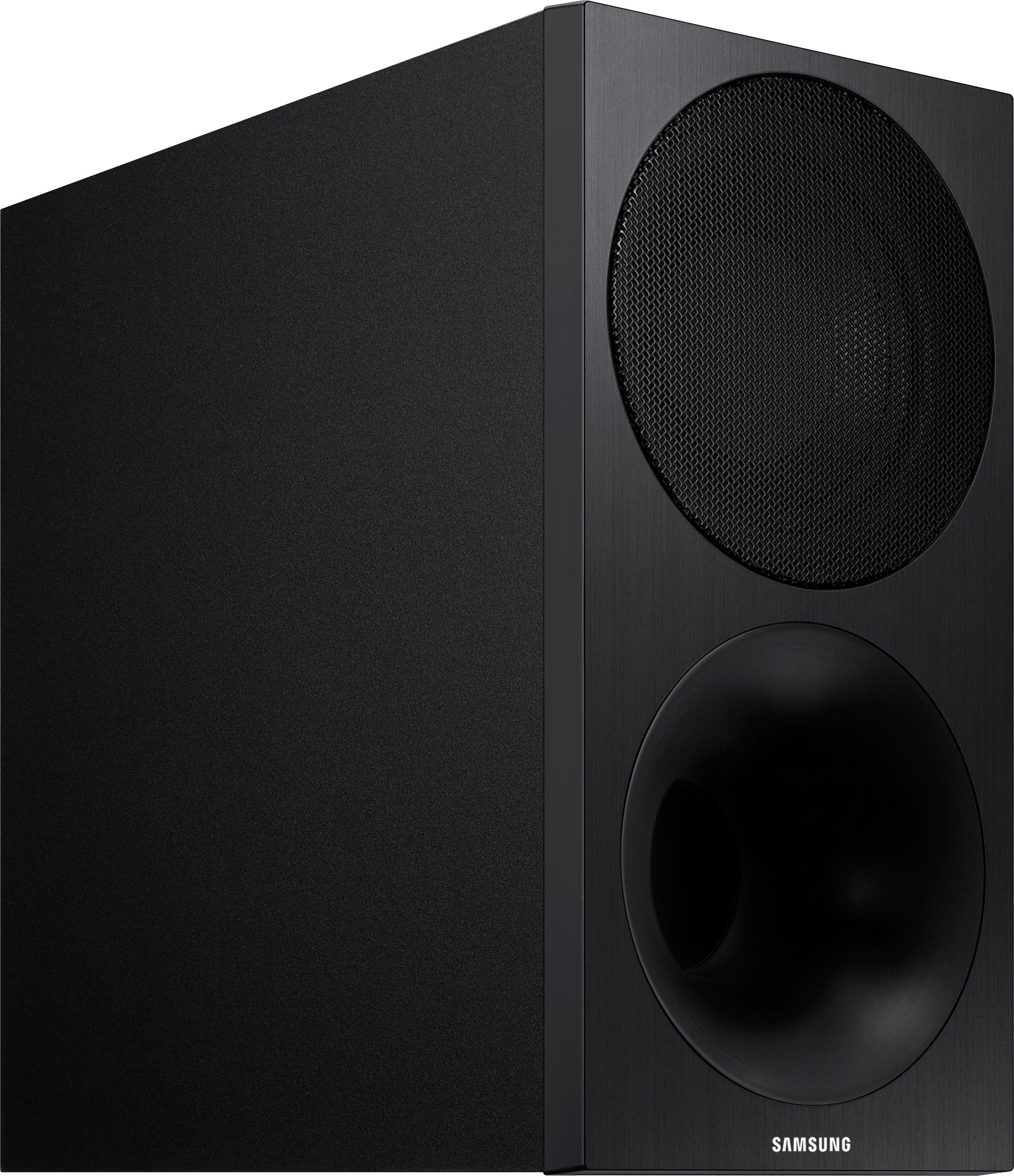
Next your quick start guide should tell you how to set up the sub woofer. There should be sync buttons on the sub. I set up mine where I had an audio source playing sound through the sound bar and kept playing with the sub woofer until I heard it playing audio. It shouldn't take long. Hope this helps.
A:AnswerMy box didnt even come with a remote and i purchased this last minute for a major last minute need so i was stuck having to install it and use it without the remote and just using the buttons on the side. I'm so lazy i will probably just keep it just to avoid having to uninstall the whole setup and then try to convince the store that it never came with a remote. Anyways i found a site that sells OEM replacement remotes at a decent price and for the exact model its replacementremotes.com the remote model number is AH5902758A, make sure to verify this. My manual included the model number for the remote i was supposed to get so this helped me make sure i was getting the right one. Hope this helps.
A:AnswerThe sound from tv goes through sound bar. Everything goes through sound bar. My dvd player, Netflix, and regular tv does too I don't use my tv speakers at all. Hope that helps.