
Questions & Answers
- Model:
- ME21DG6300SRAA
- |
- SKU:
- 6568547
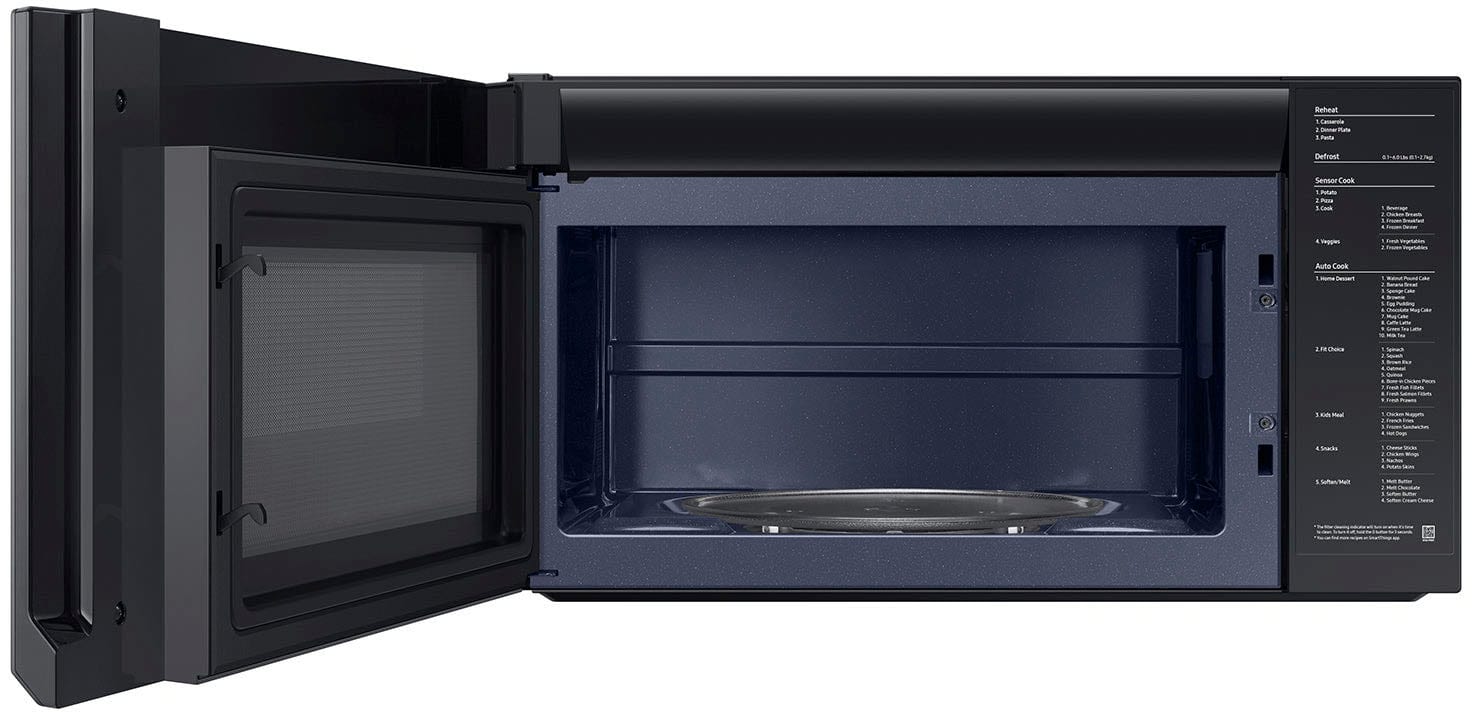
Q: QuestionHow does the door open
Asked by Anonymous.
- A:Answer It pulls open from the right side.
Answered by ChrisK
Q: QuestionCan this microwave be installed on top of a gas range and/or electric range??
Asked by AR.
- A:Answer Yes
Answered by Anonymous
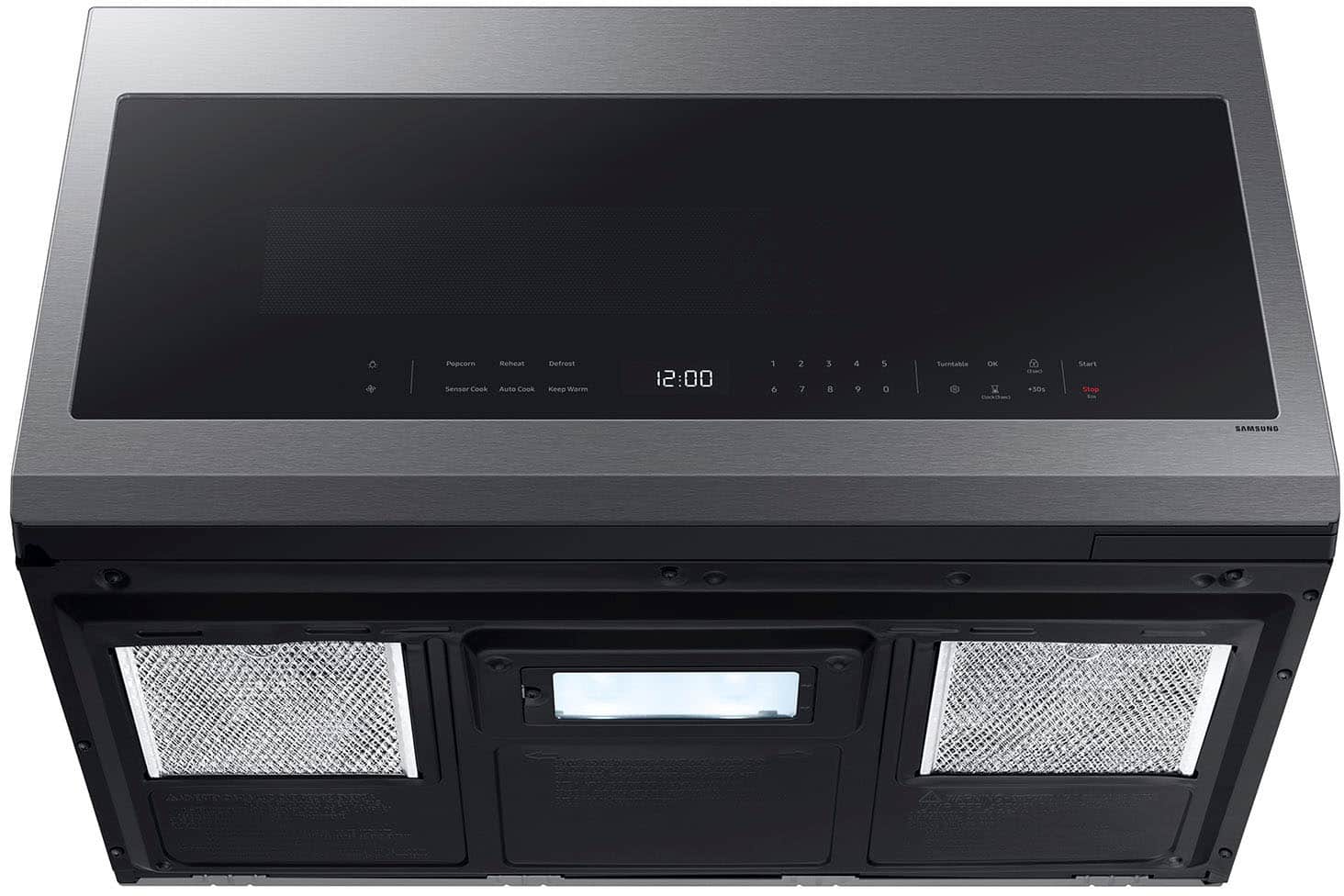
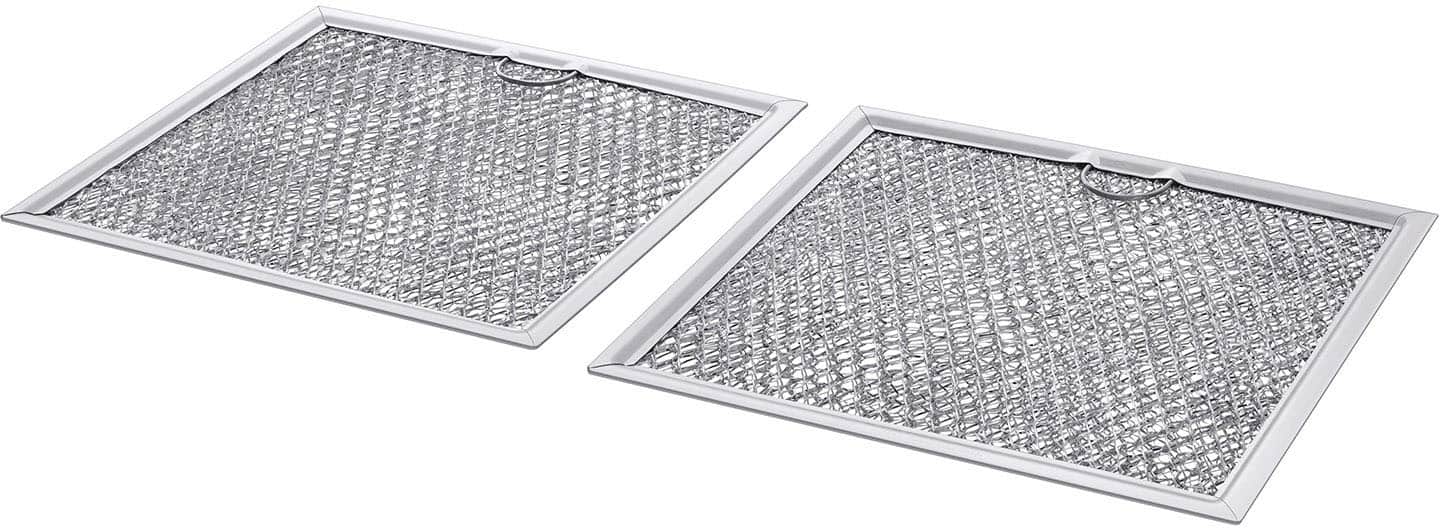
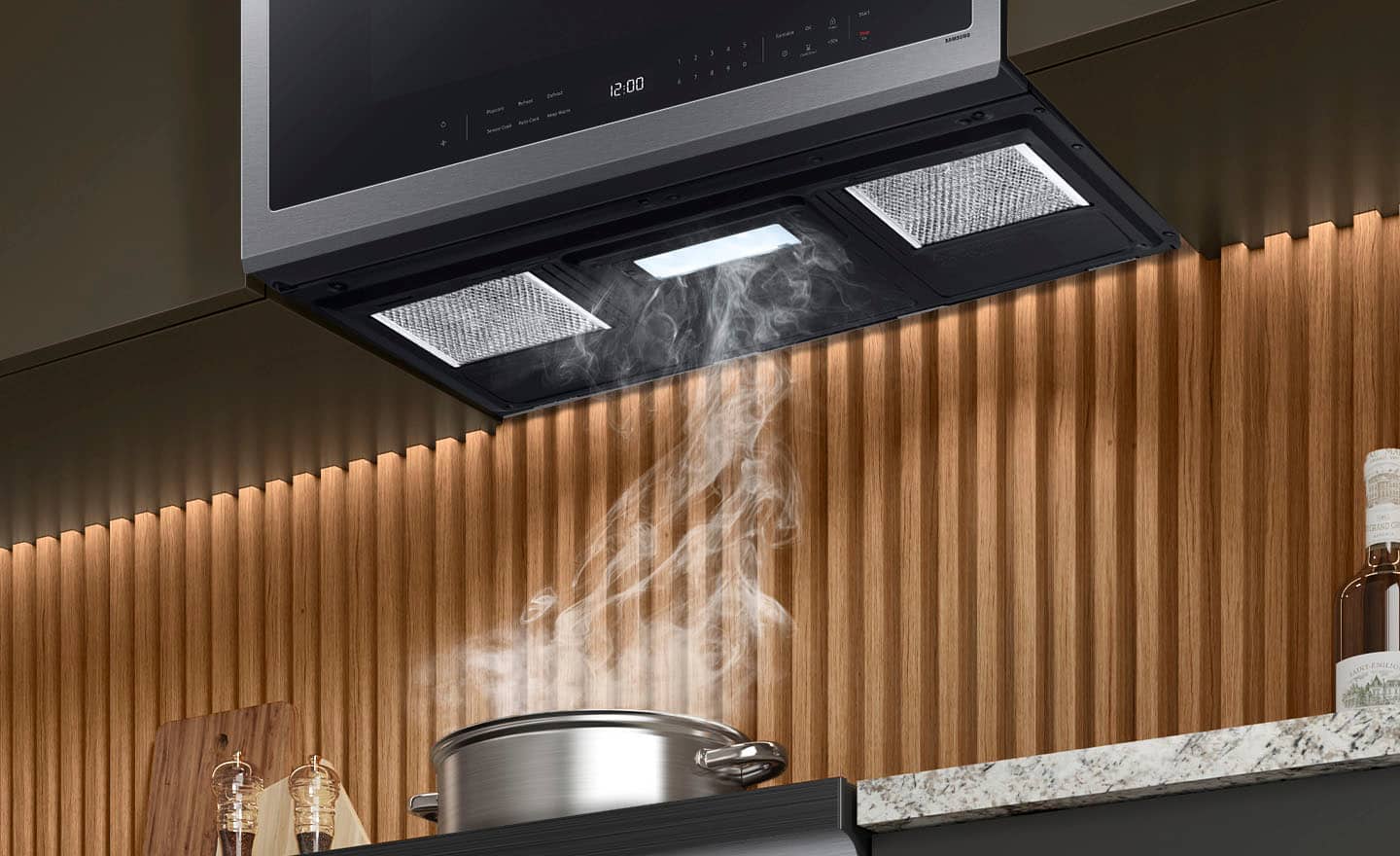
Q: QuestionDoes this microwave has exhaust vent
Asked by Hima.
- A:Answer Hi Hima, Yes, this Samsung over-the-range microwave model is compatible with an outside top or back exhaust. The microwave model however does not include the duct/exhaust pipes/pieces, they are purchased separately. Leo
Answered by Samsung

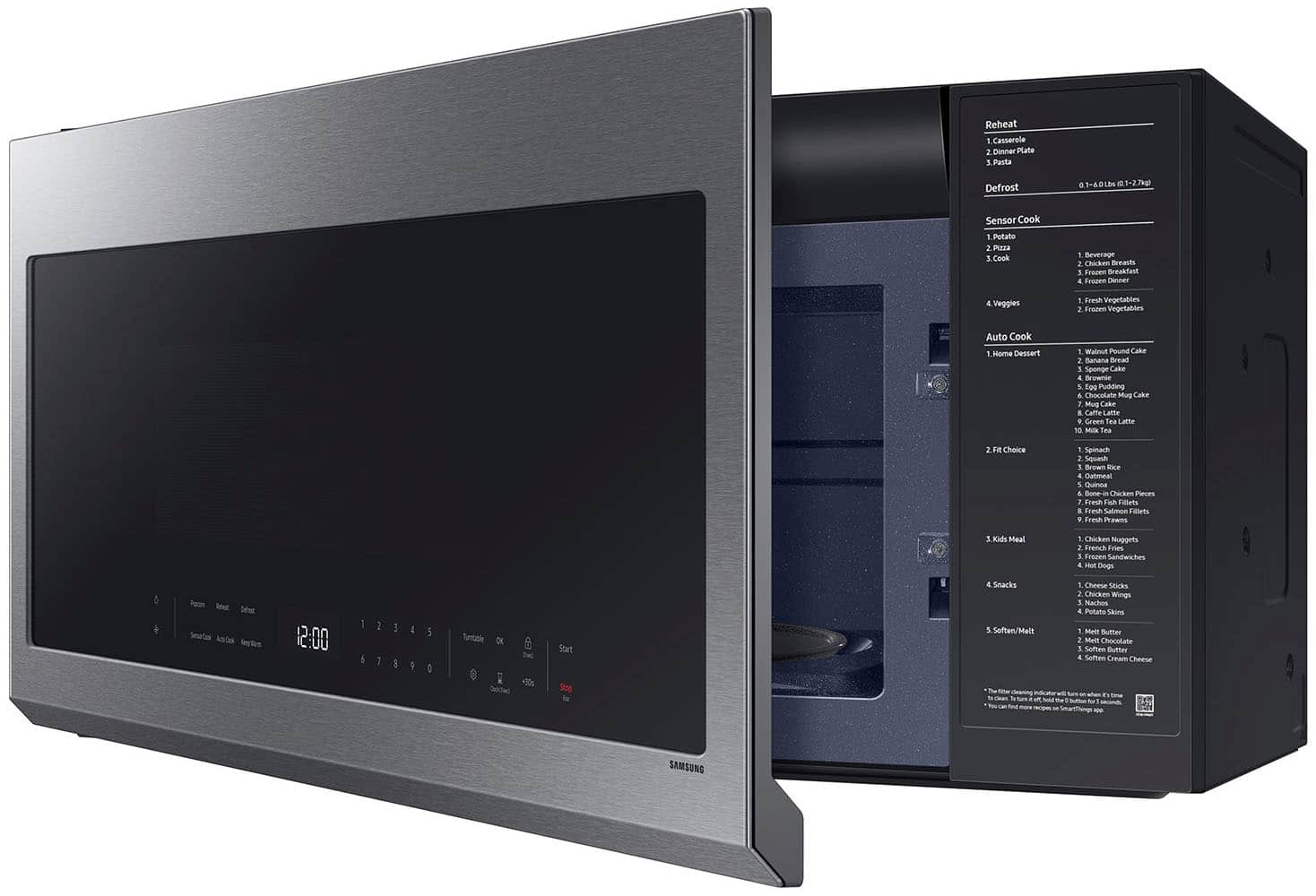
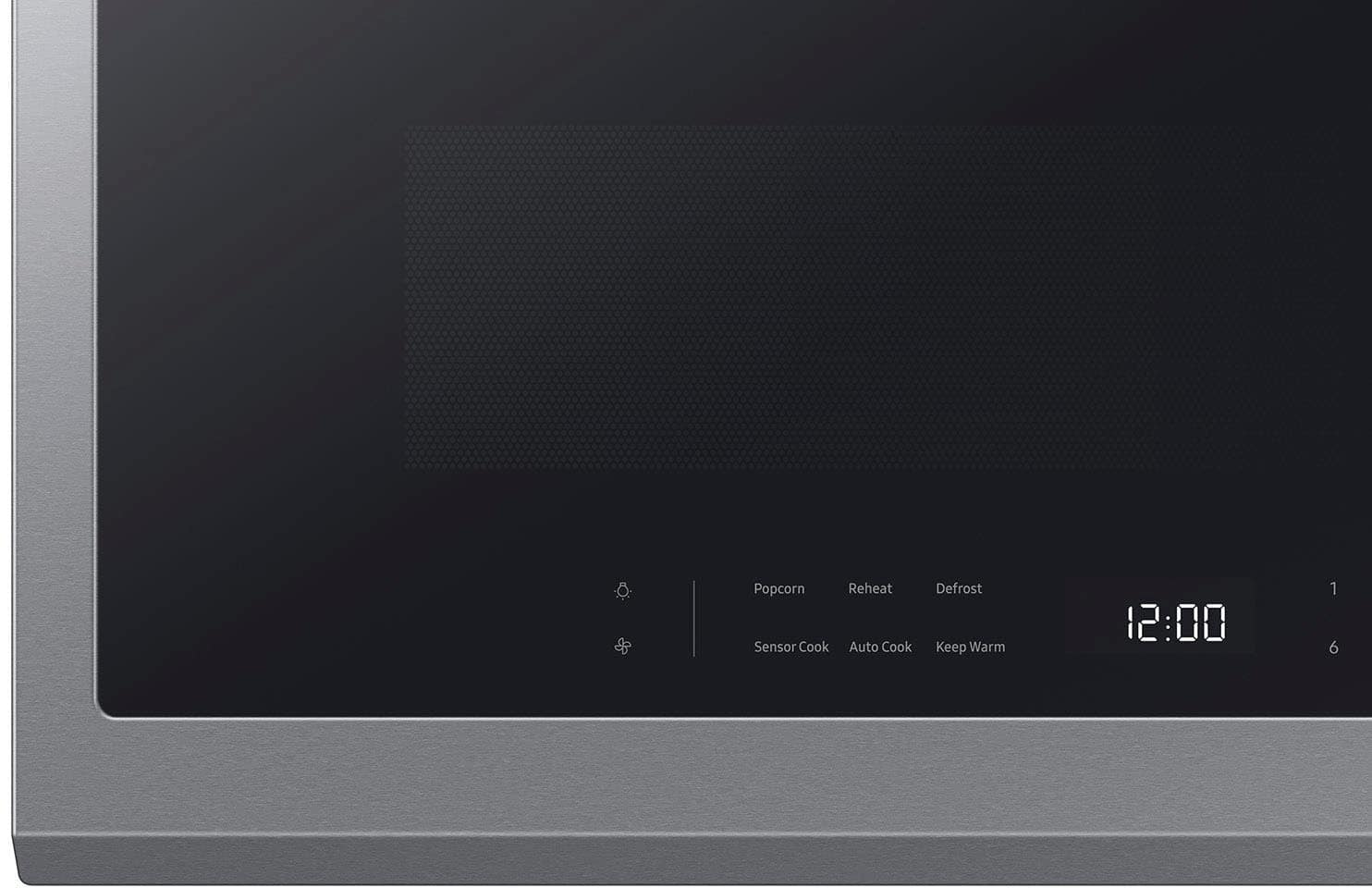
Q: QuestionDoes the outside controls light up hard to see
Asked by Anonymous.
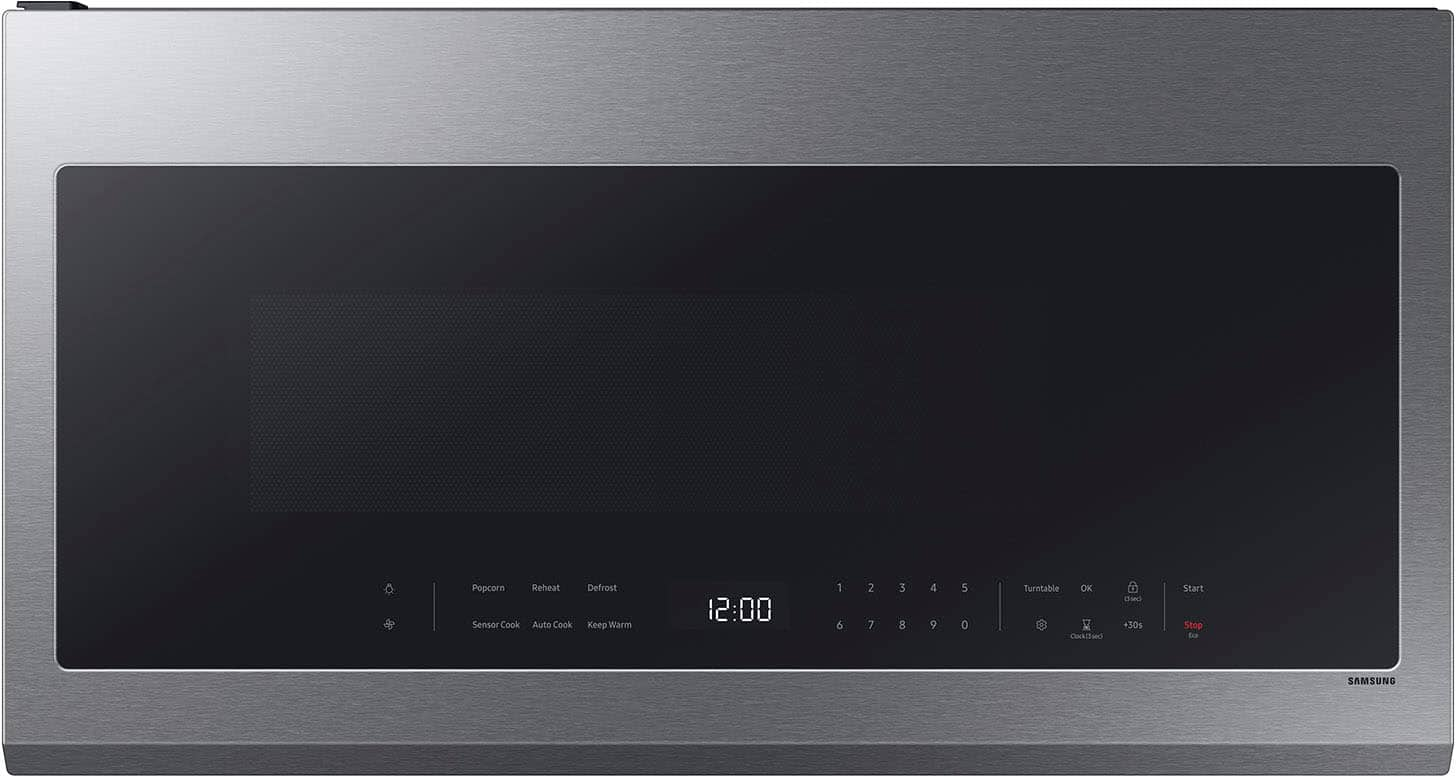
- A:Answer Greetings! No, the control panel of this Samsung microwave model does not light up. The only backlit in the control panel area is the LED display where you see the clock. Leo
Answered by Samsung

Q: Questionhow to set the clock on microwave
Asked by millie.
- A:Answer Press and hold the “Clock(3 sec)” button for three seconds and it will beep. Press the numbers for the time and then press “OK”. Then press the “Clock(3 sec)” button again to change to AM or PM then press “OK”.
Answered by BigV77
Q: QuestionWill the holes for the top mounting screws be in the same place as a previous microwave that had a width of 29 9/10 inches(vs 29 7/8 inches with this unit)?
Asked by Josh.
- A:Answer It did not our.
Answered by KeithB
Q: QuestionIn what country is this microwave oven made?
Asked by Barry.
- A:Answer Malaysia
Answered by JaredB
Q: QuestionHow do u turn off the lock off of the microwave
Asked by Jasmin.
- A:Answer Hi Jasmin, You can disable the Child Lock by touching the Child Lock button for 3 seconds. You can check the link below and see page 14 (Child Lock) for reference. User manual: https://downloadcenter.samsung.com/content/UM/202502/20250214160226972/O_01._IB_FULL_ME7500D_GOOD_ME21DG6300SR_AA_AC_EN.pdf Have a great day, -Ernest-
Answered by Samsung

Q: QuestionI can't see how to change the power level. What am I missing? Thanks.
Asked by LAWoman.
- A:Answer Put the cooking time in, press ok, put in power level (5 would be 50% power) then press start.
Answered by DebbieC
Q: QuestionHow do you set and operate at 50% power?
Asked by Puckejr.
- A:Answer Hello there, We’re glad to receive your inquiry. Let’s get you the details you need. To set and operate your microwave’s power at 50% power, you must manually enter the cooking time and then adjust the power level using the number pad. For reference, turn to page 19 of the user manual under “Power levels”: https://downloadcenter.samsung.com/content/UM/202502/20250214160226972/O_01._IB_FULL_ME7500D_GOOD_ME21DG6300SR_AA_AC_EN.pdf Have a great day. -John
Answered by Samsung
Q: QuestionDoes the Turntable turn off?
Asked by Rachel.
- A:Answer Hello Rachel, Yes, the turntable on this microwave model can be turned off. On page 14 of the user manual, a dedicated "Turntable (On/Off)" option is indicated in the system settings, which can be accessed and controlled from the control panel. Have a great day. -John
Answered by Samsung
Q: Questionhow turn on this microwave?
Asked by farshad.
- A:Answer there is a start feature on it.
Answered by MartaH
Q: QuestionJust installed mine but I'm trying to start it and a message keeps on coming out "Door" and light is on, is there something I'm doing wrong door is closed please help
Asked by Jorge.
- A:Answer Greetings, We know how important it is to have a reliable appliance at home. Let us help you with your microwave. Here is a link for troubleshooting steps for the issue of your microwave; kindly click the embedded words. Lights comes on after closing the door. https://www.samsung.com/us/support/troubleshoot/TSG10007188/?msockid=08e6a45904c26b1f3477b061055f6aec If you have further questions or inquiries, these are the platforms that you can reach in the future: 1. Facebook Messenger: http://m.me/samsungsupport 2. Twitter: https://twitter.com/messages/compose?recipient_id=18768513 3. Samsung Community: https://us.commuity.samsung.com/t5/Samsung-Community/ct-p/us Please provide us with this reference number (1151258013) to help our team pull up your information when you message us. Thank you. -Ricardo
Answered by Samsung
Q: QuestionDoes this come with microwave exhaust damper ?
Asked by Anonymous.
- A:Answer Greetings! Yes, this Samsung over-the-range microwave model comes equipped with an exhaust damper. Leo
Answered by Samsung
Q: QuestionCan this model be configured to vent outside the home or is it recirculating only?”
Asked by Anonymous.
- A:Answer It can do both. There are instructions on which way to insert the fan depending on how you want it to vent.
Answered by Anonymous
Q: QuestionDoes this microwave have zero door clearance
Asked by Anonymous.
- A:Answer The microwave door fits fine above my range. My kitchen cupboard handles stick out from the cupboard and it doesn’t interfere with the microwave door. I suppose if someone had deeper cabinets and the microwave sat deeper in towards them, the door would probably have some clearance issues along the hinge side when open. My cabinets are a little over 13” deep from the wall (including the cupboard door). The microwave sits around 16 3/4” out from the wall.
Answered by rjohns00
Q: QuestionDoes this product need a trim kit to install in cabinet ?
Asked by MatthewL.
- A:Answer Hi MatthewL, No, this microwave model does not require a trim kit for its installation in the cabinets. For more details regarding the installation, please refer to the manual link below. Installation manual https://downloadcenter.samsung.com/content/EM/202403/20240318130943669/DE68-04108A-08_IM_ME18H704SFB_AA_EN_240305.pdf Have a wonderful day. -Kimberly
Answered by Samsung
Q: QuestionDose this come with the option to open the door the opposite way
Asked by Anonymous.
- A:Answer Hello there, No, the microwave doors are not reversible. Have a great day. ^Camille
Answered by Samsung
Q: QuestionWill they remove my old over the range microwave during installation
Asked by Quana.
- A:Answer Best Buy does offer the removal of old appliances for a fee. Best Buy charges $59.99 for microwave haul-away when delivered with a new replacement product by Best Buy or Geek Squad, or for a standalone service fee of $199.99 for removal without a new purchase.
Answered by rjohns00
Q: QuestionWill the installer remove my old over the range microwave and replace the new one
Asked by Quana.
- A:Answer Yes
Answered by AndreaB
Top Rated
- $229.99Your price for this item is $229.99$314.99The comparable value for this item is $314.99
- $119.99Your price for this item is $119.99$175.99The comparable value for this item is $175.99
- $249.99Your price for this item is $249.99$350.99The comparable value for this item is $350.99
- Black Friday Deal$79.99Your price for this item is $79.99
- Black Friday Deal$199.99Your price for this item is $199.99
- $249.99Your price for this item is $249.99$399.00The comparable value for this item is $399.00
- $349.99Your price for this item is $349.99$599.00The comparable value for this item is $599.00
- Black Friday Deal$64.99Your price for this item is $64.99
- Black Friday Deal$89.99Your price for this item is $89.99
- $189.99Your price for this item is $189.99$234.99The comparable value for this item is $234.99
- Black Friday Deal$169.99Your price for this item is $169.99
- Black Friday Deal$139.99Your price for this item is $139.99
- $499.99Your price for this item is $499.99
- $299.99Your price for this item is $299.99$479.99The comparable value for this item is $479.99
- $219.99Your price for this item is $219.99$259.99The comparable value for this item is $259.99
- $319.99Your price for this item is $319.99$512.99The comparable value for this item is $512.99
- $599.99Your price for this item is $599.99$899.00The comparable value for this item is $899.00