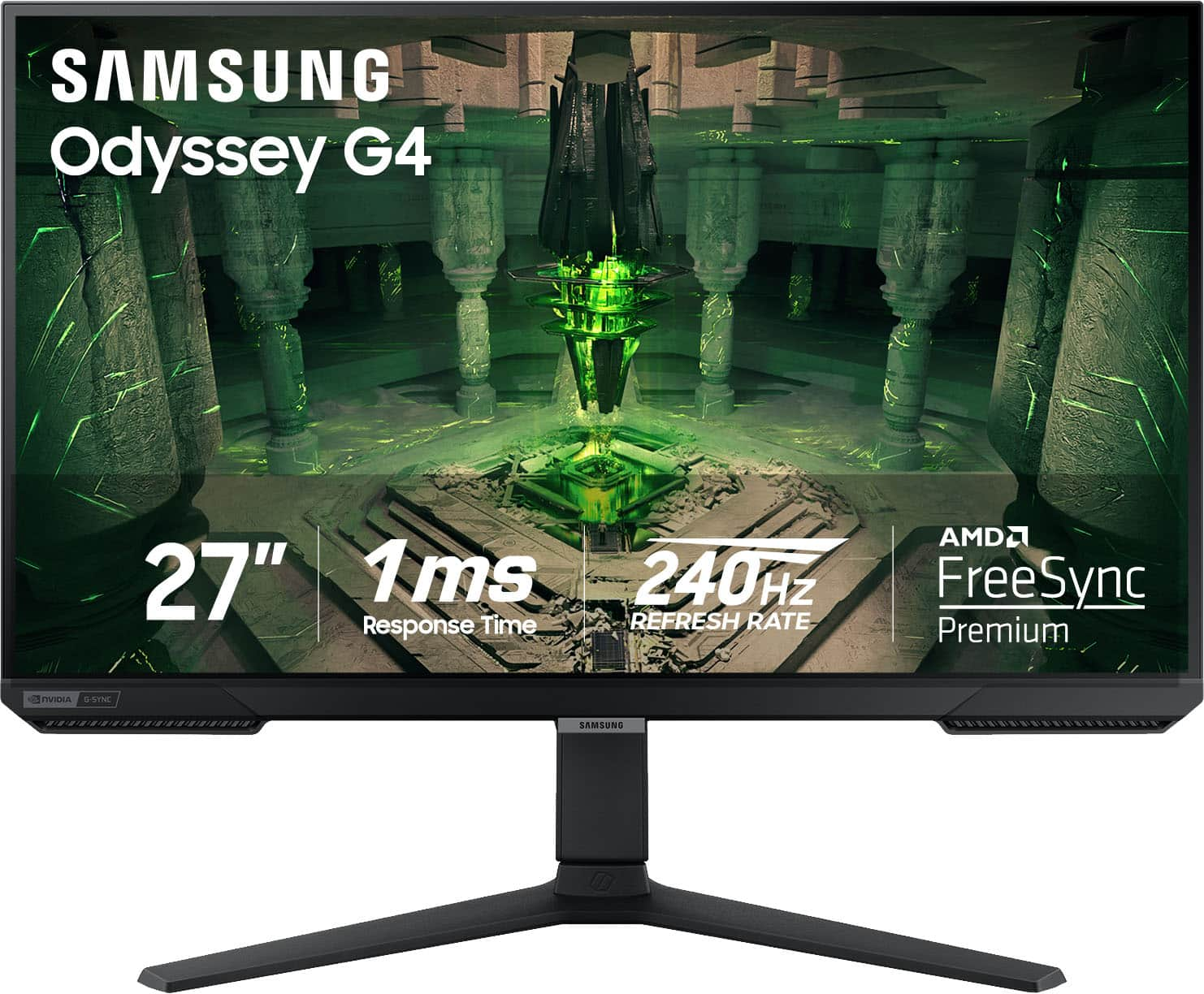
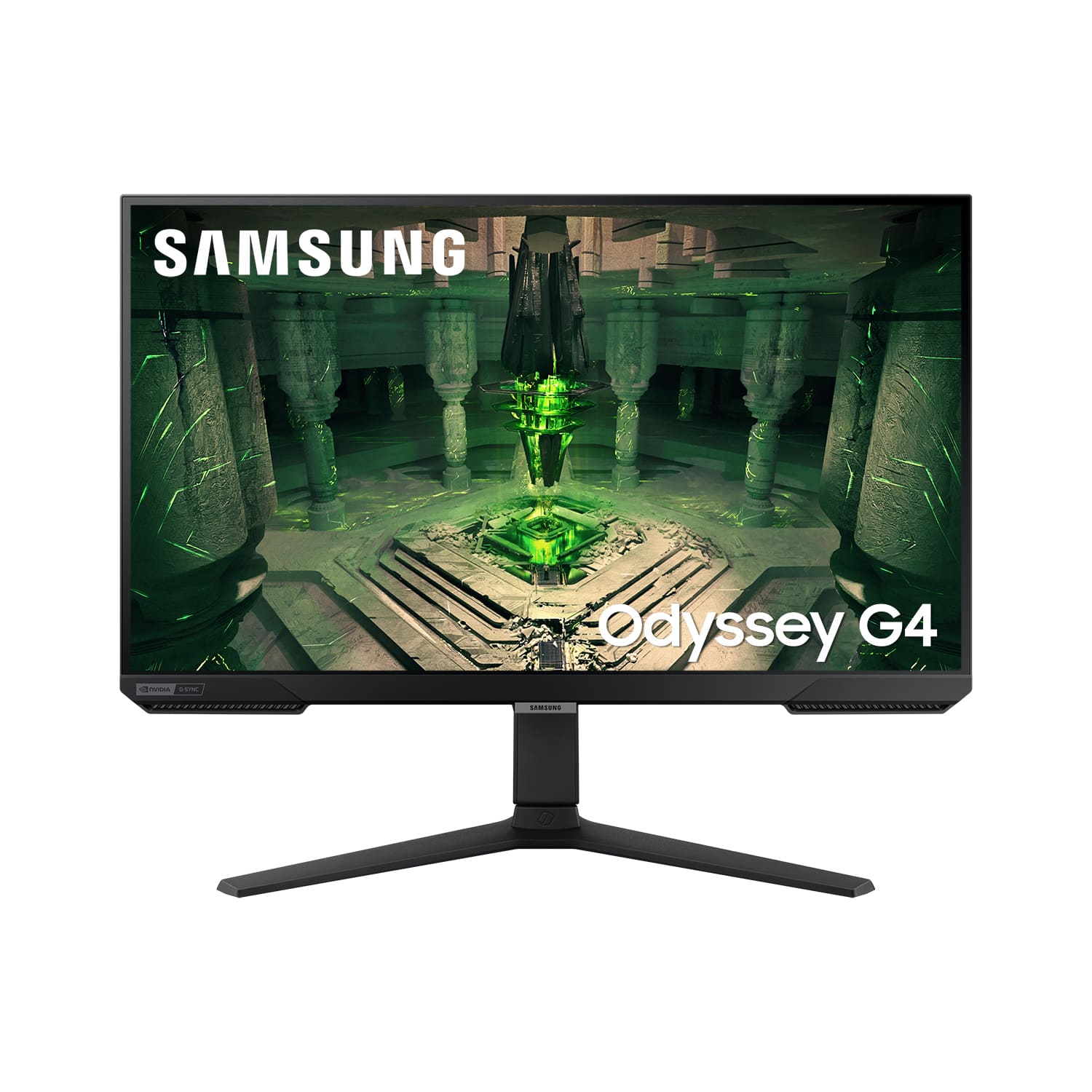
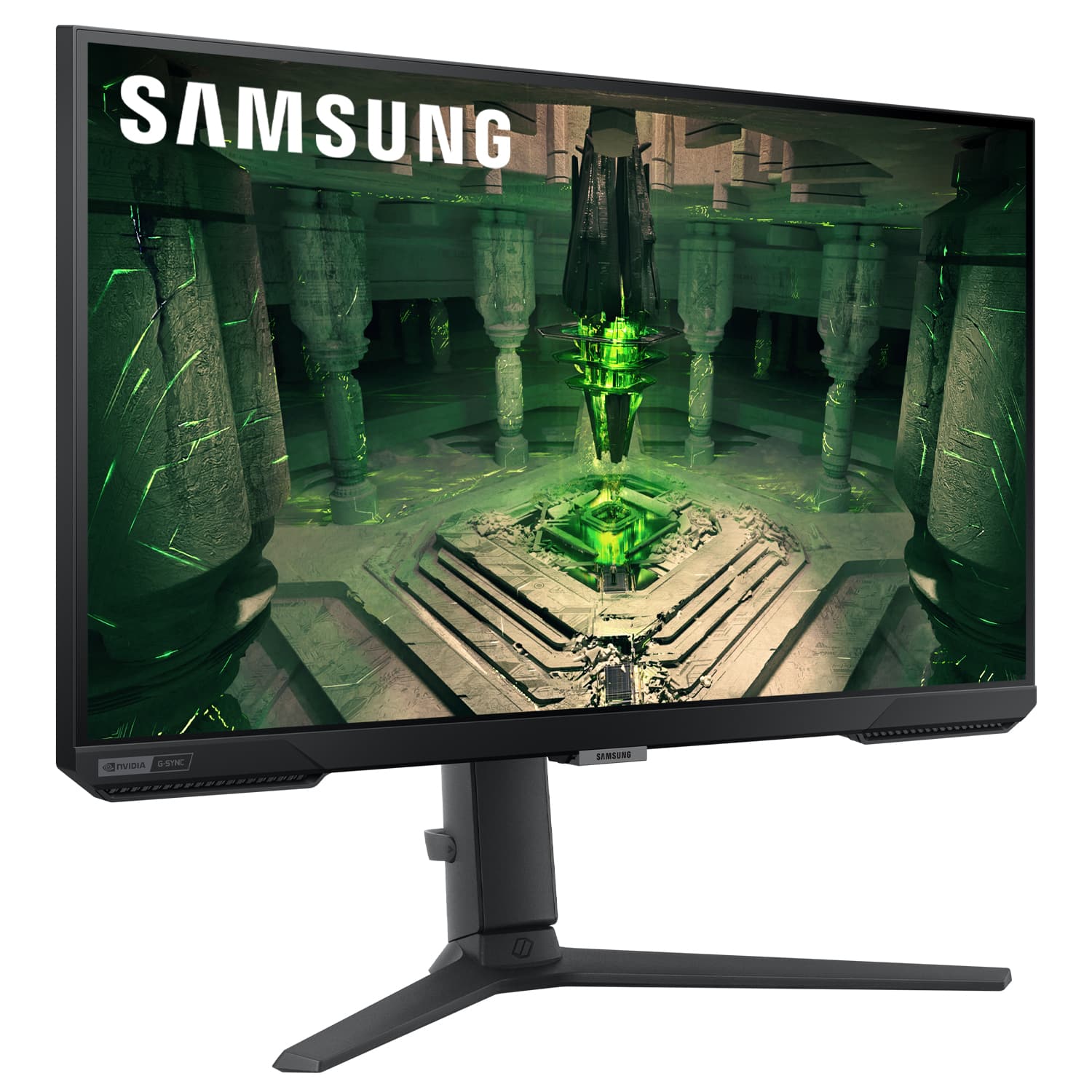
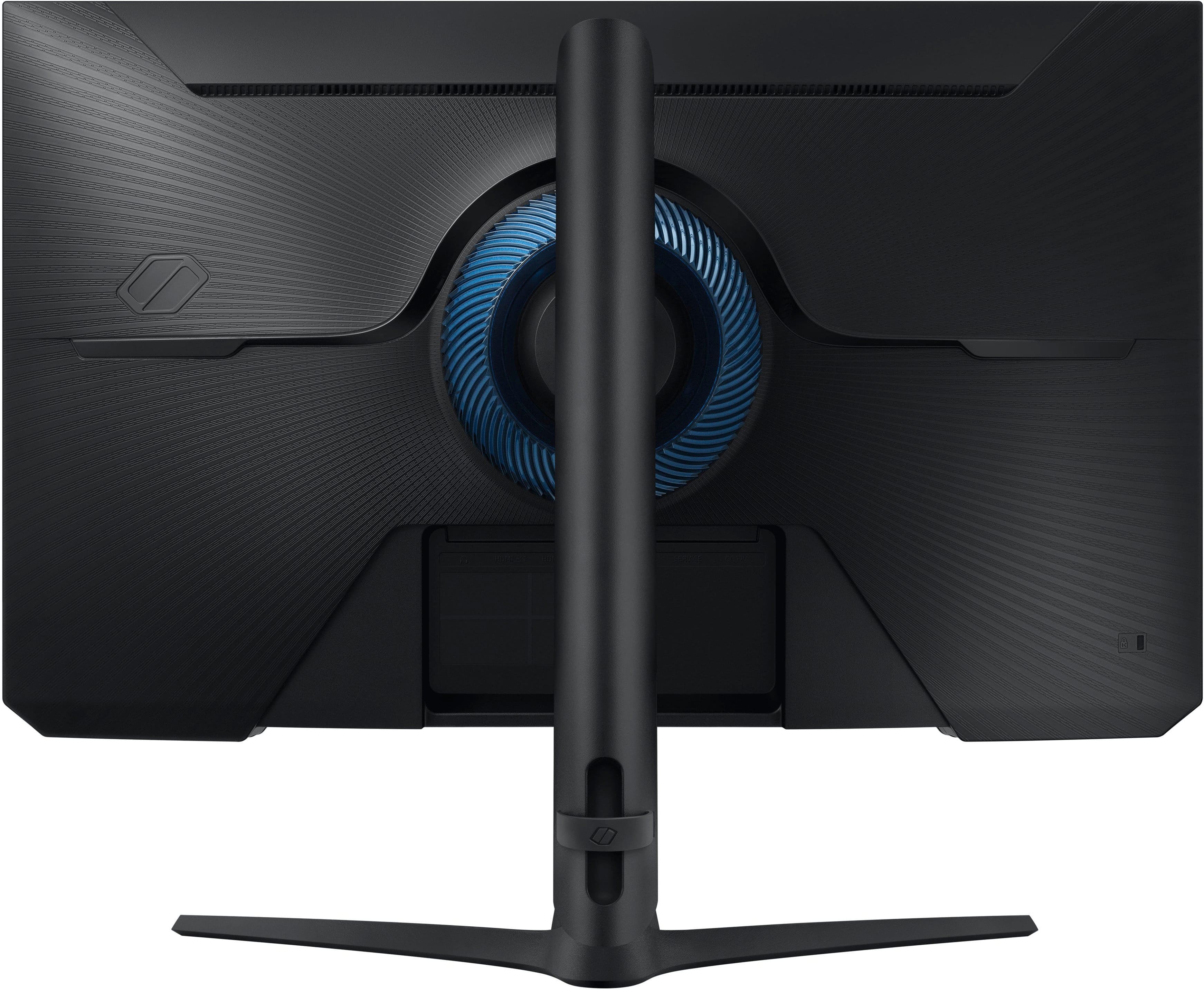
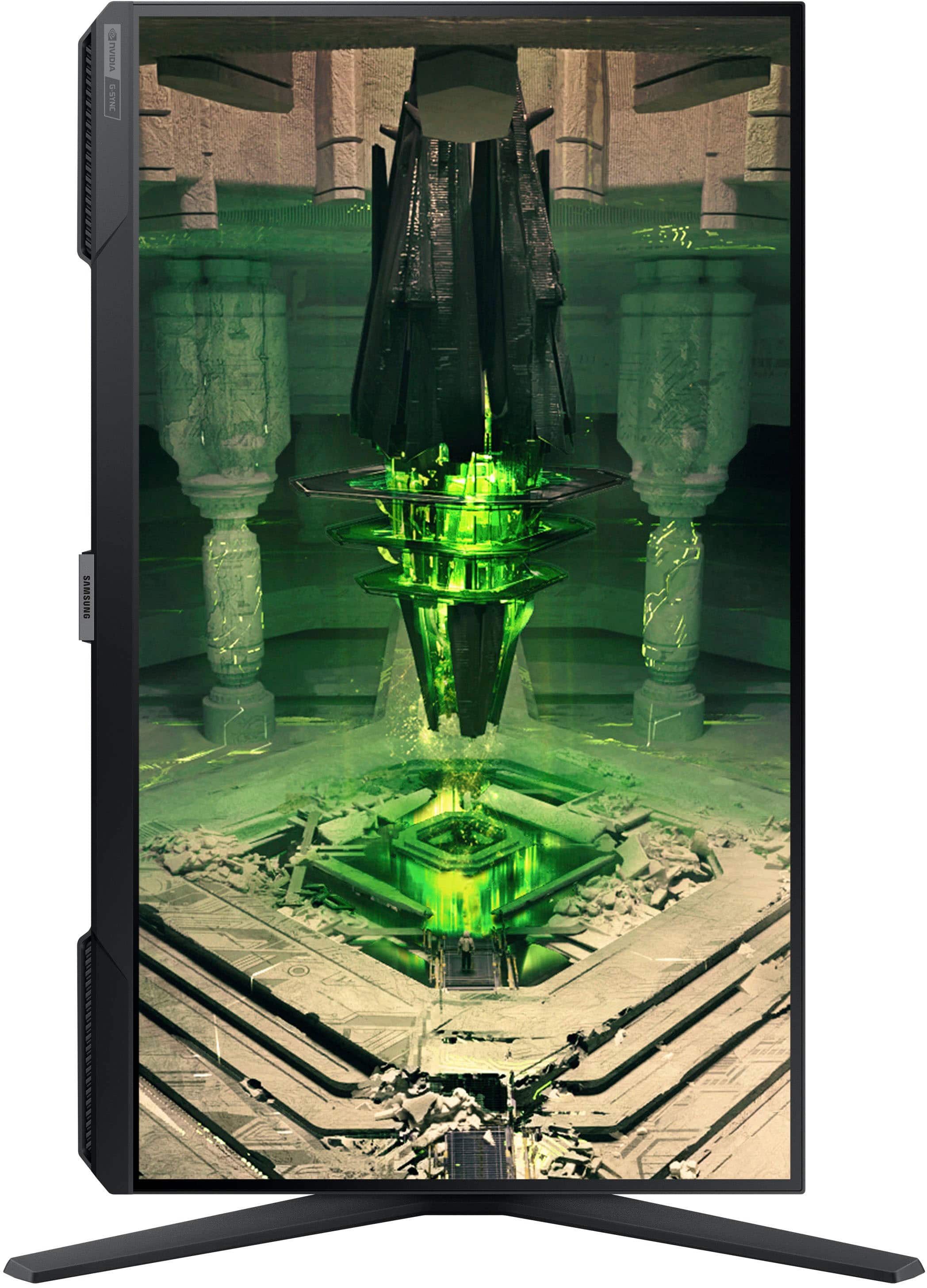
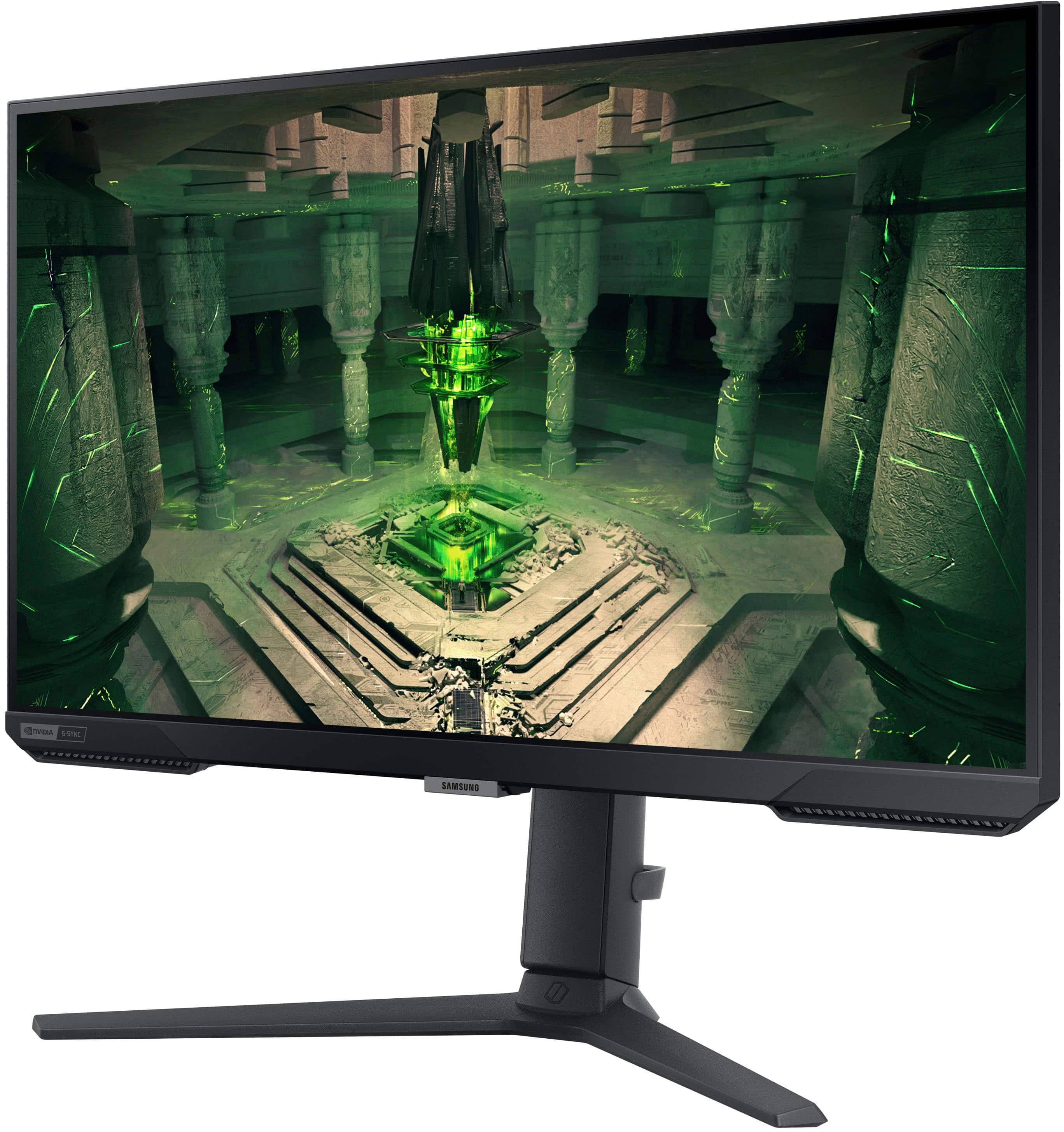
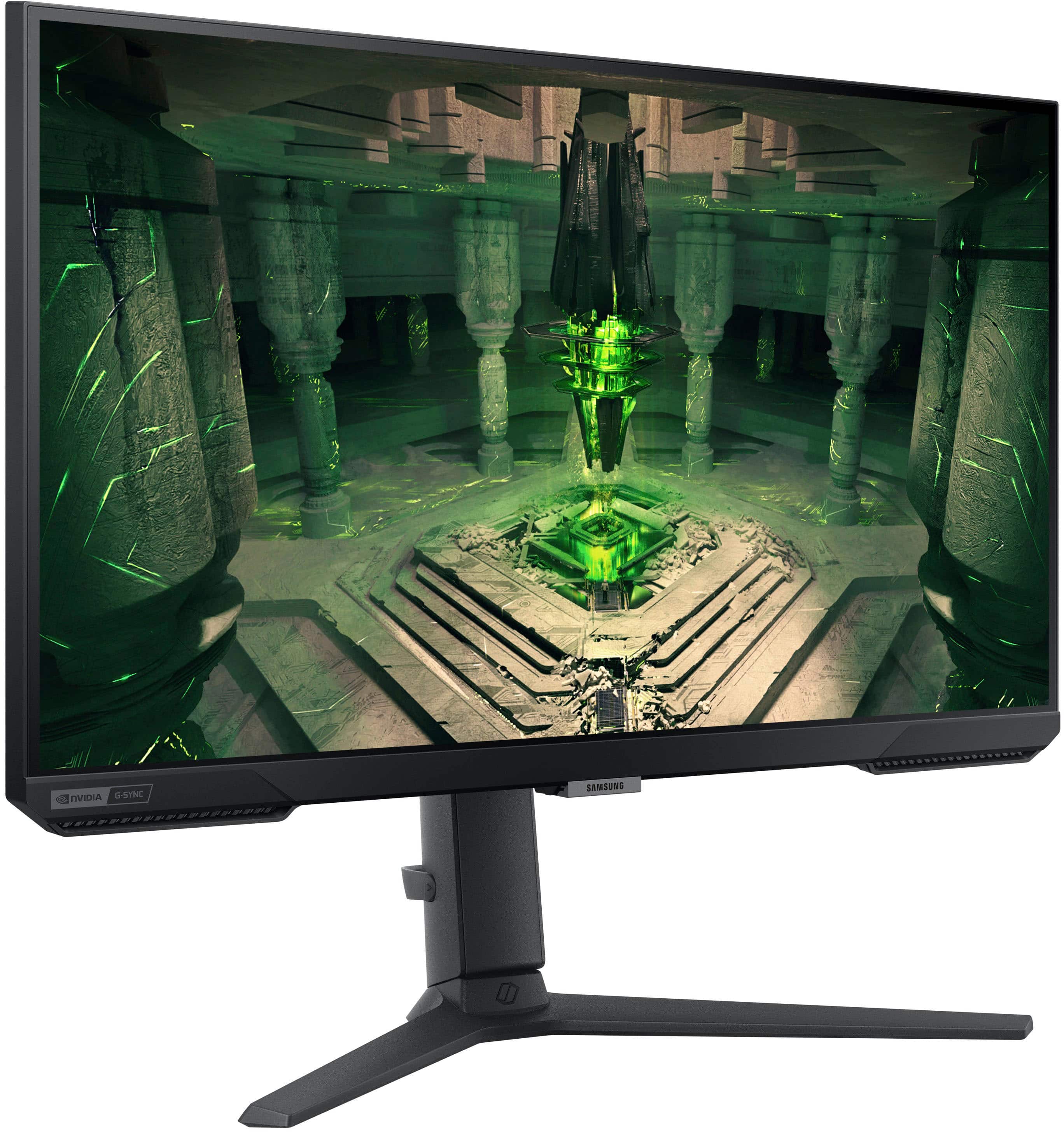
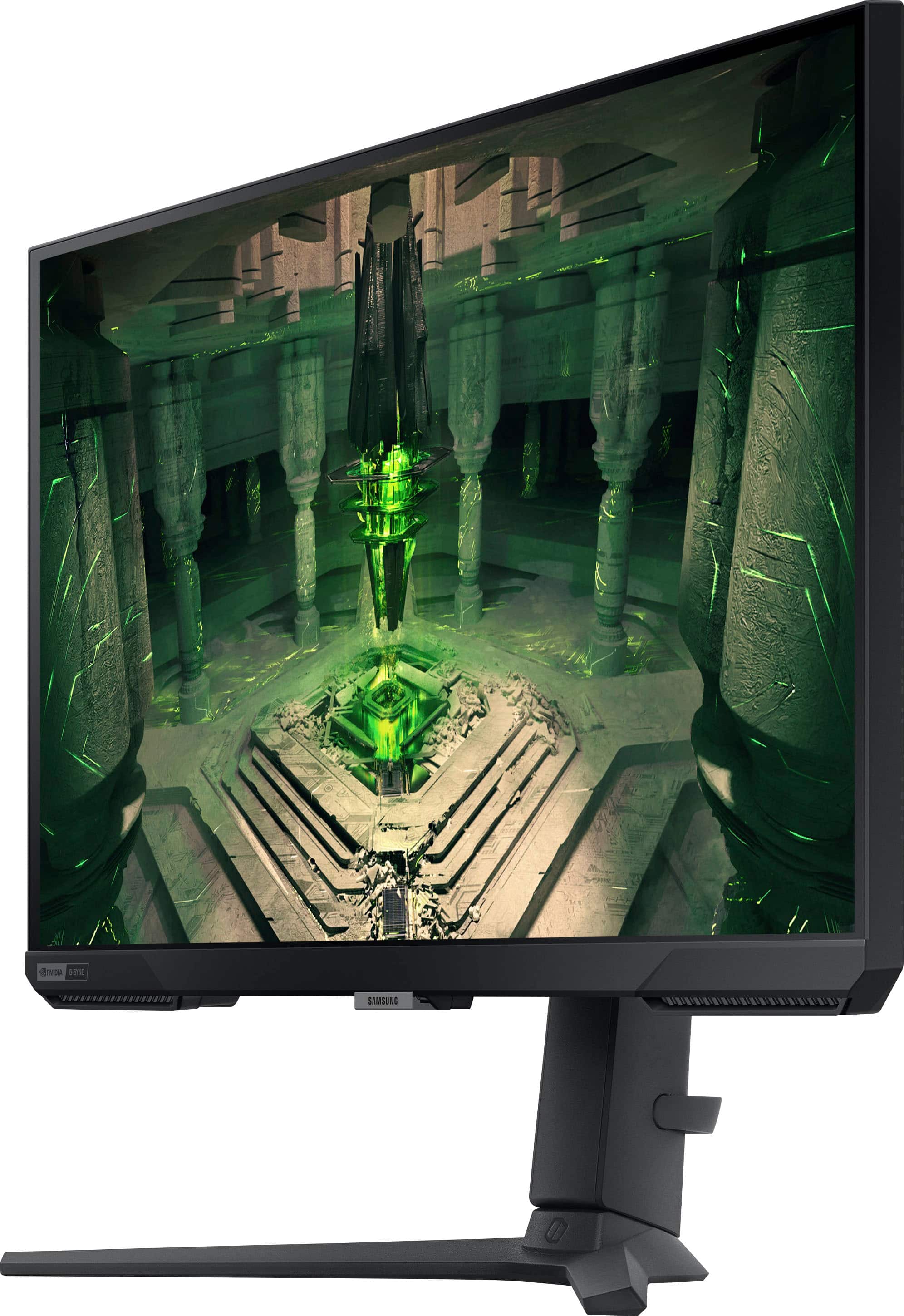
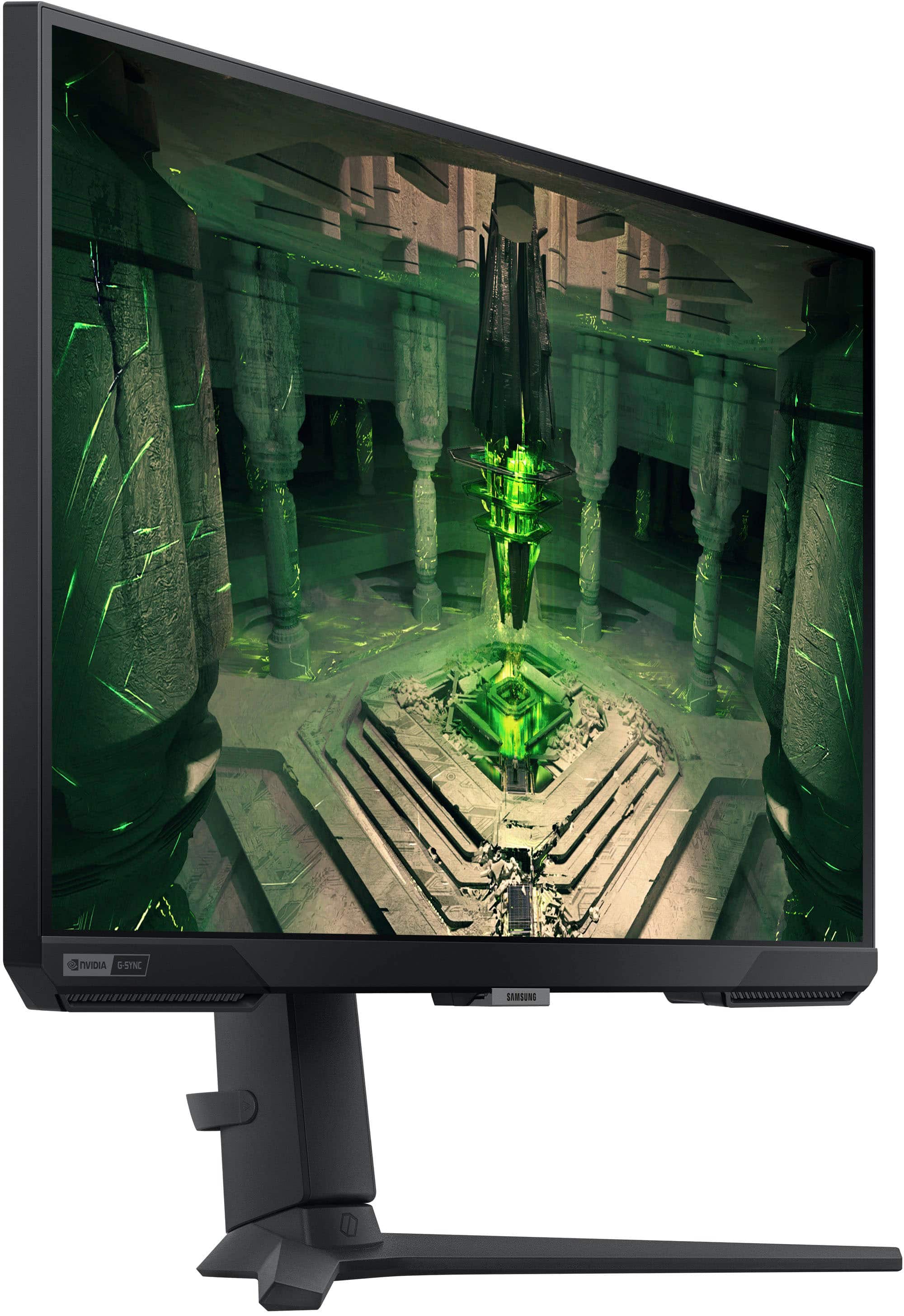
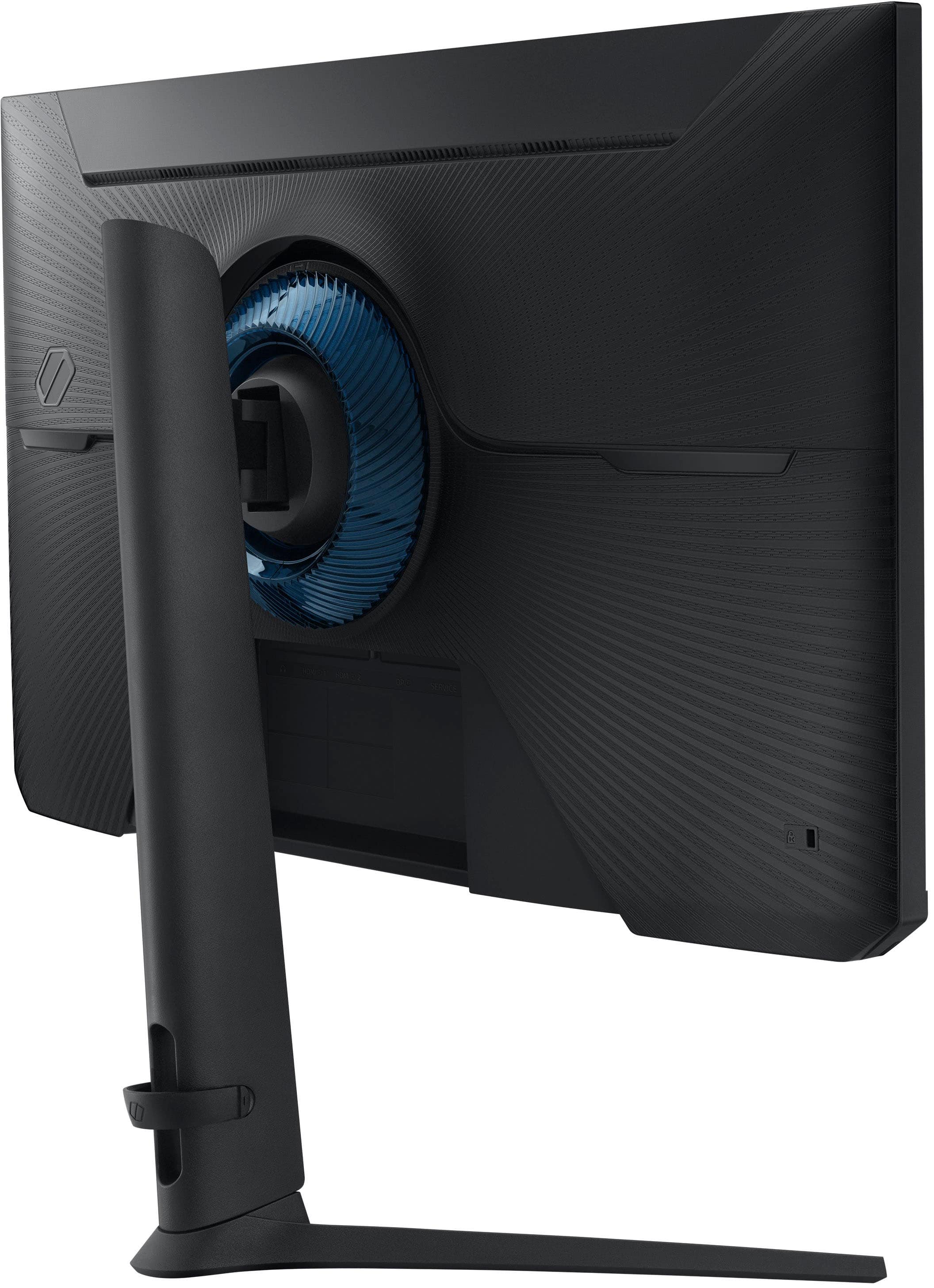
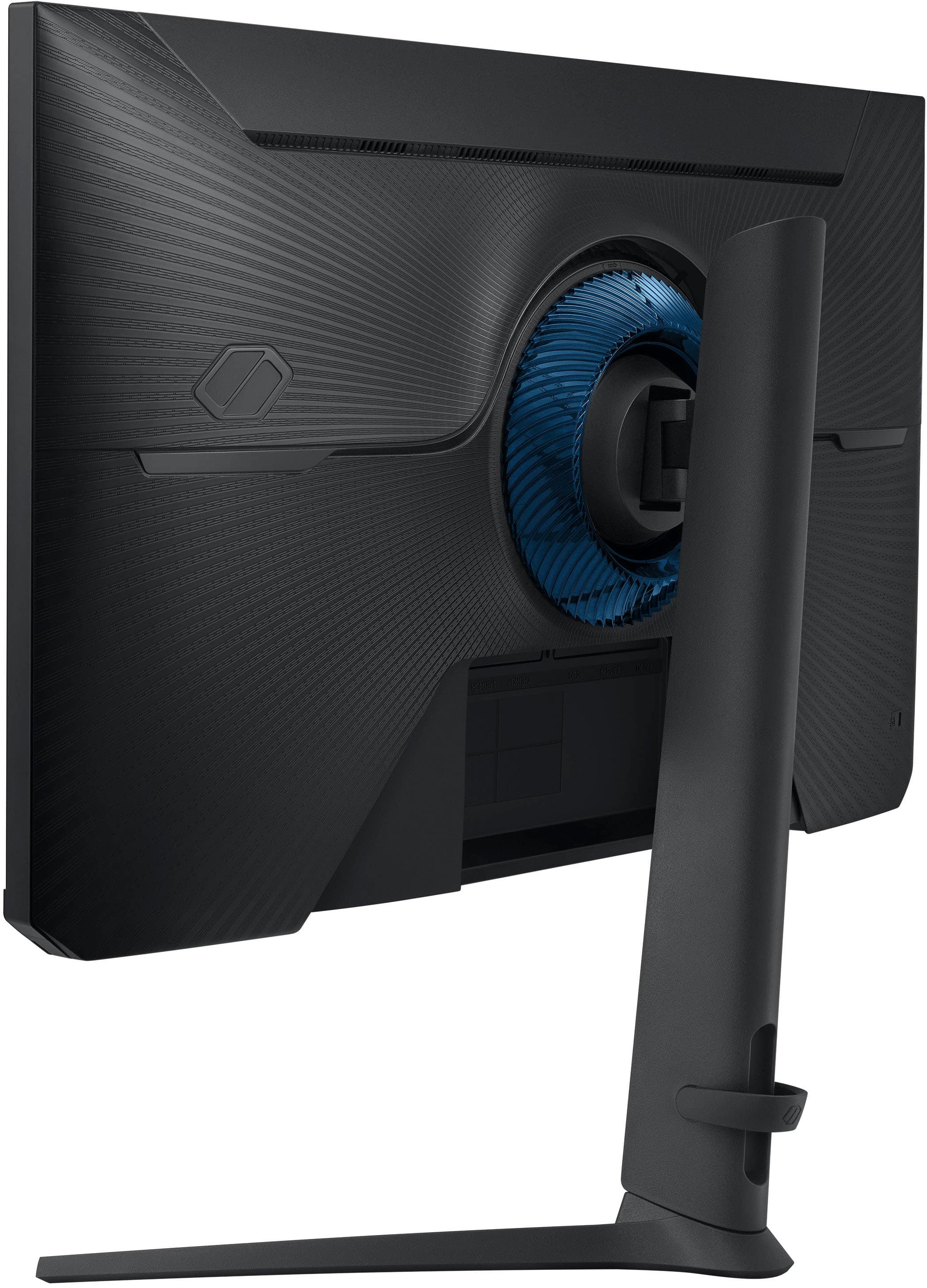
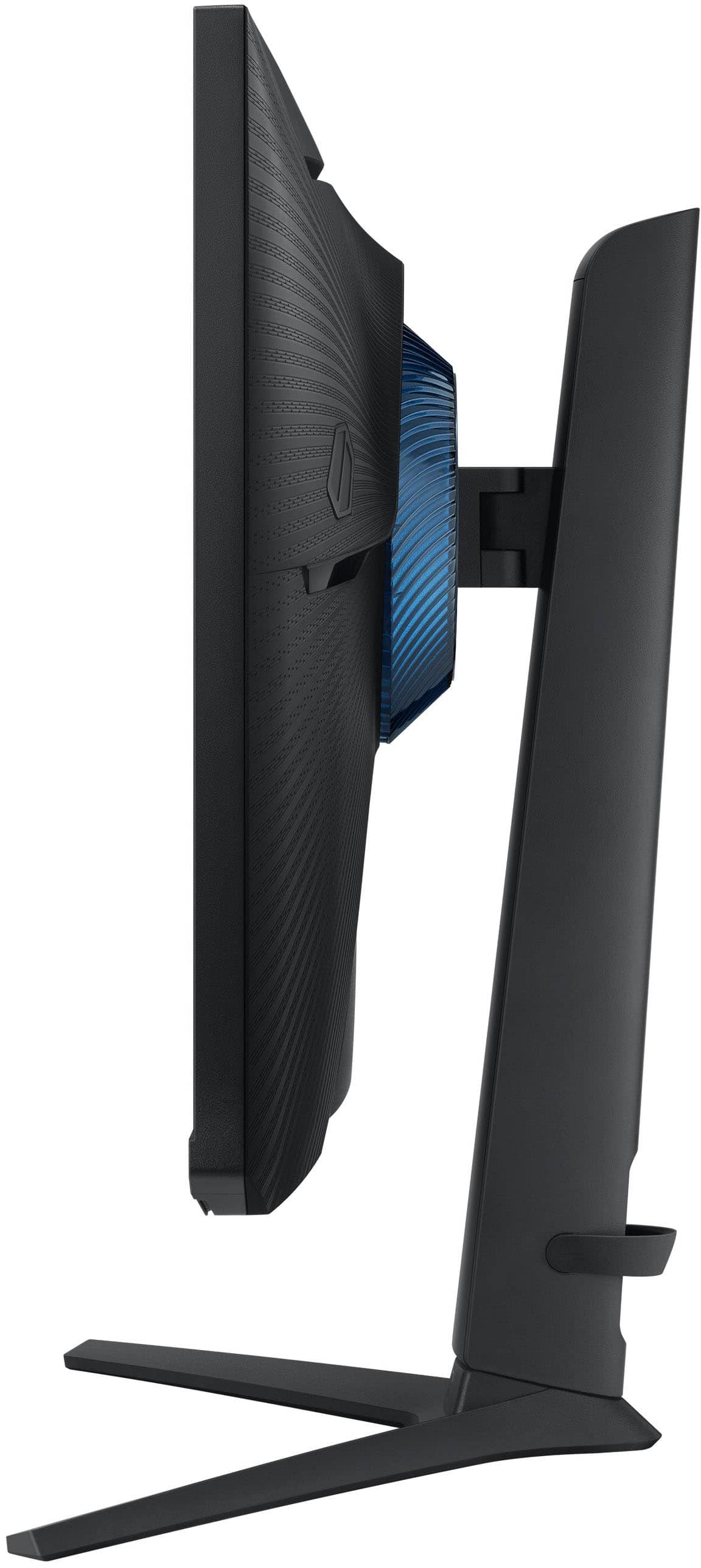
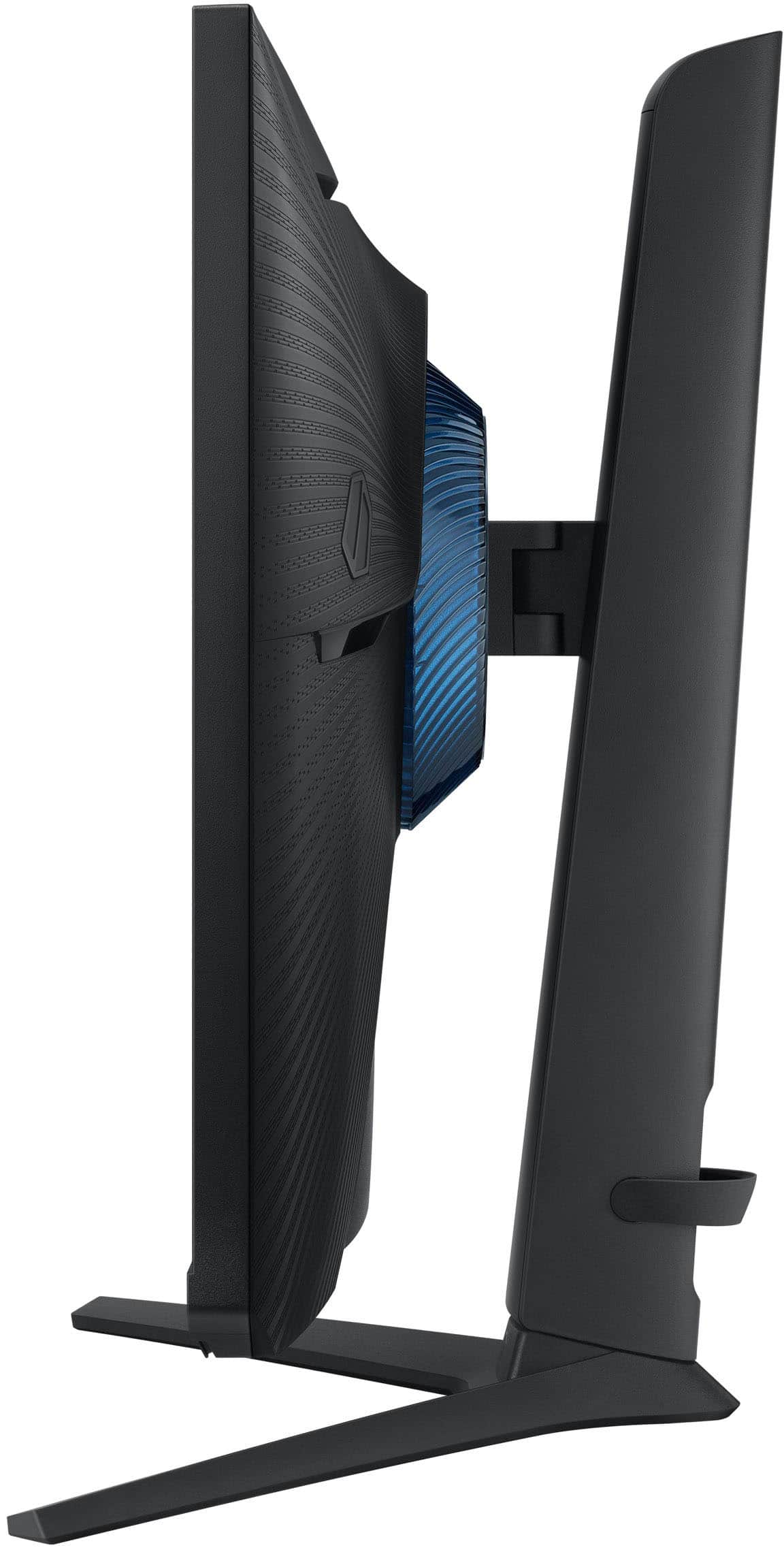
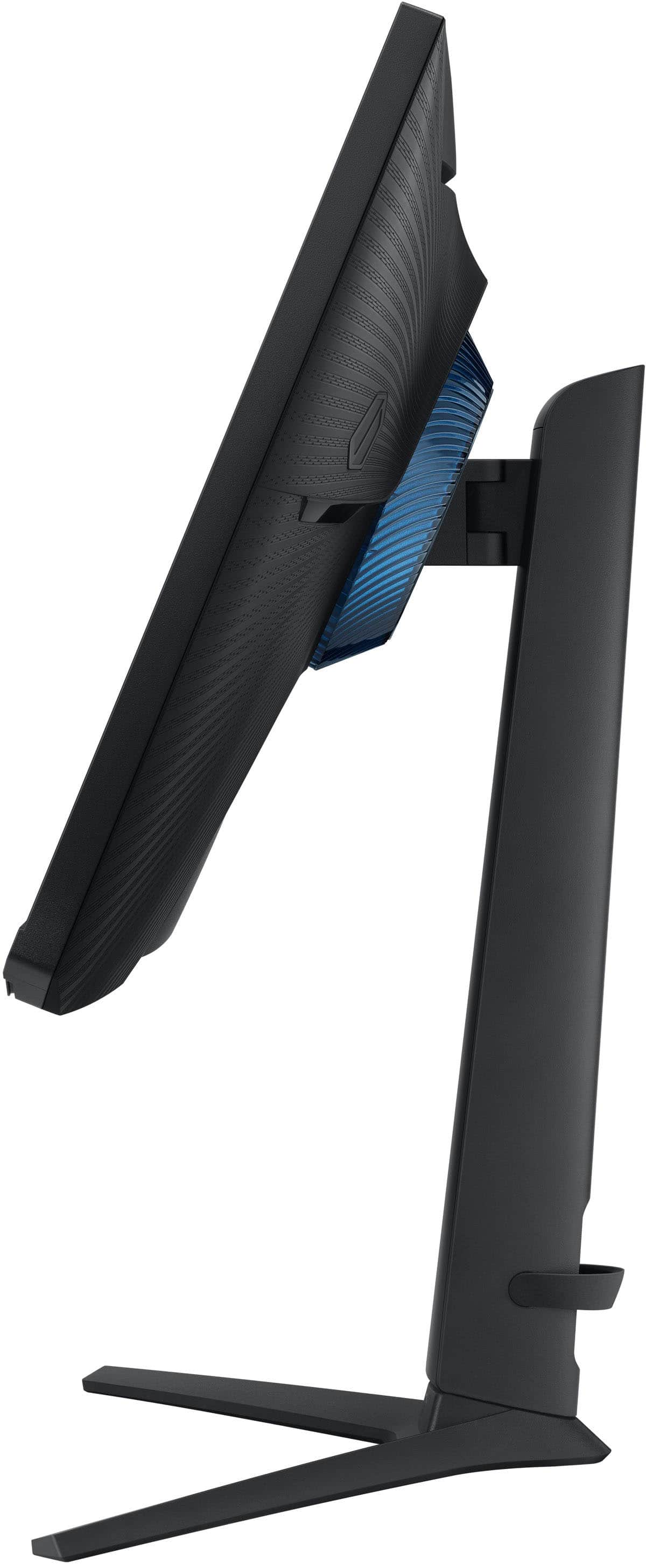
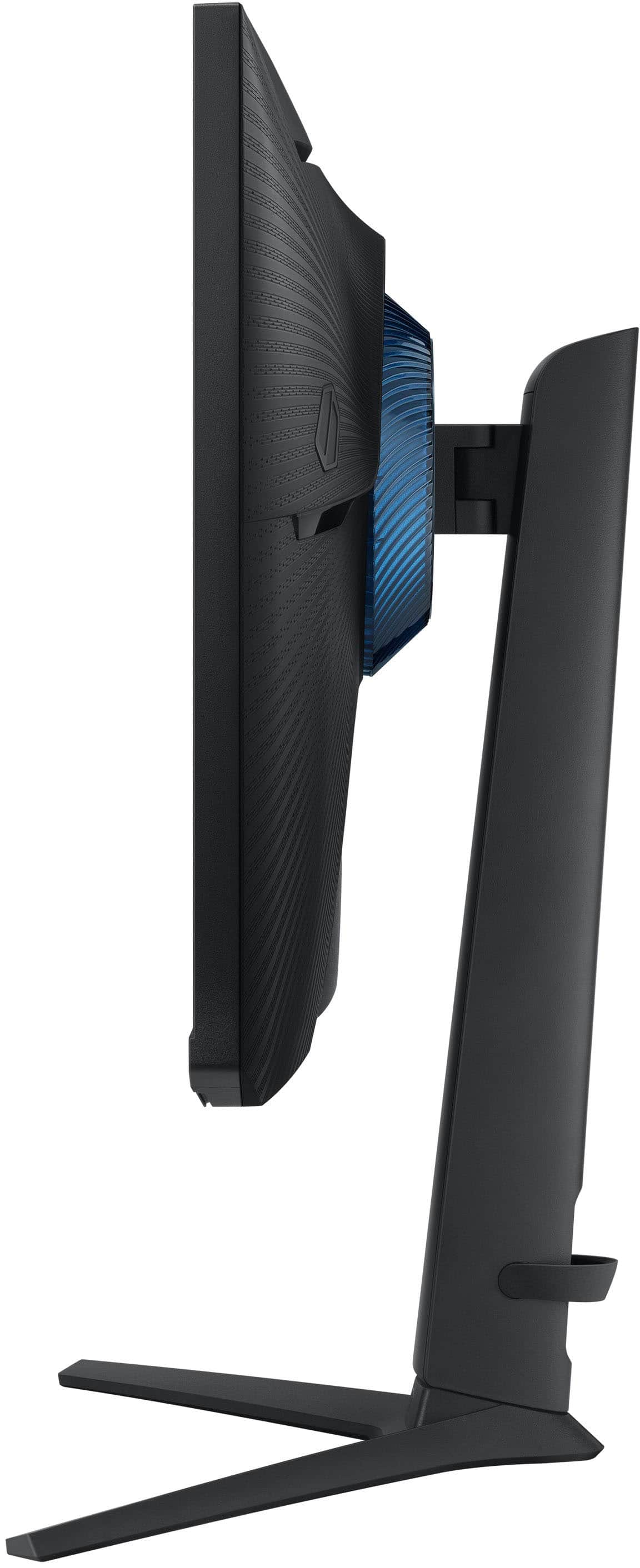
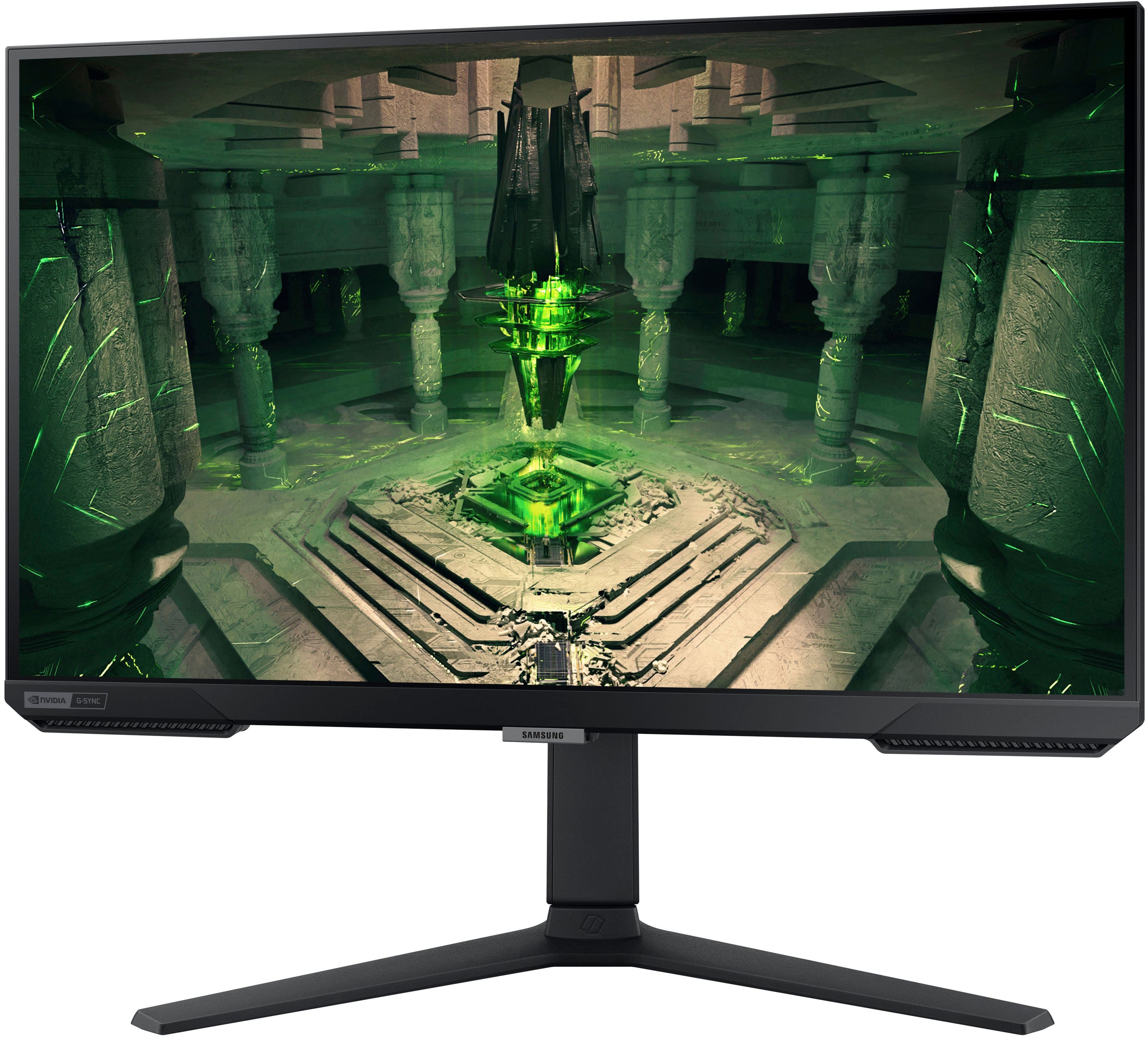
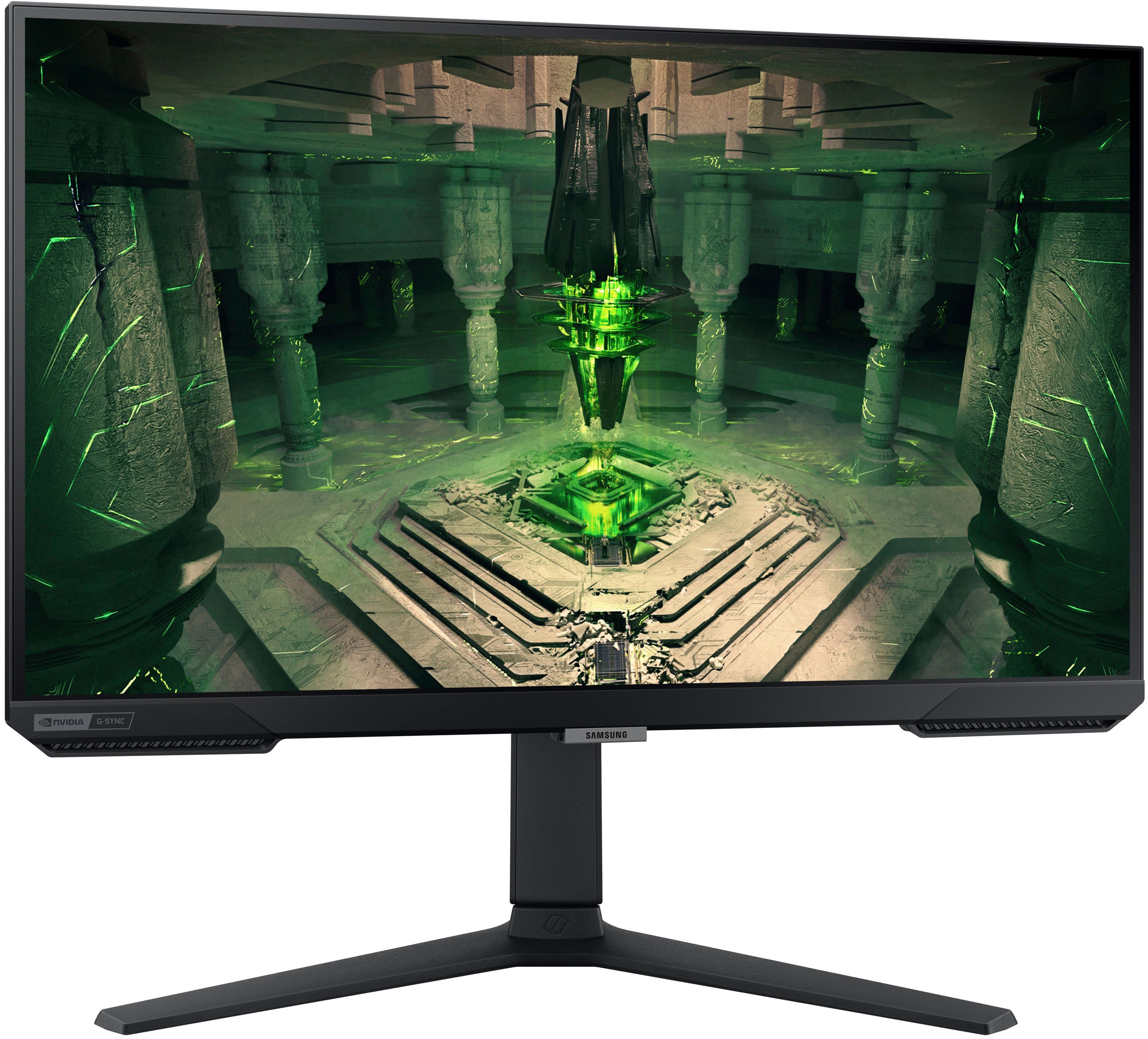
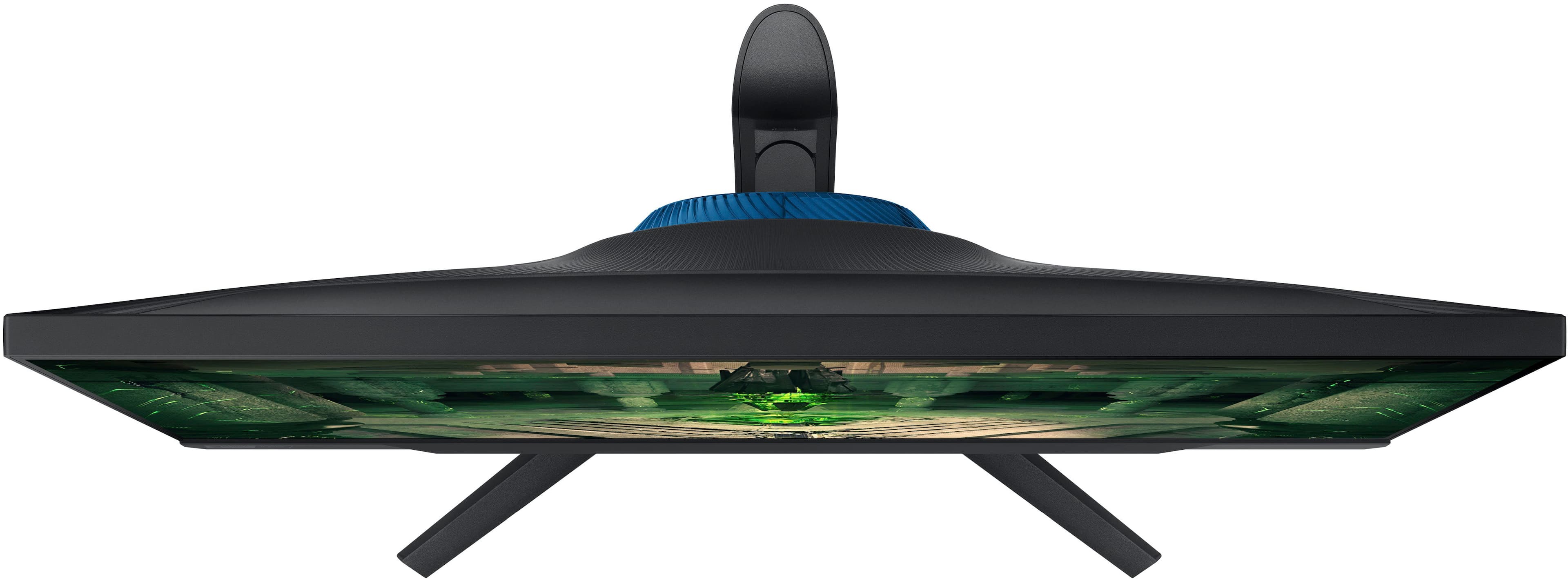
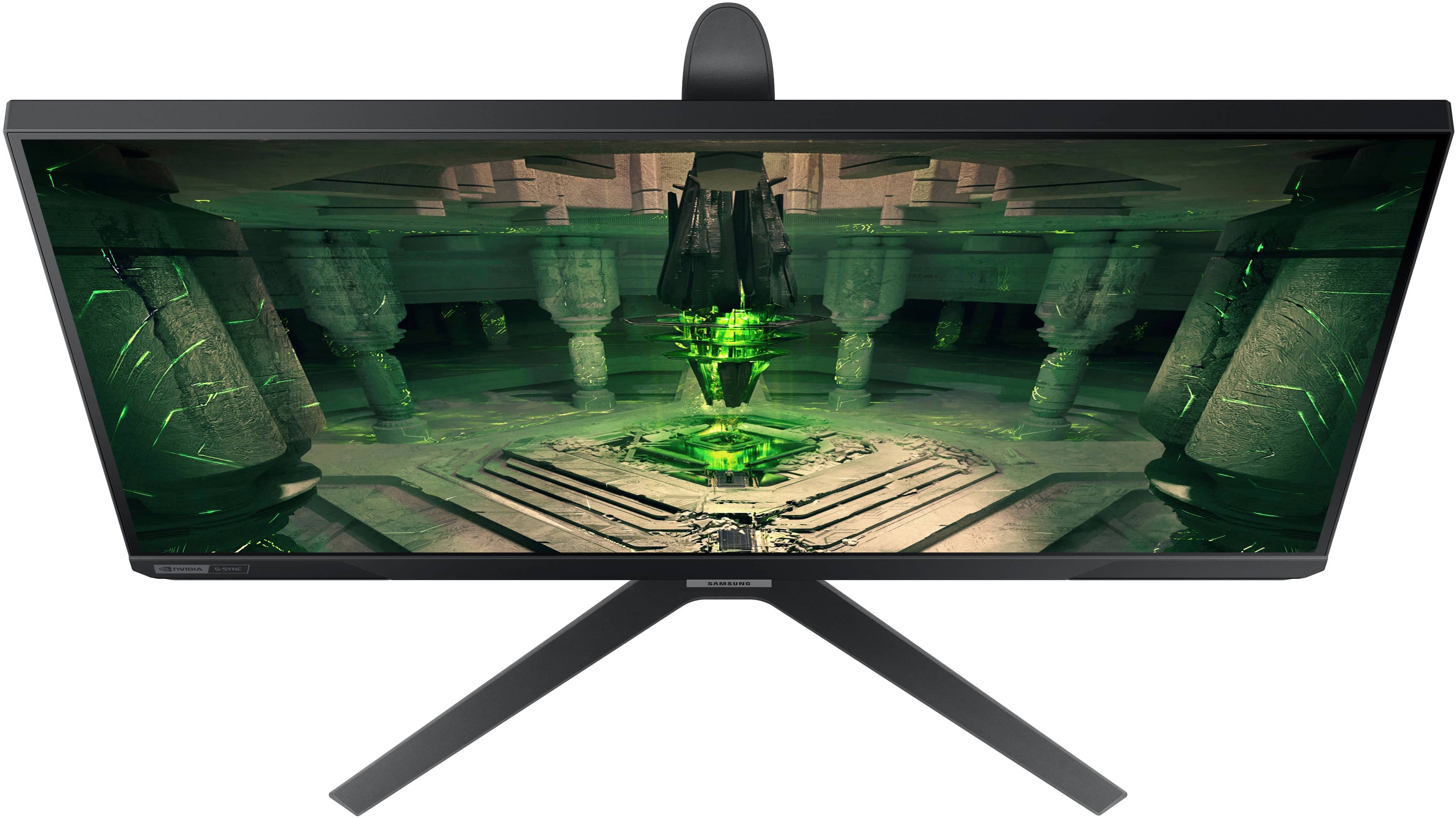
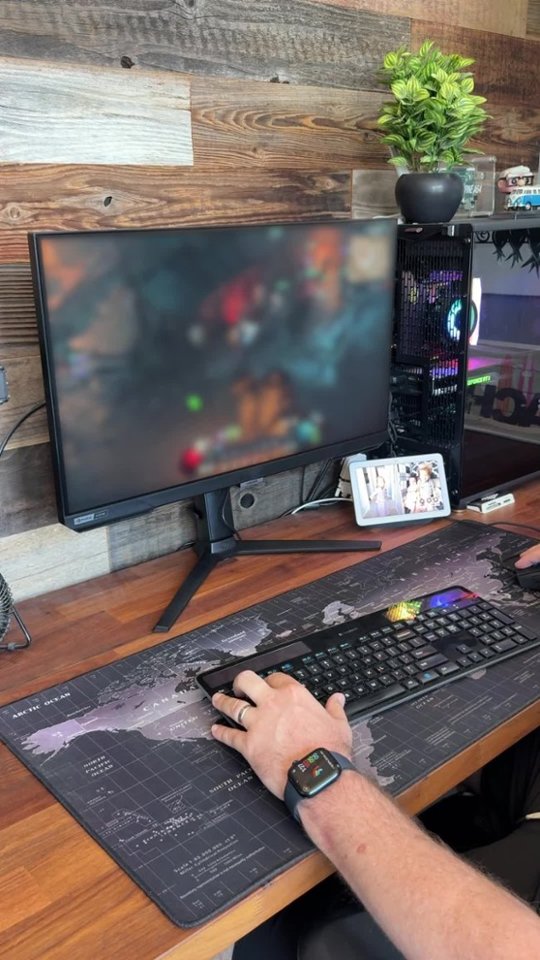
A:AnswerHi ChonChon - while the G4 is not one of our UL Certified Glare Free monitors with the Matte panel, it does still have more a Matte finish on it. This should help reduce some reflections that would come off the screen.
A:AnswerIt’s not the computer that determines that, it’s the video card in the computer that does. Would need to know that information to answer that question.
A:AnswerThank you for your question! The Odyssey G4 has various features to adjust the picture settings to be easier on the eyes during day or night. It has a feature called Adaptive Picture which can auto adjust the settings based on your environment. It has Eye Saver mode to give the image a warmer tone which some people find comforting, and it has a Custom picture mode to allow you to adjust to your preferences.
A:AnswerYou’re much better off getting a small tv, what you’re looking for is a monitor that can run 4k@120hz, tvs are much better priced when it comes to that.
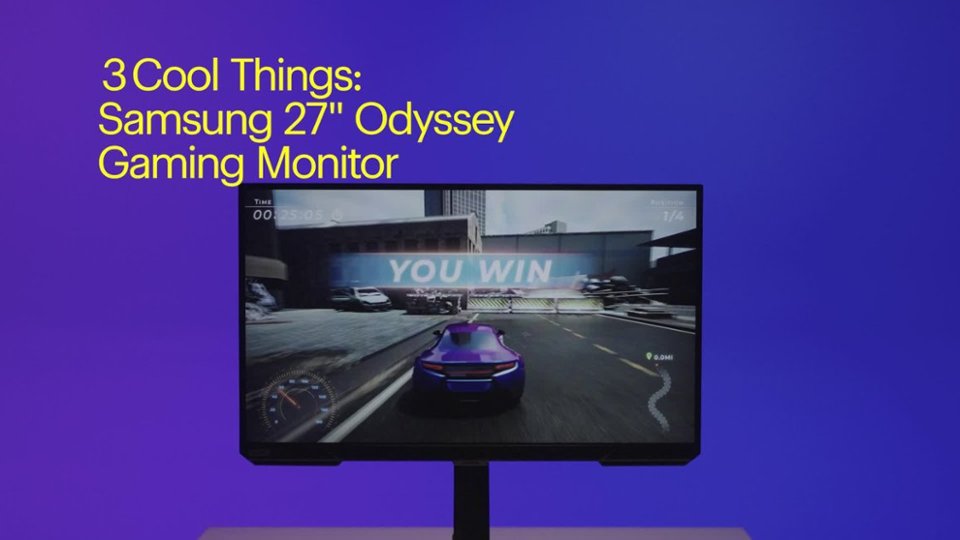
It’s great when it comes to PC gaming though, a good frame rate at a really good price.

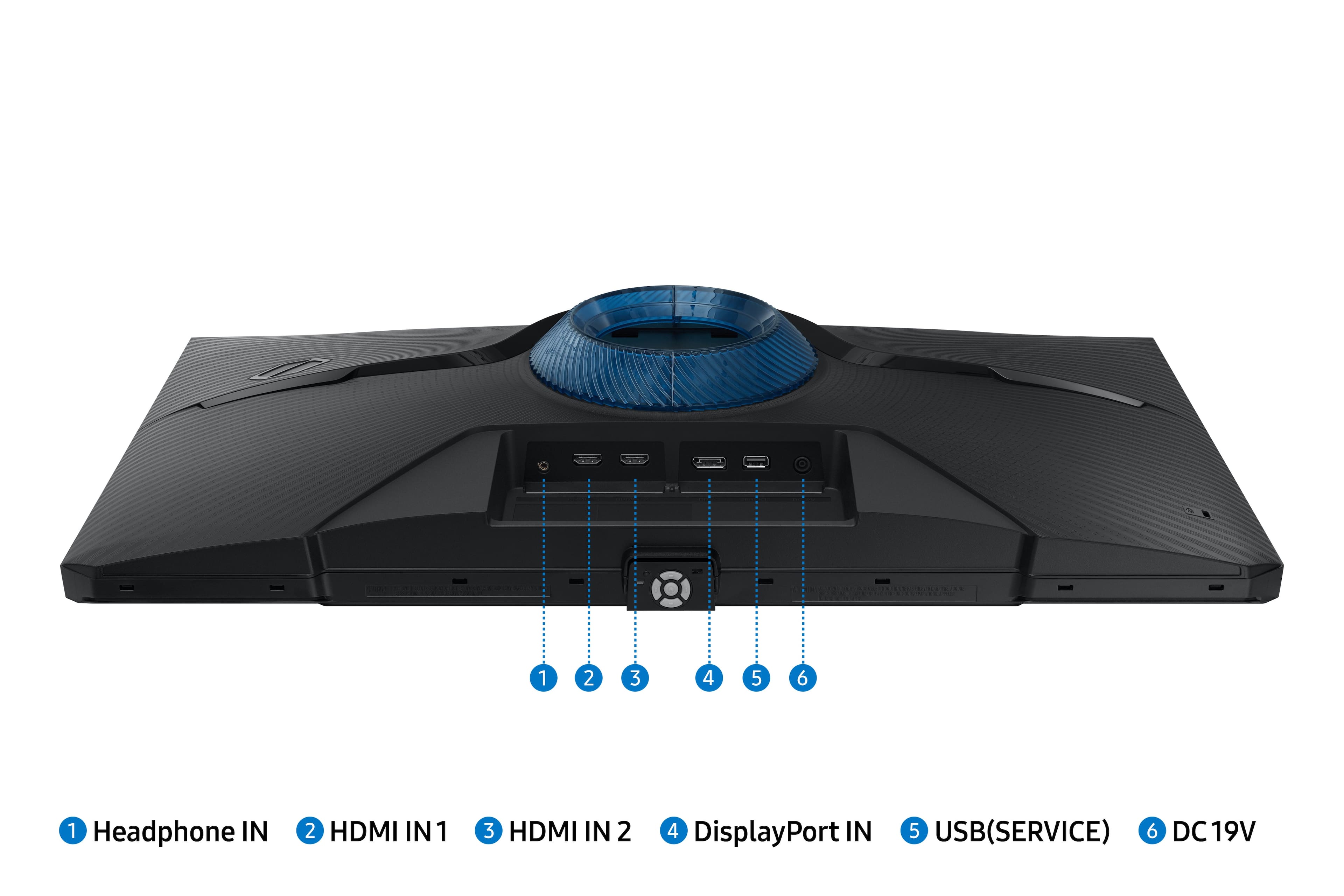
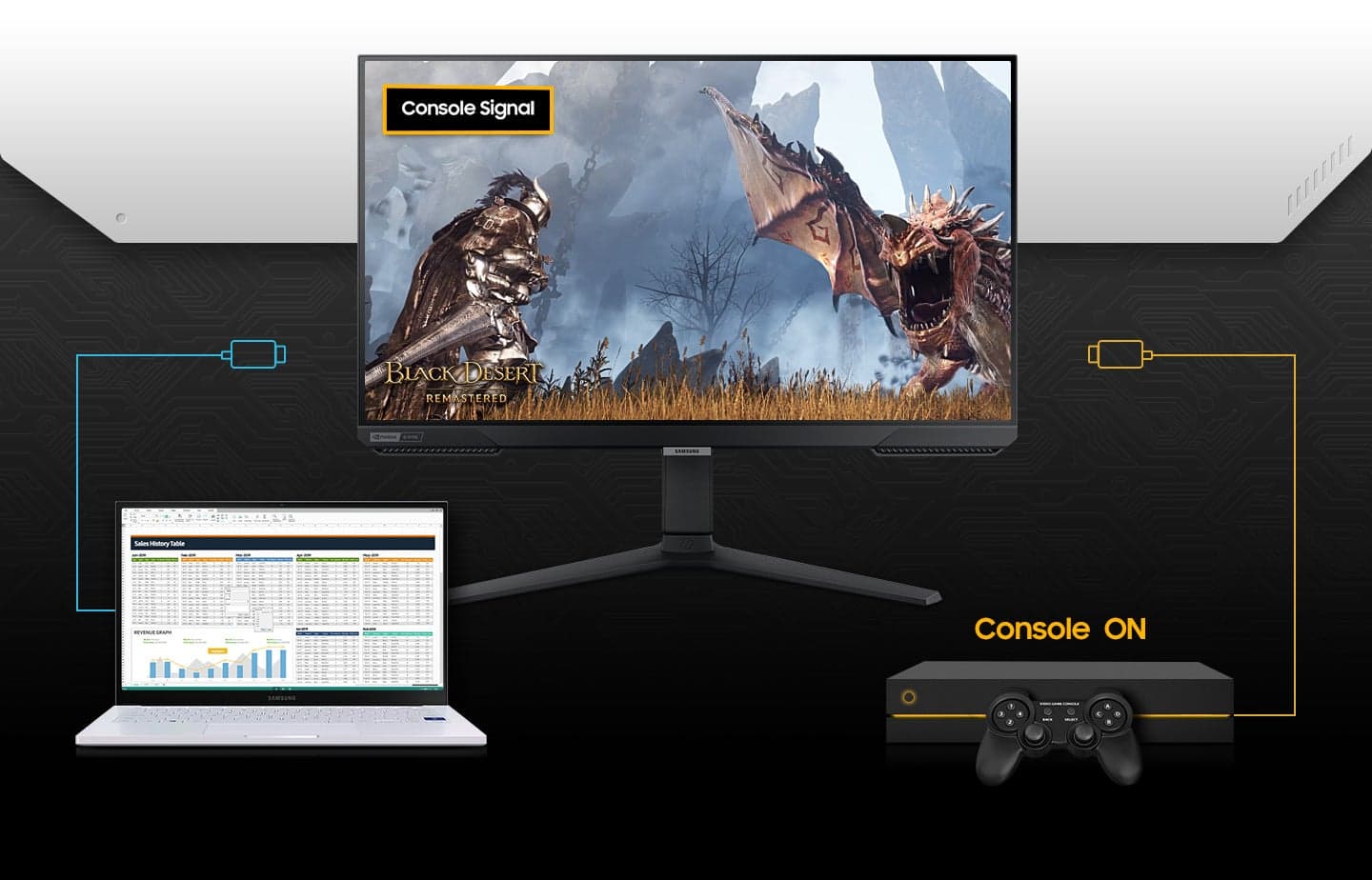
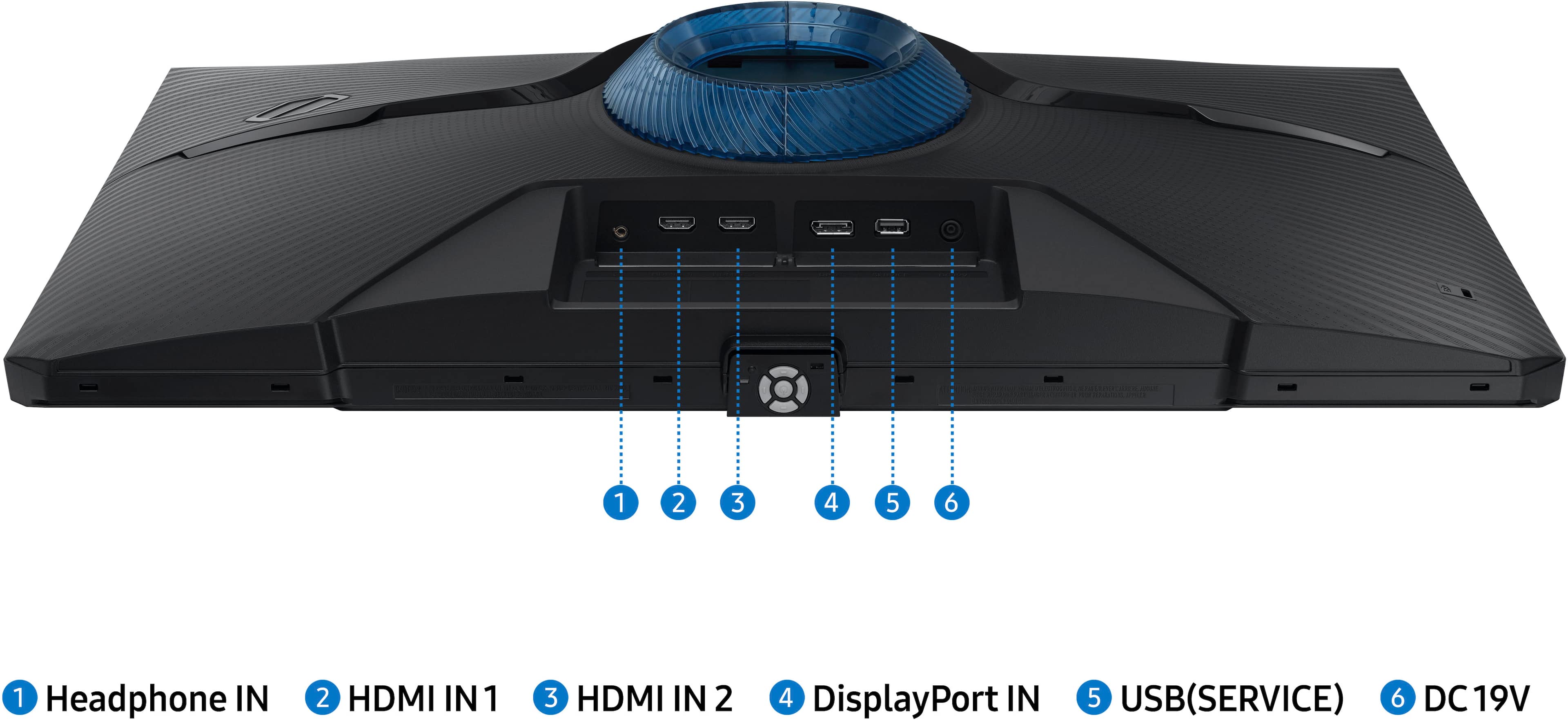
A:AnswerI ended up getting two of them as secondary monitors. Each monitor comes with its own hdmi cord which I didn’t use at all because I already had two VGA cords available from the last two secondary monitors I had. You shouldn’t have to worry about getting new cords at all.

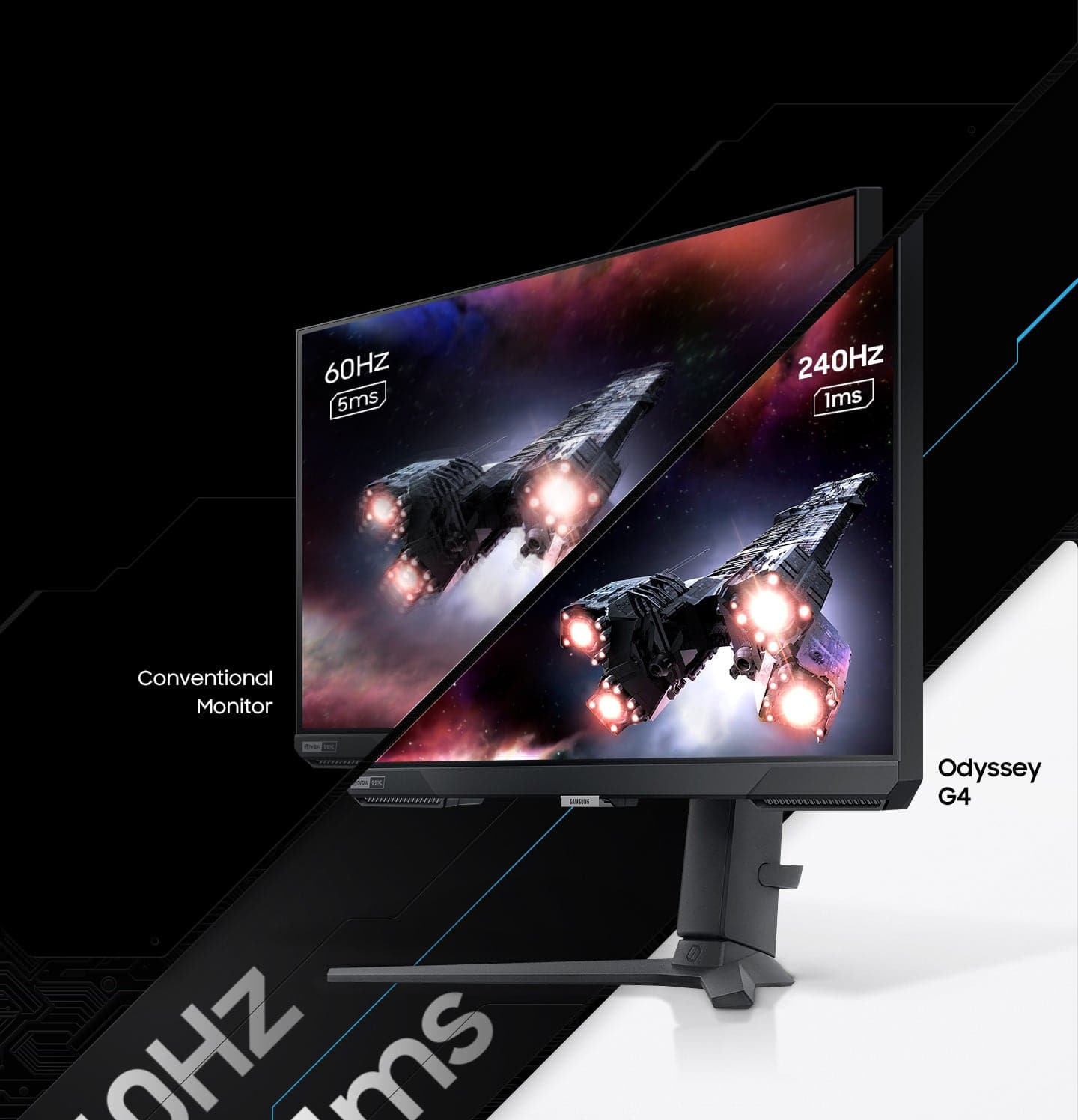
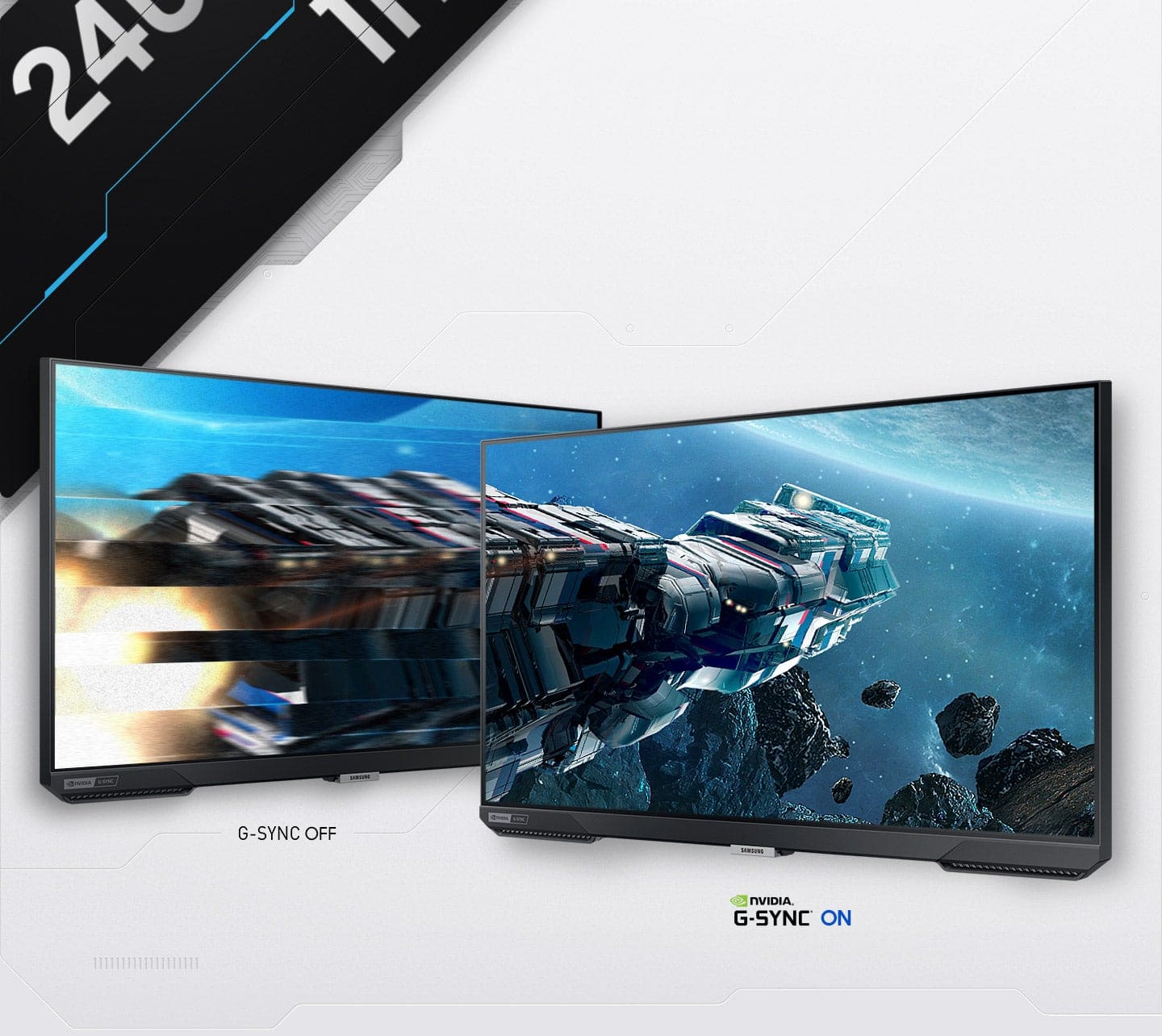
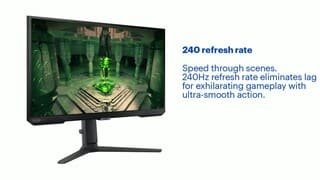
A:AnswerYes. The monitor is 240hz using the Display Port for me. I did also have to go into my windows settings to turn the refresh rate up from the default 60hz to the full 240hz.
A:AnswerYou will only get 240 from the display port if you on a console you will get the 120 as far as fps in game you will notice screen tearing at 200 fps even on HDMI cable