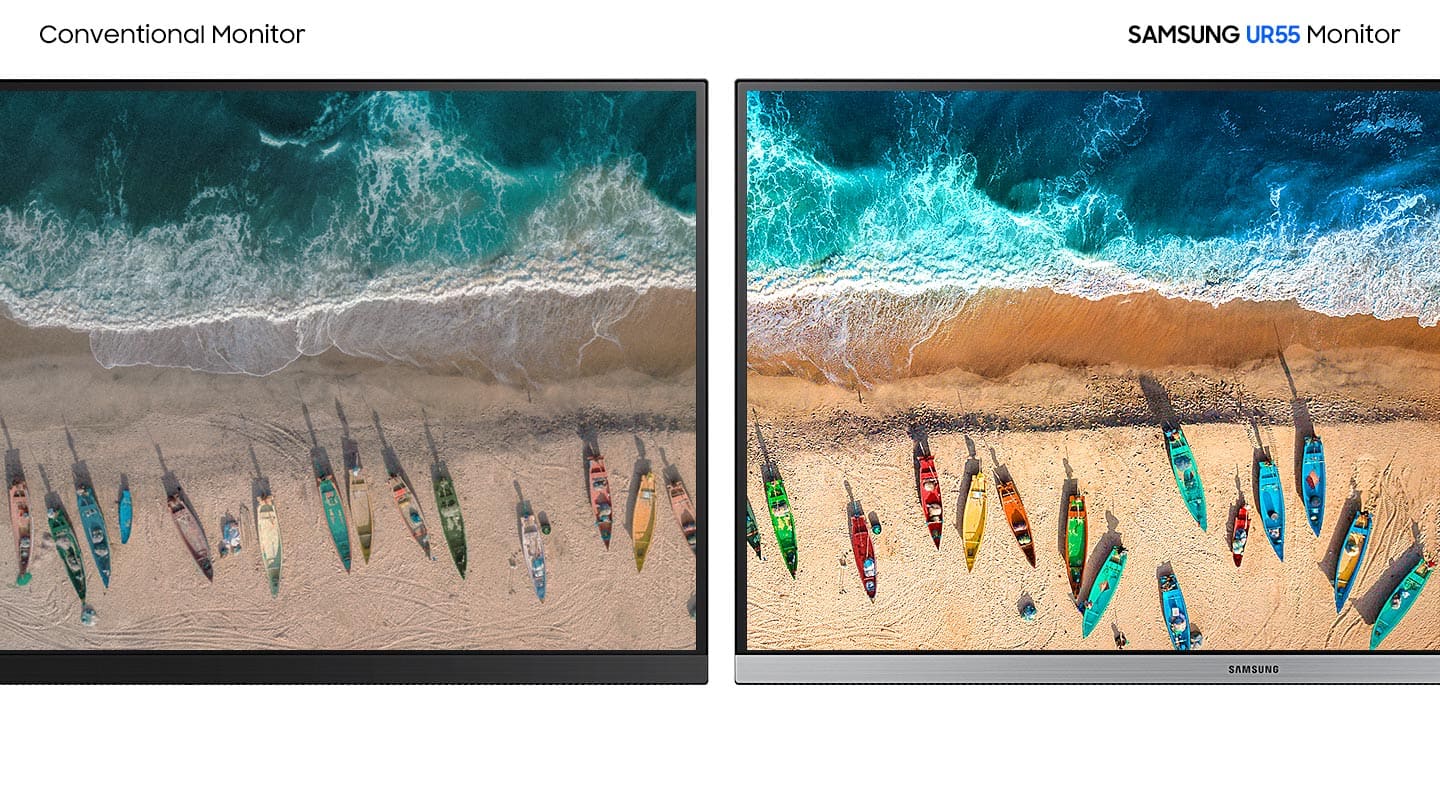
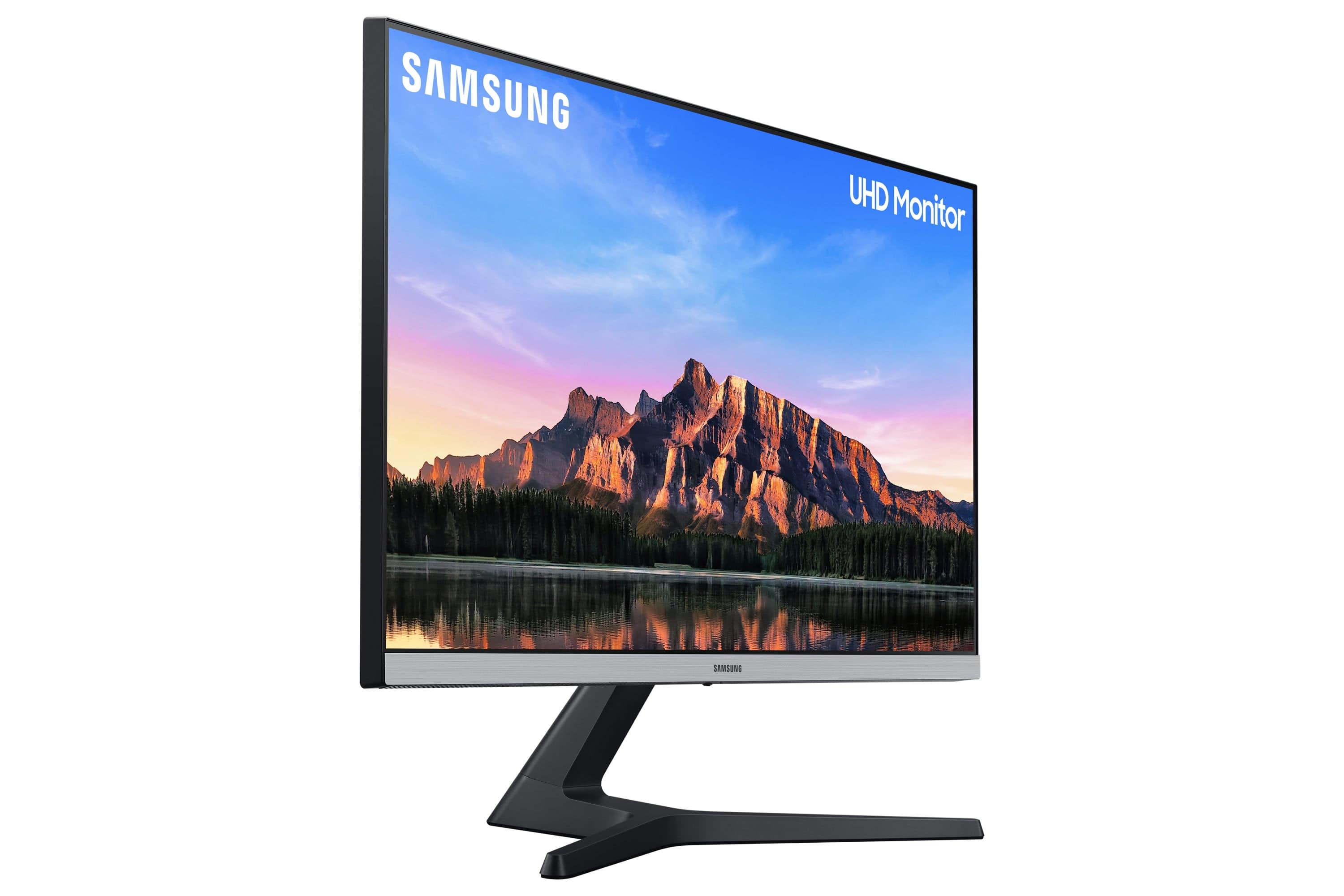
A:AnswerVaries depending upon the source it's connected to and the source material. If connected to a PS4 or Xbox 1 and you're watching Blu-Ray for example, blacks can be rich & deep (almost OLED black......ALMOST) esp. with the cinema setting on.
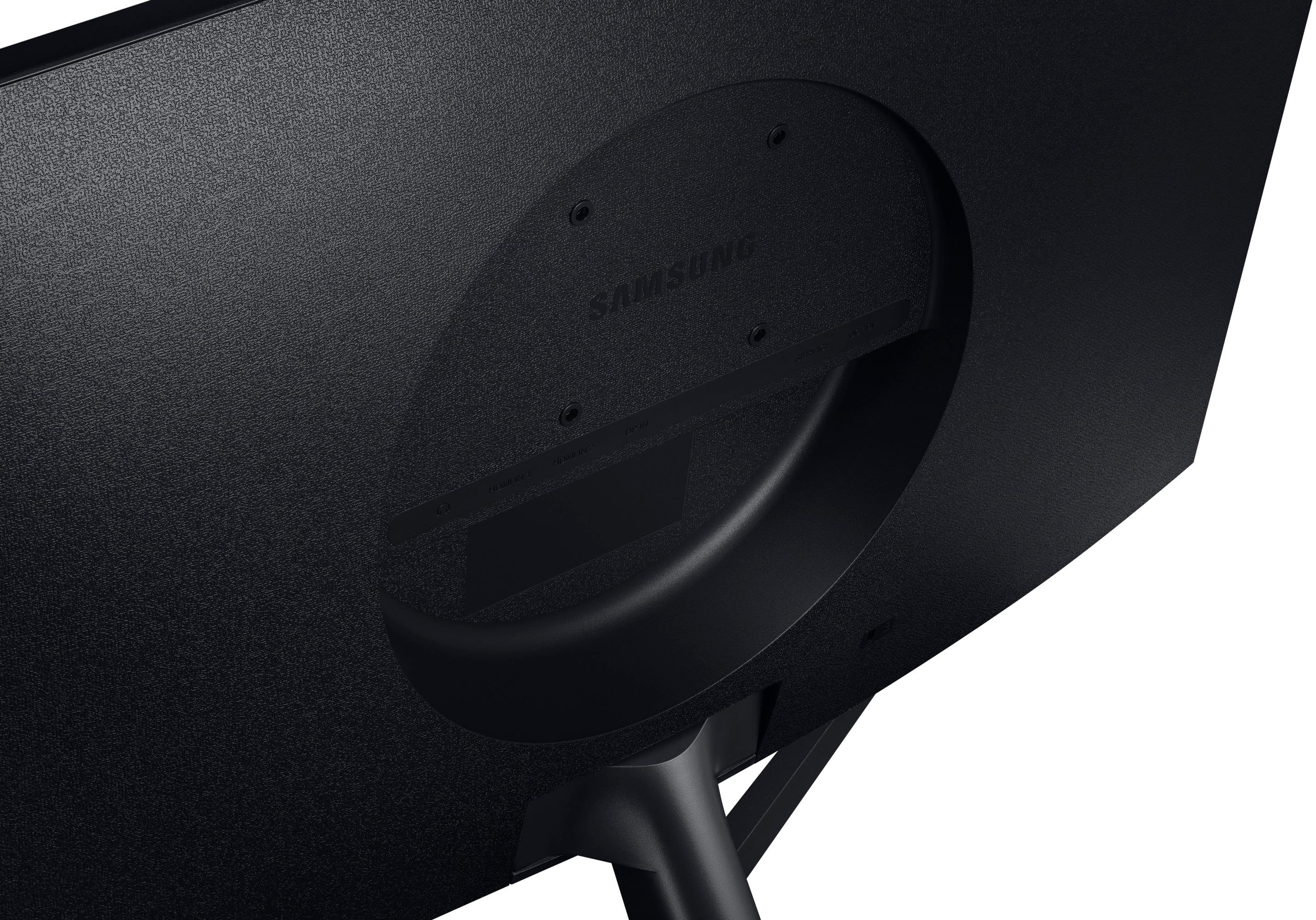
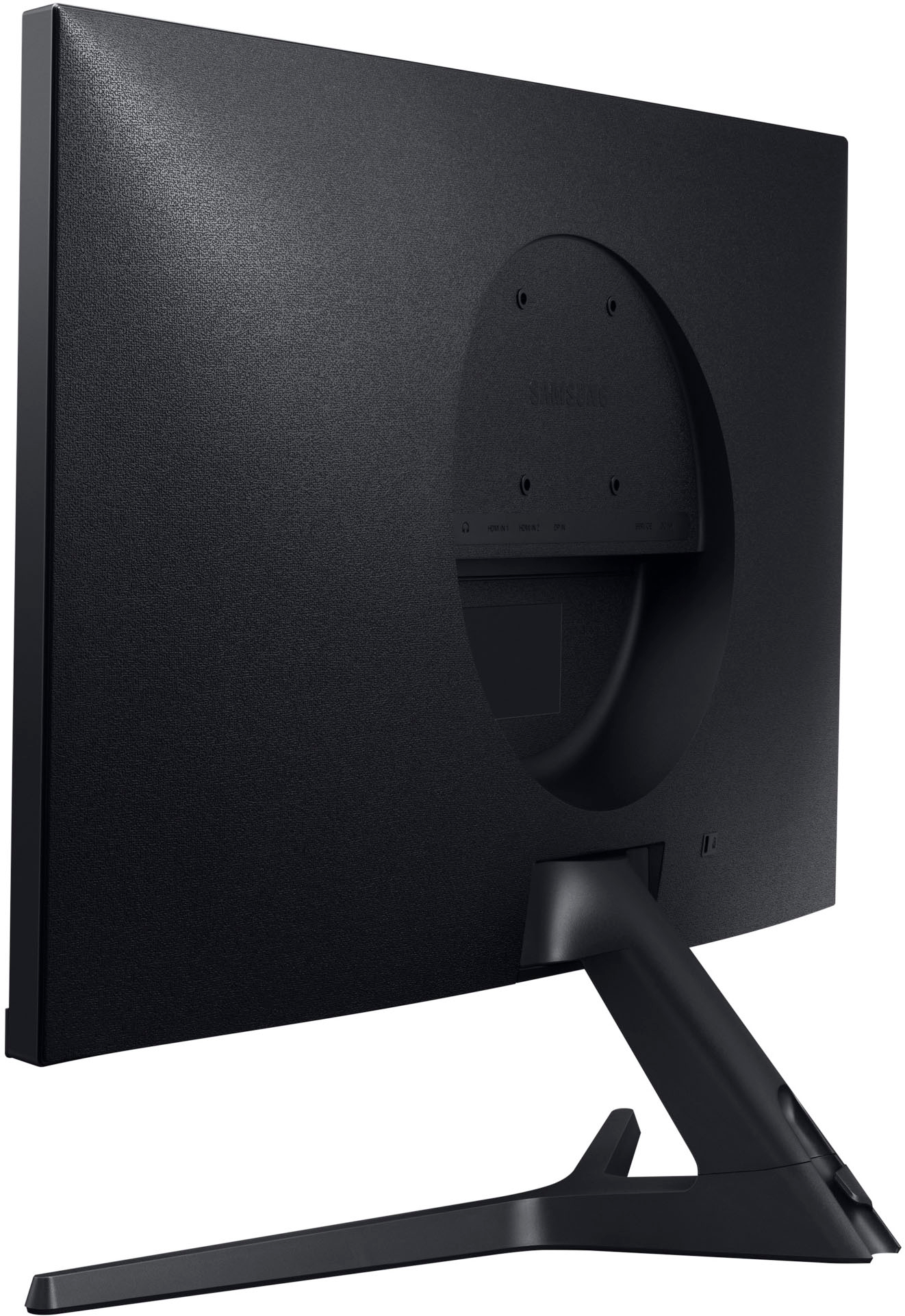
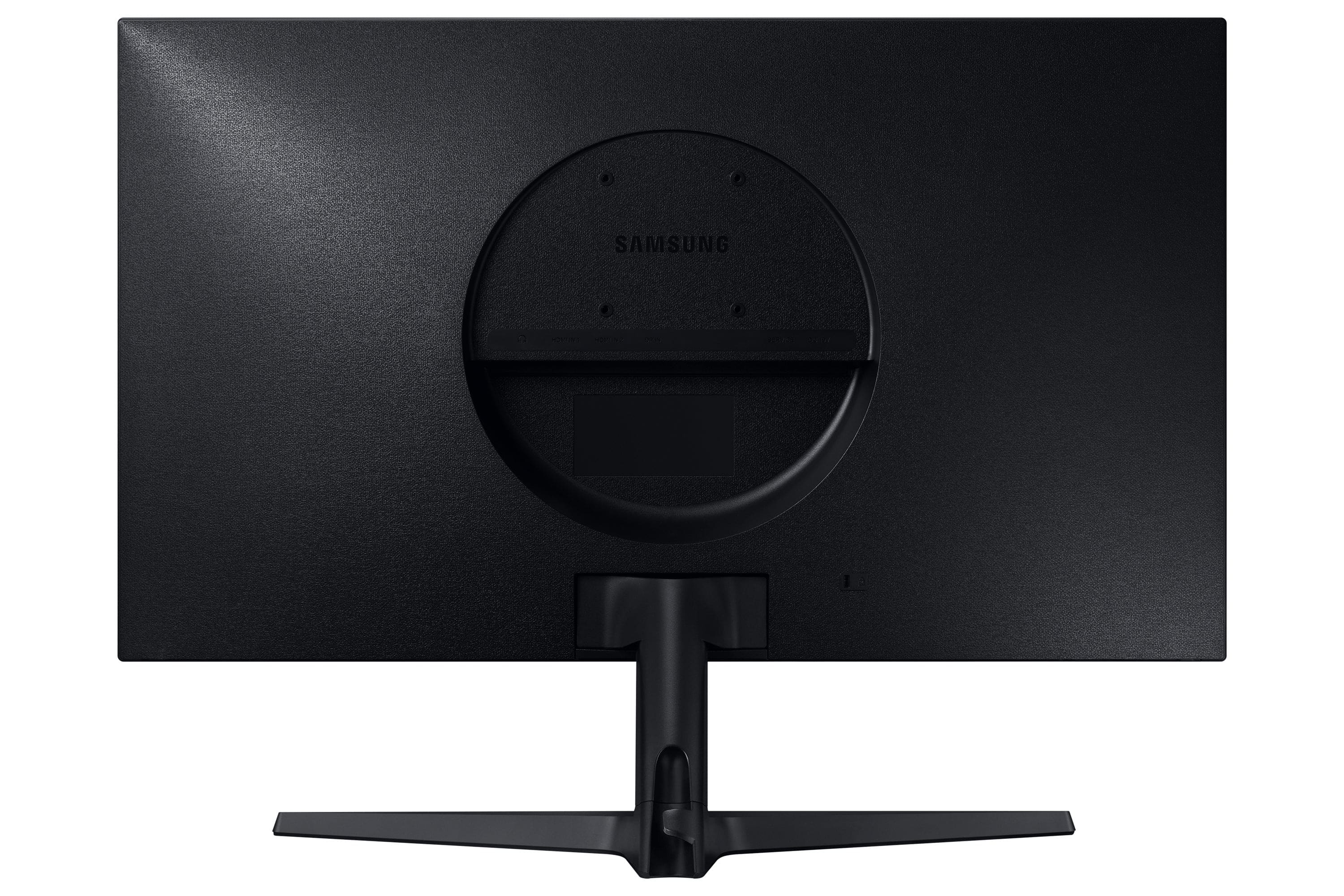
A:AnswerYou shouldn't have any trouble picture-wise, but there aren't speakers in this monitor so you'd need to use something else for audio. You could use the audio out from this unit and send to a soundbar. HDMI-ARC isn't supported as far as I could tell.
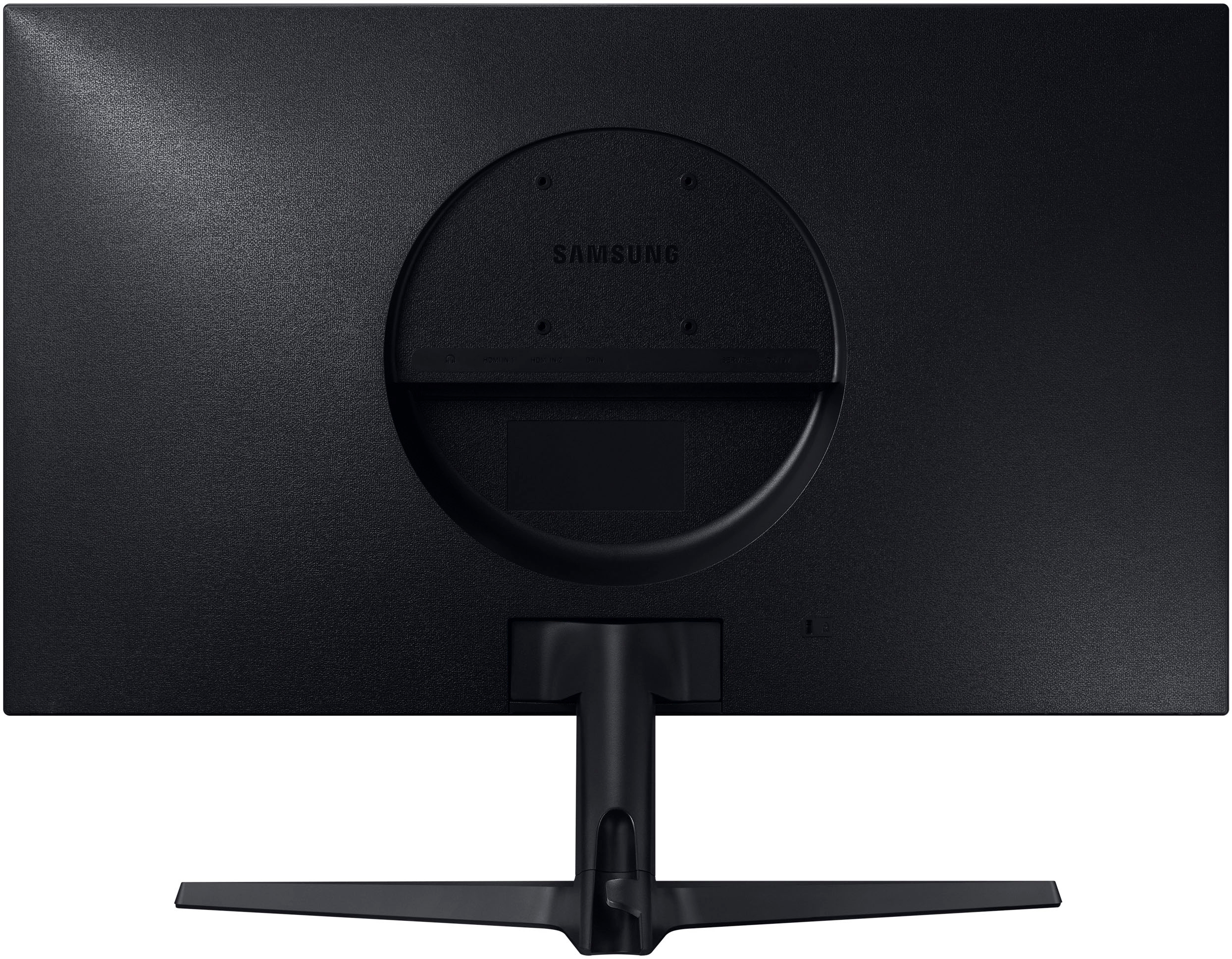
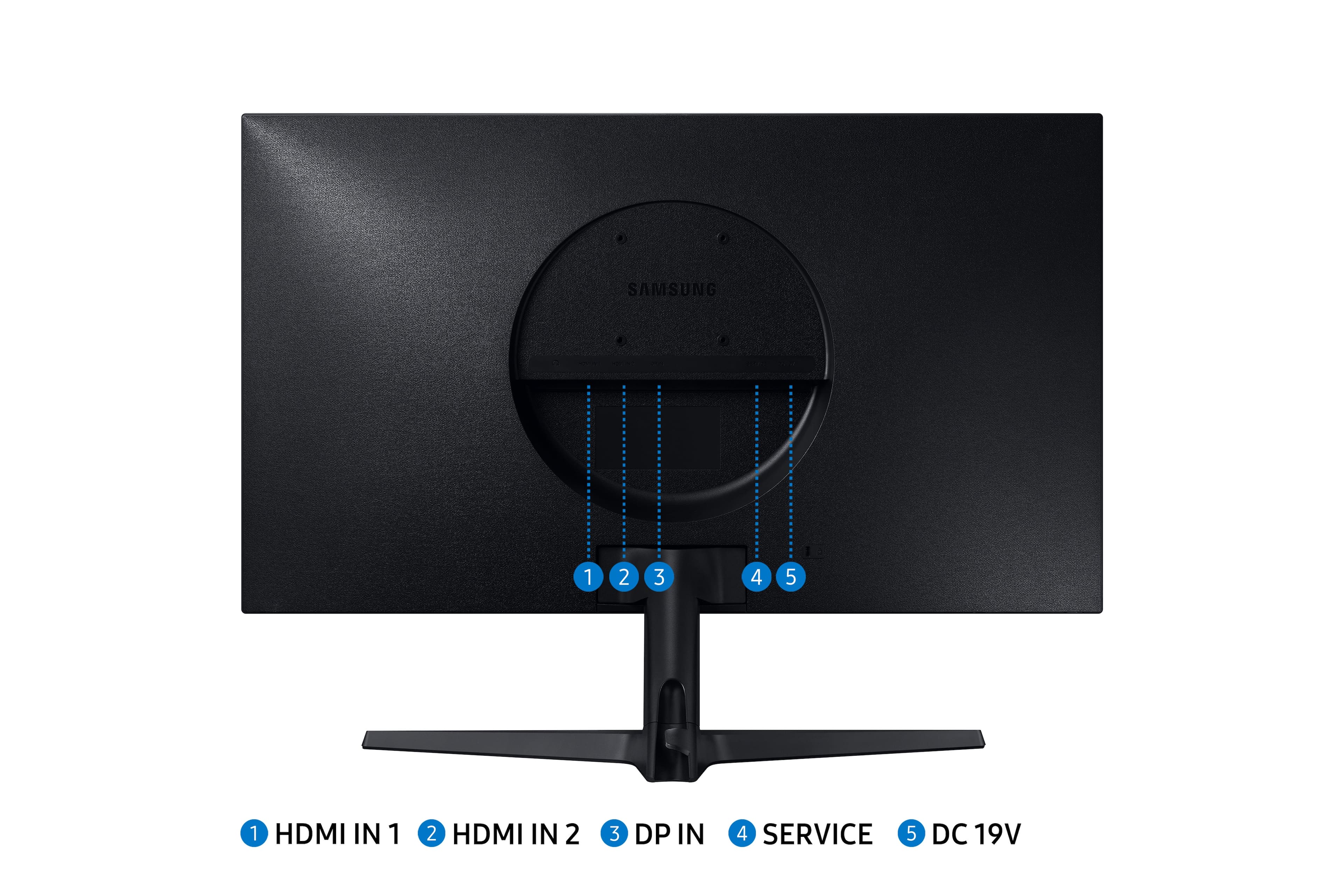
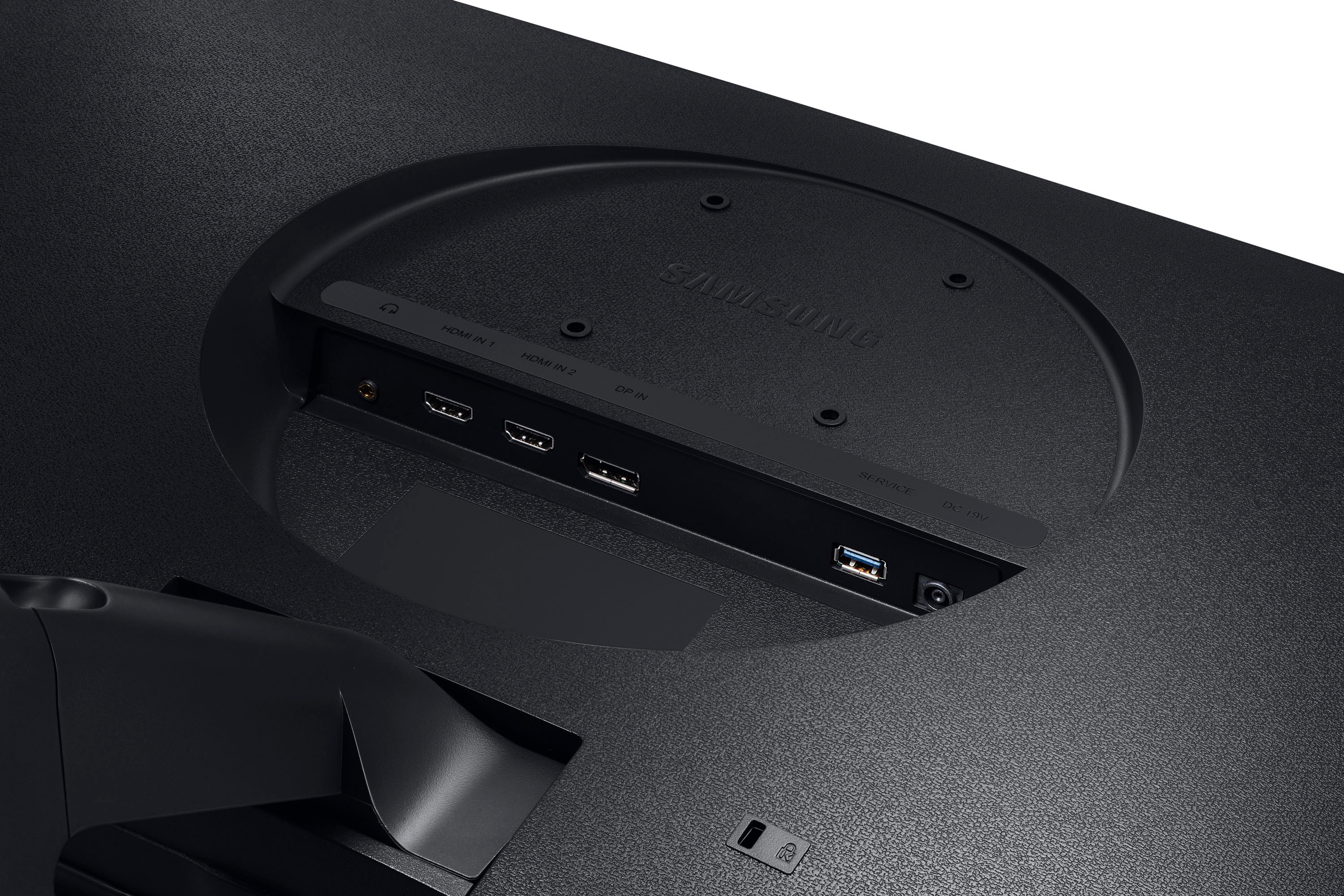
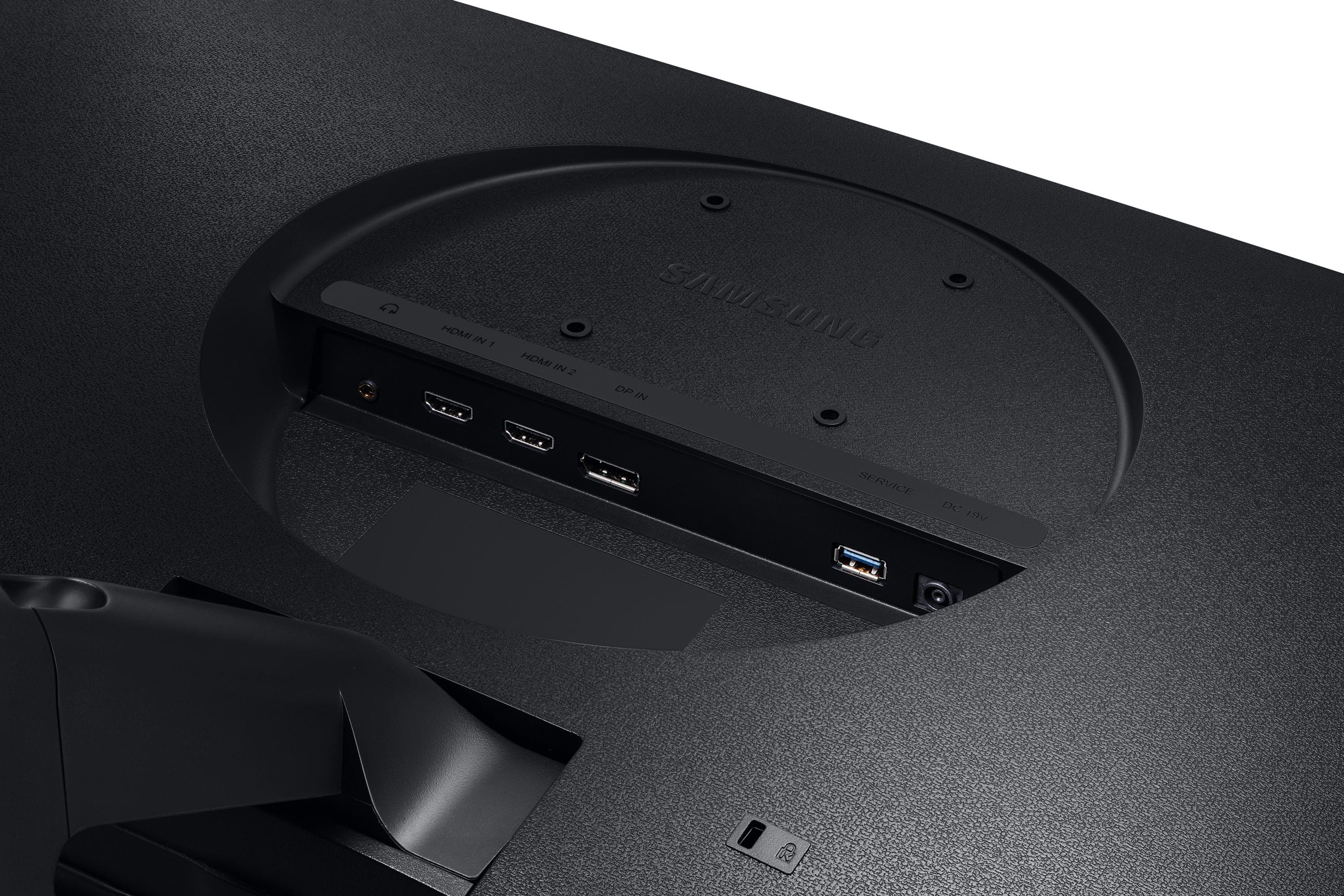
A:AnswerYes it will as it has 2 HDMI 2.0 ports on the back. Just be aware of of no built-in speakers for audio. There is a 3.5mm auido out port on the back for speakers or headphones.
A:AnswerIt looks like that laptop display is 1440p, so you can use this monitor but I don't think it will be in 4k. You just need HDMI for connection to your laptop. When the display is connected to the laptop, if you go to settings > display settings > display resolution there will be a drop-down menu where you can select the resolution for the external display to run at.
A:AnswerSorry, I do not know about the subpixel layout.
I use the monitor for an extended monitor for work ( graphs / data ). I like this monitor, crisp, bright images. I also like the Eye saver mode ( flip of toggle button at bottom of monitor).
A:AnswerHi, I don't see why it wouldn't work with a MacBook Pro. The monitor has two HDMI inputs and one displayPort input. I'm not sure what outputs your MacBook Pro has. If your laptop has an HDMI port you should be able to go direct with an HDMI cable. If it does not have an HDMI port you will need either a USB to HDMI or USB to Displayport adapter cable. My laptop does not have a HDMI port and I am using a USB-C to displayPort cable the brand is: Cable Matters and the model is: 201036-BLK-1.8m . It works flawlessly but your laptop needs a USB-C port. If your laptop does not have a USB-C port or an HDMI port, you should be able to find a USB-A to HDMI or USB-A to displayPort adapter. It is a great monitor! Quality is excellent for the price.