A:AnswerSnap, it all depends. If it's the actual source causing the problem, then you're correct the sound bar would sound the same. However, if it's the built in speakers causing the issue and not the signal then the sound bar would bypass the speakers and would sound immensely better.
A:AnswerI must say you are wrong. This system is not less than anything. Try it you will know. But if you are paying for candy and expect a Swiss chocolate? Then you are asking too much.
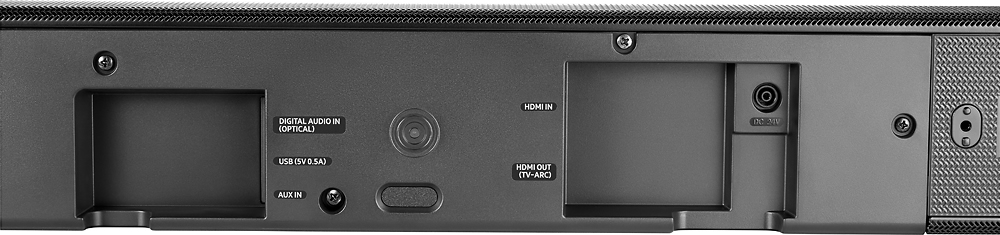
A:AnswerOptic cables only do sound and HDMI cable should do sound and picture check your connections maybe you're in the wrong port most the time it's just a bad connection
A:AnswerBoth sets will communicate wirelessly. They pair up fast after installation. Great surround sound! We paired up our sound bar with rear speakers (160) and they are awesome together.
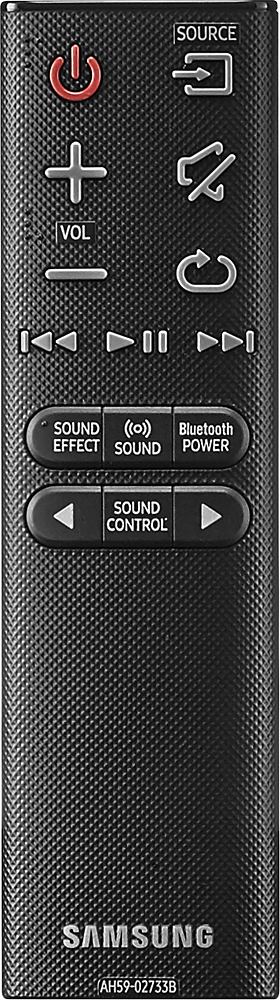
A:AnswerYes, you can control the volume independently. also, you can control the bass, treble independently It does have a few built-in preset sounds, like "movie, night, music, etc..."
A:AnswerI am assuming item in your question is a television as long as the television has an optical out or audio out it will work the subwoofer is controlled by the sound bar itself not the television
A:AnswerThe mother board might be bad. I had the same problem with my first Samsung sound bar. Geek squad said was bad mother board. Exchanged for LG sound bar and glad I did. Is a much better product. Volume level is at 15 out of 100 and is great. Bass is amazing!! Strongly recommend LG
A:AnswerI have this hooked up VIA HDMI along with my XBOX and direct TV. IF you connect this HDMI into your TV that's all you have to do. The TV pushes the sound signal into your devices.