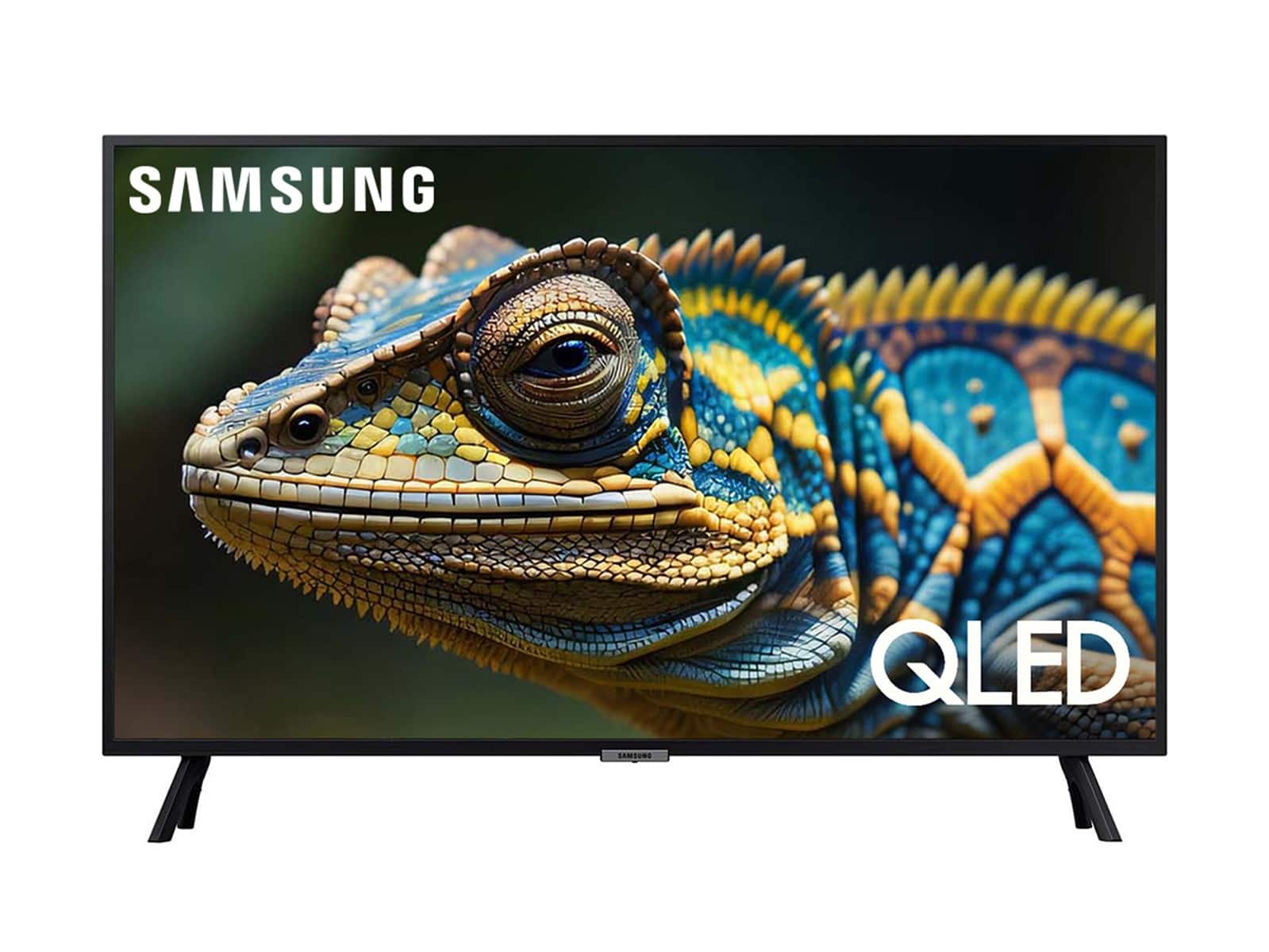
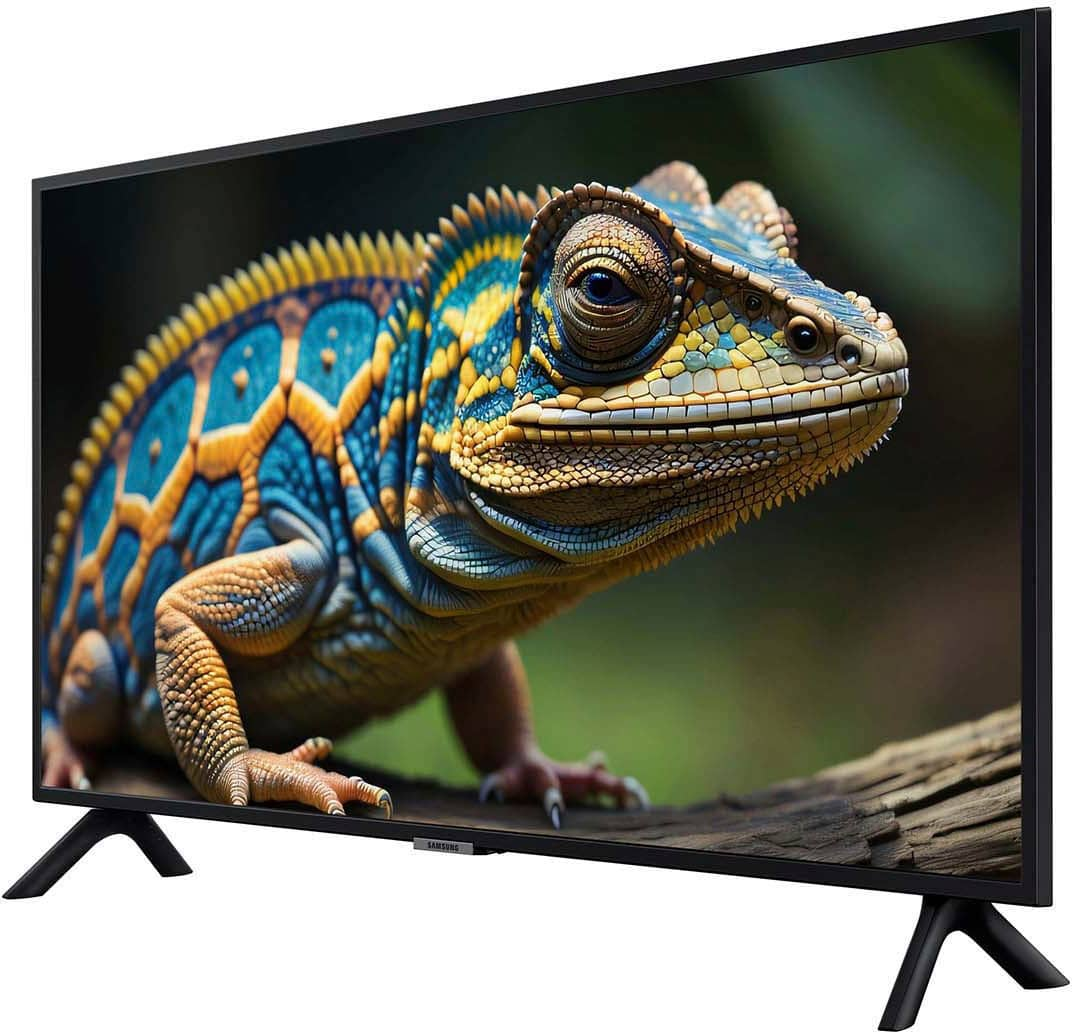
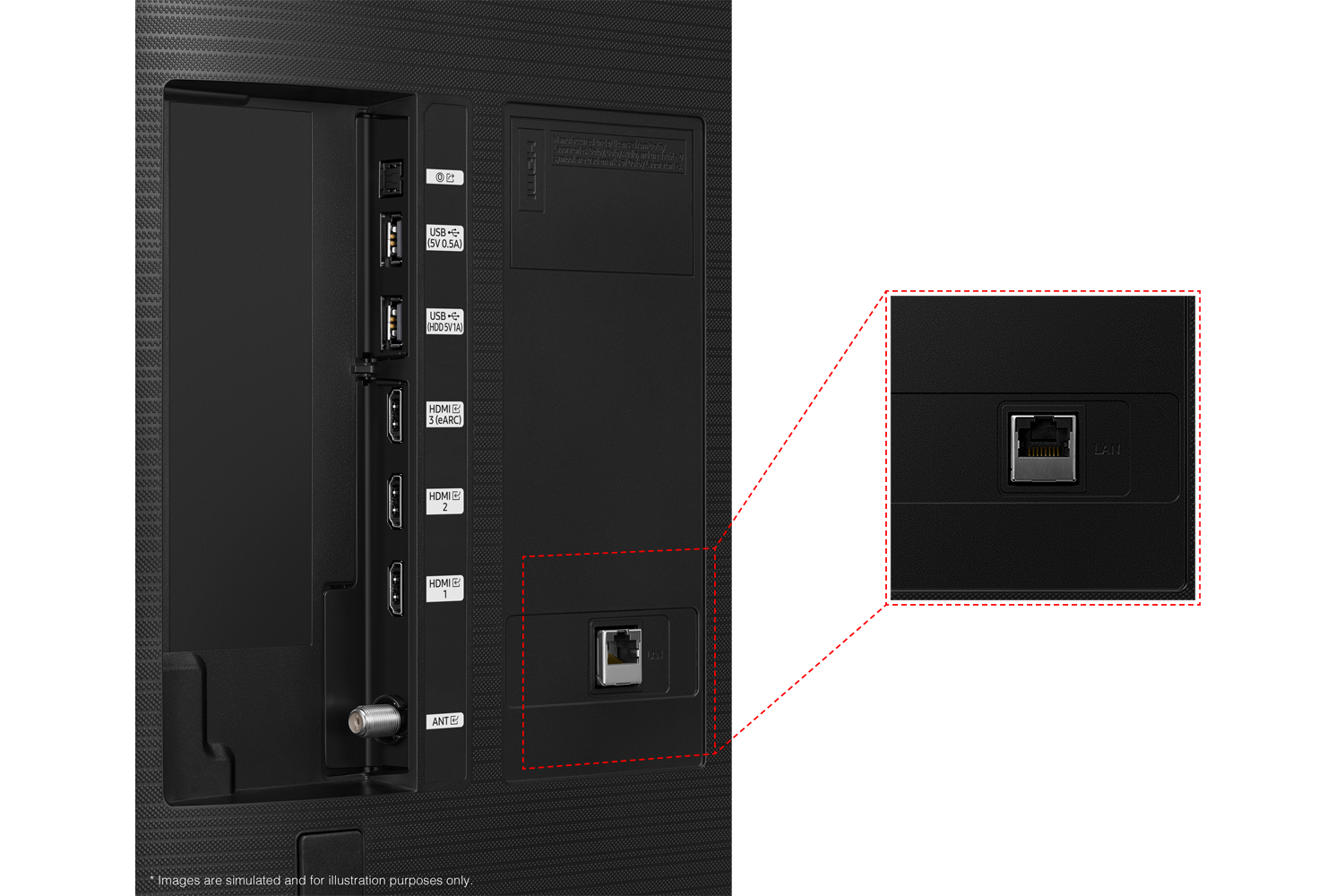
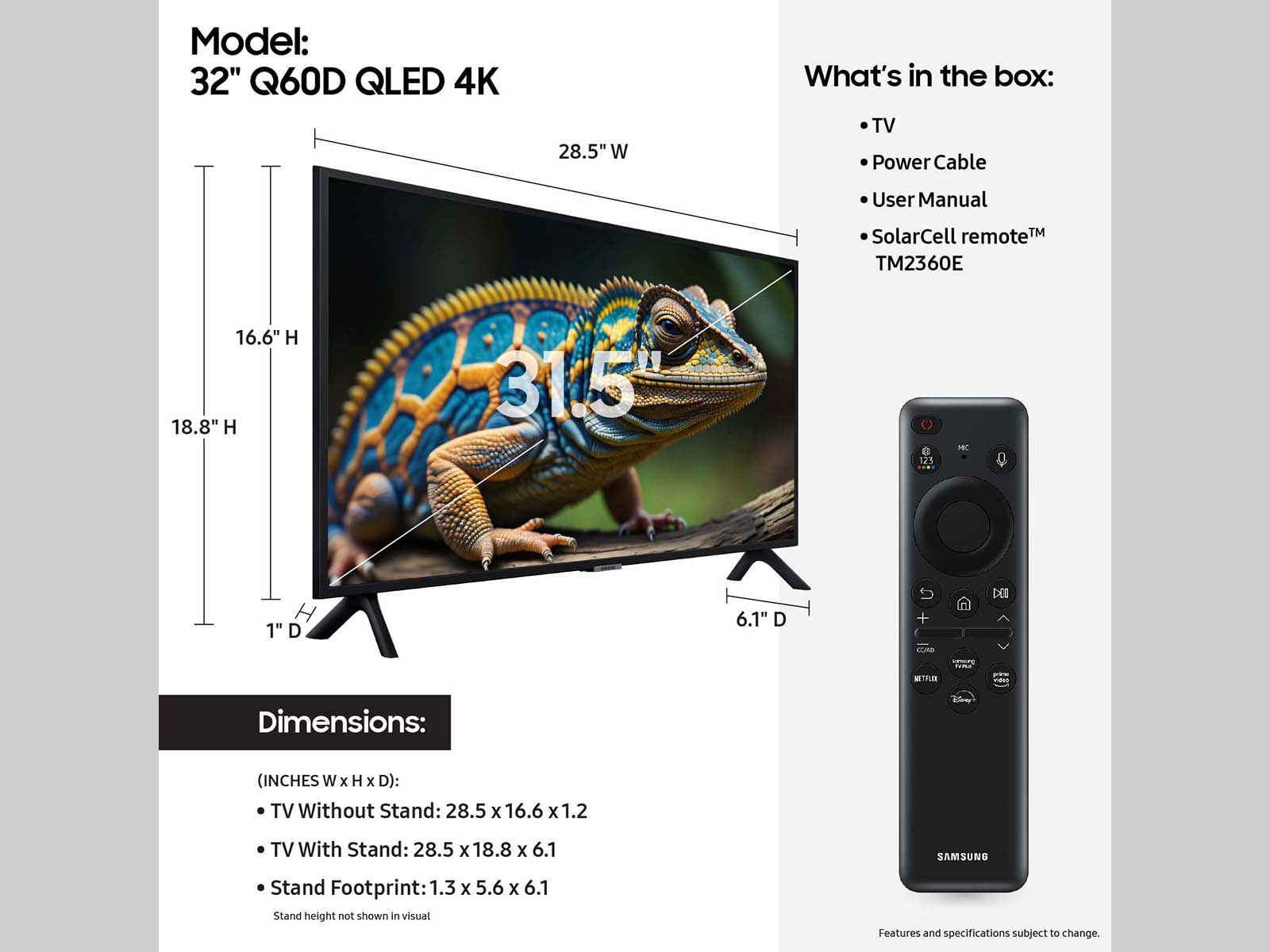
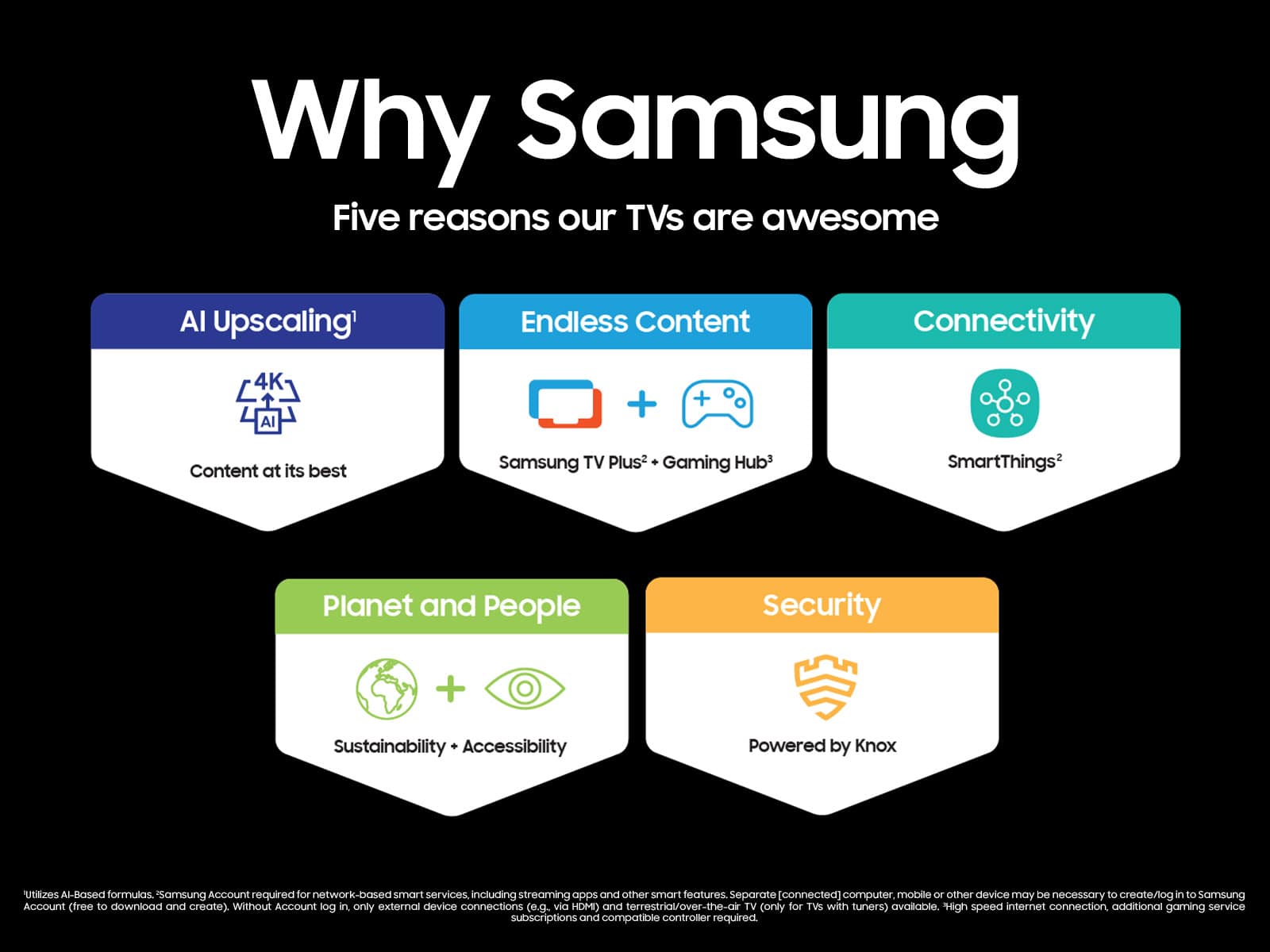
A:AnswerRico - Pluto TV is not pre-installed. The apps pre-installed on the 2024 Q60D are: SmartThings, Samsung TV Plus, Netflix, Prime Video, Disney+, Hulu, Apple TV, Sling TV, YouTube, Alexa, Bixby, and Internet.
~ Samsung Specialist
A:AnswerJimbo - Please give us the opportunity to better assist with this by reaching Samsung Support at: 1-800-SAMSUNG, 8AM - 12AM EST, 7 days a week, or Chat with us on Samsung.com: https://www.samsung.com/us/support/contact/
~ Samsung Specialist
A:AnswerHi GTW,
Yes, you can disable Samsung Smart Hub if you only want to utilize local channels via an antenna or use a cable or satellite box.
~Samsung Advisor
A:AnswerPiP (Picture in Picture) capability is available by using our Multi View feature. With Multi View, you can view media from different sources, such as an app, Blu-ray player, or game console, on the main screen while also mirroring your phone to the smaller screen. When using PiP, you can select the position of the smaller screen when it’s displayed on the main screen. You can also choose the top left and top right corners, or the bottom left and bottom right corners for the smaller screen. If you don’t like where you placed the smaller screen, you can always change it later. Hope this helps!
~ Samsung Specialist
A:Answermamaca55 - Please give us the opportunity to better assist with this by reaching Samsung Support at: 1-800-SAMSUNG, 8AM - 12AM EST, 7 days a week, or Chat with us on Samsung.com: https://www.samsung.com/us/support/contact/
~ Samsung Specialist
A:AnswerEngel - Please give us the opportunity to better assist with this by reaching Samsung Support at: 1-800-SAMSUNG, 8AM - 12AM EST, 7 days a week, or Chat with us on Samsung.com: https://www.samsung.com/us/support/contact/
~ Samsung Specialist