A:AnswerJC - Please give us the opportunity to better assist with this by reaching Samsung Support at: 1-800-SAMSUNG, 8AM - 12AM EST, 7 days a week, or Chat with us on Samsung.com: https://www.samsung.com/us/support/contact/
~ Samsung Specialist
A:AnswerFor a full list of supported video formats, please refer to pages 180 – 181 of the e-Manual: https://downloadcenter.samsung.com/content/UM/202505/20250518034749001/BN81-27185A-170_EUG_ROPATSCF_NA_ENG-US_250226.0.pdf
~ Samsung Specialist
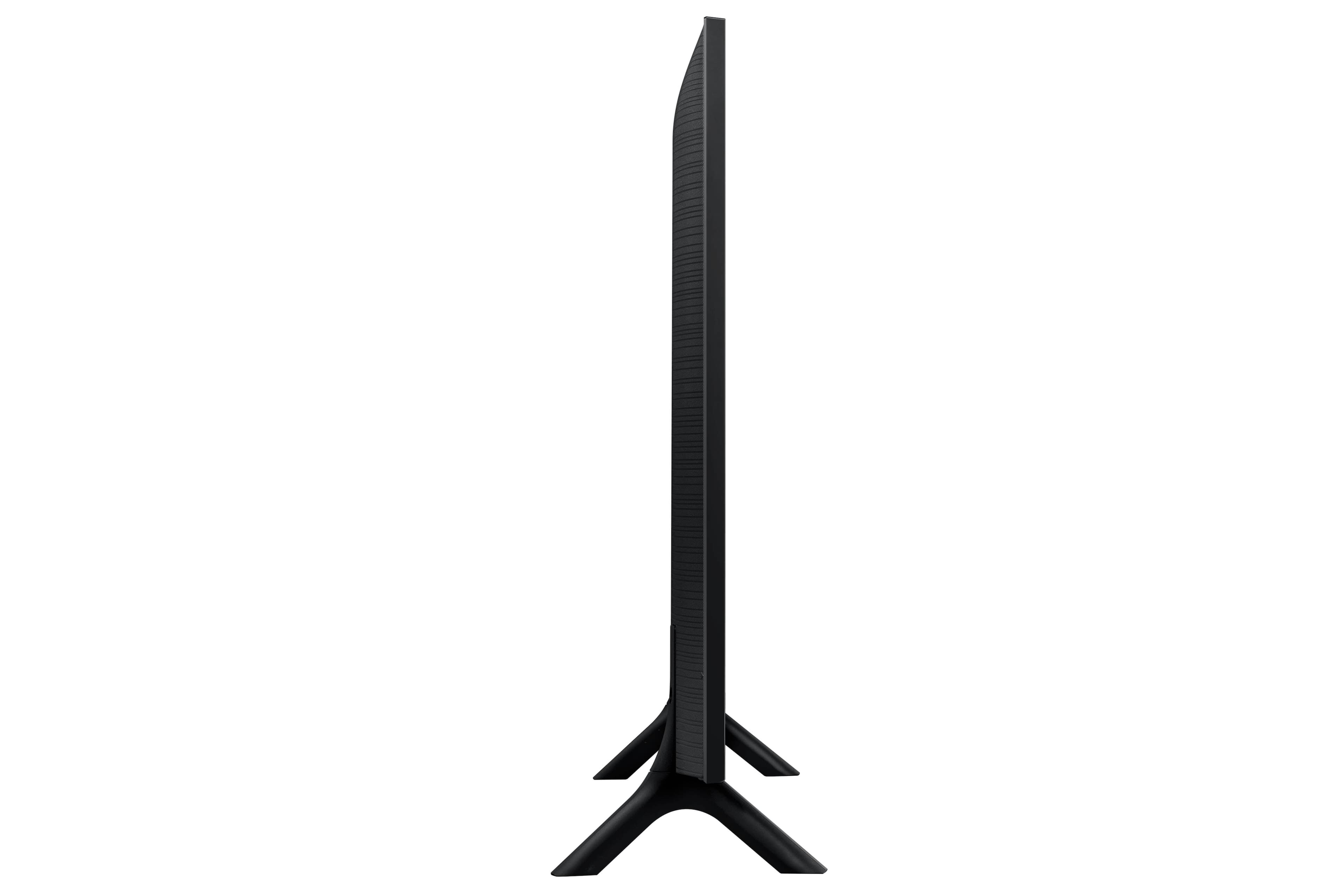
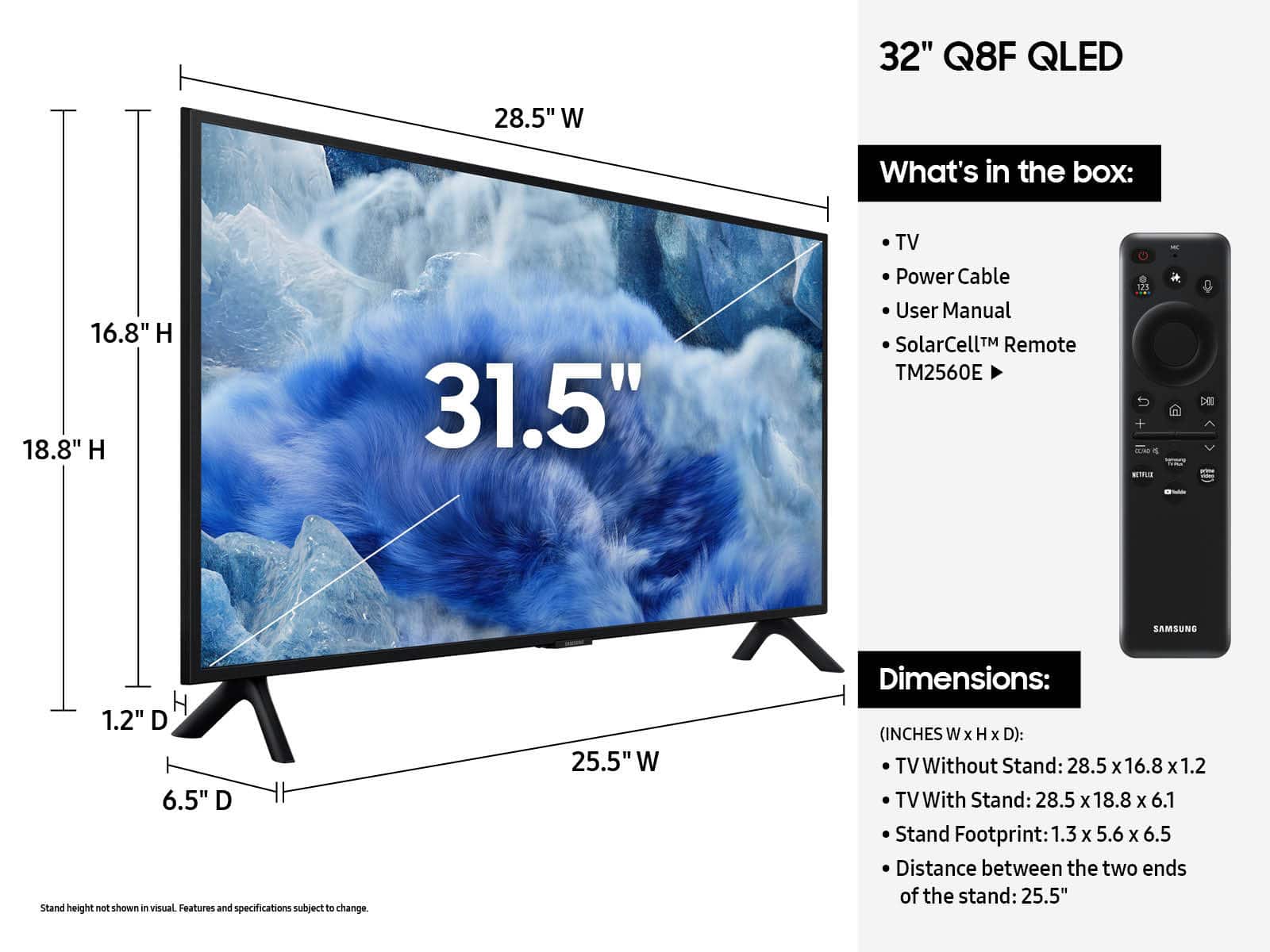
A:AnswerThe documentation shipped with the QN32Q8FAAF indicates M8 screws should be used. That is incorrect. M4 screws are the correct size to fit the thread inside the back of the TV. And the approximate length is about 1" assuming a normal thickness of the bracket. Be careful about using too long screws.
Like you, I was about to return the TV as the on-line support information on the Samsung website has the size of screws wrong for this 32" TV.
I also feel the M4 screws are too light for this TV. Hope the internal mounting bracket inside the back of the TV doesn't strip or fail over time.
A:AnswerBoondocking - Please allow us the opportunity to better assist by contacting Samsung Support at 1-800-SAMSUNG. We’re available daily from 8AM to 12AM EST, or you can chat with us at https://www.samsung.com/us/support/contact/
~ Samsung Specialist
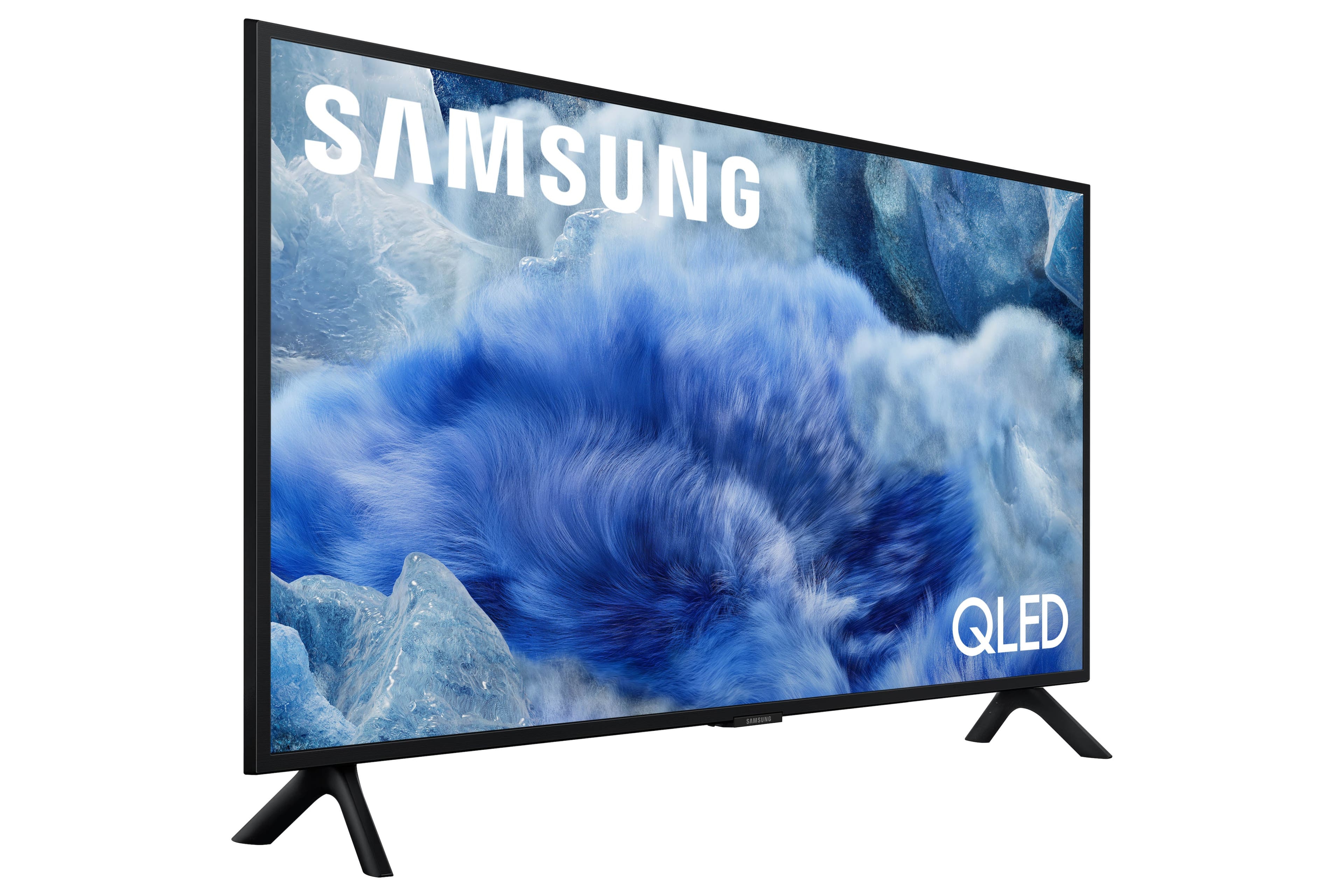
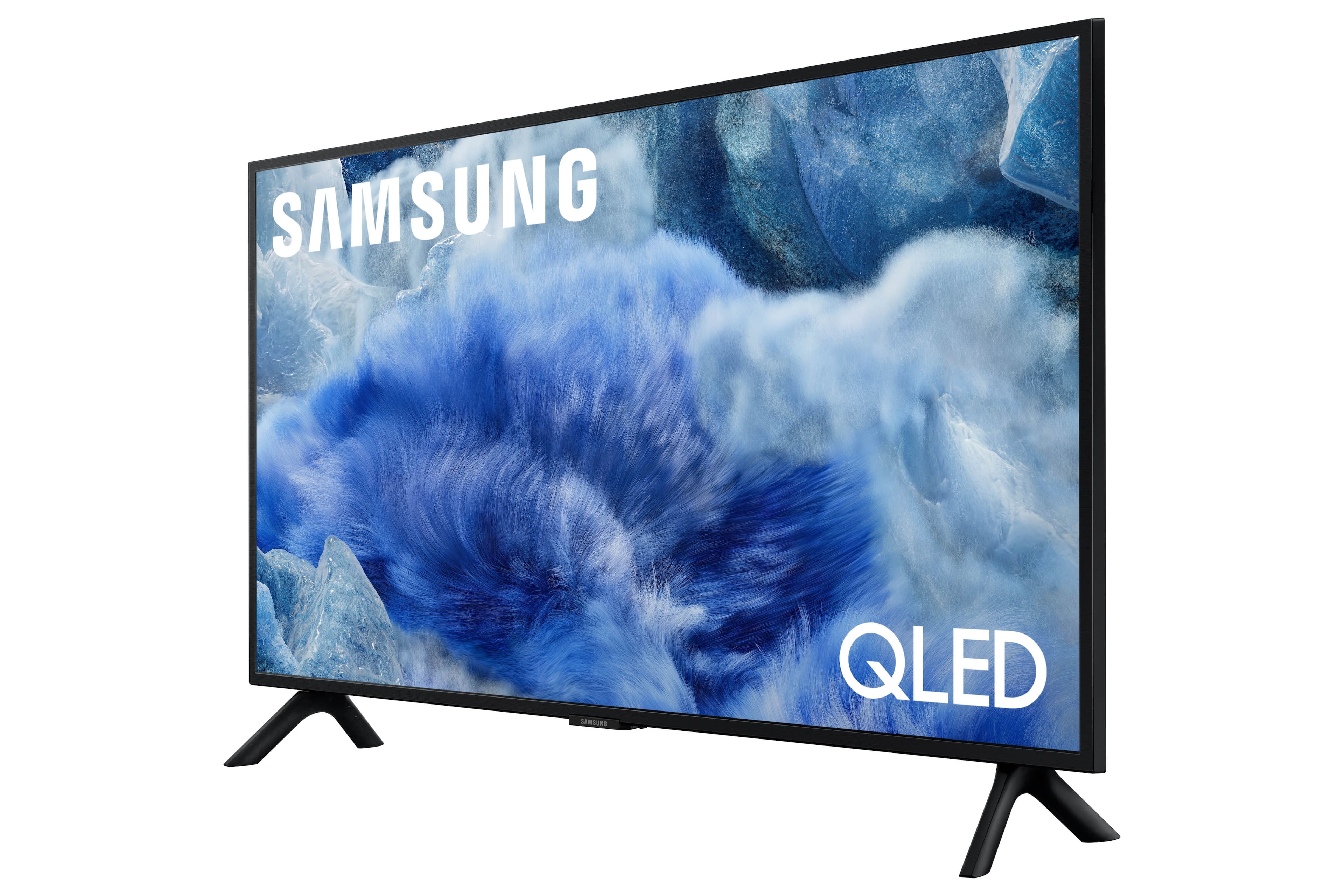
A:AnswerHi DanR - The Q8F TV has 20-Watt 2 Channel audio and OTS Lite (Object Tracking Sound Lite) to provide you with 3D surround sound that follows the movement on screen by using our incredible virtual top channel audio-putting you right in the middle of the action.
~ Samsung Specialist