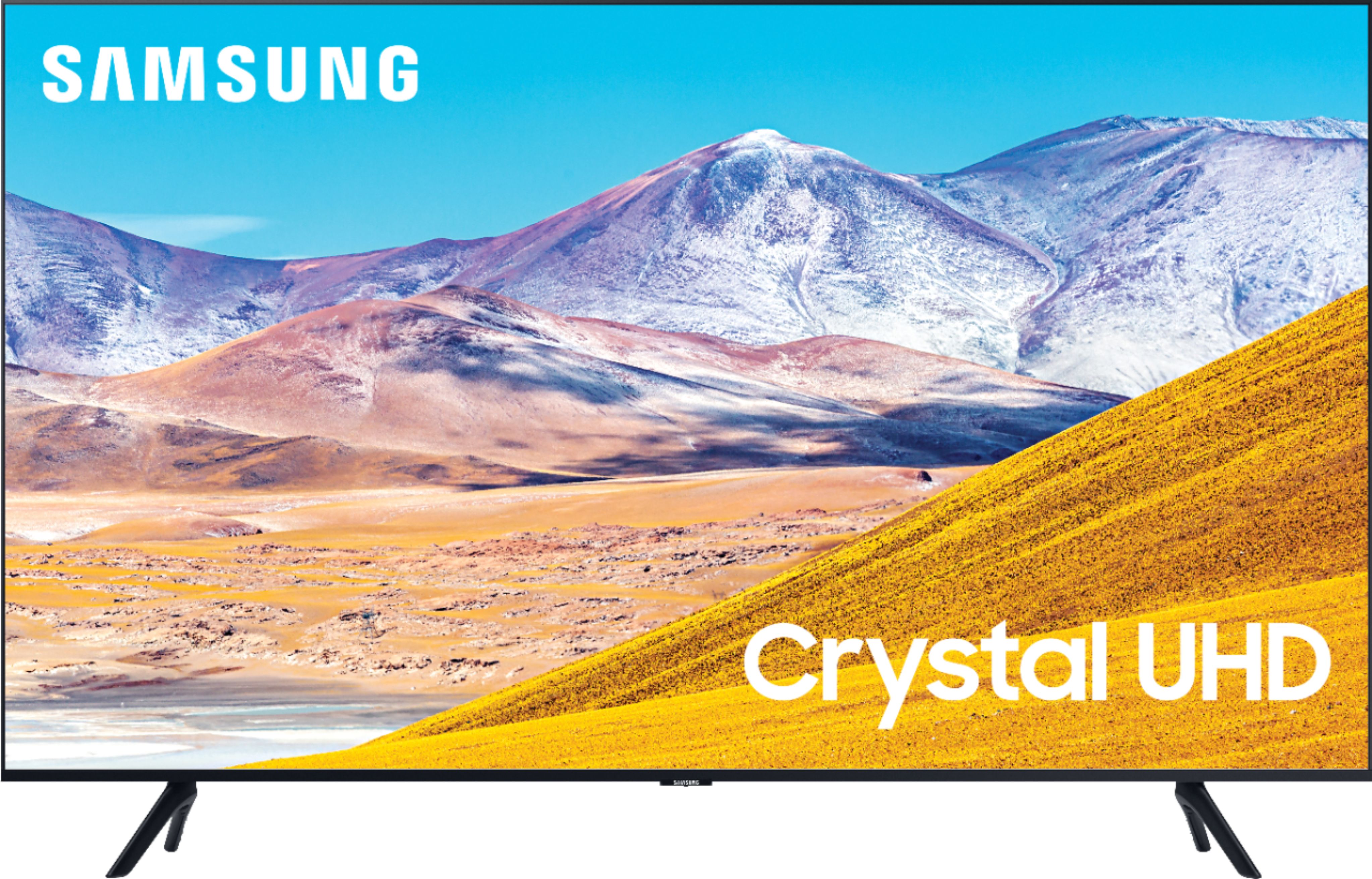
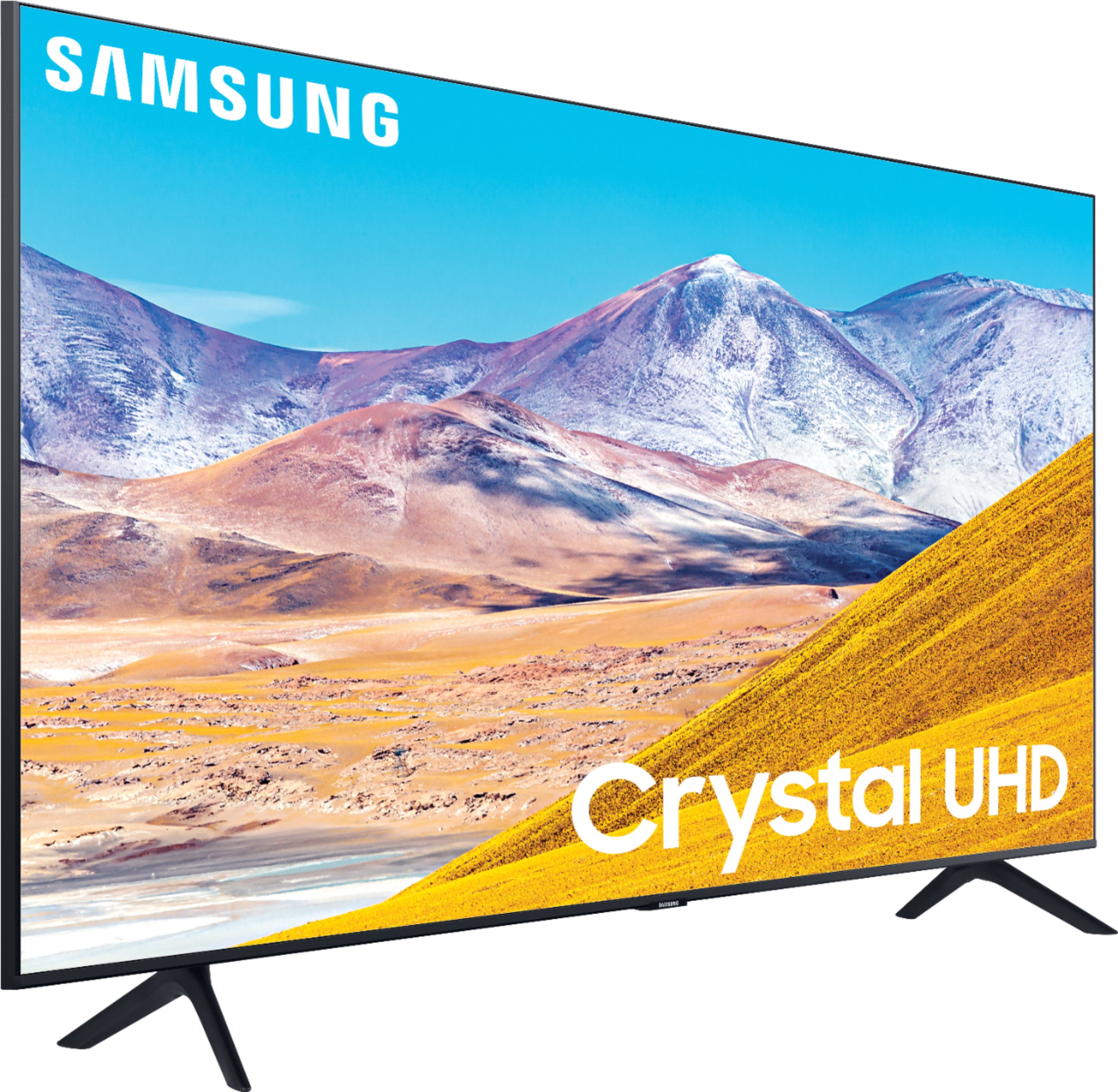
A:AnswerHi Lea - If there is a film on your TV, you will see a blue tab in the upper left hand corner. Some TVs do come with film protectors, while some may not. If you have a problem with continuous glare, you may want to consider the Samsung Q80T or up. They all have anti-Refection. Here is a link atbestbuy.com https://www.bestbuy.com/site/samsung-55-class-qled-q80-series-4k-uhd-tv-smart-led-with-hdr/6402394.p?skuId=6402394 ^Cris
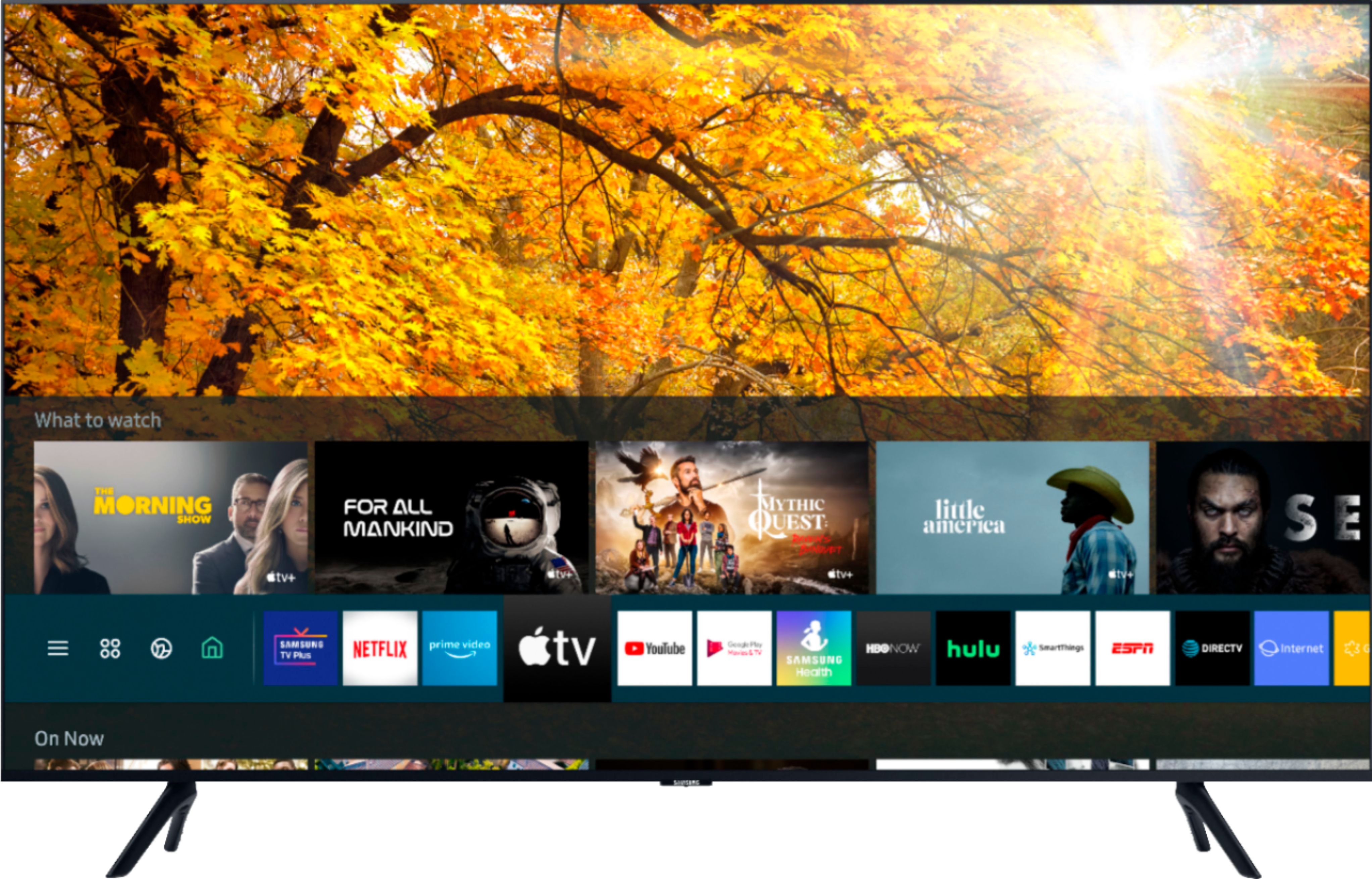
A:AnswerHi Bob! The 50TU8000 is a Smart TV compatible with a Wi-Fi connection. Our setup process on Samsung TVs is designed to be quick and easy. You can set up the TV with the included remote, or with your Smart Phone via the Smart Things application. ^Tim
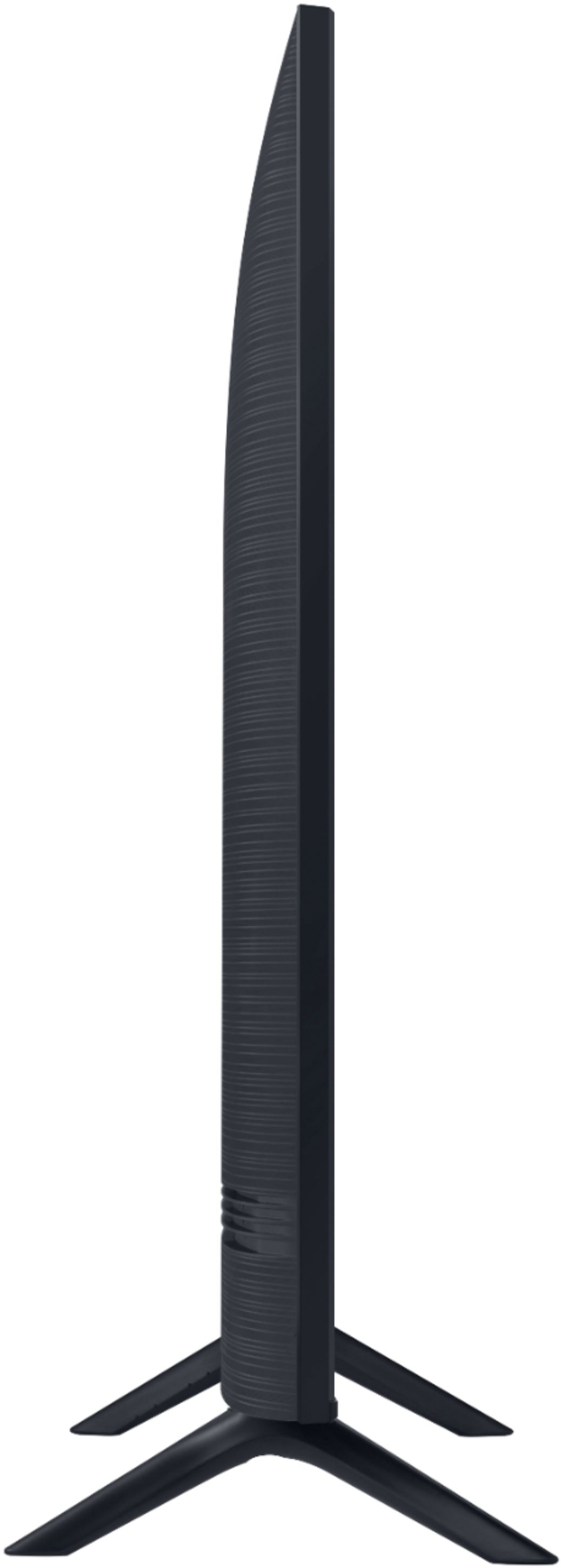
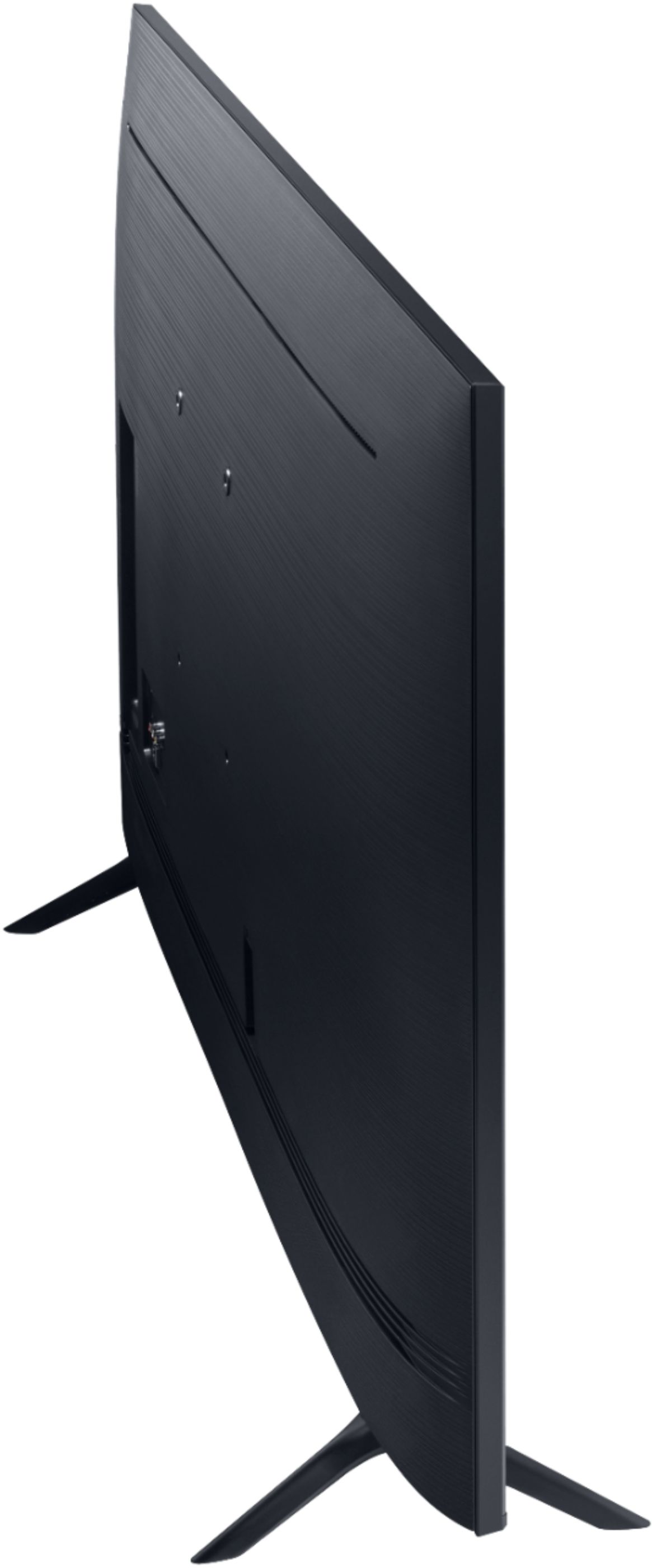
A:AnswerHi! The 50TU8000 is compatible with wall mounts supporting the VESA pattern 200mm x 200mm. For a list of great options, check out Best Buy: https://www.bestbuy.com/site/searchpage.jsp?_dyncharset=UTF-8&id=pcat17071&iht=y&keys=keys&ks=960&list=n&qp=tvmountsize_facet%3DTV%20Size%20Compatibility~40%20-%2054%22&sc=Global&st=wall%20mount&type=page&usc=All%20Categories ^Tim
A:AnswerHi there - there is no camera on Samsung Smart TVs; you will need to screen mirror from your mobile device, PC or tablet to see your Zoom app on your TV. ^Gina
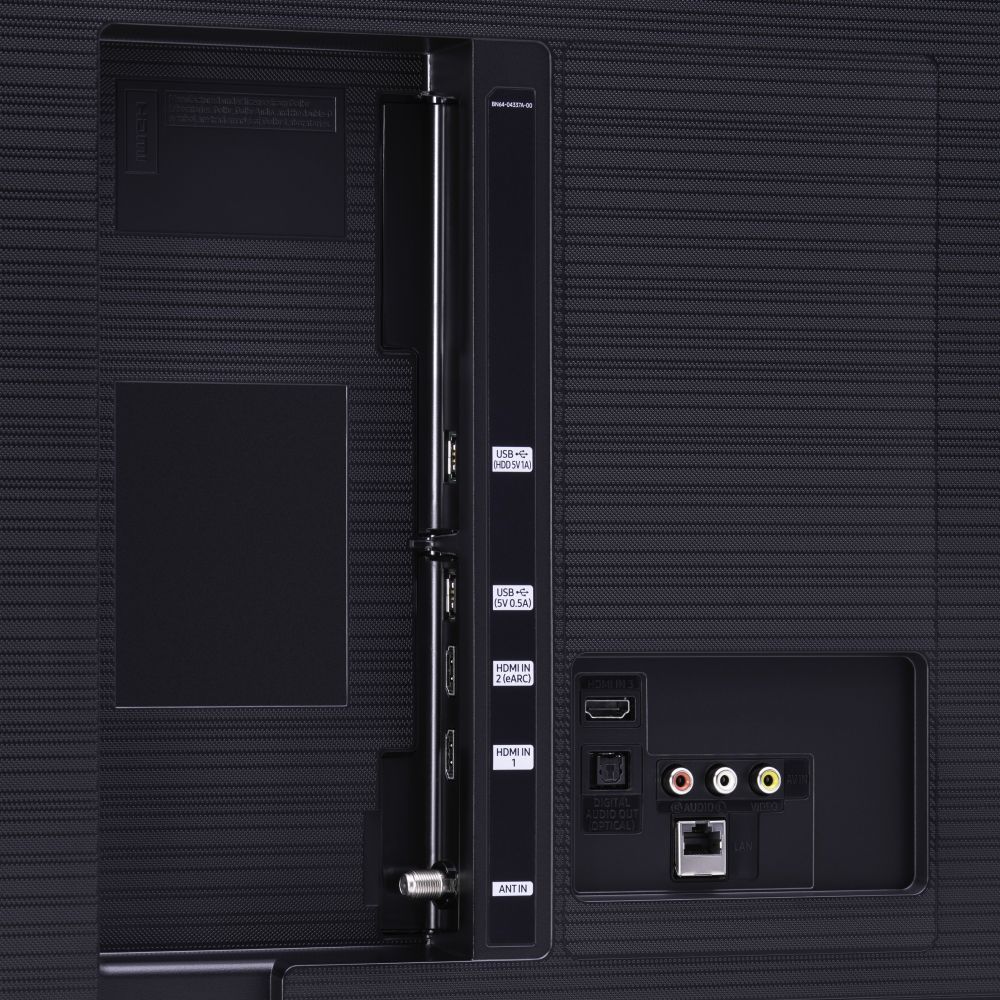
A:AnswerHi LindaQ - The TU8000 has both HDMI and the red, white and yellow ports for connections. DVD players usually connects HDMI and DVD players are often the red, white, and yellow, although sometimes they connect HDMI, as well. ^Cris
A:AnswerHello there - - The TU8000 is a UHD 4K TV. The pixel resolution is 3840 x 2160. The older HD TVs have 1080p resolution. The 4K has 8 million pixels on the screen, whether the TV is 43" or 85". You will get a sharper, clearer image with the 4K. ^Cris