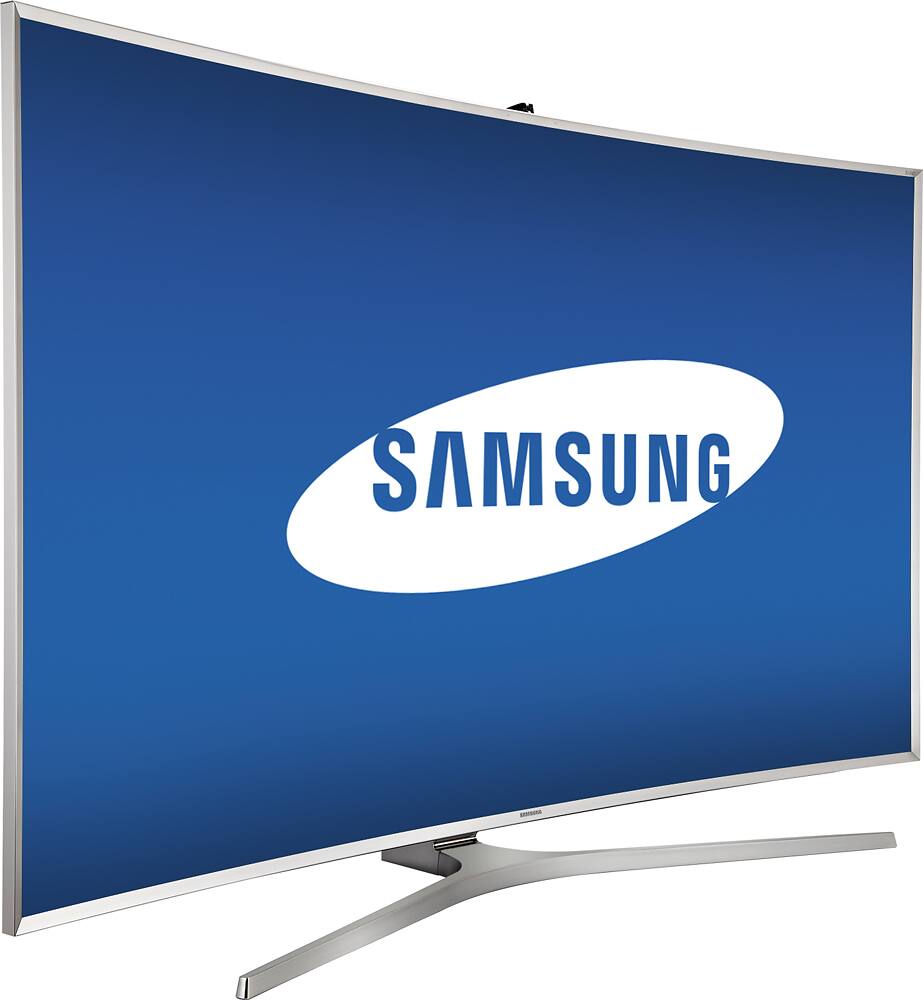
A:AnswerA very good question, and it basically comes down to one BIG feature. The MultiZone Full Array Back Lighting. The 9000 uses a typical edge-lit back light. That means the lights that give the screen its brightness come from the edge of the TV. This is a common, and good way to light the screen, but it can also suffer from bleeding effects. You might get bright corners!
The MultiZone Full Array Back Lighting that is in the 9500 series has basically 150 lights BEHIND the screen itself (not on along the edges) and for dark scenes those lights can turn off and make the picture really pop with color. They also allow the screen to get much brighter, just like the sales associate said.
It might not make sense to spend an extra $1000+ for this feature alone, but I can tell you from experience the visual difference is mind blowing. Save your money if you're not big into watching movies, but if you're a movie and video game buff like myself its a must-have feature!
Go back into BB and ask to see the difference with the MultiZone Full Array Back Lighting and Edge lighting.
A:AnswerI belive that original Samsung sold by bestbuy is not made in Mexico or Asia, i am not sure, but the one made in Asia got 4 or 6 bit processor, the one in Mexico have better procesor 8 bit and better software.I was inform that the one from best buy is the best with 10 bit processor with best software.
A:AnswerThat's because the TV is essentially 1:1ing your photo. It's a setting on the TV, you could zoom in if you want, however it's just going to zoom in on the photo and not upscale it, it won't upscale a regular photo off a USB stick, it will only zoom in on it. Why was the photo in 1920x1080? That's 2.64 megapixels, which isn't a standard photo size.
A:AnswerTo get the best experience you definitely have to be in the front of this TV. The picture QUALITY will is maintained at different angles.... However, and this might bother some, the BRIGHTNESS, is a bit different. From angles I have noticed that the screen will appear slightly brighter, or have a soft white glow. This is pretty common, but the quality will not suffer. If you use the "SMART LED" feature that is one of this TVs best features, it will severely improve the viewing angle as the MultiZone Full Array Back Lighting will kick in, and turn off unnecessary lights, making the soft glow nearly eliminated.
A:AnswerNO!!! If it doesn't break down in the first year it will probably last for 10 years or more - and the average repair is about $400 to $500 after the free first year parts and labor warranty. I'd put that extra money into the sound bar with wireless sub woofer instead. GREAT SOUND is half the picture. LOL.
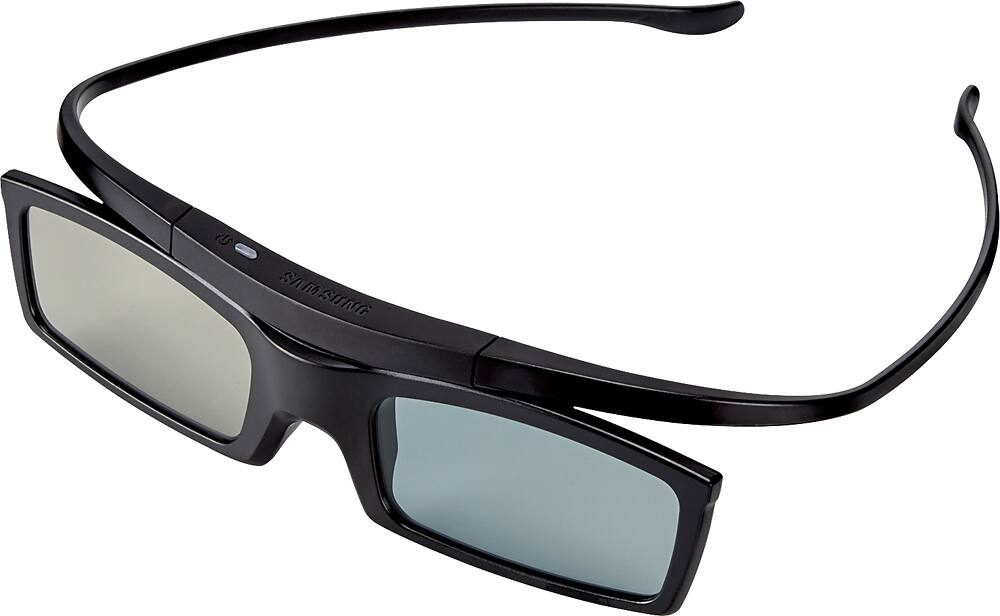
A:AnswerThis model comes with 1 pair. We'll check out the website and make sure the information is correct.
Thanks for your interest in Samsung products.
--Mr. S
A:AnswerIt has no fan, so it is cooled just with convection from the metal case. I would not obstruct air flow around it too much. Mine is on the back of the TV.
A:AnswerOkay. It seems you're incorrect. I downloaded the user manual and did some reading. I also called and chatted with Samsung tech. support agents. The manual and Samsung claim that the TV indeed does convert 2D to 3D. (Samsung.com even has an interactive demo that shows you the steps to go through the menu and turn that feature on.) The user manual says the TV is capable of displaying 3D content up to a resolution of 2160p (4K).
So, my issue is this: Like you, I have a lot of 3D Blu-ray movies that I watch on my current Samsung 3D Plasma TV. But now that 4K Blu-ray is the next big thing, 3D is not supported as a part of the official 4K Blu-ray standard. But I want to be able to experience 4K in 3D (kinda like an IMAX 3D movie right at home). So with the reading I've done in the user manual and the confirmation from two Samsung agents, I will be able to do that--nearly. If I play a 3D Blu-ray movie, they confirmed the TV will still upscale it to near-4K resolution. And if I buy one of the new 4K Blu-ray movies, they confirmed that the TV can convert that to a 3D image. That will work for me. I doubt an official 4K Blu-ray 3D format will ever be released. Every tech. expert I've asked says that 3D never really caught on in the consumer market the way they thought it would. And manufacturers aren't willing to continue to invest in it. If you notice, many of Samsung's 2015 TVs (like this one) offered 3D. If you look at the 2016 model of this same TV (and all Samsung TVs), 3D is no longer offered. LG and Sony seem to be doing the same.
But with the research I've done, I think I'm ready to take the plunge and buy this TV.